Interactive Fathom Demo
Explore a demo of Fathom, an AI meeting notetaker that records, transcribes, and summarizes calls on Zoom, Google Meet, and Microsoft Teams so you can focus on the conversation.
What is Fathom?
Fathom is an AI meeting notetaker founded in 2020. It joins your Zoom, Google Meet, or Microsoft Teams calls as a bot, records the session, generates a timestamped transcript, and produces an AI-written summary organized by topic. The product became popular with sales teams and independent professionals who spend hours in calls and need reliable records without manual note-taking.
The core workflow is automatic. Once connected to your calendar, Fathom joins meetings on its own and shows a recording indicator in the call. After the meeting ends, the summary and transcript are usually ready within minutes. Users can highlight moments during the live call by clicking a shortcut, and those highlights become tagged clips in the recording that are easy to reference or share later.
Fathom integrates with Salesforce and HubSpot for CRM sync, letting you push call notes and action items directly into contact or deal records. It also integrates with Slack for sharing meeting summaries with teammates. The free plan includes unlimited recordings with no cap on storage, which makes it unusual among AI notetakers.
How to get started with Fathom
- 1
Install Fathom and connect your calendar
Sign up at fathom.video and connect your Google or Outlook calendar. Fathom reads your upcoming meetings and queues up to join each one automatically. No need to invite it to each call separately.
- 2
Run your first recorded meeting
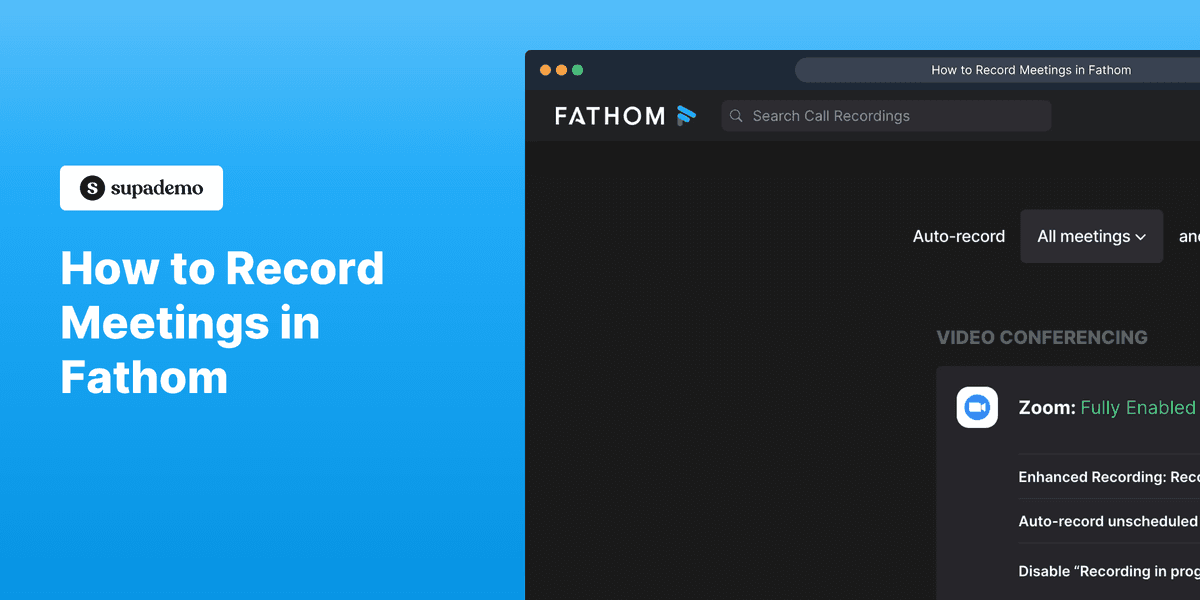
Fathom joins automatically and shows a recording indicator in the participant list. You can highlight important moments during the call by pressing a keyboard shortcut. Other attendees see the bot in the meeting and can request a copy of the notes afterward.
- 3
Review the AI summary
A few minutes after the meeting ends, Fathom delivers a structured summary organized by topic, along with a full transcript and any highlights you marked. The summary includes an action items section pulled from commitments made during the call.
- 4
Share notes or push to CRM
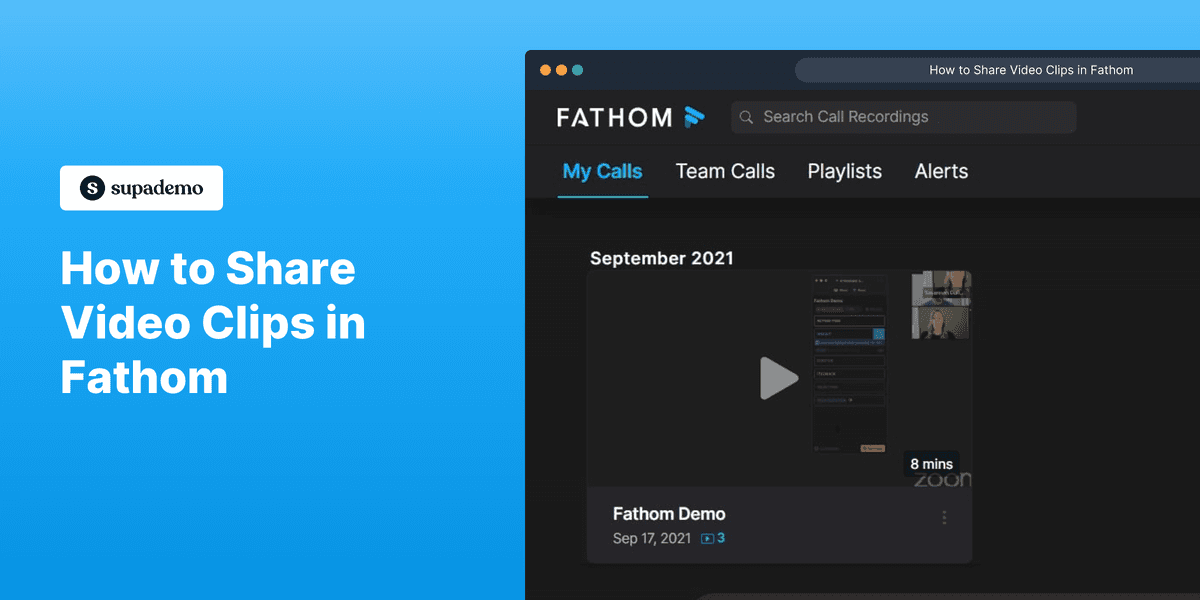
Send the summary to a teammate via Slack or share a link to the recording clip. For CRM users, click to push meeting notes to a Salesforce or HubSpot deal or contact record, reviewing the summary before it syncs.
- 5
Search your call history
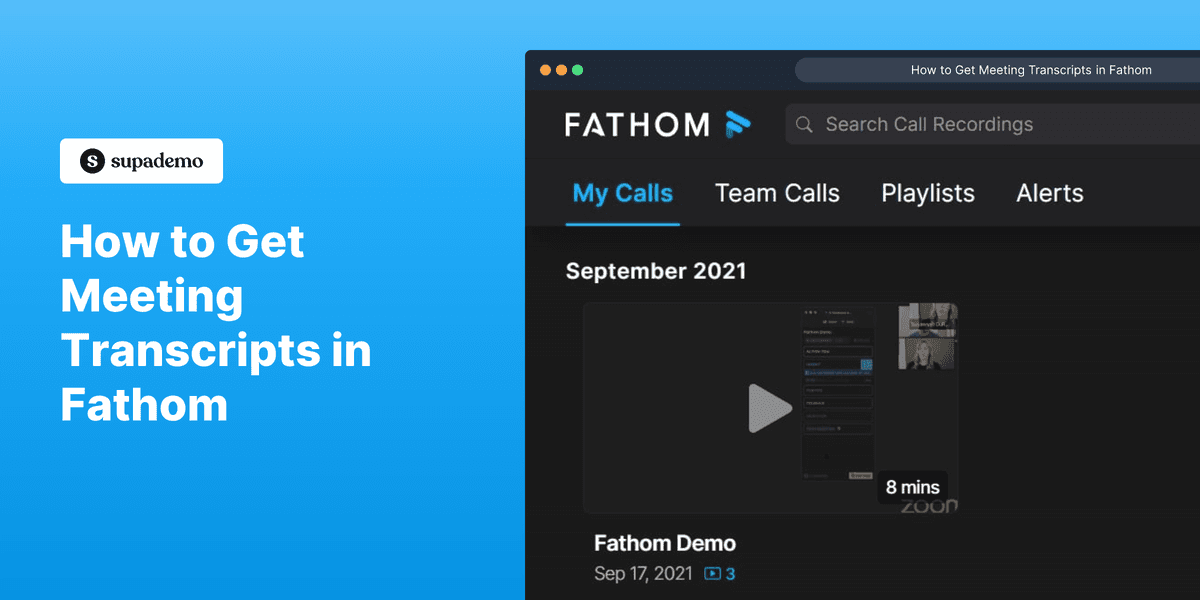
Fathom keeps a searchable archive of every recorded meeting. Search by keyword to find specific moments across all your past calls, or browse by contact or date. On the Team plan, managers can access their team's call library to review conversations and give feedback.
Explore more Fathom guides
Step-by-step interactive demos and tutorials for Fathom.
Who is Fathom most useful for?
Sales reps who take multiple discovery or demo calls per day and need clean records for CRM updates. Fathom's HubSpot and Salesforce sync means a rep can finish a call and have notes pushed to the deal record automatically, rather than spending fifteen minutes writing up a call summary from memory.
Account managers and customer success teams who reference past conversations when handling renewals or escalations. Fathom keeps a searchable archive of every call, so when a customer says 'we discussed this six months ago,' you can actually find the moment in the recording. Teams that use Supademo to build client-facing product walkthroughs often pair it with Fathom to capture the feedback conversations that follow a demo.
Consultants, coaches, and independent professionals who want accurate notes without a dedicated admin. Fathom's free plan is genuinely full-featured for individual use, covering unlimited recordings and AI summaries without a trial period or usage limit. For teams, the paid plan at $19/user/month adds shared call libraries and manager-level access.
Fathom competes with AI notetakers and conversation intelligence tools that range from lightweight recorders to full revenue analytics platforms.
Focuses on real-time transcription with strong support for in-person and hybrid meetings, not just video calls. The free plan has usage limits that Fathom doesn't impose. Better known in education and media contexts.
Similar core feature set to Fathom with stronger team collaboration tools at lower price points. Supports more integrations out of the box but has a heavier feature surface that some users find cluttered.
Goes well beyond note-taking into deal analytics, rep coaching, and pipeline forecasting from call data. Built for sales leaders who want visibility across the entire team's conversations, not just individual notes. Priced for enterprise.
Now part of ZoomInfo's product suite. Strong for sales call scoring, rep performance analytics, and identifying deal risk from conversation patterns. Focuses more on manager and enablement use cases than individual note-taking.
FAQs on Fathom
Commonly asked questions about Fathom. Have more? Reach out and our team will be happy to help.
Fathom's free plan includes unlimited recordings, unlimited transcripts, and AI summaries with no monthly cap. The Team plan at $19/user/month adds shared team libraries, coaching tools, and advanced CRM integrations.
Fathom supports Zoom, Google Meet, and Microsoft Teams. Setup requires connecting your calendar so Fathom can detect upcoming meetings and join automatically. It works as a bot participant, so other attendees will see it in the call.
Fathom's CRM sync works with Salesforce and HubSpot. After a call, you can push the AI summary, action items, and key moments to a contact or deal record. The sync is manual by default, giving you a chance to review before sending.
Fathom joins meetings automatically once you've connected your Google or Outlook calendar. It shows a recording indicator at the start of each call so participants know it's running. You can stop recording at any time, and the host always retains control over whether to allow the bot in the meeting.
Fathom's transcription accuracy is high for standard English in good audio conditions, comparable to similar tools like Otter.ai. AI summaries are structured by topic and action items, though they occasionally miss context or nuance from complex technical discussions. The full transcript is always available to verify or quote directly.
Fathom is SOC 2 Type II certified and encrypts recordings and transcripts in transit and at rest. Recordings are private by default and only shared if you explicitly send a link or push to a CRM. Some regulated industries may need to verify compliance requirements before deploying it for customer calls.