Free Interactive Slideshow Maker with AI
Turn static slides into interactive, self-guided experiences with clickable hotspots, conditional branching, and AI voiceovers. Supademo goes beyond Prezi, Canva, or Google Slides to make your presentations actually engaging.
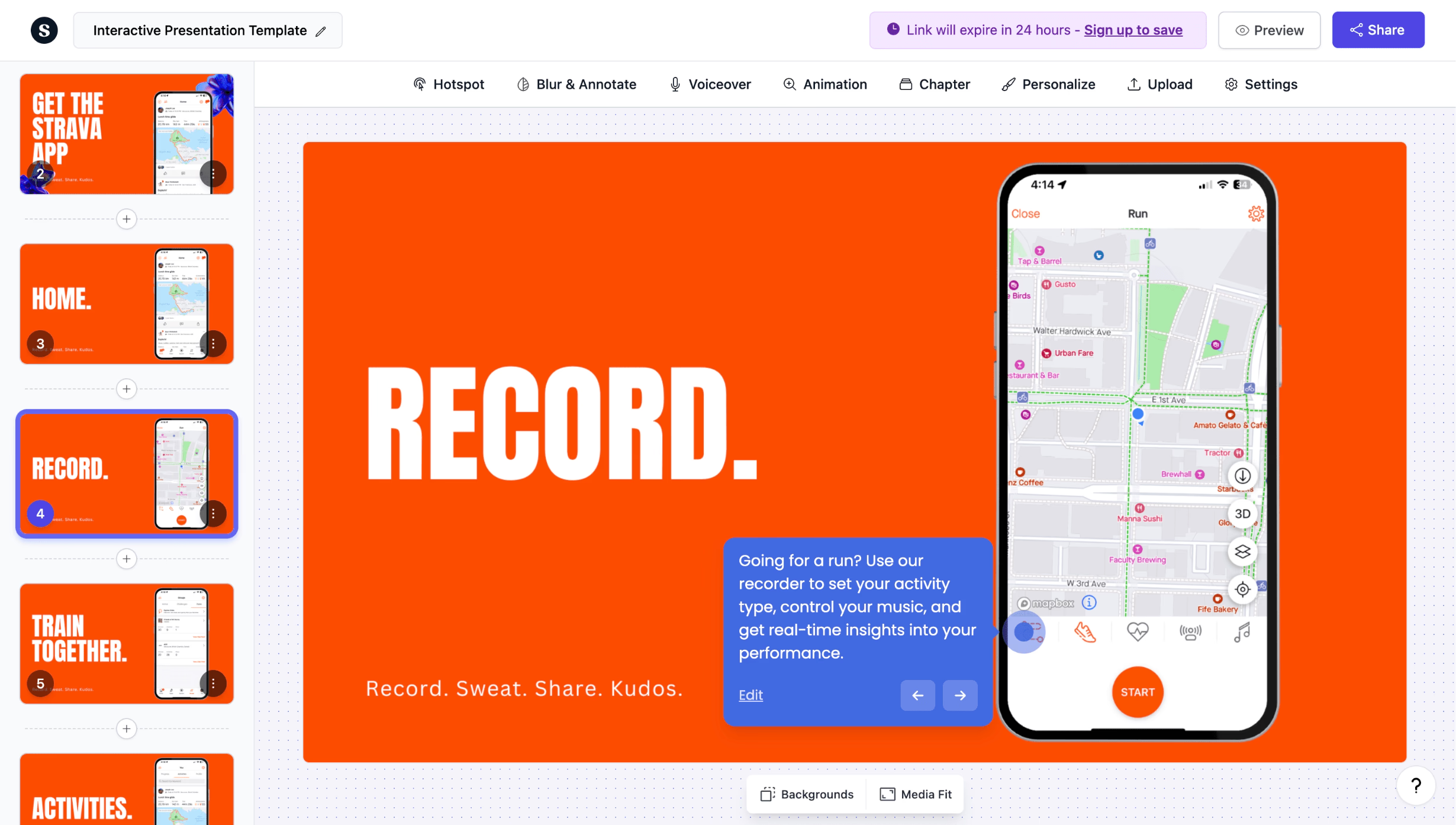
Make presentations interactive with AI-powered slideshows
Try it freeTrusted by 200,000+ top operators and 3,000+ paying organizations


How to create an interactive slideshow with Supademo
Upload your slides or capture screens
Import slides from any tool, upload images, or use Supademo's Chrome extension to capture screens directly from your product or website.
Add interactivity and AI enhancements
Place clickable hotspots, add conditional branching paths, generate AI voiceovers, and insert annotations to turn flat slides into a guided experience.
Share with tracking and analytics
Distribute as a link, embed on your site, or export as video. Track who viewed each slide, where they dropped off, and which paths they chose.

What makes Supademo's interactive slideshow maker different
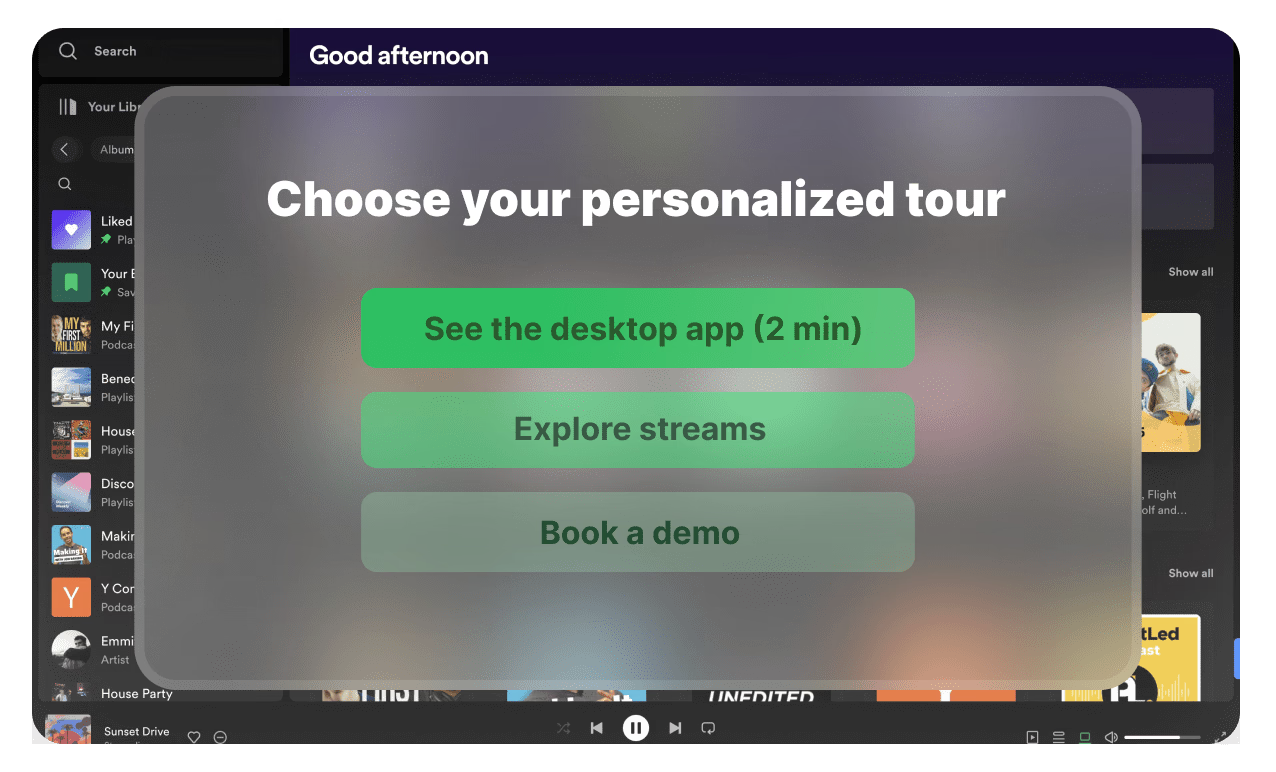
Branching paths that adapt to your audience
Unlike Prezi or Google Slides, Supademo lets viewers choose their own path through your content. Create branching logic so each audience segment sees only what matters to them.
Explore guided demos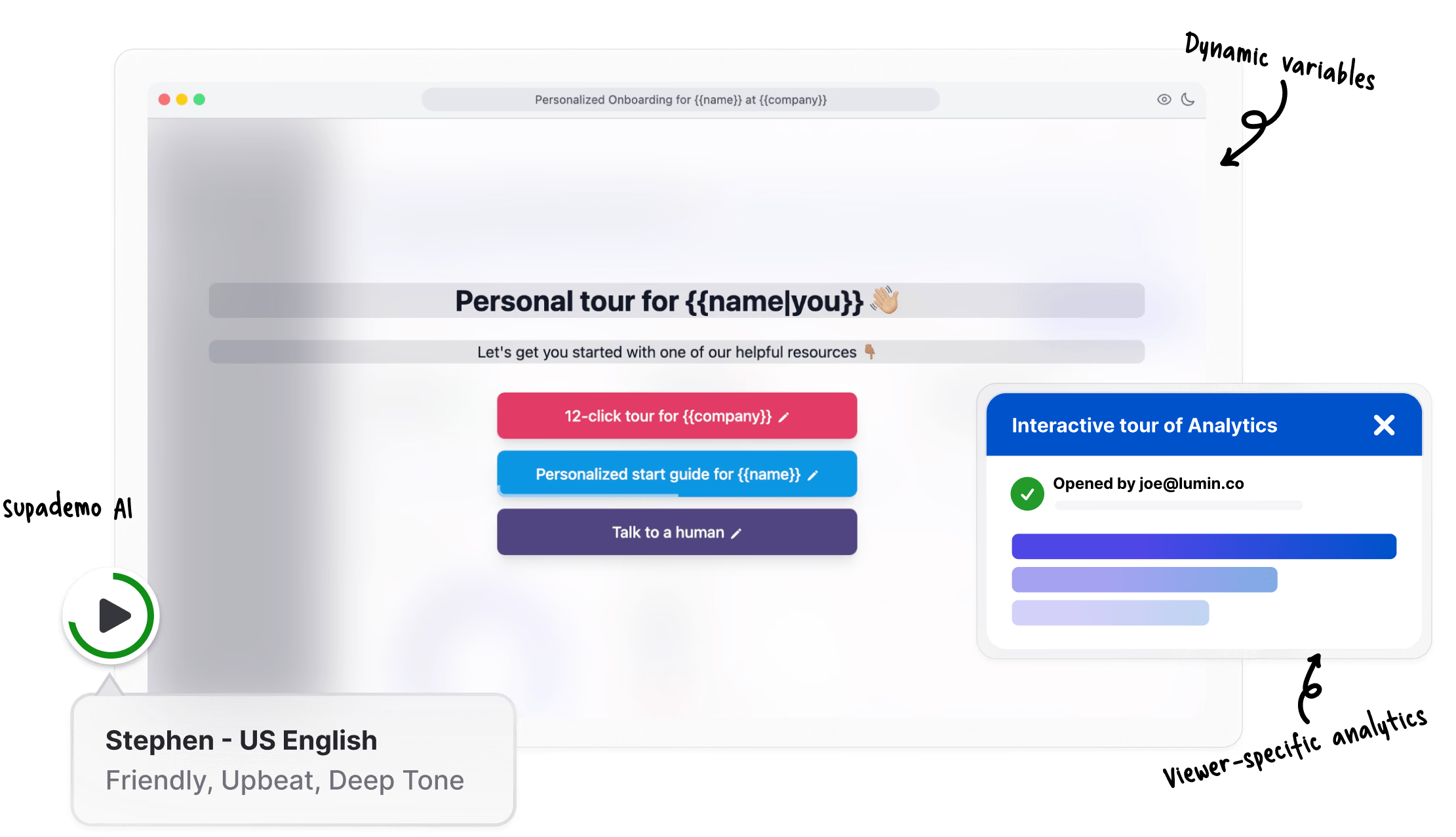
AI voiceovers and annotations in seconds
Generate professional voiceovers and contextual annotations automatically. No recording studio, no script writing. Supademo's AI handles narration in 15+ languages.
Explore demo editor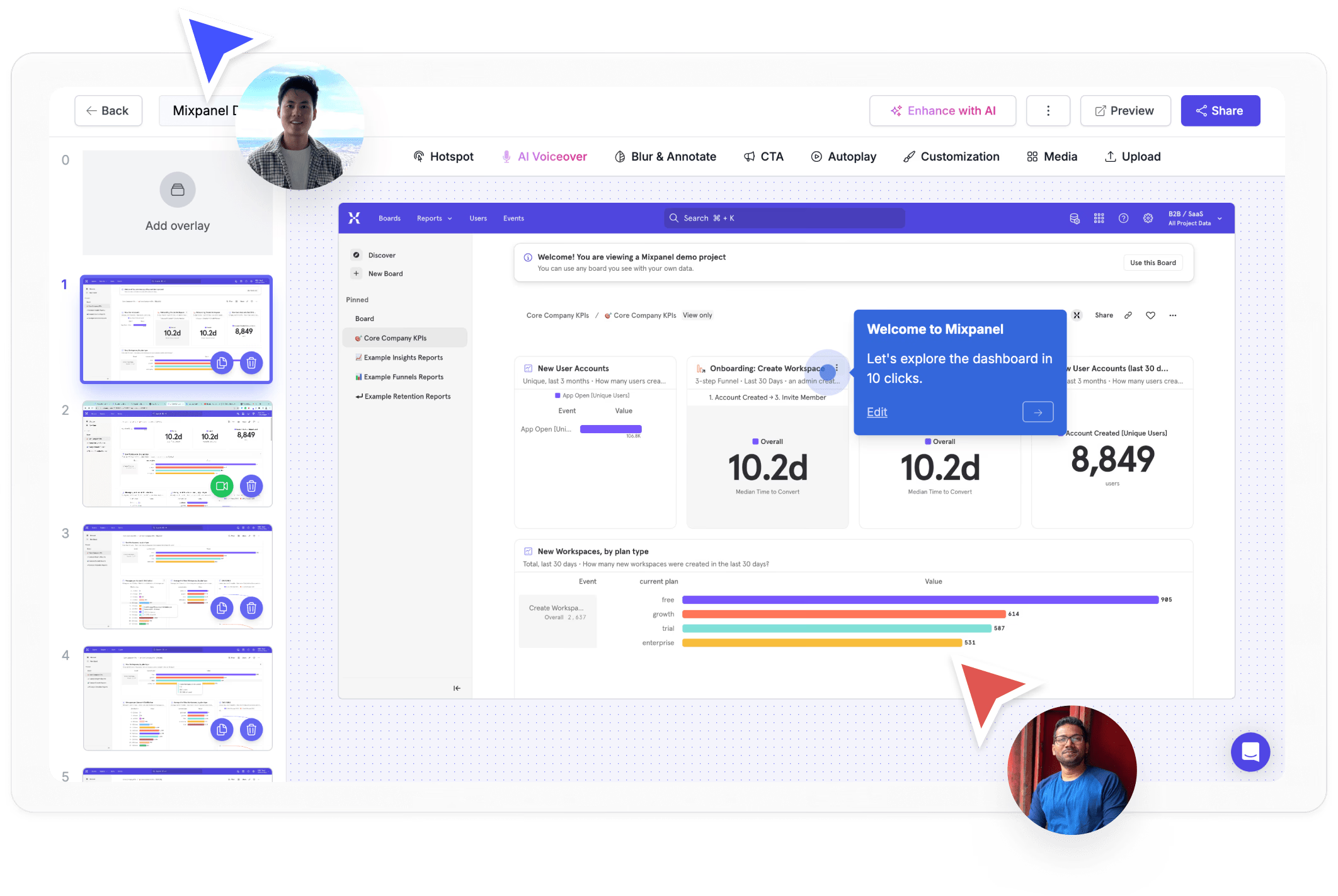
Engagement analytics beyond slide views
See which slides drive action and which lose attention. Supademo tracks completion rates, time per step, branching choices, and viewer identity, data Canva and Google Slides simply do not provide.
Explore analyticsWhy we built Supademo's interactive slideshow maker

“Most pitch decks would convert better as interactive slideshows. A founder I know A/B tested this. When investors clicked through the deck themselves, his fundraising conversion ran about 3x what it did versus sending the PDF. Supademo's interactive slideshow maker is built for that shift, with the same authoring time as a regular deck.”

“The bet I made with Supademo's interactive slideshow maker was that the friction of building an interactive deck kills adoption. So I kept the authoring identical to PowerPoint. The audience gets something different though. The slides behave like pages on a website, so the viewer jumps to whatever section is relevant in any order.”
Who uses Supademo's interactive slideshow maker?
Slideshows prospects click through, not sit through
Build interactive slideshows prospects click through instead of sit through. Supademo's slideshow maker turns passive decks into guided product experiences.
Explore sales enablement
Interactive content that outperforms static PDFs
Create interactive slideshow content for webinars, campaigns, and landing pages. More engaging than a PDF, faster to build than a video.
Explore product marketing
Onboarding slideshows customers actually complete
Deliver onboarding slideshows customers actually complete. Supademo's interactive slideshow maker tracks engagement and progress.
Explore customer success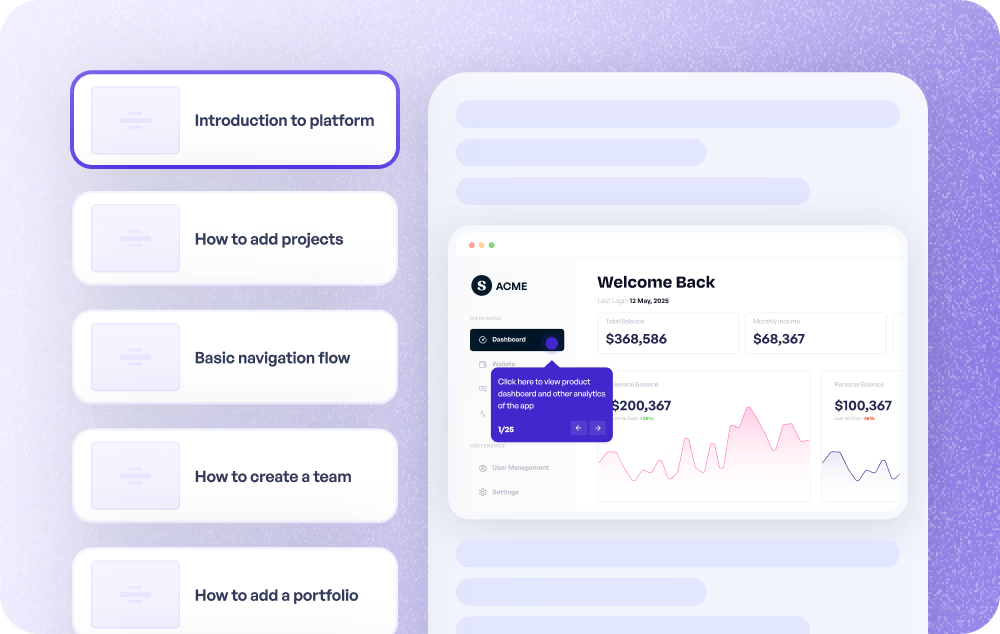
Visual slide guides embedded in your help center
Build visual slideshow guides embedded right in your help center. Supademo's interactive slideshow maker makes complex workflows easy to follow.
Explore customer support
Feature showcases people explore at their own pace
Present feature showcases as interactive slideshows stakeholders can explore at their own pace. Better engagement than a static deck.
Explore product use cases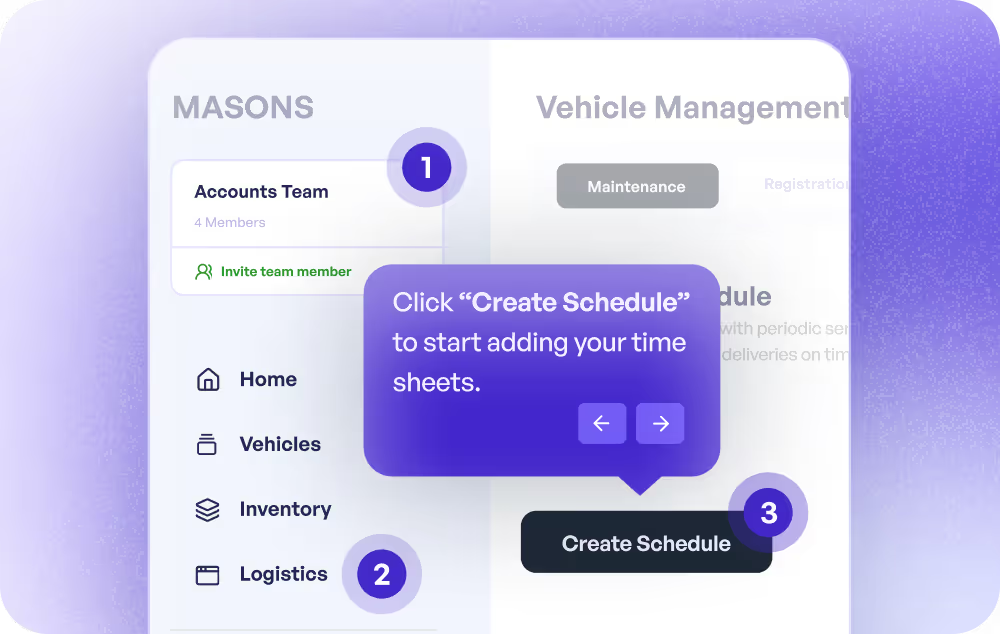
Training slideshows with built-in engagement tracking
Create interactive training slideshows with built-in engagement tracking. Supademo's slideshow maker makes every slide a clickable learning experience.
Explore training use cases
How do sales teams use Interactive Slideshow Maker?
Sales teams use Supademo's interactive slideshow maker to create personalized, self-guided product experiences that replace static slide decks and reduce time-to-close.
How do marketing teams use Interactive Slideshow Maker?
Marketing teams use interactive slideshow makers to create clickable content for webinars, campaigns, and landing pages that drives more engagement than static PDFs or slide decks.
How do customer success teams use Interactive Slideshow Maker?
CS teams deliver onboarding slideshows customers actually complete, with Supademo tracking engagement and progress through each interactive slide.
How do support teams use Interactive Slideshow Maker?
Support teams build visual slideshow guides and embed them directly in help centers, making complex multi-step workflows easy to follow slide by slide.
How do product teams use Interactive Slideshow Maker?
Product teams present feature showcases as interactive slideshows stakeholders can click through at their own pace, getting better engagement than a static deck or email.
How do training teams use Interactive Slideshow Maker?
L&D teams create interactive training slideshows with built-in engagement tracking, turning every slide into a clickable learning experience with completion analytics.
Explore Similar Free Tools
Frequently asked questions
Common questions about Supademo’s interactive slideshow maker. Have others? Reach out and our team will be happy to help.

An interactive slideshow lets viewers click, explore, and navigate at their own pace instead of passively watching. Supademo adds hotspots, branching, AI voiceovers, and analytics to turn any set of slides into a guided experience that supports demo automation at scale.
Prezi and Google Slides create linear, passive presentations. Supademo adds clickable hotspots, conditional branching, AI-generated voiceovers, and viewer-level analytics. The result is closer to an interactive demo than a traditional slideshow.
Absolutely. Supademo's AI reads your slide annotations and produces voiceover narration in 15+ languages. You also have the option to record live audio or attach pre-recorded narration, similar to how explainer videos are produced.
Supademo provides detailed analytics including unique viewers, time spent per slide, branching path choices, completion rates, and step-level dropoff data. Sales teams use this to identify buying signals from prospects who engage deeply.
Yes. Supademo generates embed codes that work on any website, landing page, knowledge base, or help center. You can also share via direct link, export as video, or host on a custom domain.
Supademo's editor lets you add decision points where viewers choose between options. Each choice leads to a different set of slides, so you can create personalized experiences for different audiences within one slideshow. This works especially well for mid-funnel marketing content.
Yes. Create up to 5 interactive slideshows on the free plan at no cost. When you need more, paid plans offer unlimited slideshows, branded experiences, team collaboration, advanced analytics, SSO, and SOC 2 Type II compliance.
You can upload PNG, JPG, or AVIF images as slides. You can also use the Chrome extension to capture screens directly from any web app, or import from Figma using Supademo's native integration. From there, build step-by-step guides or interactive presentations.