How to clone your sequence in Apollo.io

Cloning sequences in Apollo.io allows you to quickly duplicate existing workflows without building from scratch. This feature saves time and helps maintain consistency across your outreach campaigns by reusing proven sequence templates.
Quick summary
In this tutorial, you'll learn how to clone a sequence in Apollo.io, from accessing your sequences library to configuring permissions for your team. You'll discover how to duplicate an existing sequence and set visibility preferences so your team can collaborate on the cloned workflow.
Why this matters
Cloning sequences streamlines your workflow by eliminating the need to recreate successful outreach campaigns from scratch. This is particularly valuable when you want to test variations of proven sequences or share effective outreach templates across your sales team while maintaining organizational efficiency.
Step-by-step guide
- 1
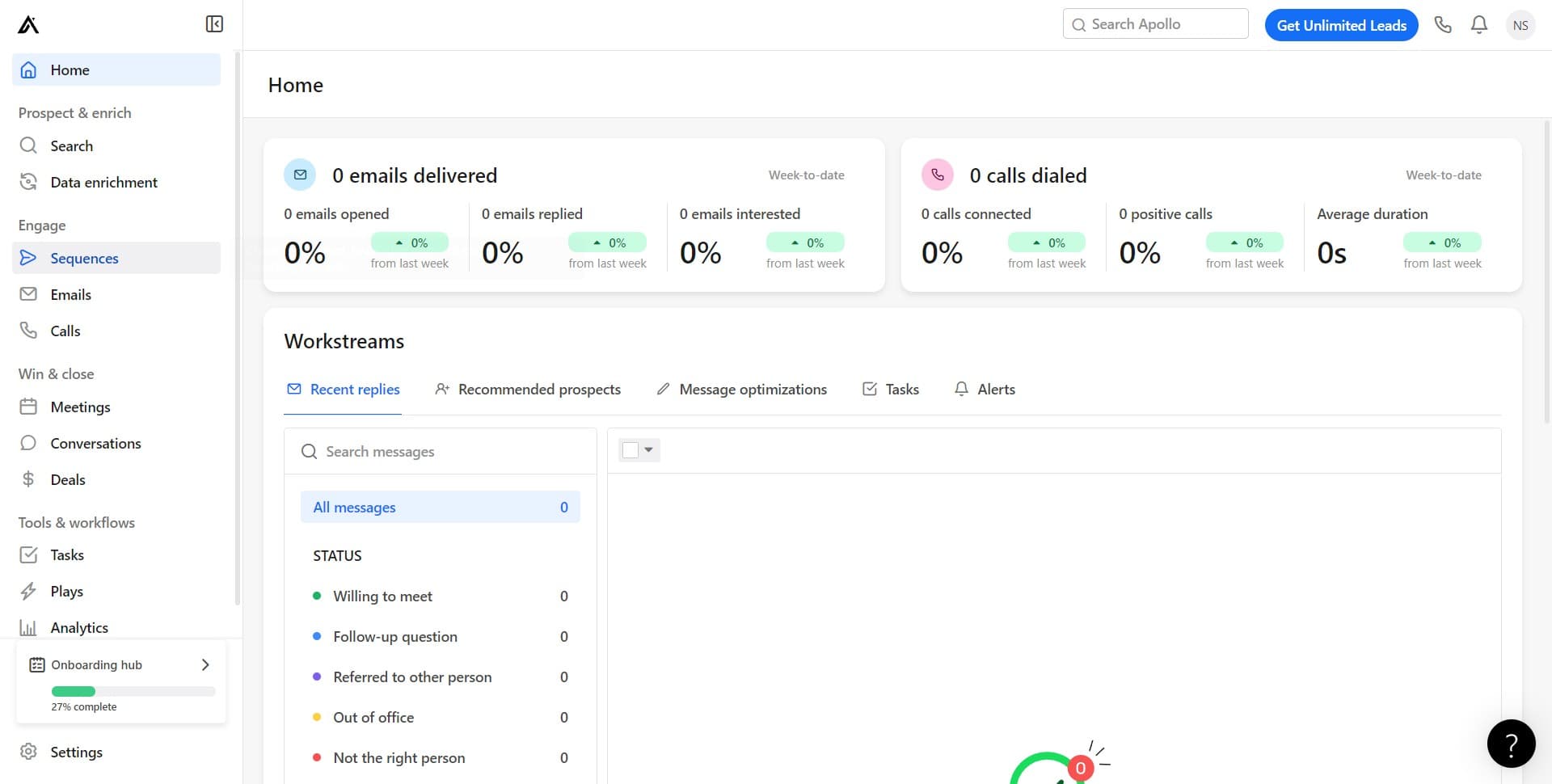
Click on Sequences
Navigate to the Sequences section in Apollo.io. This is where all your outreach sequences are stored and managed.
- 2
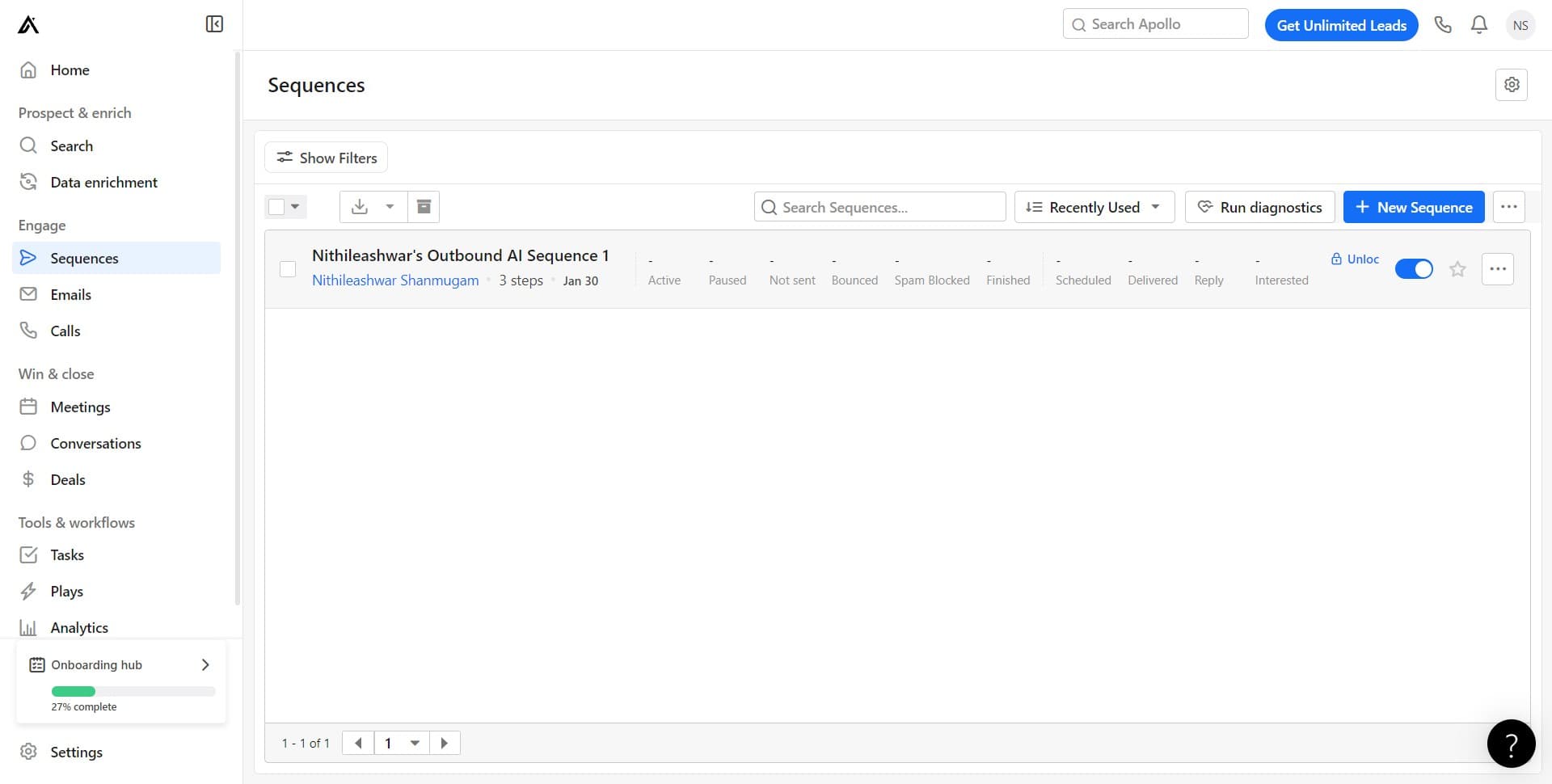
Select your target sequence
Click on the sequence you want to clone, such as 'Nithileashwar's sequence'. This opens the sequence details and makes it available for cloning.
- 3
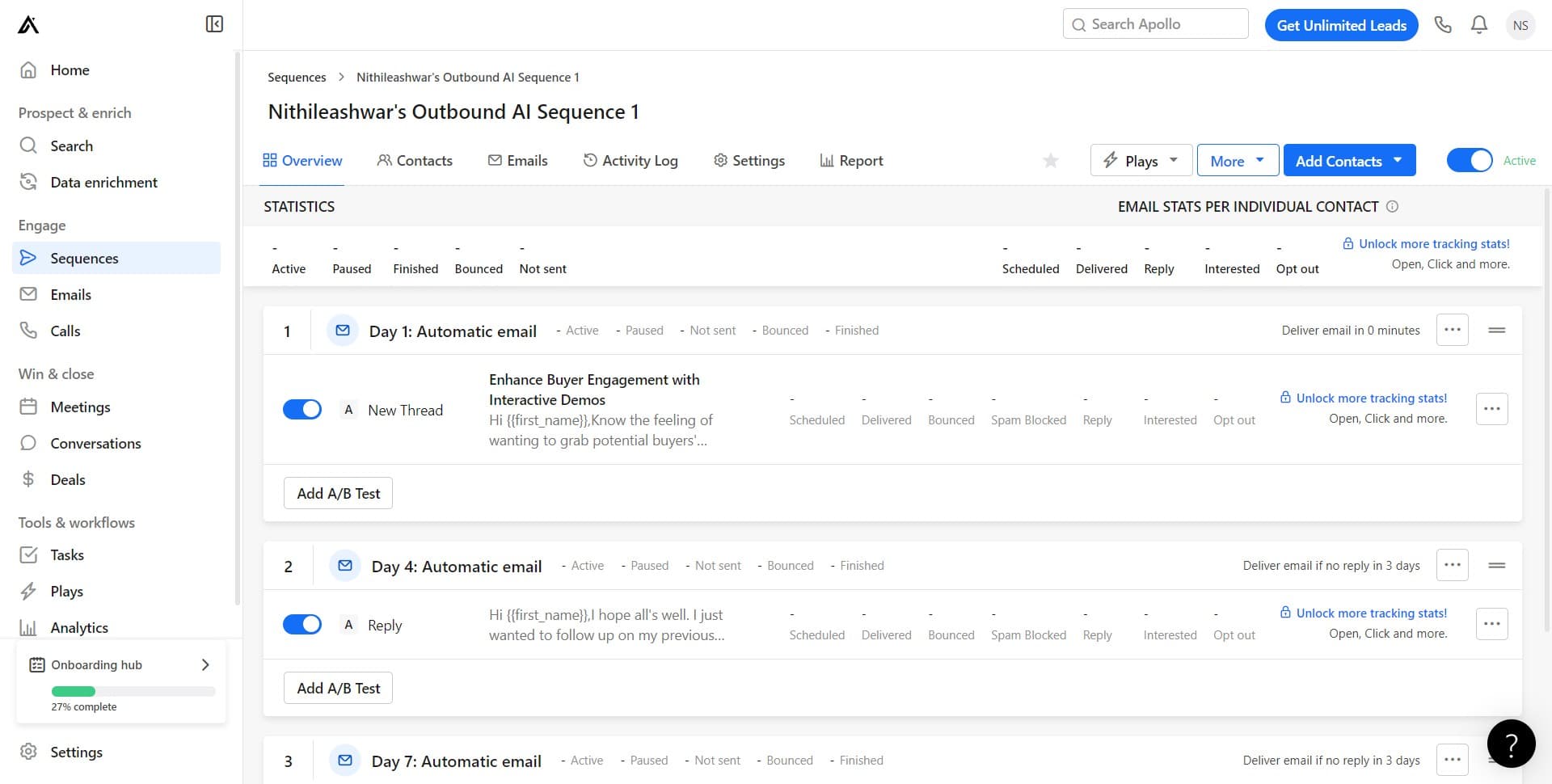
Click on More options
Look for the More menu (typically represented by three dots or a similar icon) and click it to reveal additional actions for the sequence.
- 4
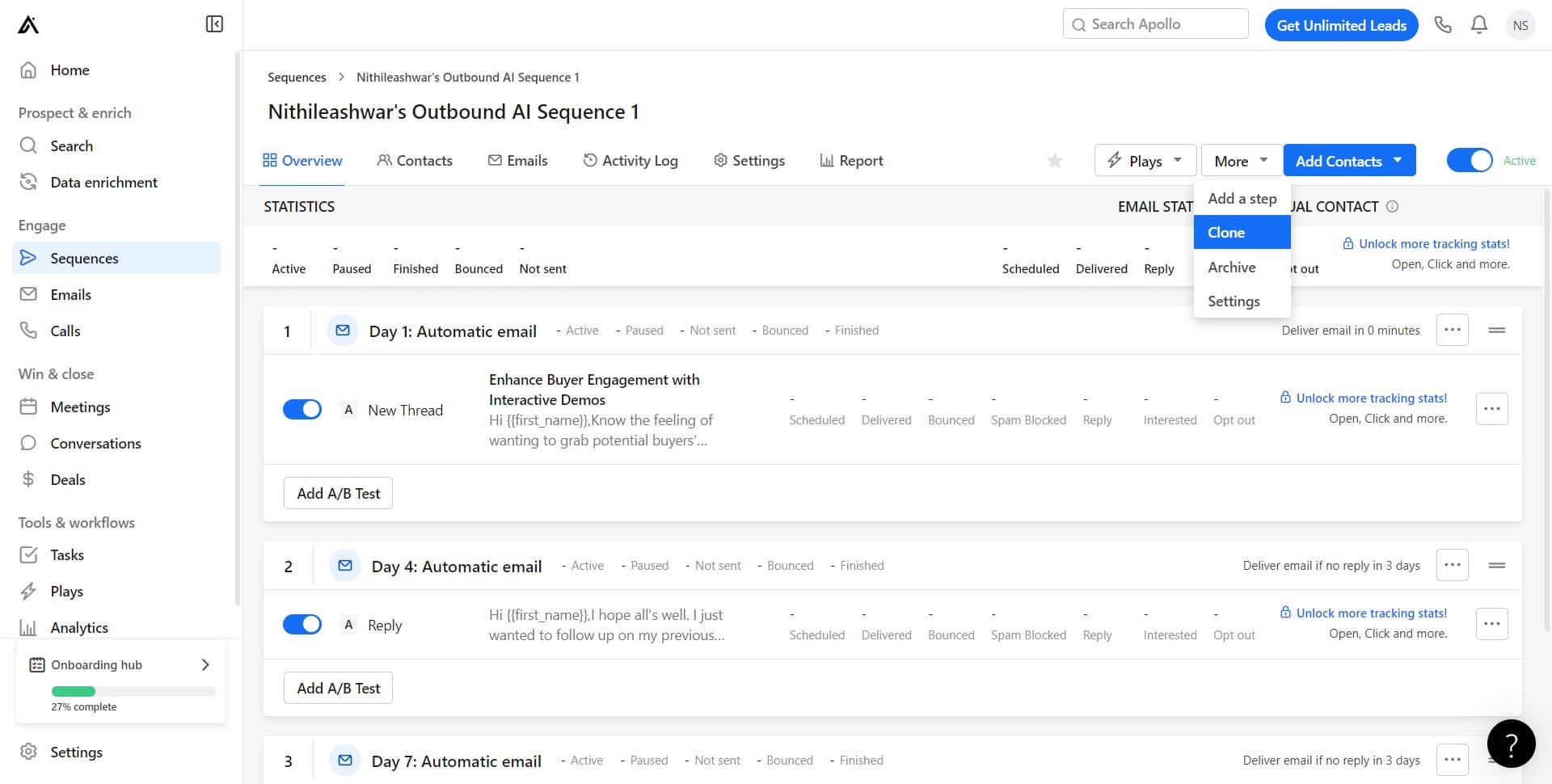
Click Clone
Select the Clone option from the dropdown menu. This initiates the cloning process and prepares a copy of your sequence.
- 5
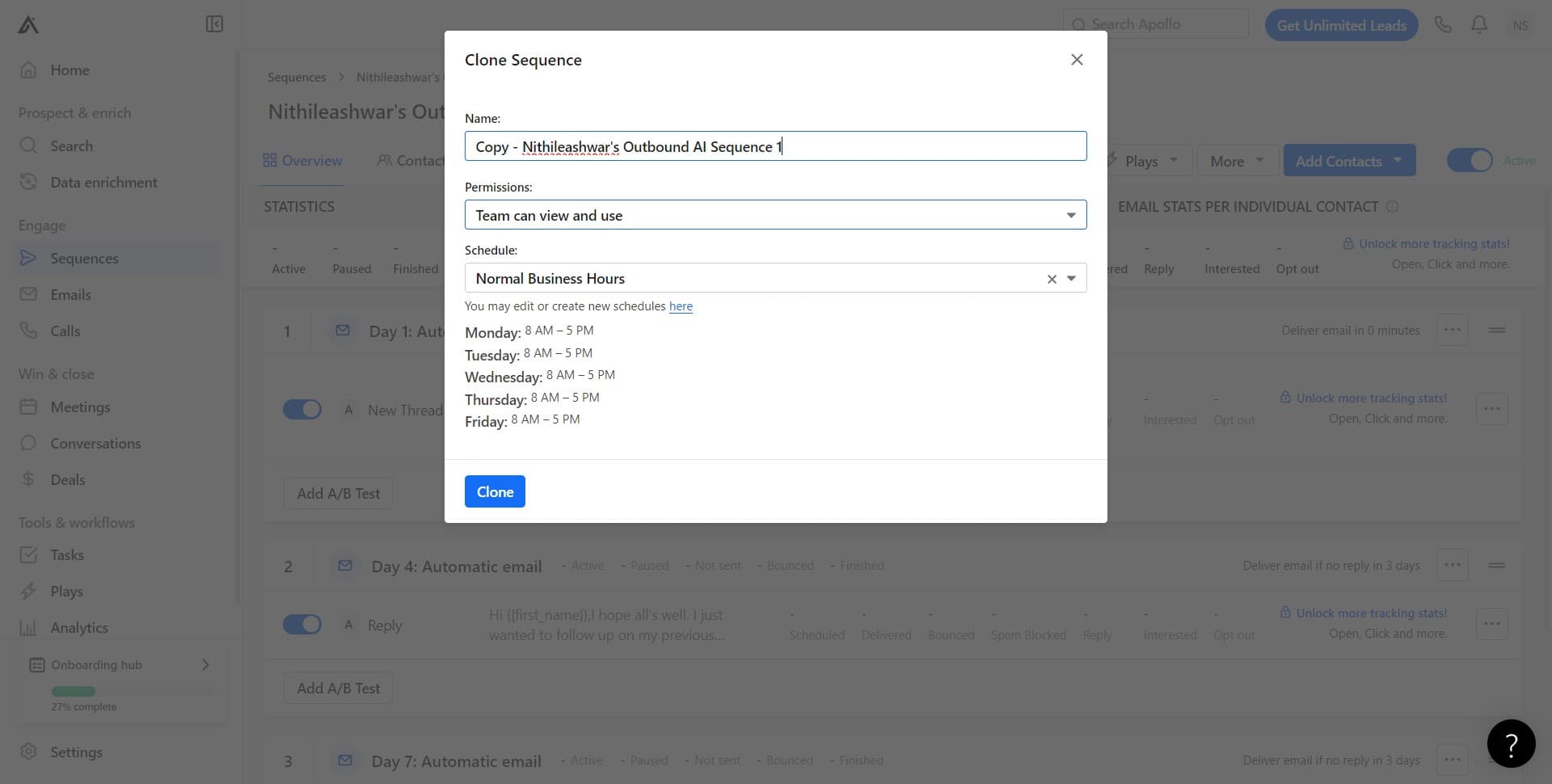
Set team visibility permissions
Choose 'Team can view and use' to allow your team members to access and utilize the cloned sequence. This setting controls who can see and edit the new sequence copy.
- 6
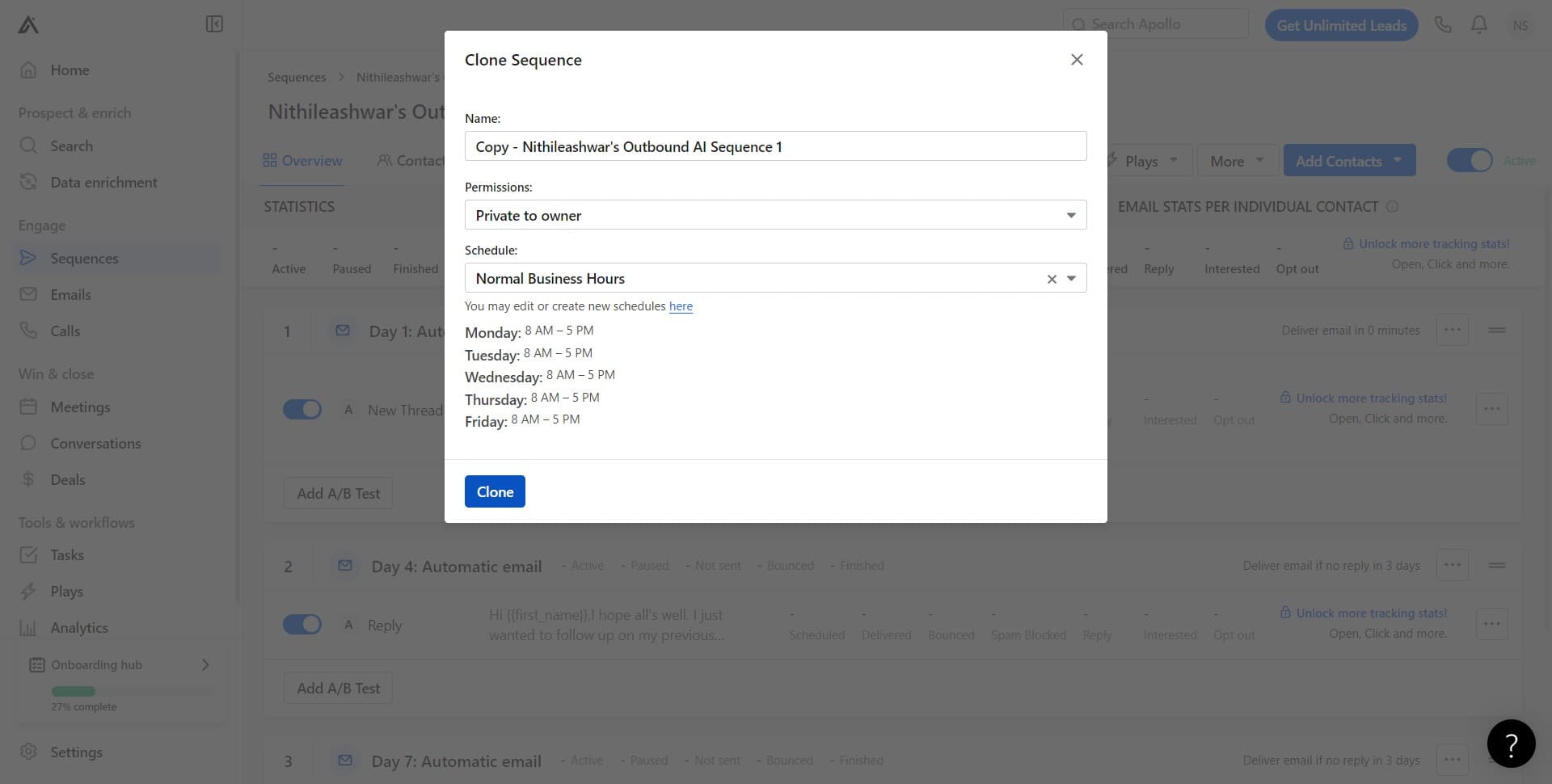
Confirm the clone action
Click the Clone button again to finalize the cloning process. The system will create a new sequence based on your original settings and permissions.
- 7
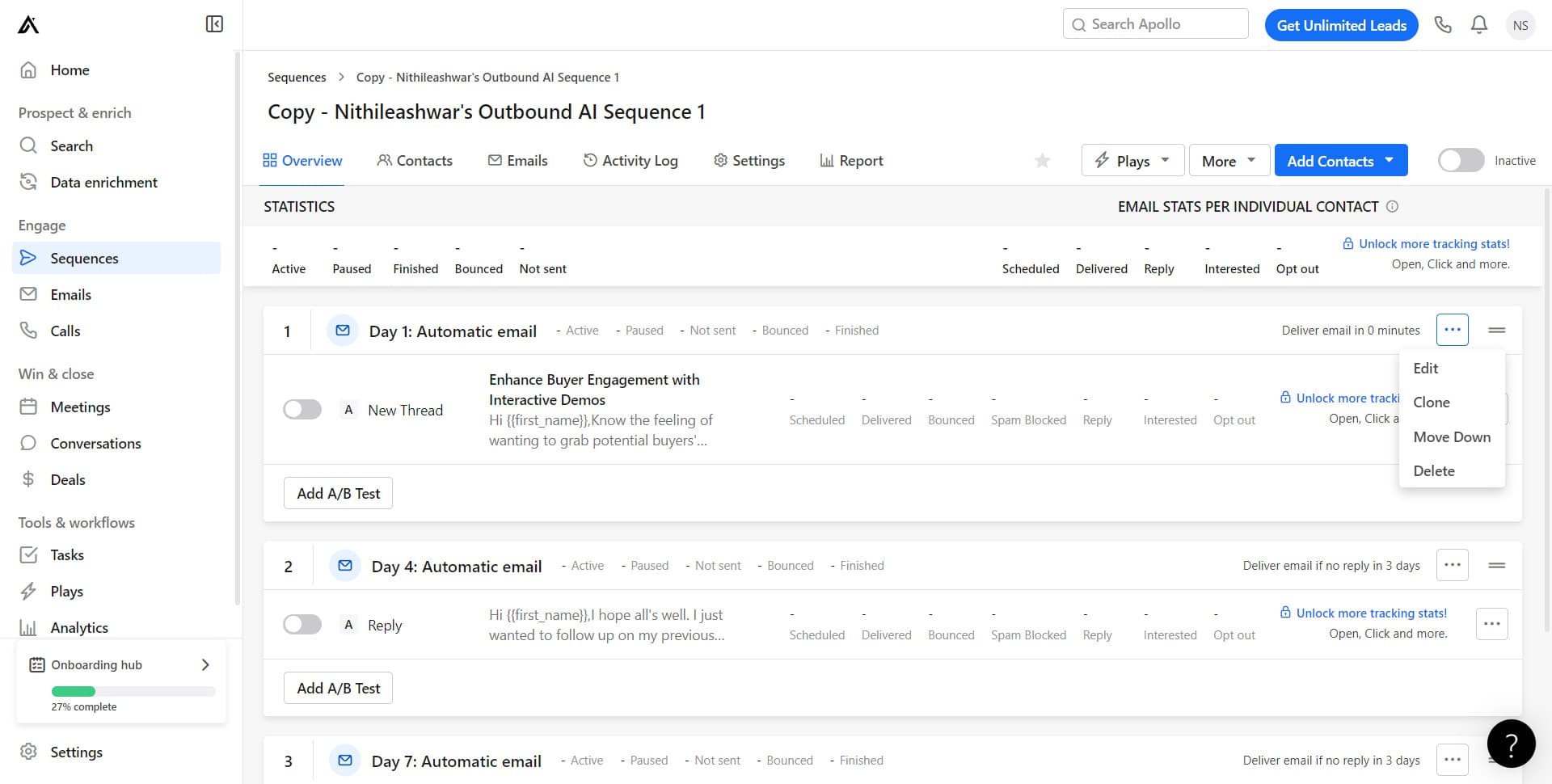
Complete the cloning process
Click to complete the workflow and confirm that your sequence has been successfully cloned. You'll be able to view and manage the new sequence in your Sequences library.
Frequently asked questions
Common questions about how to clone your sequence in apollo.io.
Yes, cloning creates an exact duplicate of the original sequence, including all steps, timing, templates, and configurations. You can then modify the clone to suit your specific needs without affecting the original sequence.
Absolutely. You can adjust team visibility and permissions on the cloned sequence at any time through the sequence settings. This allows you to control who has access to view and use the cloned sequence.
Cloning only duplicates the sequence structure and settings, not the contacts enrolled in it. Contacts in your original sequence remain there, and you'll need to manually enroll contacts into the cloned sequence if desired.
Yes, when you select 'Team can view and use', all team members with appropriate permissions can access, use, and even modify the cloned sequence based on your team's settings.
After cloning is complete, access the sequence settings and edit the name to something that reflects its purpose or variation. This helps your team quickly identify different versions of sequences in the library.