How to install Apollo.io extension in your Chrome browser

The Apollo.io Chrome extension brings powerful prospecting and outreach tools directly to your browser, enabling you to access contact information and engagement features without leaving your workflow. This guide walks you through the installation process so you can start leveraging Apollo's capabilities immediately.
Quick summary
In this tutorial, you'll learn how to install the Apollo.io extension in Chrome by navigating to the extension page, downloading it from the Chrome Web Store, and completing the setup. By the end, you'll have the extension ready to use for your sales and prospecting activities.
Why this matters
Installing the Apollo.io extension streamlines your prospecting workflow by providing instant access to contact data, email finder tools, and engagement tracking directly within your browser. This integration eliminates the need to switch between tabs and applications, saving time and improving productivity during your sales outreach efforts.
Step-by-step guide
- 1
Navigate to the extension page
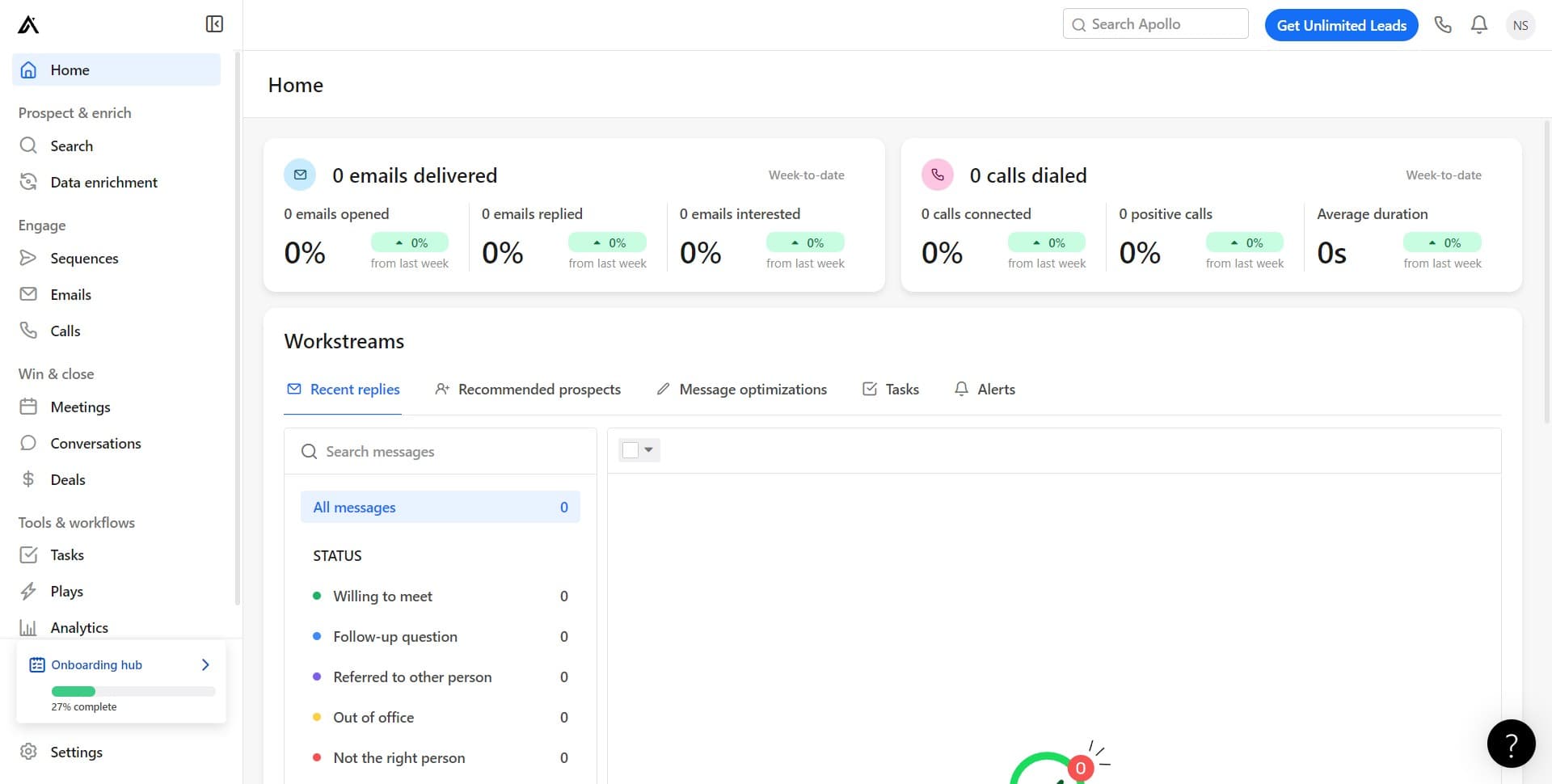
Begin by clicking on the link that directs you to the Apollo.io Chrome extension page. This will take you to the official extension listing where you can review details and access the download option.
- 2
Click on Get the extension
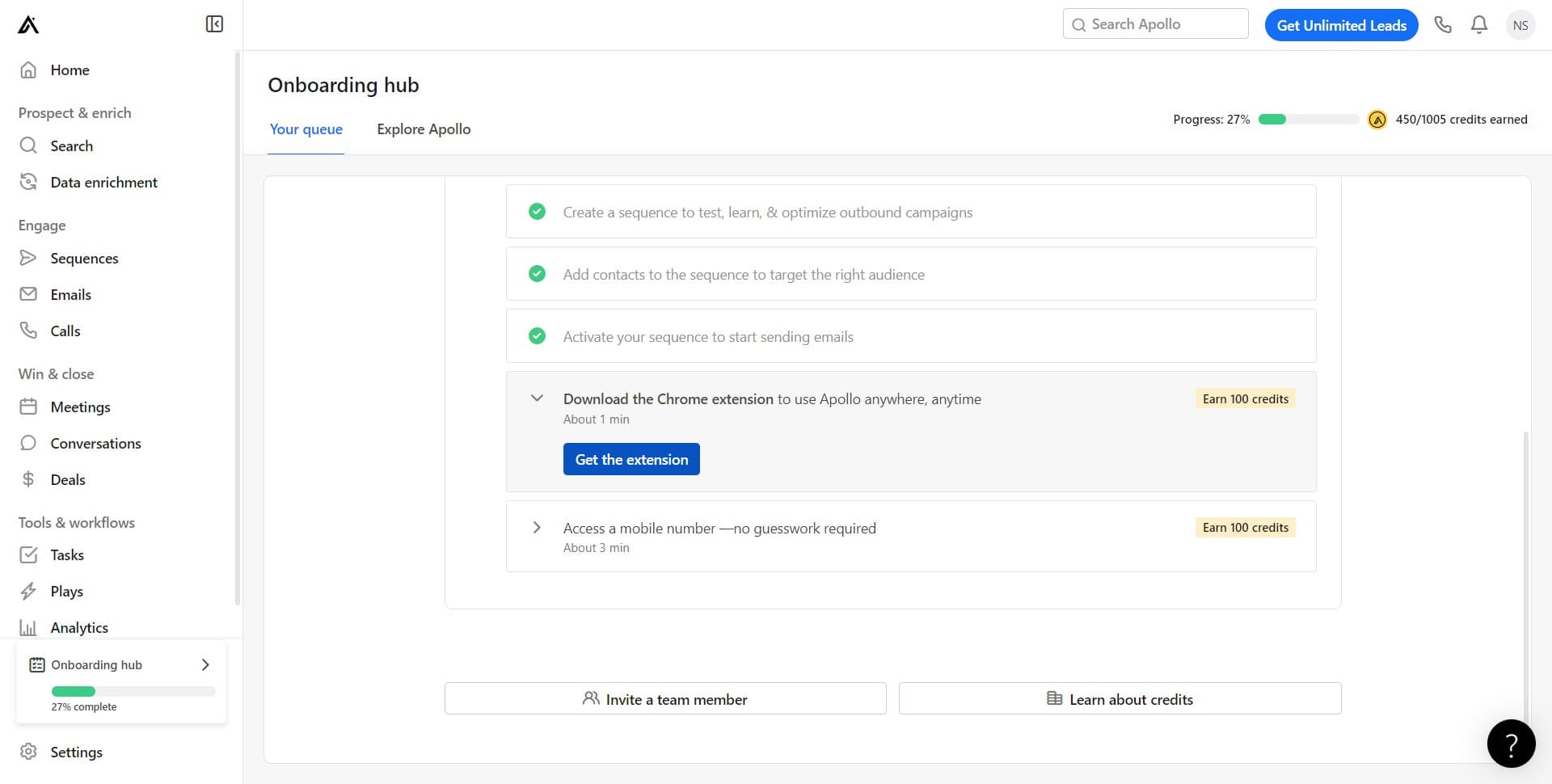
On the Apollo.io extension page, locate and click the 'Get the extension' button. This action will initiate the installation process and may redirect you to the Chrome Web Store to confirm the addition to your browser.
- 3
Complete the upload
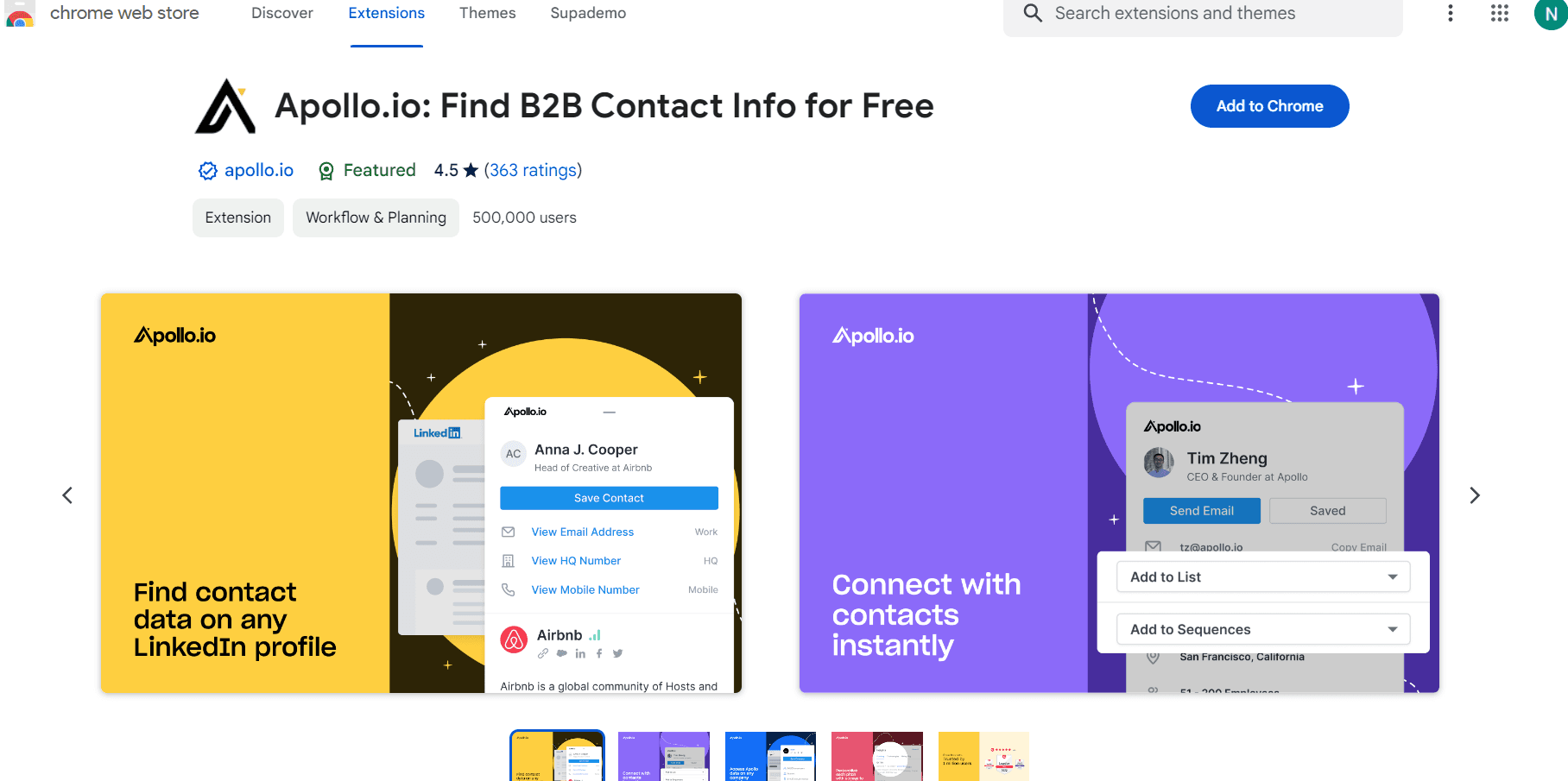
Follow the final prompts to complete the installation, which may include confirming permissions or completing a brief setup process. Once finished, the Apollo.io extension will be added to your Chrome toolbar and ready to use.
Frequently asked questions
Common questions about how to install apollo.io extension in your chrome browser.
The Apollo.io extension is compatible with standard Chrome browsers on Windows, Mac, and Linux. Ensure you're using an up-to-date version of Chrome for optimal compatibility. If you experience issues, try updating your browser to the latest version.
Yes, you'll need an active Apollo.io account to access the full functionality of the extension. You can create an account on the Apollo.io website before or after installing the extension. The extension will prompt you to log in upon first use.
Once installed, the Apollo.io extension icon will appear in your Chrome toolbar at the top right of your browser window. You can click it to access the extension's features, and you may also pin it for easier access.
Yes, uninstalling is simple. Right-click the Apollo.io extension icon in your Chrome toolbar and select 'Remove from Chrome' to uninstall it. You can reinstall it at any time by following the installation steps again.
If installation fails, try clearing your browser cache and cookies, then attempt the installation again. Ensure your Chrome browser is fully updated and that you're not in incognito mode. If problems persist, contact Apollo.io support for additional assistance.