How to create a single-host meeting in Apollo.io

Apollo.io's single-host meeting feature allows you to create structured, professional meetings with customizable questions and location details. This workflow is essential for sales teams and recruiters who need to schedule consistent meetings with prospects or candidates while maintaining a branded experience.
Quick summary
In this tutorial, you'll learn how to create a single-host meeting in Apollo.io from start to finish. You'll navigate through the meetings section, configure meeting details, add custom questions, and generate a shareable meeting link that prospects can use to book time with you.
Why this matters
Single-host meetings streamline your scheduling process by eliminating back-and-forth emails and providing prospects with a pre-defined meeting format. This approach saves time, ensures consistent meeting structure, and improves your ability to gather important information upfront through custom questions.
Step-by-step guide
- 1
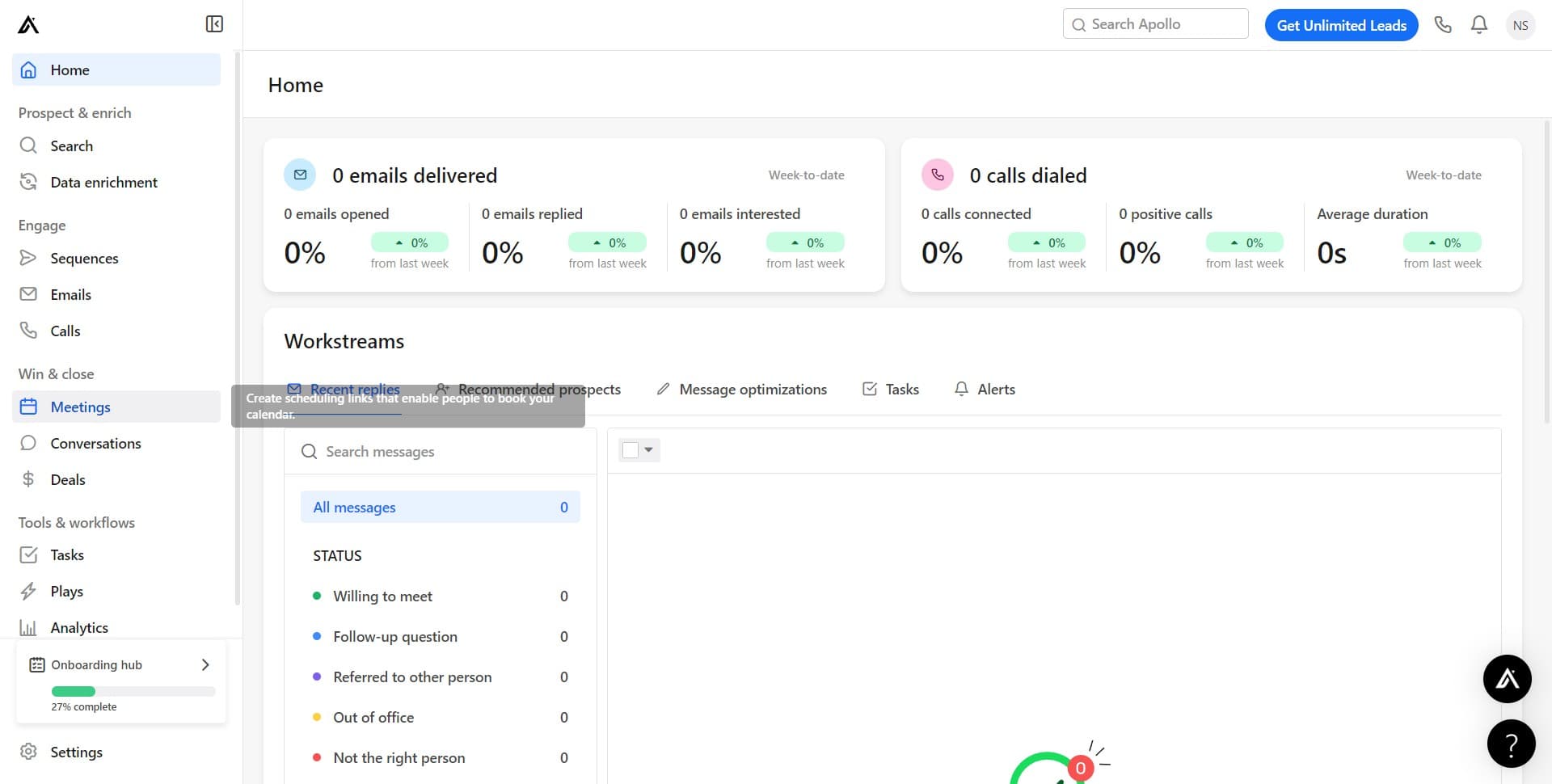
Navigate to the Meetings section
Click on 'Meetings' in the main navigation menu to access the meetings management area in Apollo.io. This is where you'll create and manage all your meeting types.
- 2
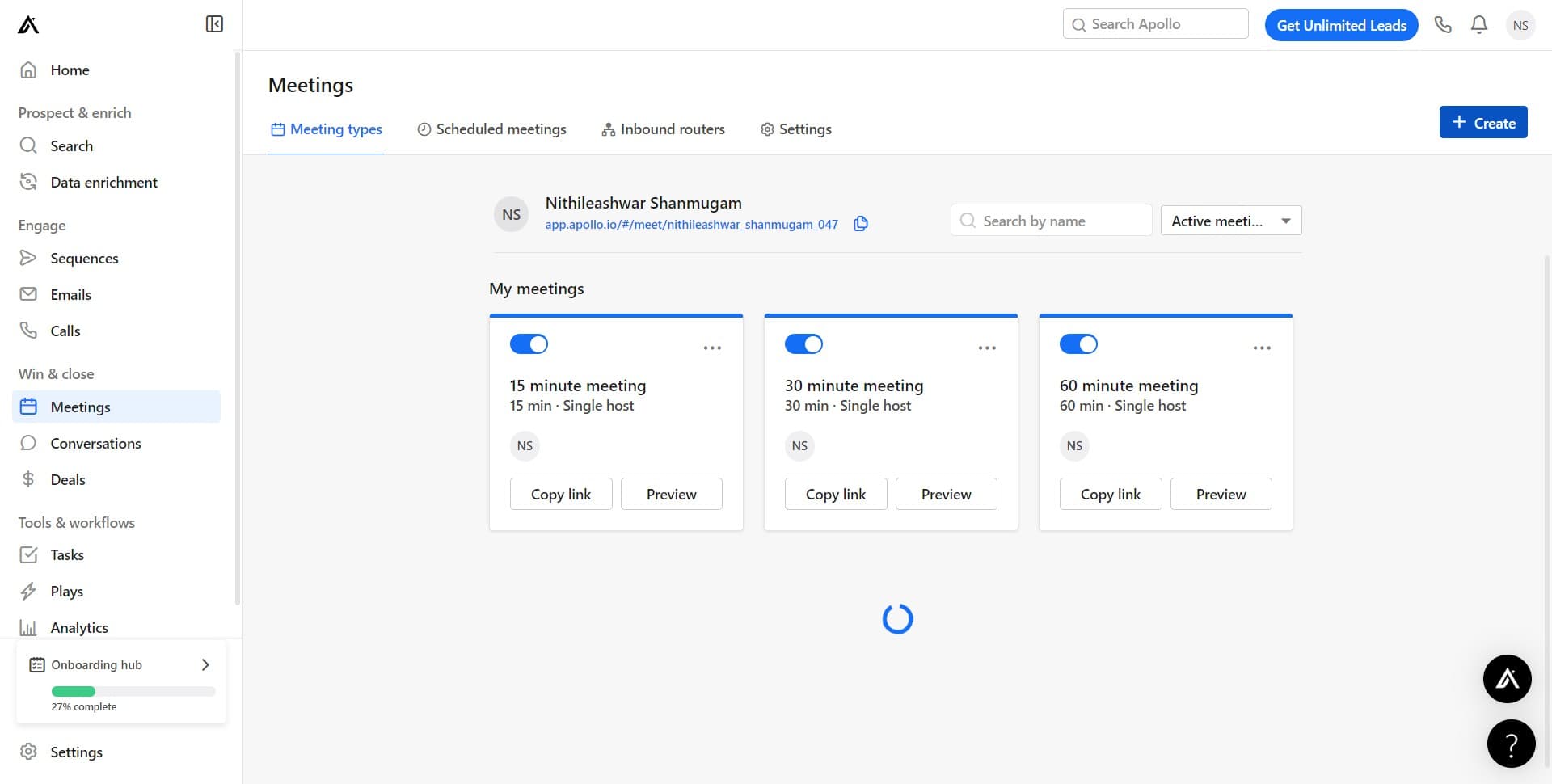
Click the Create button
Click on 'Create' to begin the process of setting up a new meeting. This will open the meeting creation workflow.
- 3
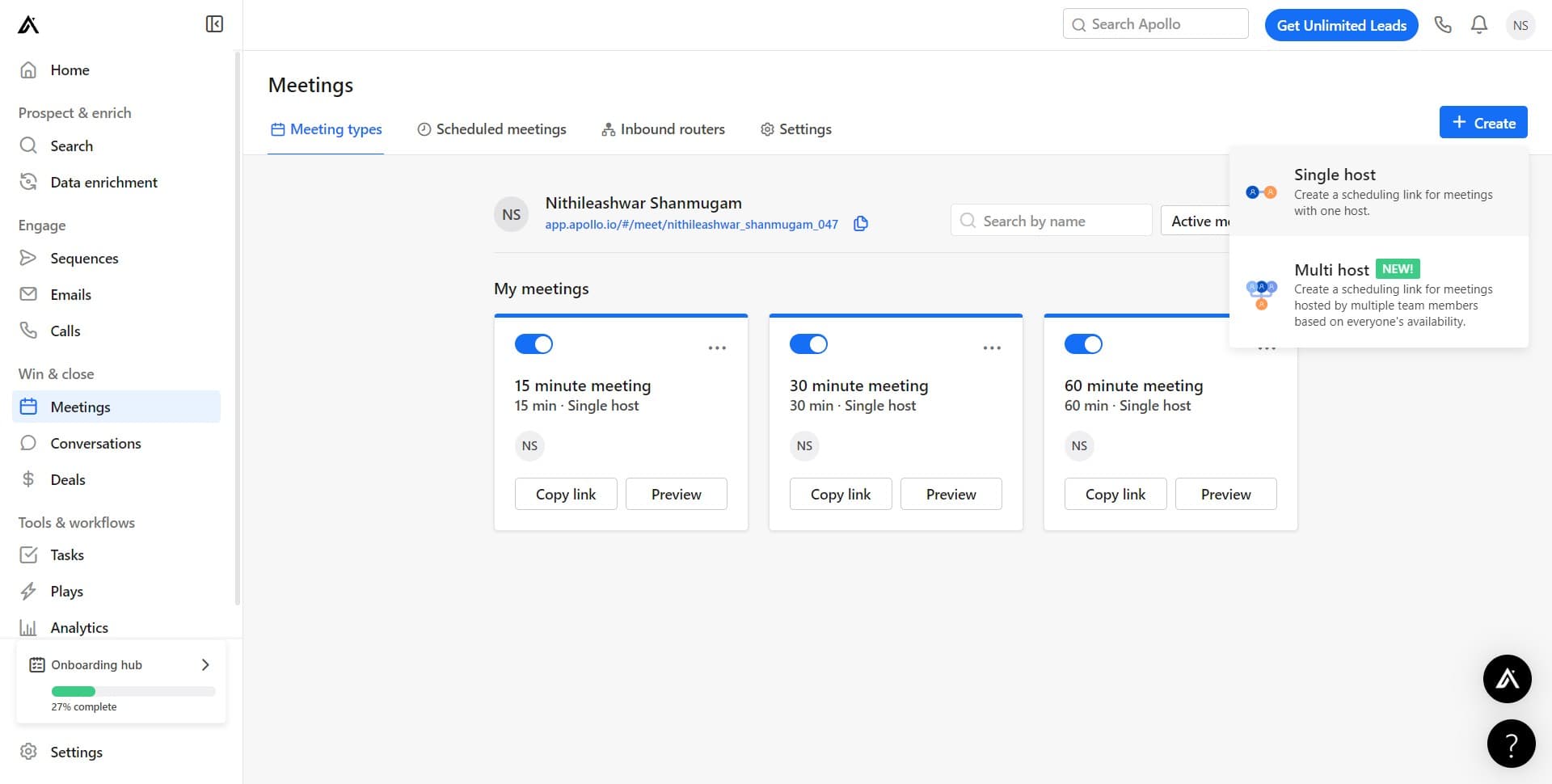
Select Create a scheduled meeting
Click on 'Create a schedu...' option to start building your scheduled meeting. This meeting type allows prospects to book time slots with you.
- 4
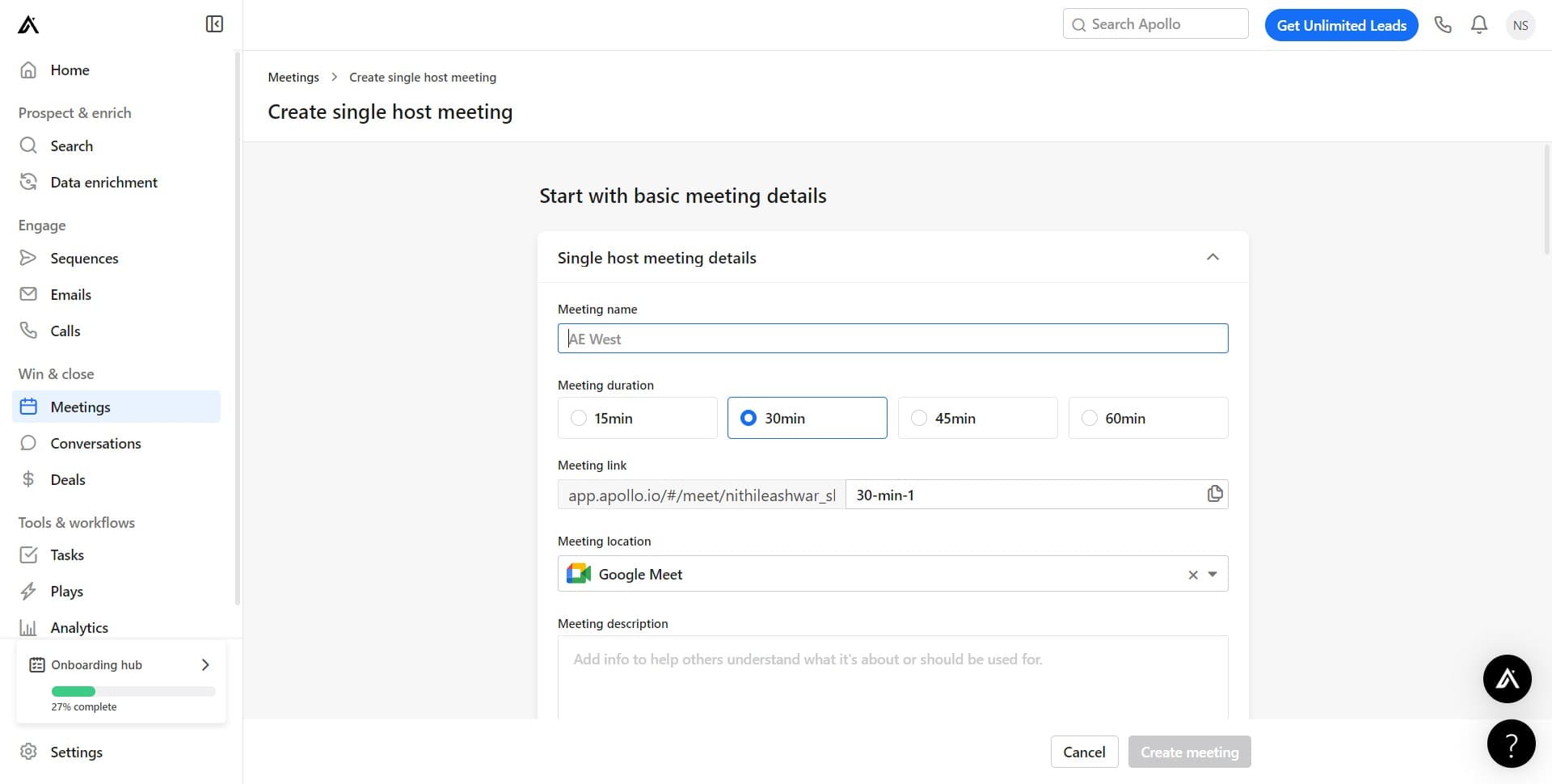
Proceed to meeting configuration
Click the designated button to move forward in the meeting setup process. You'll now access the detailed configuration options for your meeting.
- 5
Continue configuring meeting details
Click to advance to the next configuration step. You're building out the specific parameters and settings for your single-host meeting.
- 6
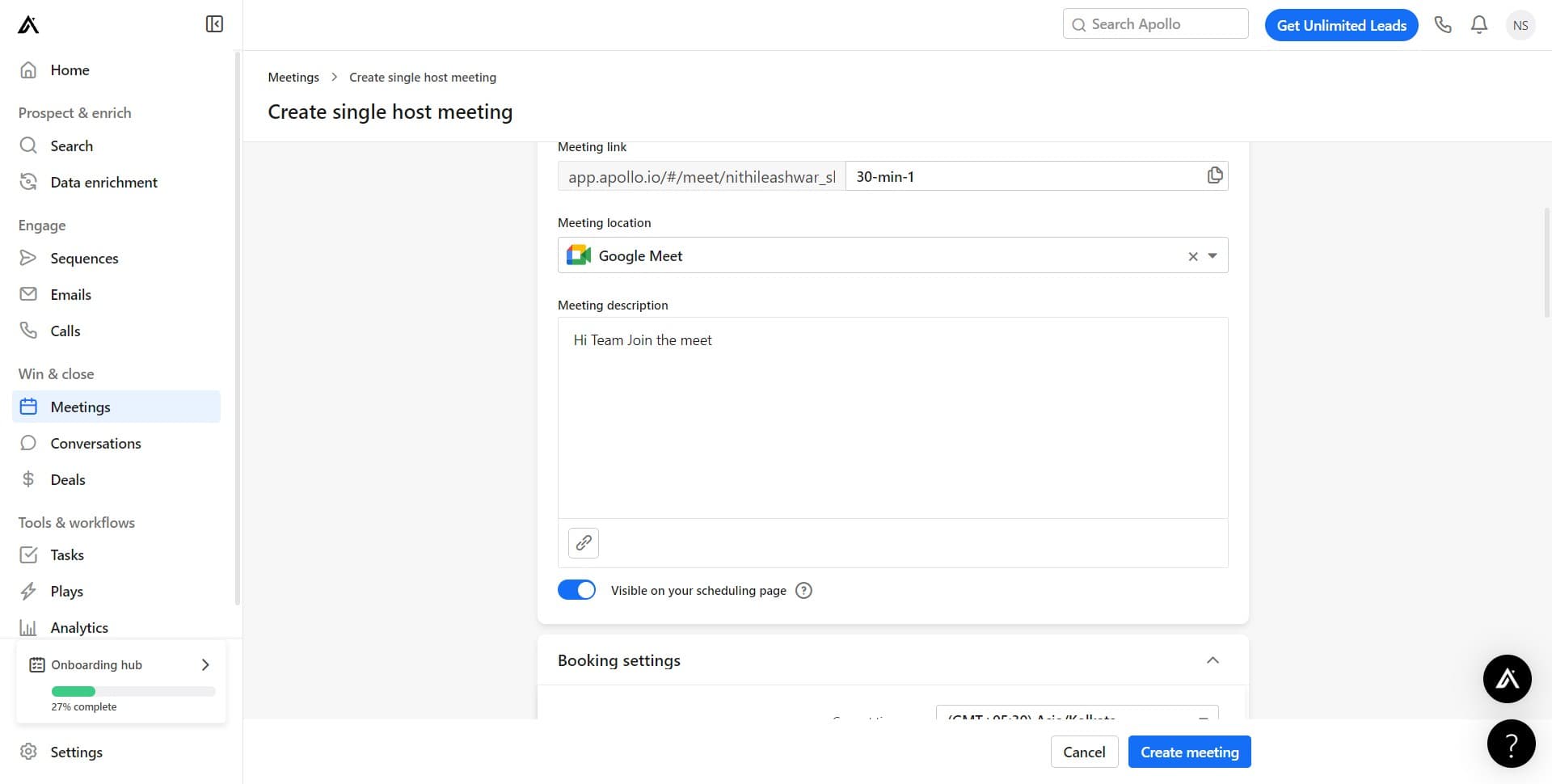
Finalize meeting setup
Click to complete the core configuration of your meeting. You're now ready to add additional details like questions and location information.
- 7
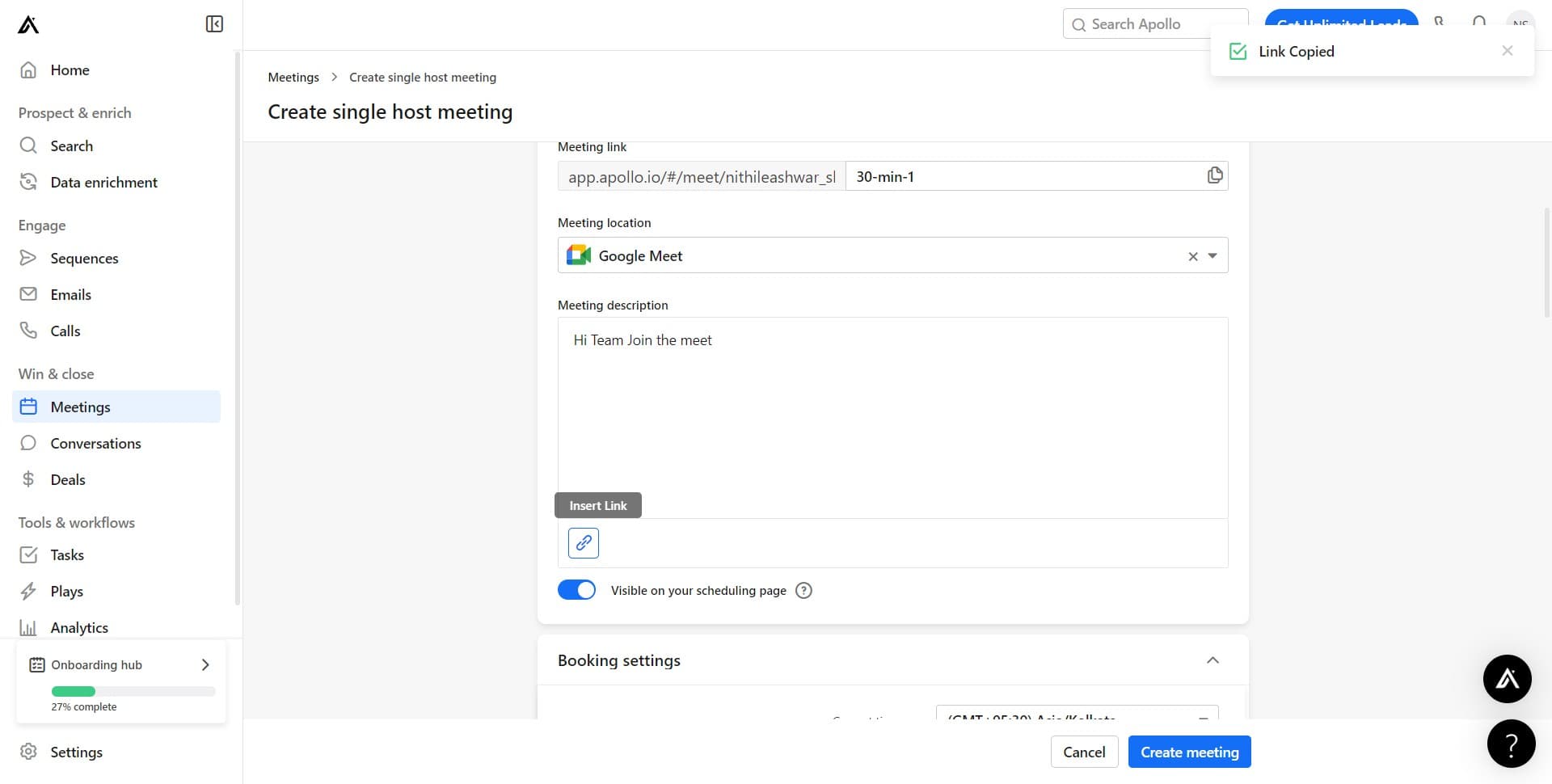
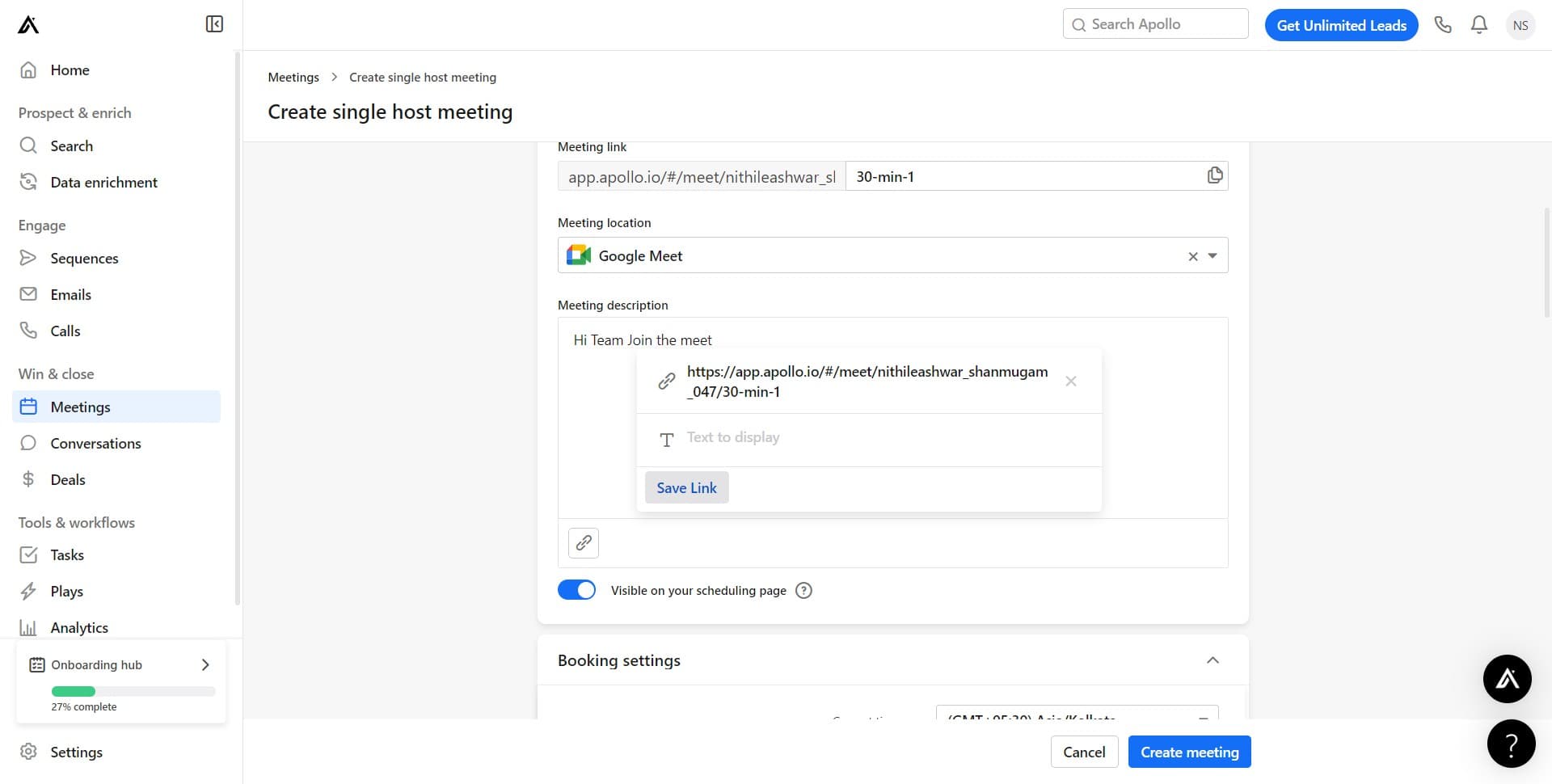
Generate and save the meeting link
Click on 'Save Link' to create a shareable URL for your meeting. This link is what you'll distribute to prospects so they can book meetings with you.
- 8
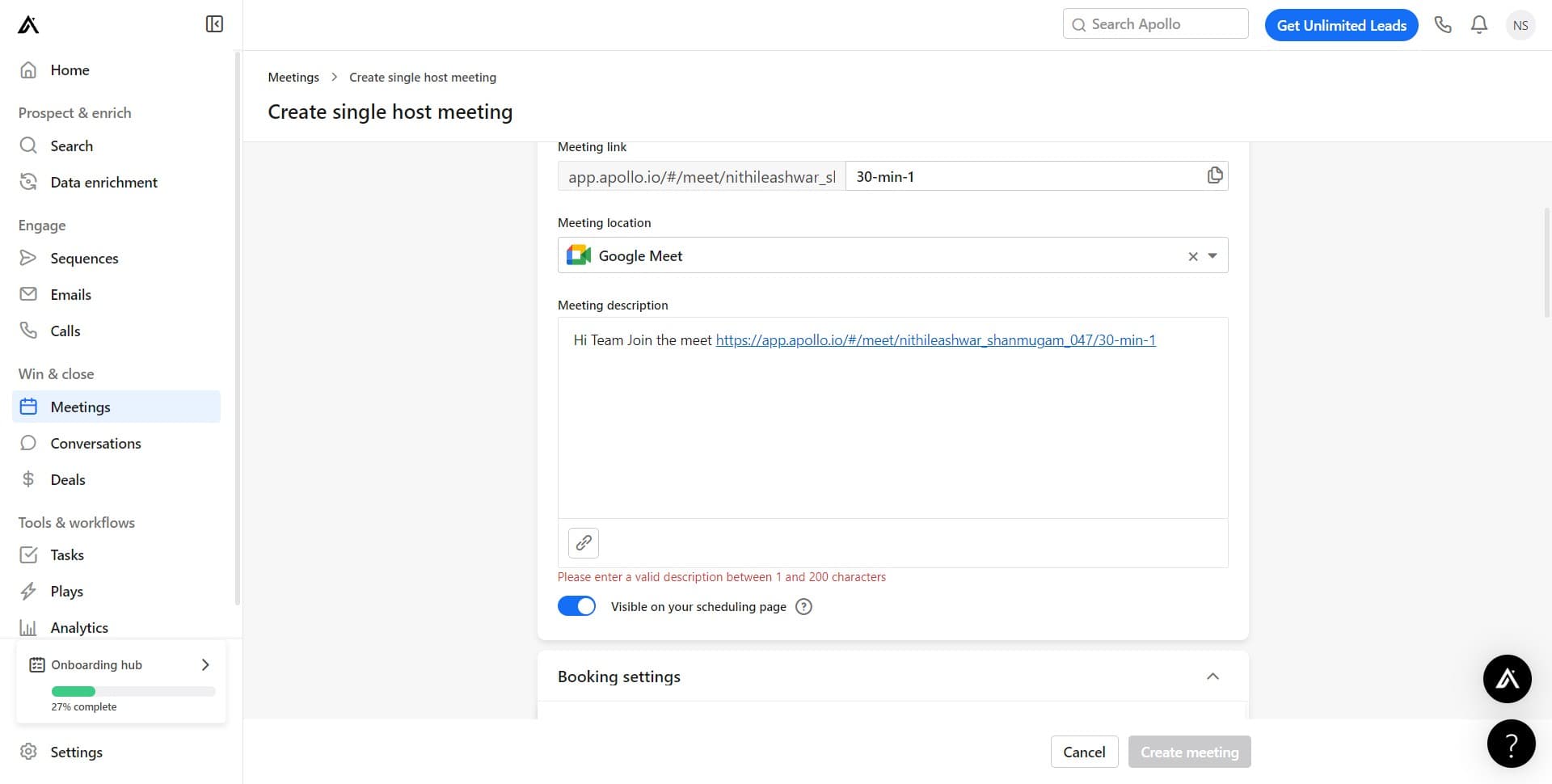
Confirm single-host meeting type
Click on 'Single host mee...' to confirm that this meeting will be hosted by only one person. This ensures the meeting maintains a single-host structure.
- 9
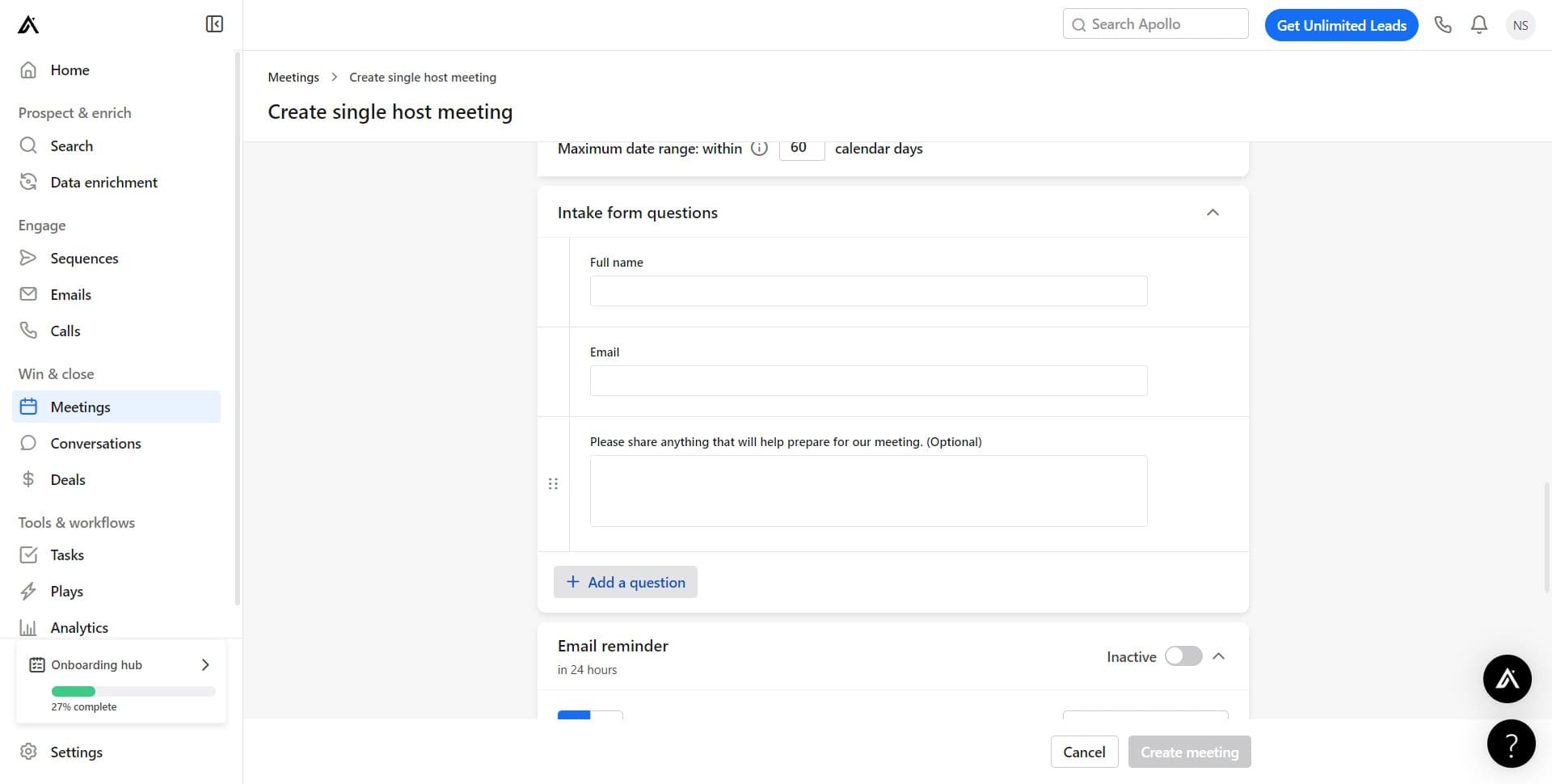
Add a custom question
Click on 'Add a question' to include custom fields that prospects must complete when booking. This helps you gather relevant information before the meeting.
- 10
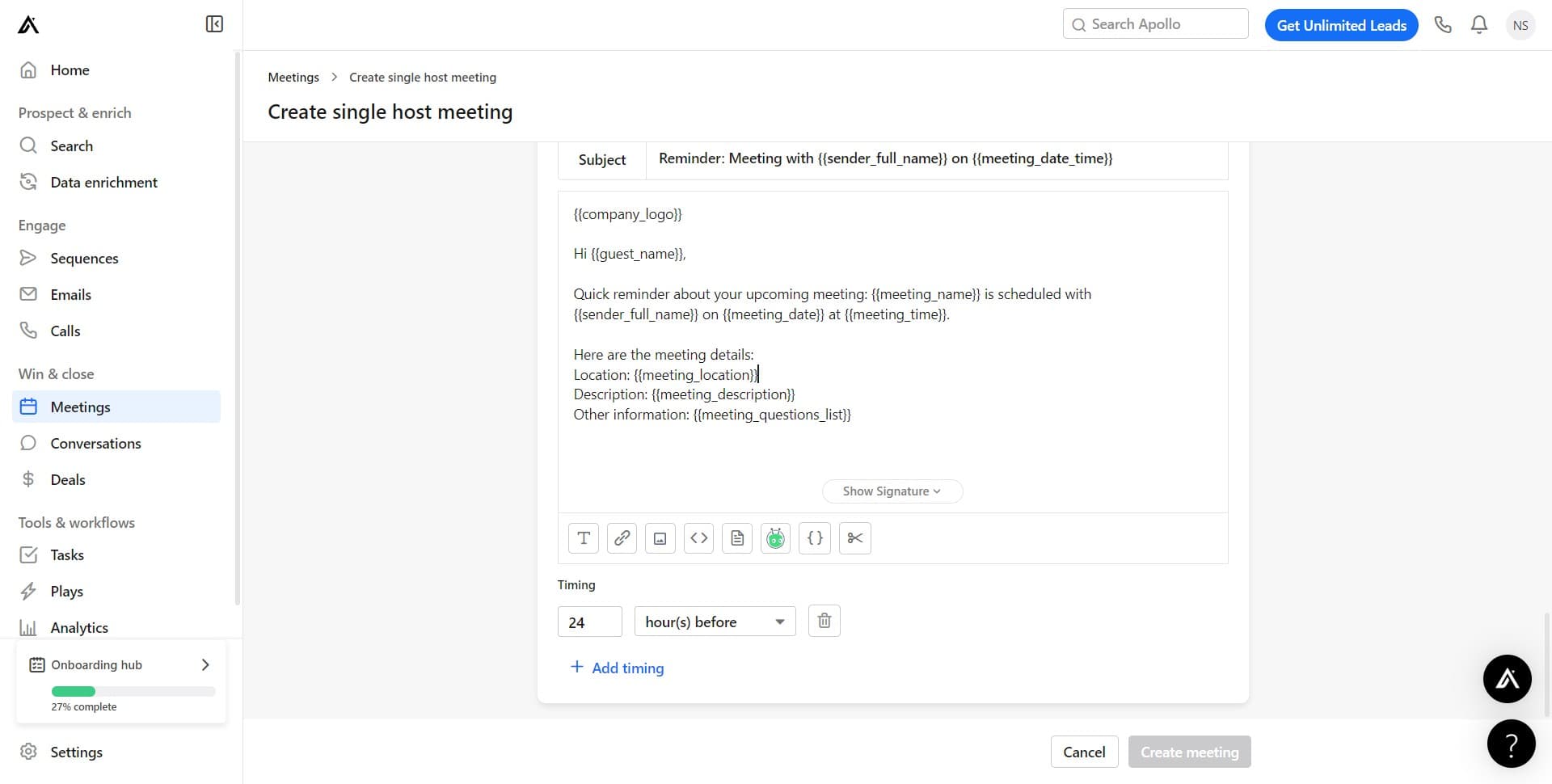
Set the meeting location
Click on 'Location: {{meeting_location}}' to specify where the meeting will take place. You can set a specific location, video conference details, or leave it dynamic.
- 11
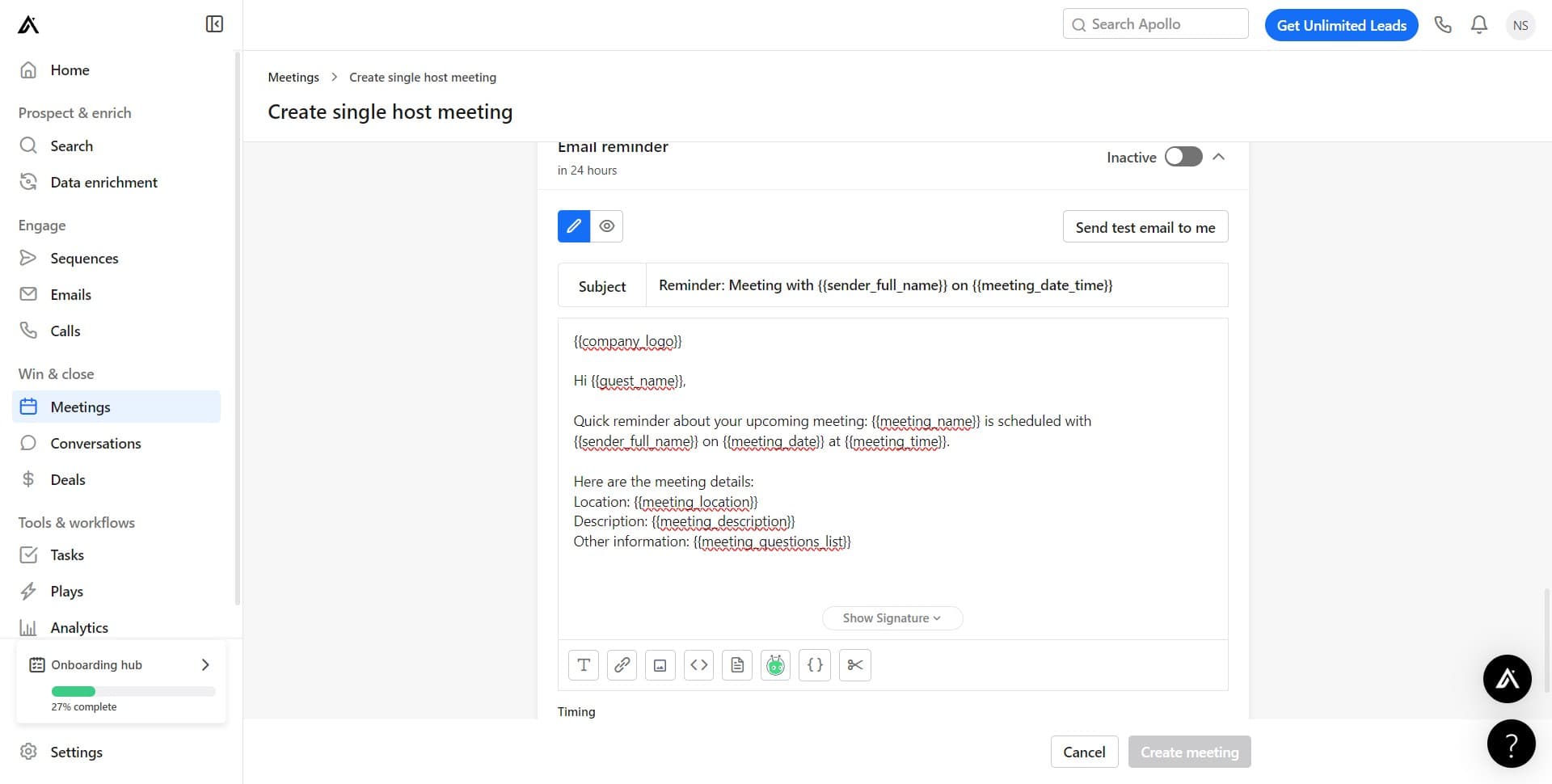
Configure location details
Click to customize the location field further. This allows you to add specific meeting location information or details.
- 12
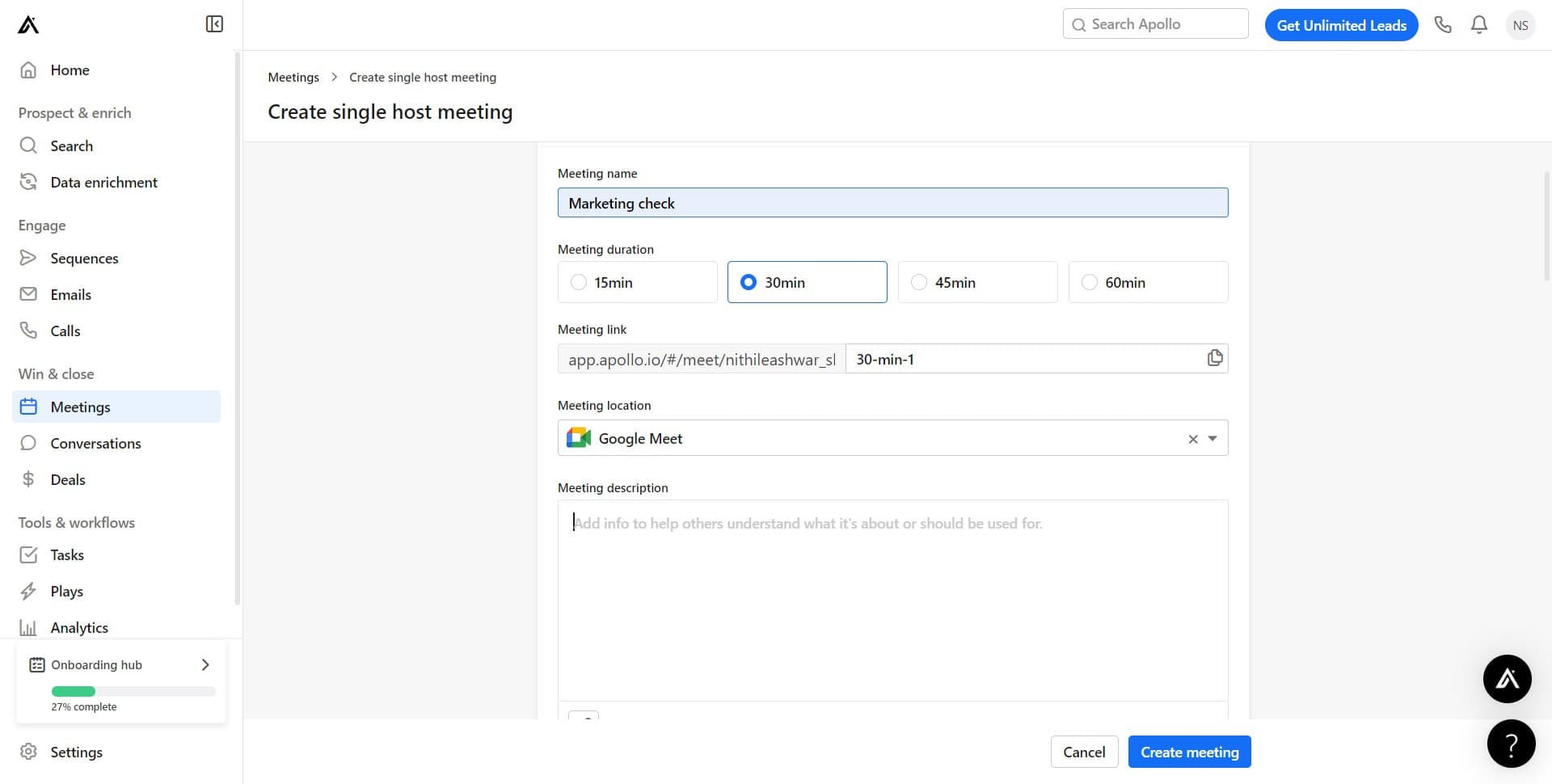
Complete meeting setup
Click the final button to finish creating your single-host meeting. Your meeting is now configured and ready for prospects to book.
Frequently asked questions
Common questions about how to create a single-host meeting in apollo.io.
A single-host meeting is a scheduling type where one person (the host) makes themselves available for prospects to book meetings. This is ideal for sales calls, consultations, and interviews where you're the only meeting organizer. It differs from multi-host meetings where multiple team members can host.
Yes. Apollo.io allows you to add custom questions that prospects must answer when booking your meeting. These questions help you qualify leads and gather important information before the meeting starts, improving conversation efficiency.
Once you save the meeting link, you can share it with prospects via email, your website, or social media. When they click the link, they'll see available time slots, answer any custom questions you've added, and book a meeting with you.
Yes. You can edit your meeting details, including location information, at any time. Simply access the meeting in your Apollo.io Meetings section and update the location field as needed.
After booking, both you and the prospect receive confirmation details including the scheduled time, meeting location, and any answers they provided to your custom questions. You can then prepare for the meeting and follow up accordingly.