How to create sequences in Apollo.io

Apollo.io sequences allow you to automate outreach campaigns and nurture leads at scale. This guide walks you through creating a sequence from scratch using Apollo's AI-assisted tools to generate personalized content efficiently.
Quick summary
In this tutorial, you'll learn how to set up a new sequence in Apollo.io using both manual creation and AI-powered content generation. By the end, you'll be able to build, customize, and activate sequences ready to engage your prospects.
Why this matters
Sequences are critical for scaling your sales efforts without manual follow-ups at every step. Using Apollo's AI-assisted approach saves time on content creation while ensuring your outreach remains personalized and effective across your prospect list.
Step-by-step guide
- 1
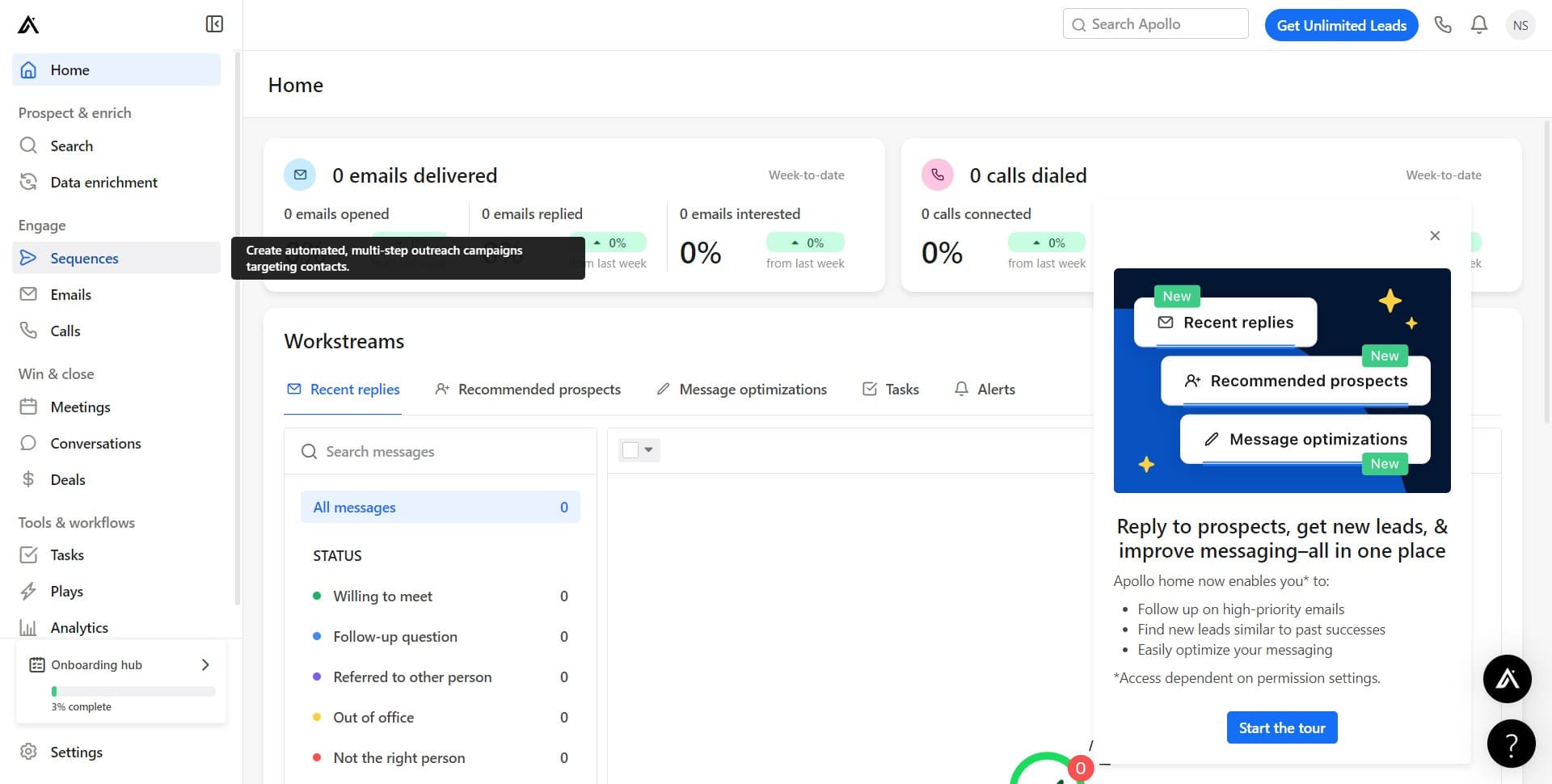
Navigate to the Sequences section
From your Apollo.io dashboard, locate and click on the "Sequences" menu option. This opens the sequences management area where you can view, edit, and create new campaigns.
- 2
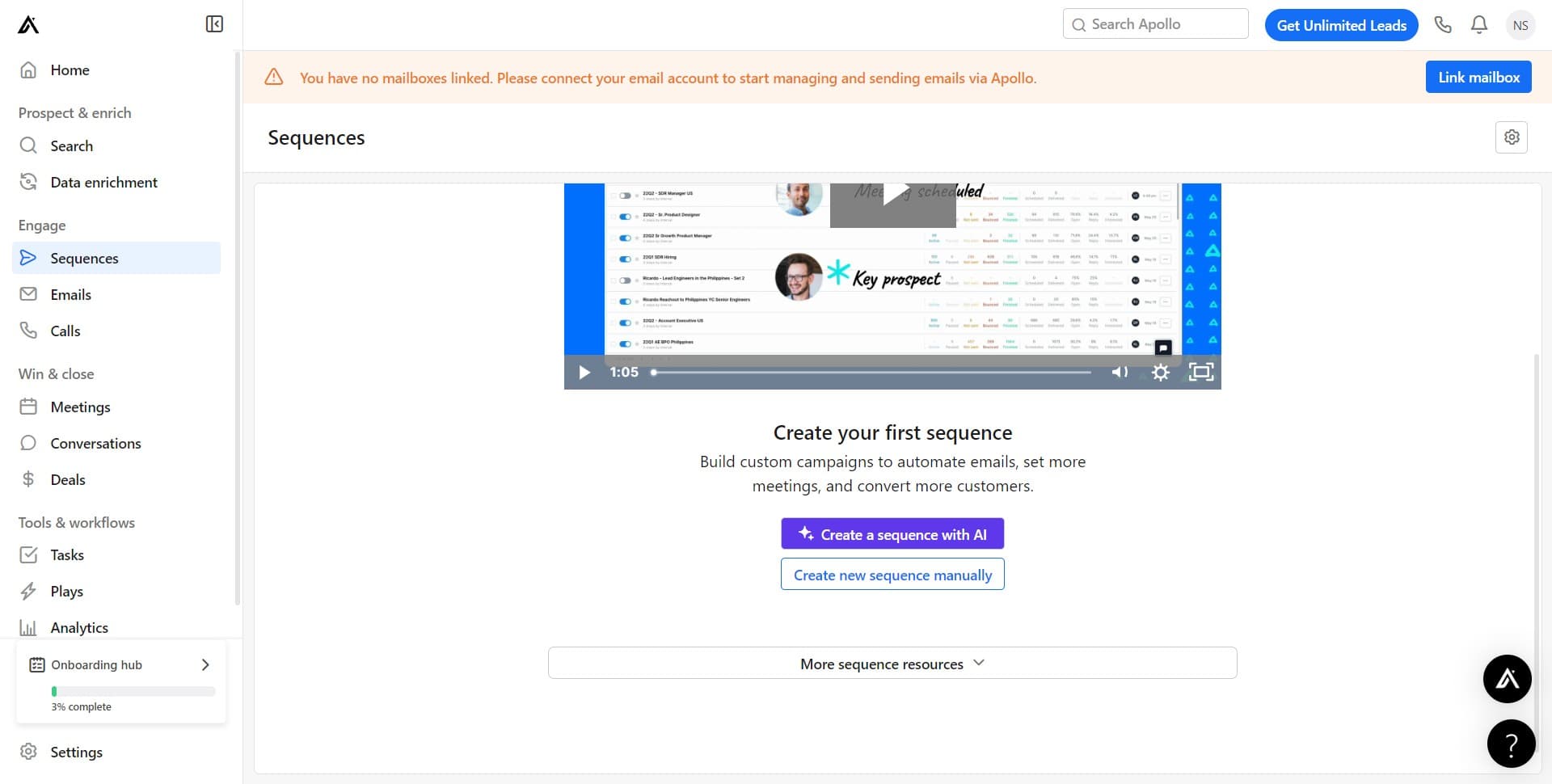
Select manual sequence creation
Click on "Create new sequence manually" to start building your sequence from the ground up. This option gives you full control over the sequence structure and content flow.
- 3
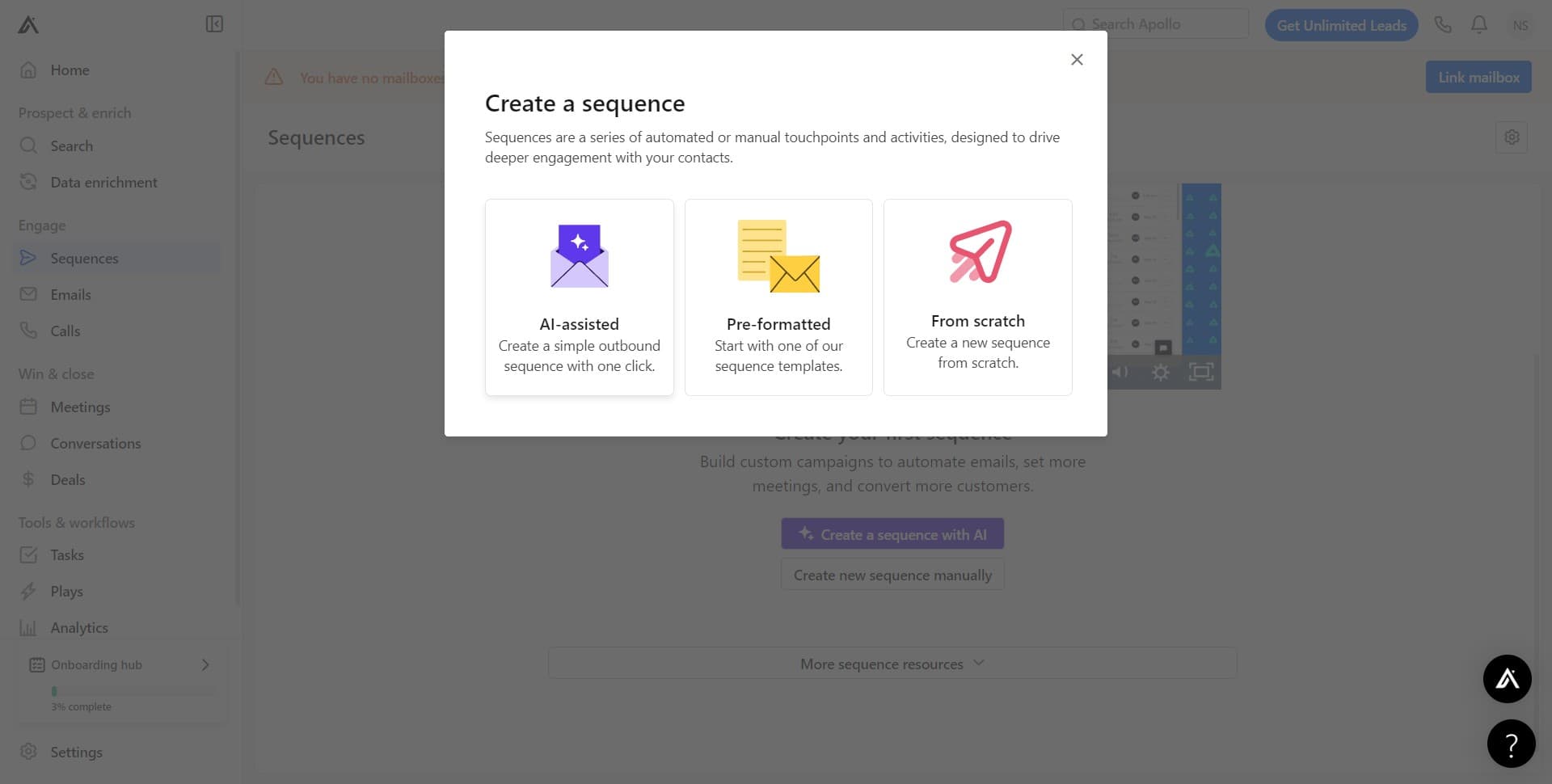
Choose AI-assisted content generation
Click on "AI-assisted" to enable Apollo's artificial intelligence tools for this sequence. This feature helps generate personalized email copy and messaging that aligns with your campaign goals.
- 4
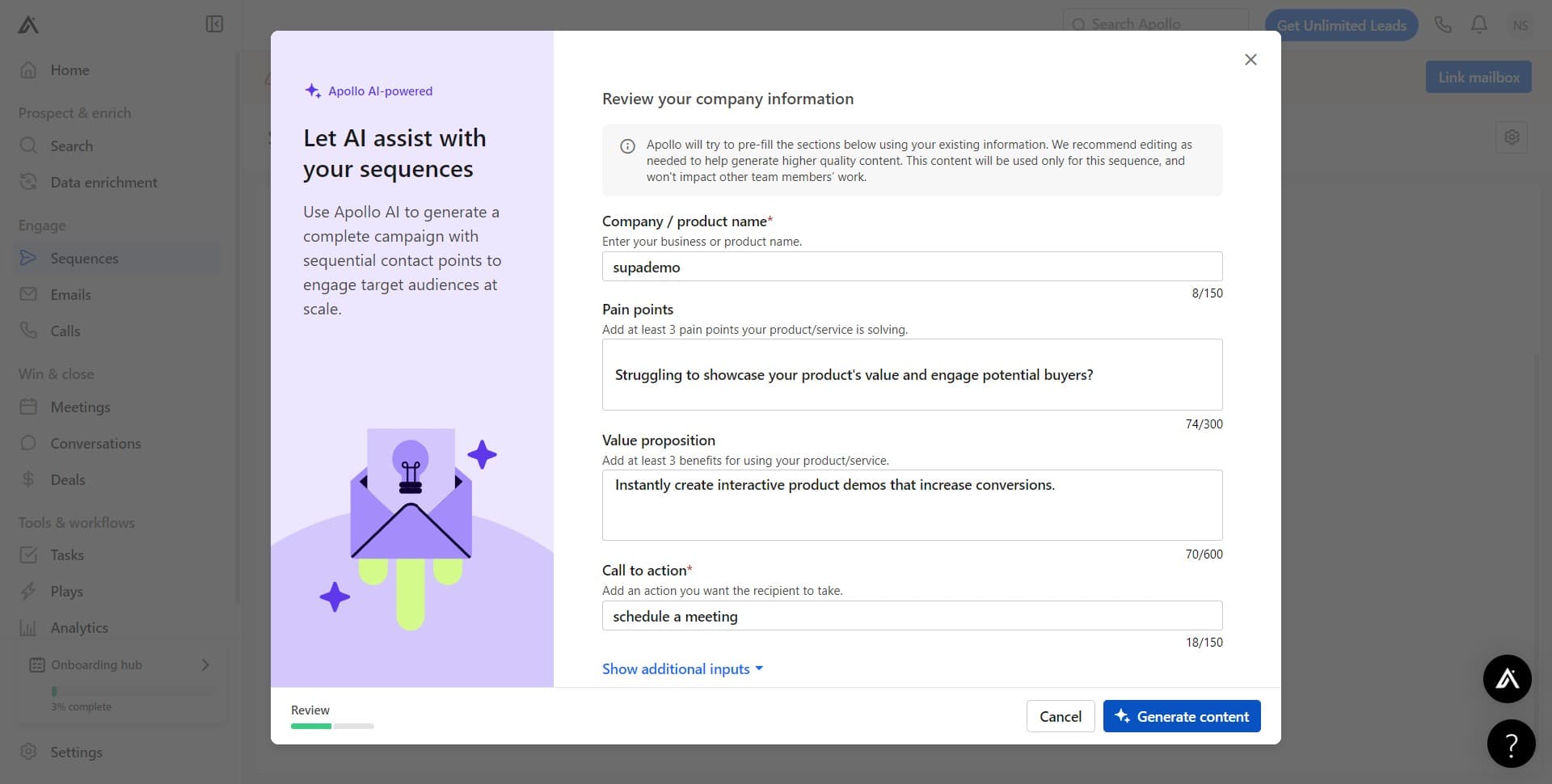
Generate sequence content
Click on "Generate content" to let Apollo's AI create initial email templates and sequences for your campaign. Review the generated content and make any necessary edits to match your brand voice and specific requirements.
- 5
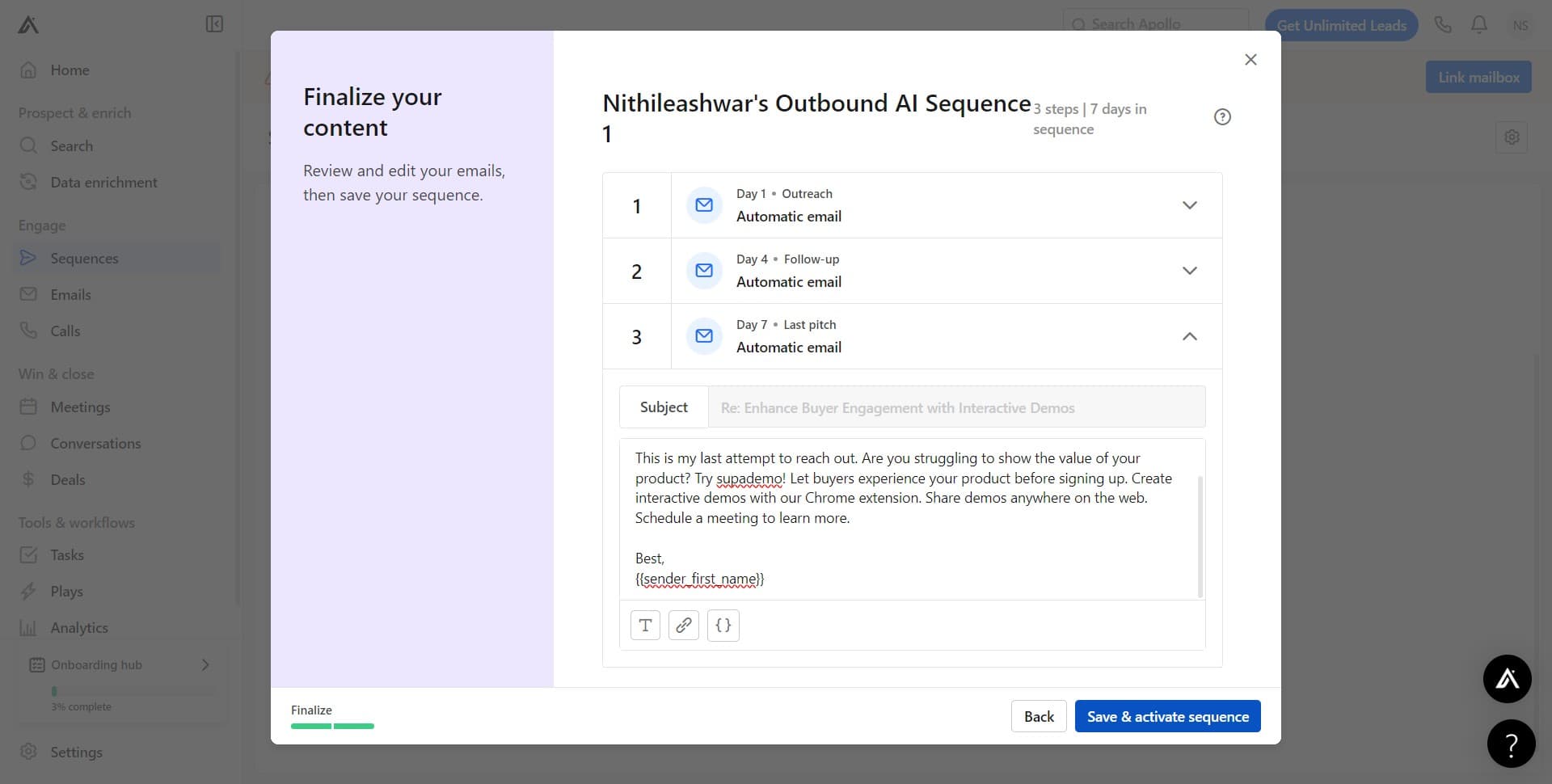
Customize and finalize sequence details
Review all sequence settings, step timing, and content at this stage. Make any final adjustments to ensure the sequence aligns with your outreach strategy before moving to activation.
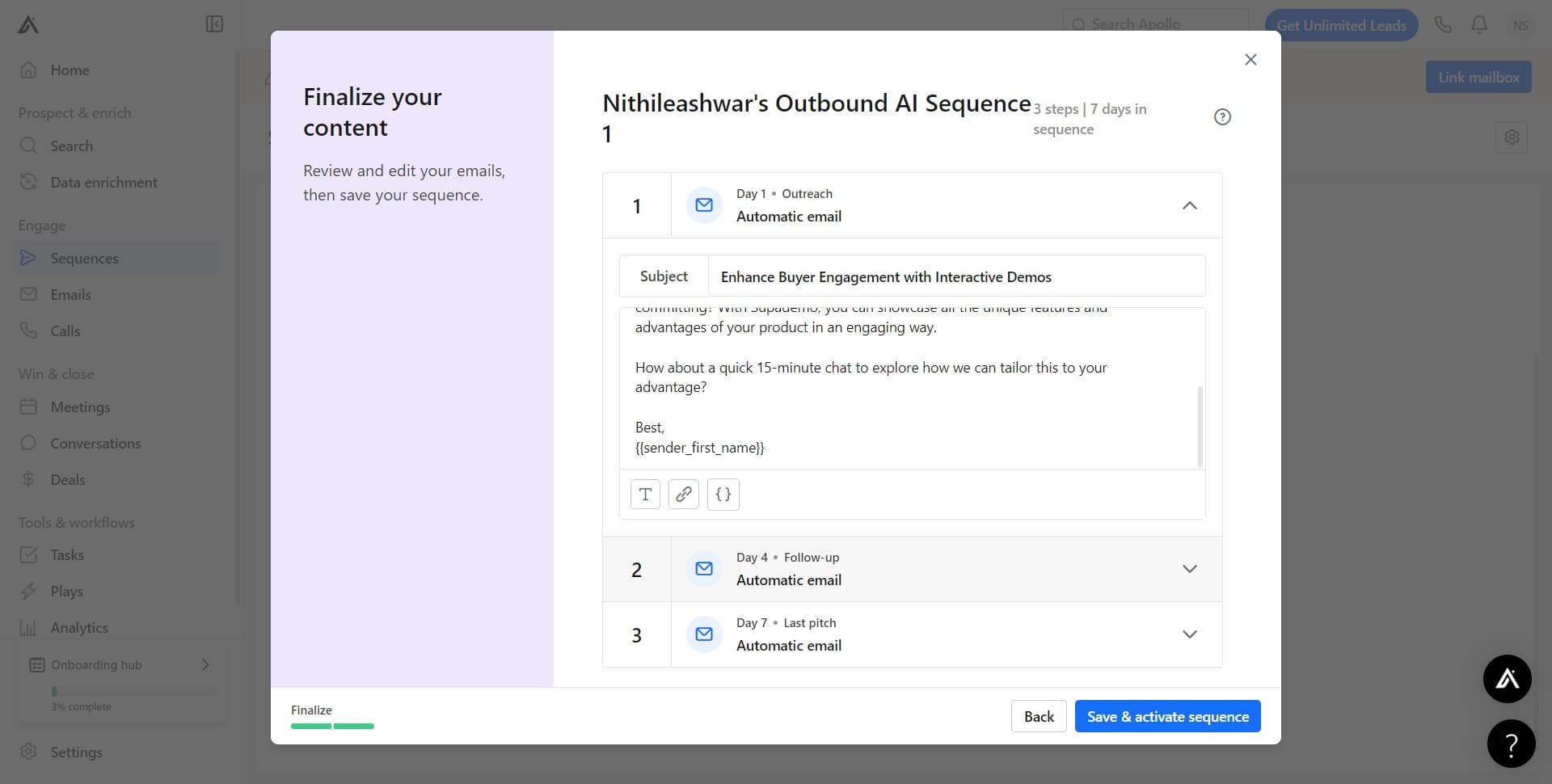
- 6
Activate your sequence
Click on "Save & activate sequence" to finalize and launch your sequence. Once activated, the sequence is ready to begin automatically engaging contacts based on your configured rules and timing.
Frequently asked questions
Common questions about how to create sequences in apollo.io.
Yes, you can make edits to an active sequence in Apollo.io. However, changes typically apply only to new contacts added after the modification. Existing contacts in the sequence will continue following the original sequence path. Always review any changes carefully to ensure they don't disrupt ongoing campaigns.
Apollo sequences support multiple step types including email sends, delays, conditions, tasks, and webhooks. You can combine these elements to create sophisticated multi-touch campaigns that respond to prospect behavior and engagement. The specific options available depend on your Apollo plan.
Apollo's AI analyzes your sequence parameters, prospect information, and campaign goals to generate relevant email copy. The generated content serves as a starting template that you can customize further. Always review and personalize AI-generated content to ensure it reflects your company's voice and specific value proposition.
Apollo allows you to run multiple sequences on the same prospect, but best practices recommend avoiding overlap to prevent message fatigue. Use conditions and rules to ensure prospects flow into the most relevant sequence based on their characteristics or behavior.
Before activating a sequence to your full prospect list, add a small test group to identify any issues with timing, content, or logic flows. Send test sequences to yourself or team members to verify email rendering and message quality. Analyze the results and make refinements before expanding to your broader audience.