How to Join a Calendly Meeting

Joining a Calendly meeting is a straightforward process that ensures you connect to scheduled video conferences without delays. This guide walks you through accessing your Calendly account and launching your meeting with a single click.
Quick summary
In this tutorial, you'll learn how to navigate to your Calendly dashboard, locate your scheduled meeting details, and join a Google Meet video conference directly from your calendar. By following these steps, you'll be able to quickly access any meeting link without searching through email or other platforms.
Why this matters
Being able to quickly join scheduled meetings from Calendly keeps your workflow efficient and reduces the friction of juggling multiple calendar tools. This streamlined process is especially valuable when you're managing back-to-back meetings and need instant access to video conference links.
Step-by-step guide
- 1
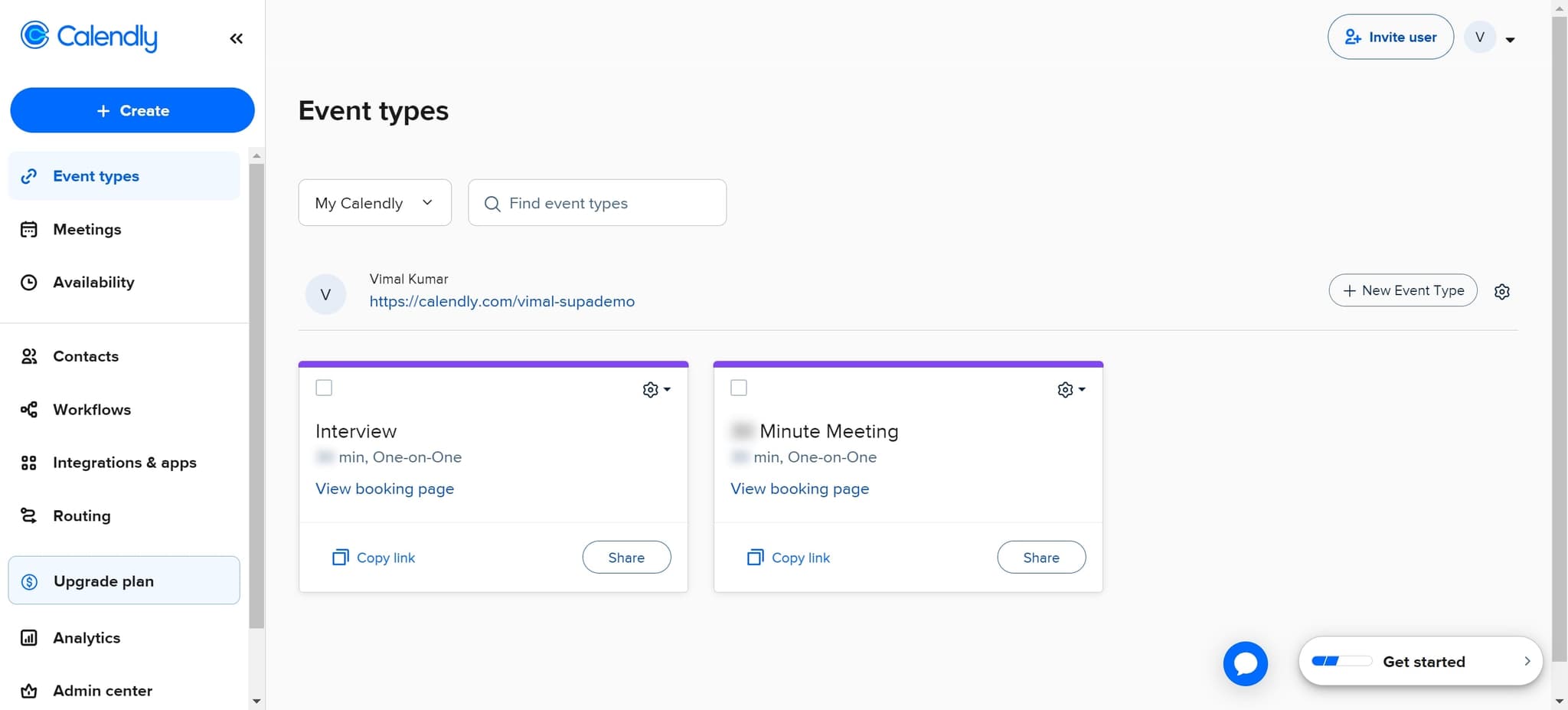
Click on My Calendly
Start by clicking the 'My Calendly' option to access your main Calendly dashboard. This brings up your calendar view where all your scheduled meetings are listed.
- 2
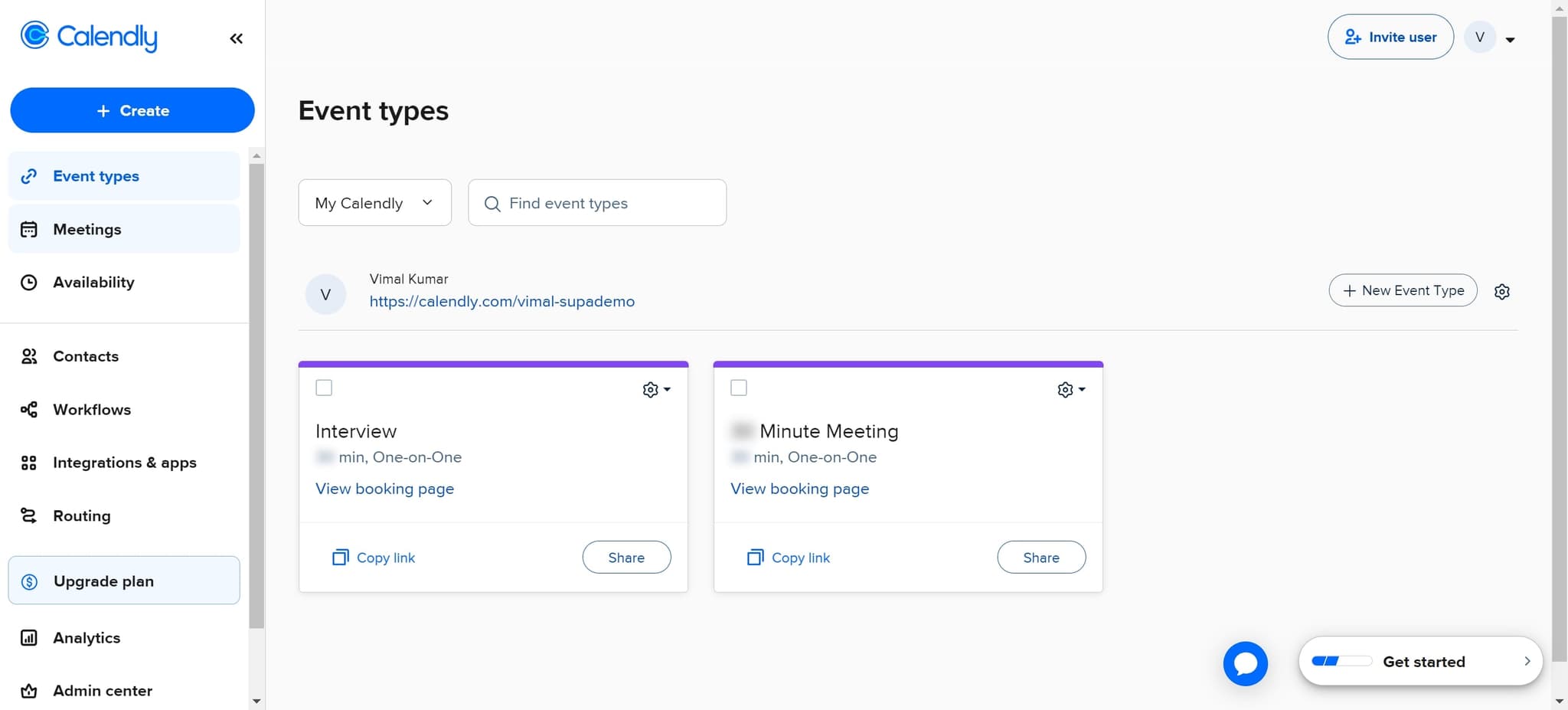
Select your scheduled meeting
Click on the specific meeting you want to join from your calendar view. This highlights the meeting and prepares it for the next action.
- 3
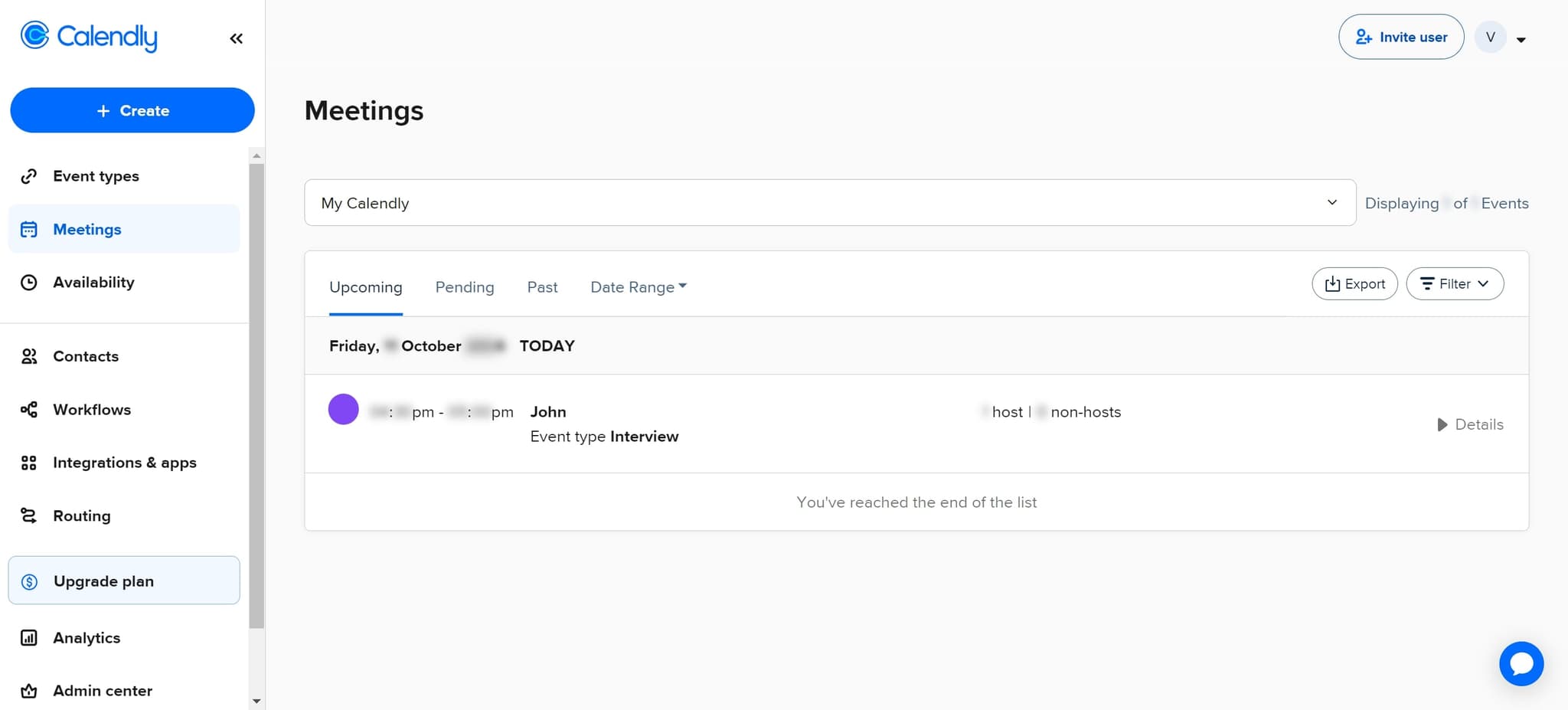
Click on Details
Select the 'Details' option to expand the full meeting information. Here you'll see all relevant meeting information, including the video conference link.
- 4
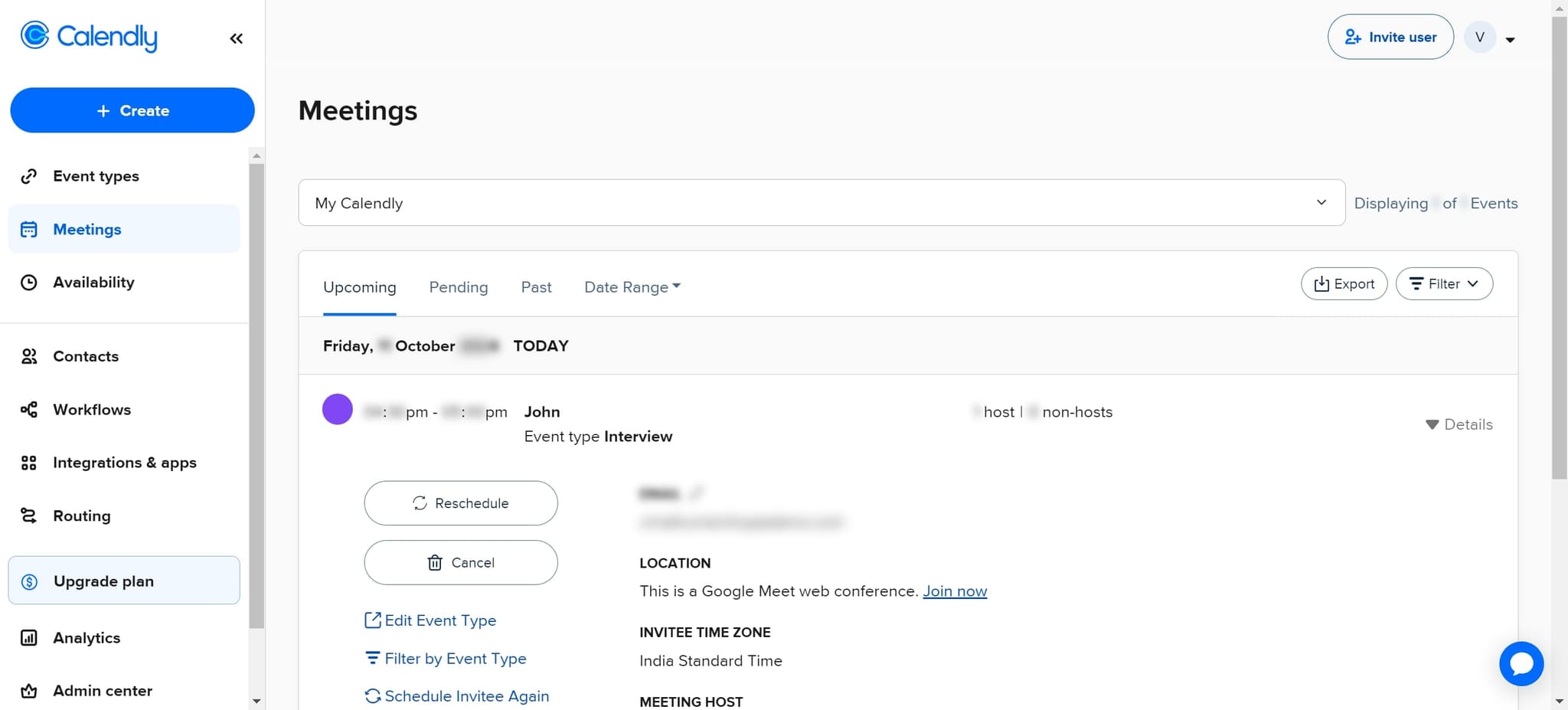
Join the Google Meet conference
Click on 'This is a Google Meet web conference. Join now' to launch the video meeting. Your browser will open the Google Meet session in a new tab or window.
- 5
Return to Calendly if needed
If you need to reference additional meeting details, click on 'Calendly' to return to the meeting information. You can then re-click the Google Meet join link at any time during your meeting.
Frequently asked questions
Common questions about how to join a calendly meeting.
Yes, most Google Meet links from Calendly allow you to join a few minutes early. However, the meeting organizer must have Google Meet enabled in their Calendly settings. Check the meeting details to confirm the exact join window.
The organizer may not have configured Google Meet for that particular meeting type. In this case, look for alternative conference links or contact the organizer for the correct meeting details. Some meetings may use other video platforms like Zoom or Teams.
No, you can join Google Meet as a guest without a Google account. When you click the join link, you'll be prompted to enter your name and may have the option to join without signing in.
Yes, Calendly works on mobile devices through both the web browser and the Calendly app. The process is similar, and you can tap the Google Meet join link to launch the meeting on your phone or tablet.
Try refreshing the page or clearing your browser cache, as this often resolves technical issues. If the problem persists, check your internet connection and ensure you're using a compatible browser. Contact the meeting organizer if the link continues to fail.