How to Generate Follow-Up Emails in Fathom

Fathom's follow-up email generation feature helps you automatically create personalized follow-up messages based on your call recordings and conversations. This capability streamlines your sales and customer success workflows by turning call insights into actionable communication without manual composition.
Quick summary
In this tutorial, you'll learn how to leverage Fathom's AI-powered follow-up email generator to create relevant, contextual emails directly from your recorded calls. You'll discover how to access the feature, customize email tone and content, and send follow-ups that reinforce key discussion points with prospects and clients.
Why this matters
Following up promptly after calls significantly increases conversion rates and strengthens customer relationships. Manually writing follow-up emails is time-consuming and inconsistent, especially when you're managing multiple conversations daily. Fathom's automated generation ensures every call gets a timely, professional follow-up that references specific discussion topics, keeping your pipeline moving efficiently.
Step-by-step guide
- 1
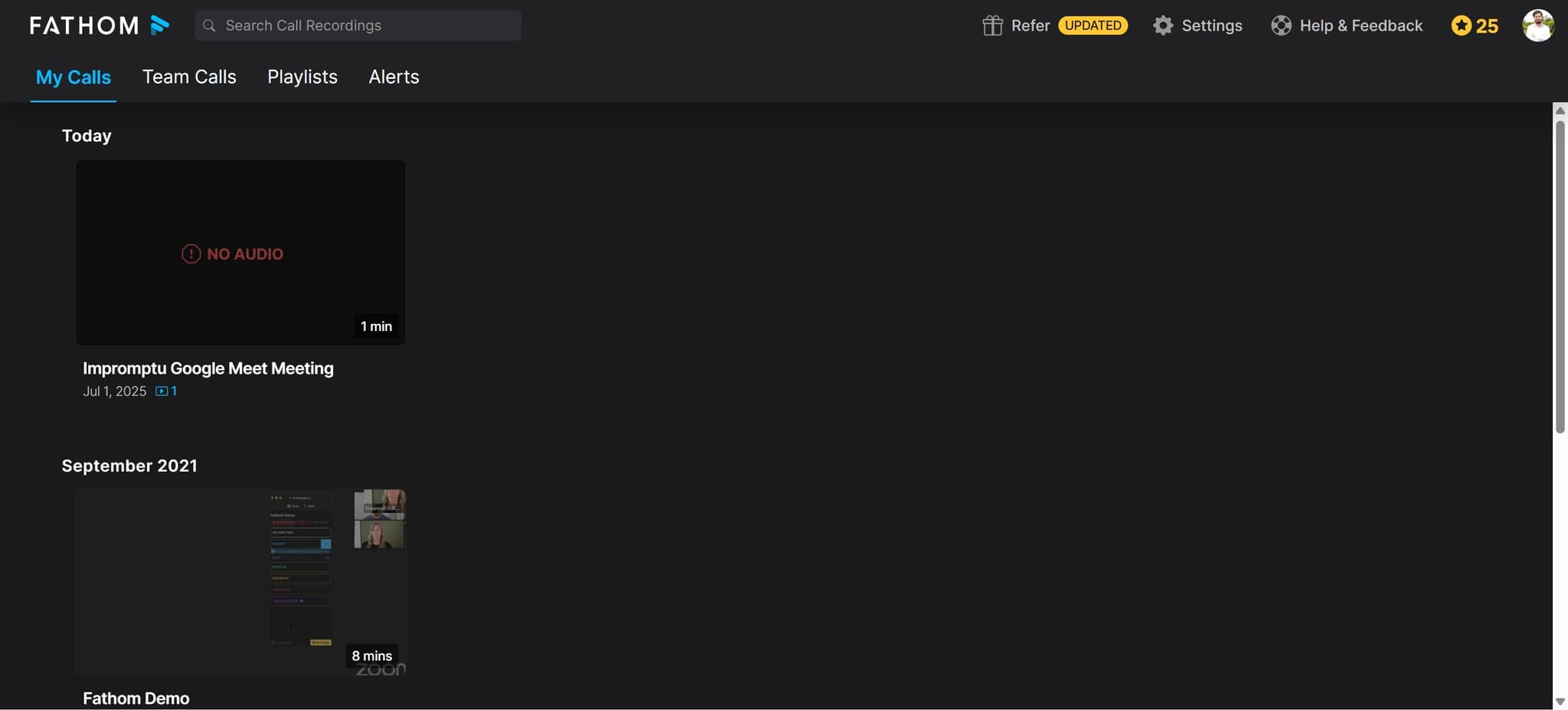
Access your recorded call
Navigate to your Fathom dashboard and select the call recording for which you want to generate a follow-up email. Open the call details to display the transcript and meeting summary.
- 2
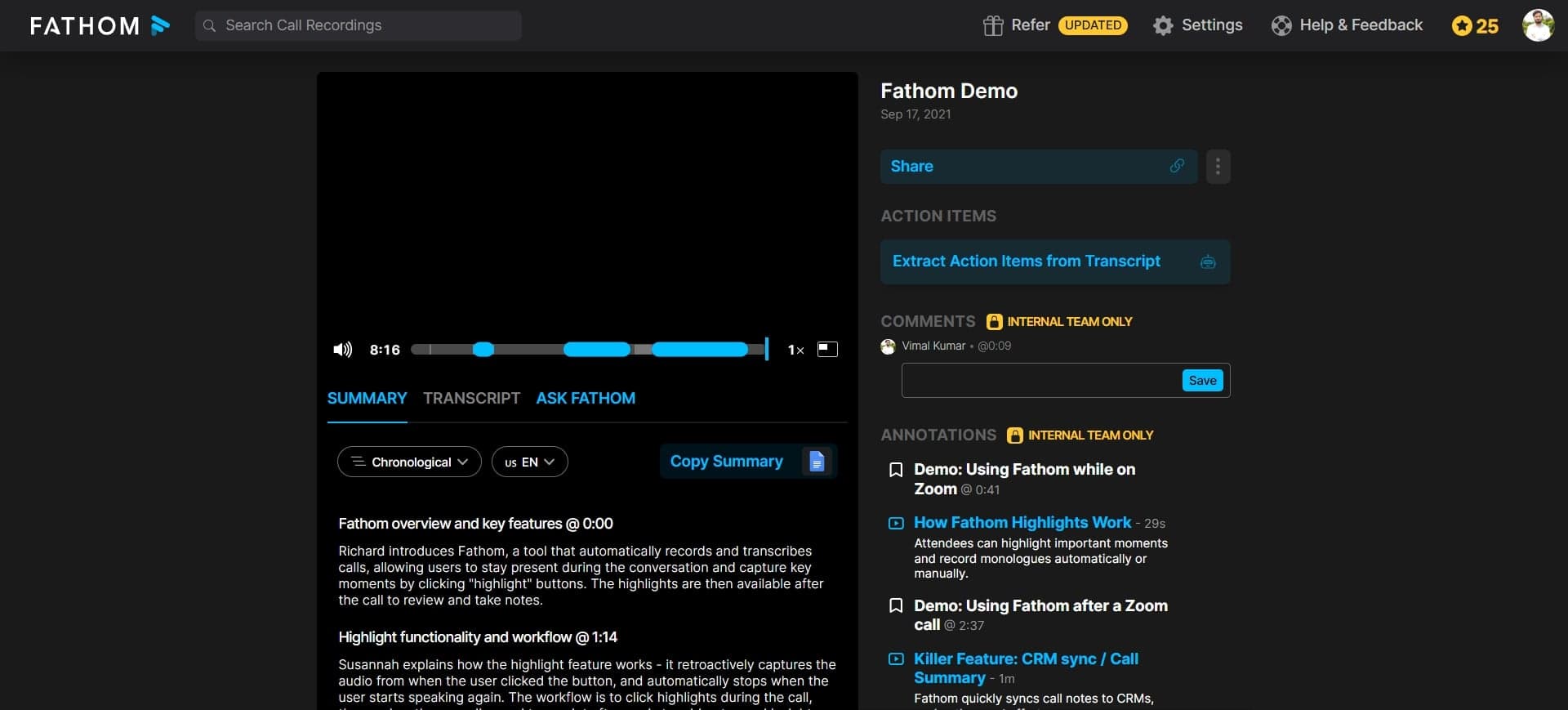
Locate the follow-up email option
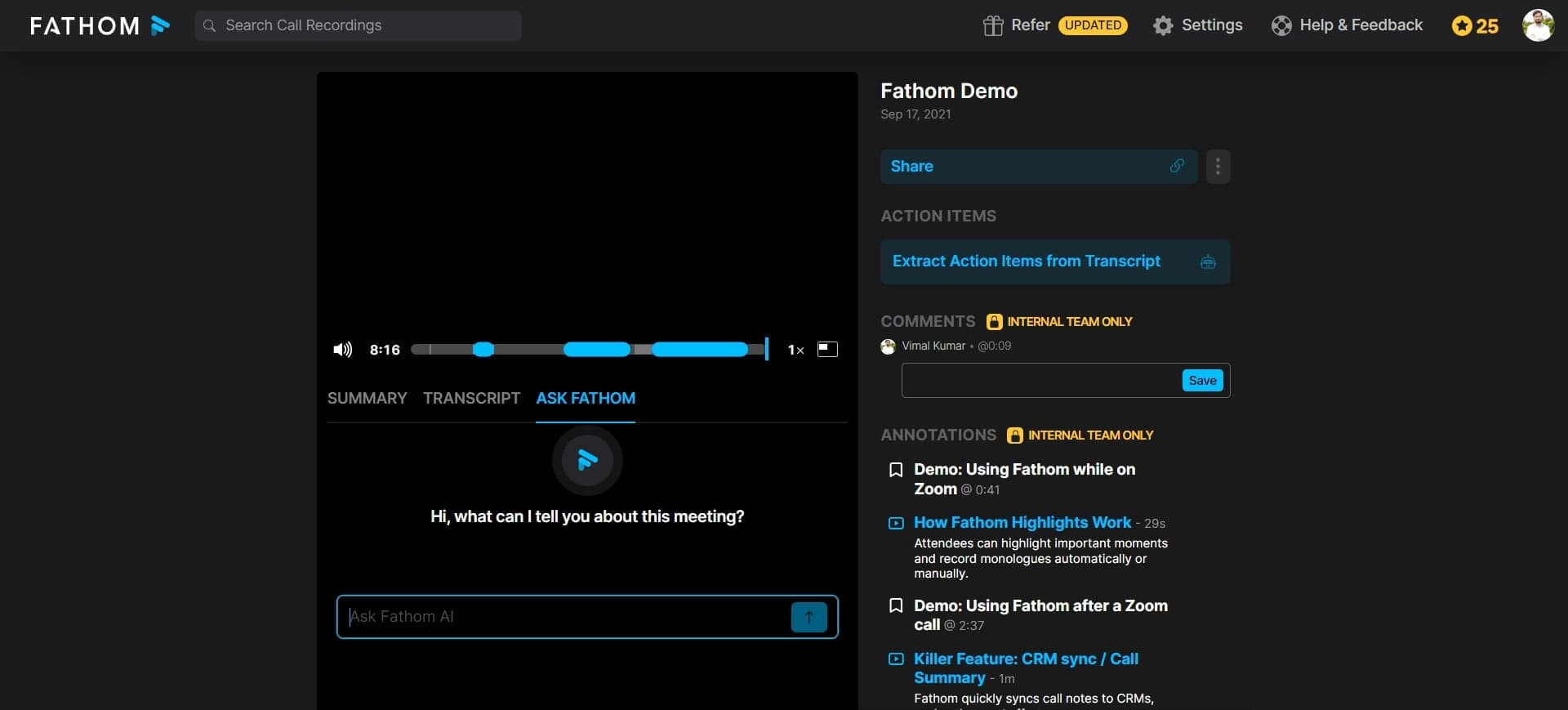
Look for the follow-up email generation feature in the call summary panel or action menu. This is typically available in the toolbar or as a dedicated button within the call interface.
- 3
Review and customize the generated email
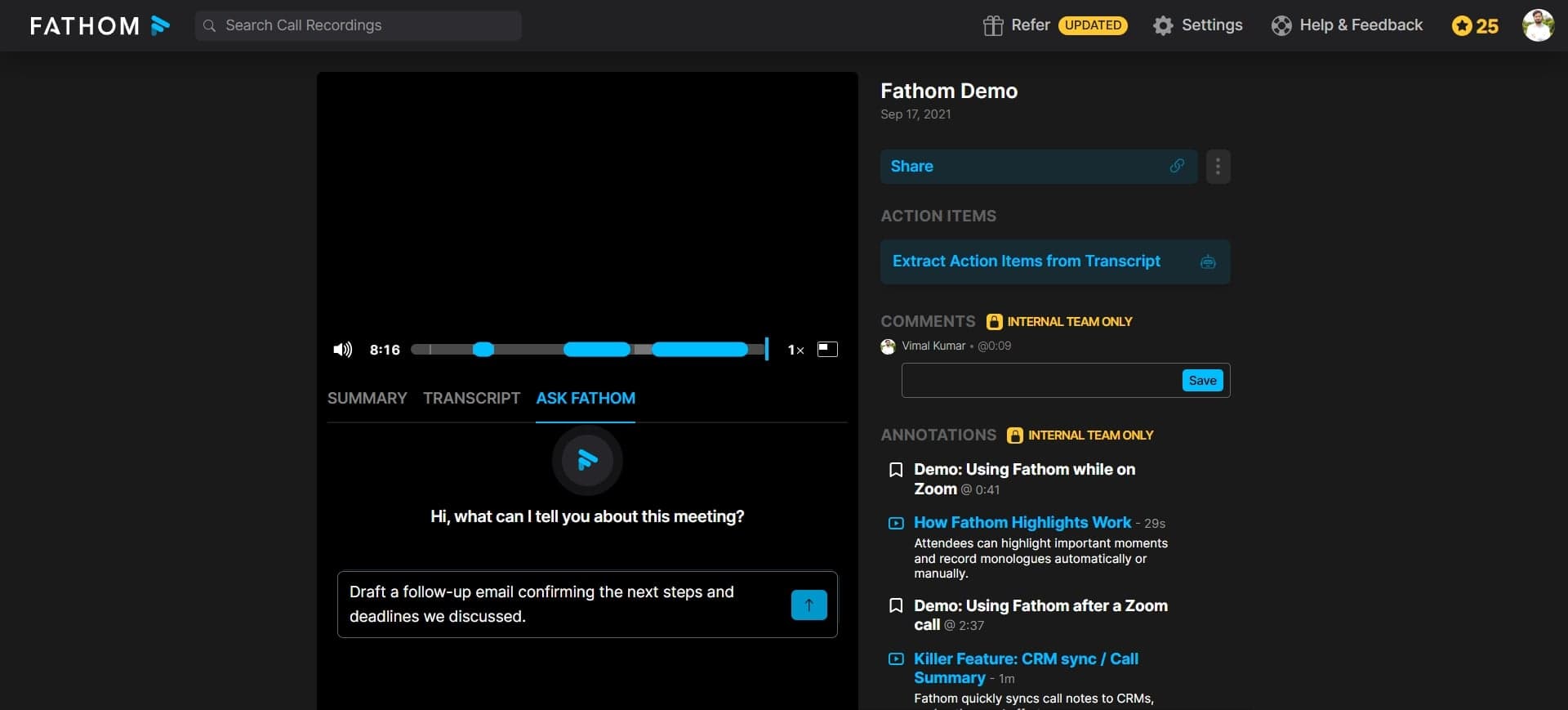
Fathom will generate a draft email based on the call transcript and key discussion points. Review the suggested content, adjust the tone or add specific details as needed to match your style and messaging requirements.
- 4
Send or schedule your follow-up
Once you're satisfied with the email content, choose to send it immediately or schedule it for a later time. Confirm the recipient email address and hit send to deliver your personalized follow-up message.
Frequently asked questions
Common questions about how to generate follow-up emails in fathom.
Yes, Fathom provides a full editing interface for the generated email. You can modify the subject line, body text, tone, and specific talking points before sending to ensure the message aligns perfectly with your communication style and goals.
Fathom's AI analyzes key discussion points and decisions from the call transcript to create relevant follow-up content. It focuses on actionable items and important details rather than the entire conversation, ensuring the email remains concise and focused.
Yes, you can schedule follow-up emails to send at a specific date and time. This feature helps you maintain consistent follow-up timing and ensures emails are sent when your prospects are most likely to engage.
Fathom allows you to customize the tone and structure of generated emails during the editing phase. You can adjust formality level, add your company branding, and modify content to match your preferred communication style or template framework.
Fathom's follow-up email generation works with recorded calls from various platforms and call types, including sales calls, customer support interactions, and internal meetings. The quality of the generated email depends on call clarity and the completeness of the discussion.