How to create a Deal in HubSpot

Creating deals in HubSpot is a fundamental task for sales teams managing their pipeline and tracking opportunities. This guide walks you through the exact steps needed to set up a new deal from scratch in HubSpot's CRM interface.
Quick summary
In this tutorial, you'll learn how to navigate to HubSpot's Deals section and create a new deal using the platform's built-in creation tools. By following these steps, you'll be able to add opportunities to your sales pipeline quickly and efficiently.
Why this matters
Deals represent revenue opportunities in your sales pipeline, making them essential for forecasting, tracking progress, and managing your team's sales activities. Creating deals consistently ensures accurate pipeline visibility and helps your team stay organized around potential revenue.
Step-by-step guide
- 1
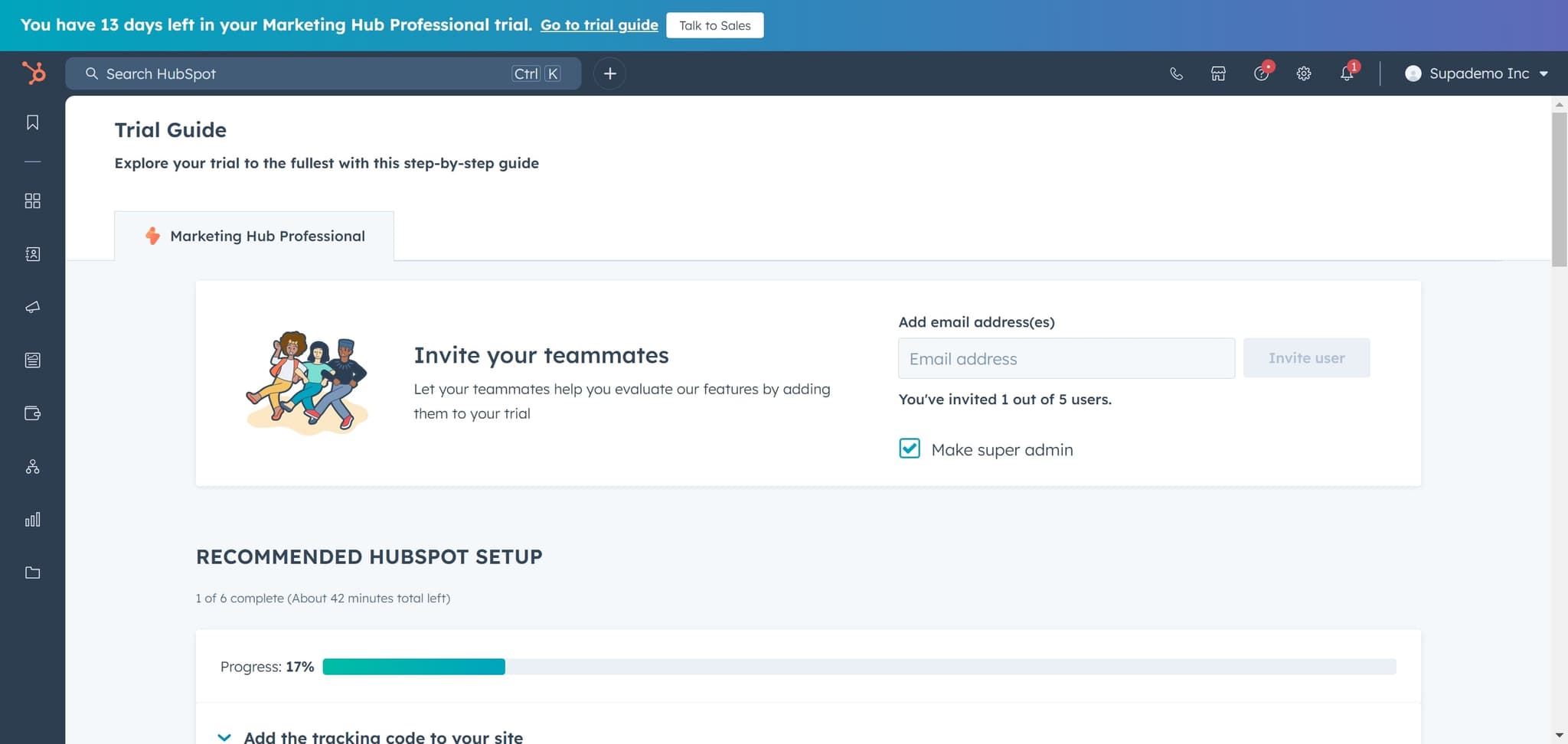
Click on Trial Guide
Start by clicking the 'Trial Guide' option to access HubSpot's guided interface. This provides an organized entry point to the platform's core features.
- 2
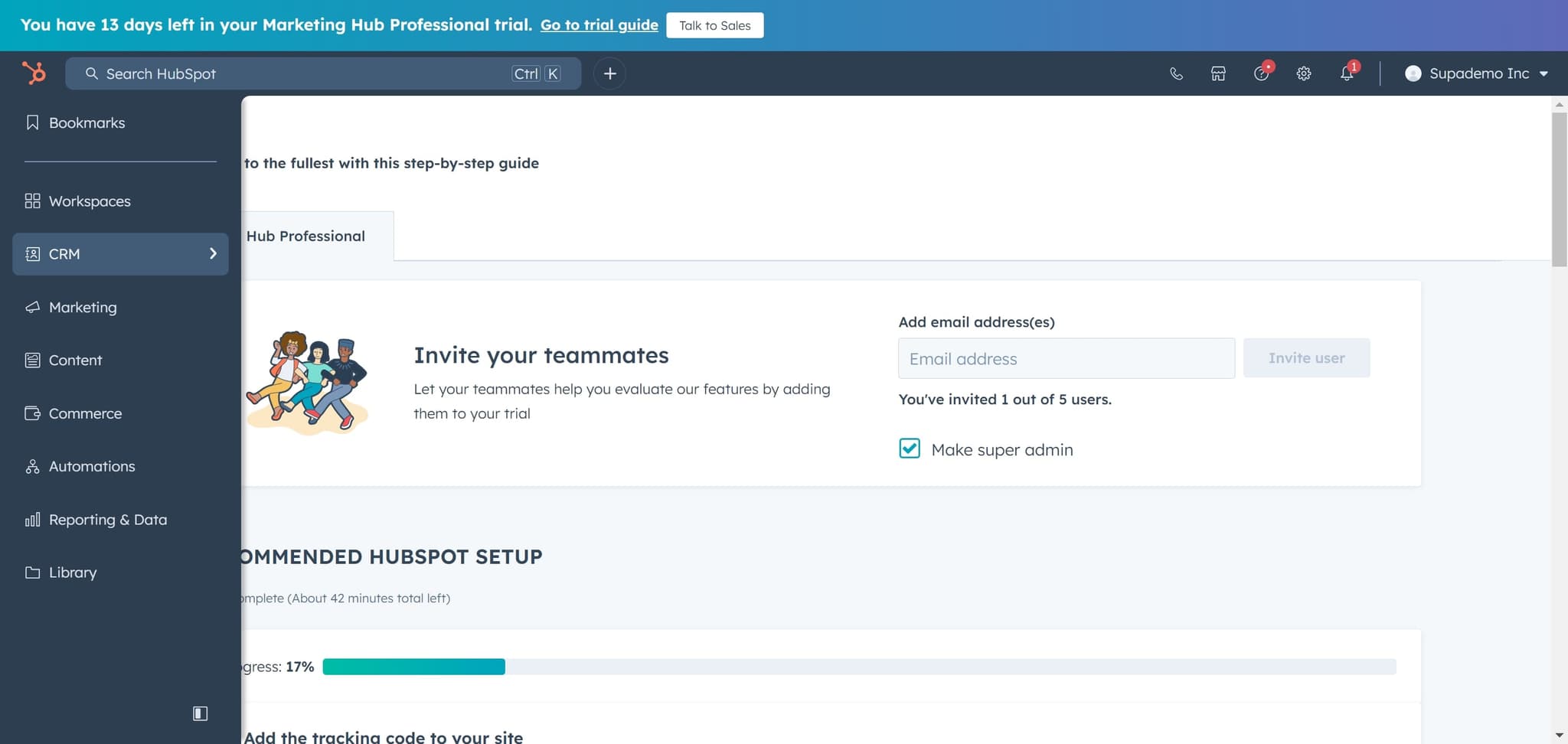
Click on CRM
Select 'CRM' from the menu to access the Customer Relationship Management module. This is where all sales and customer data is managed in HubSpot.
- 3
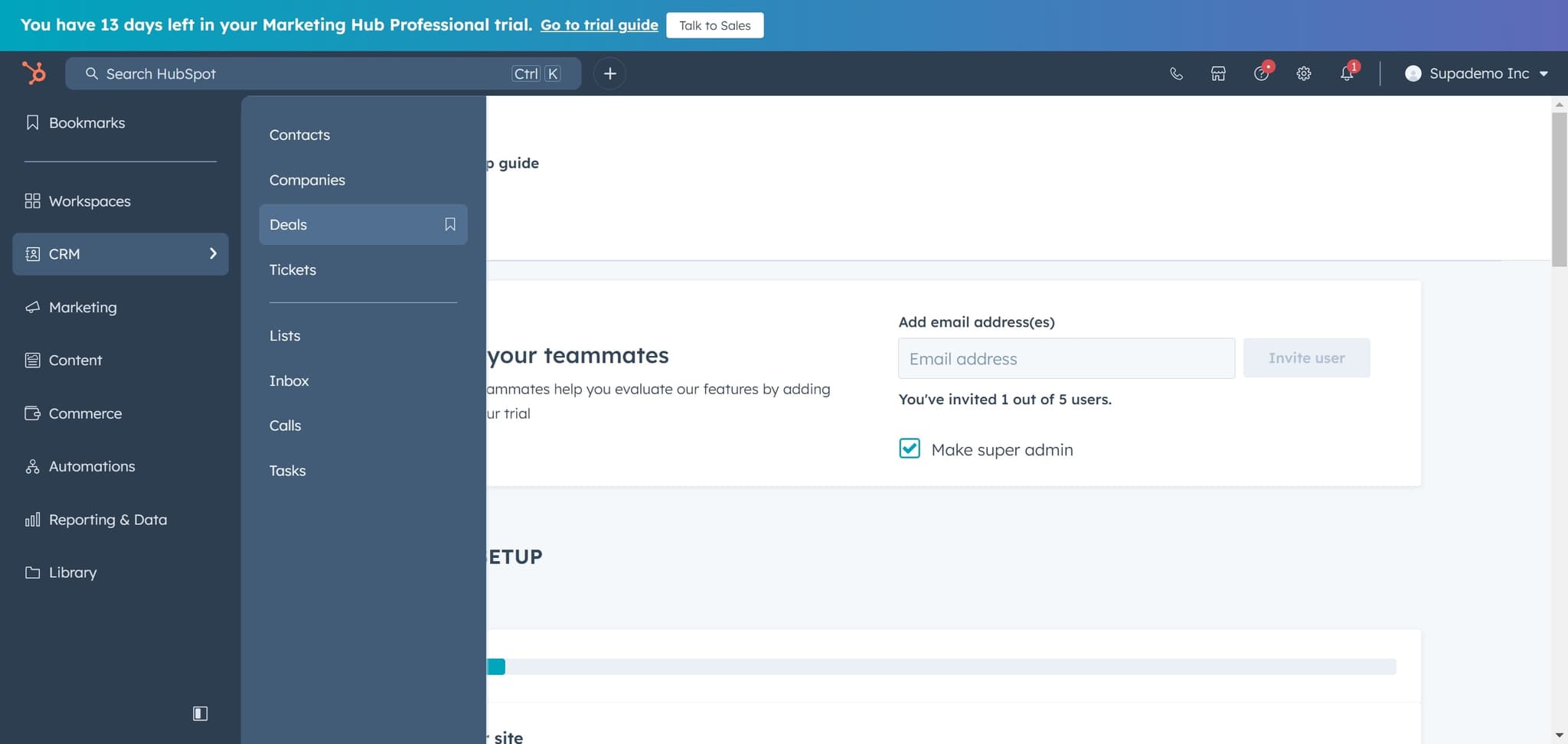
Navigate to Deals section
Click on 'Deals' to view your deals dashboard and access deal management tools. You'll see your existing deals and options to create new ones.
- 4
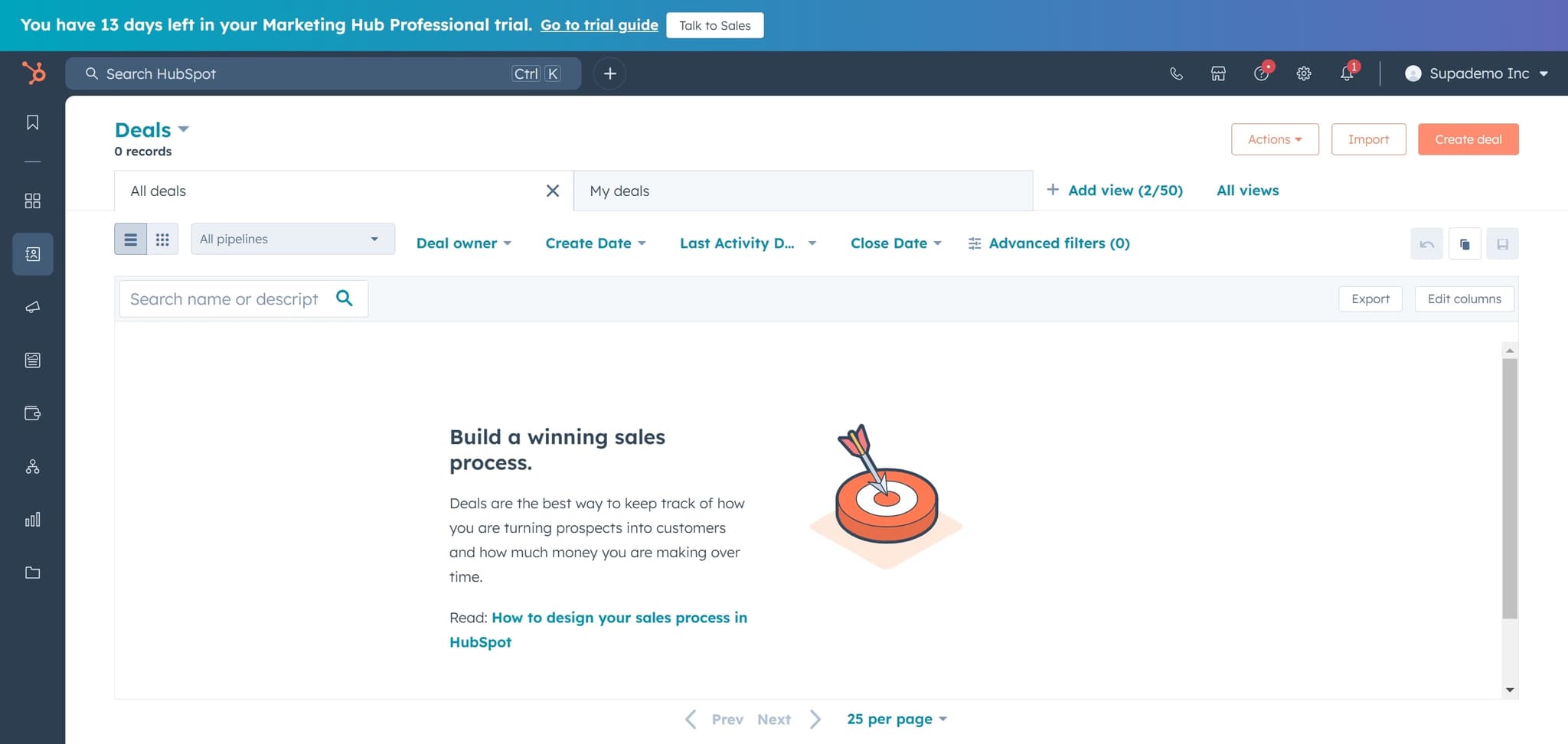
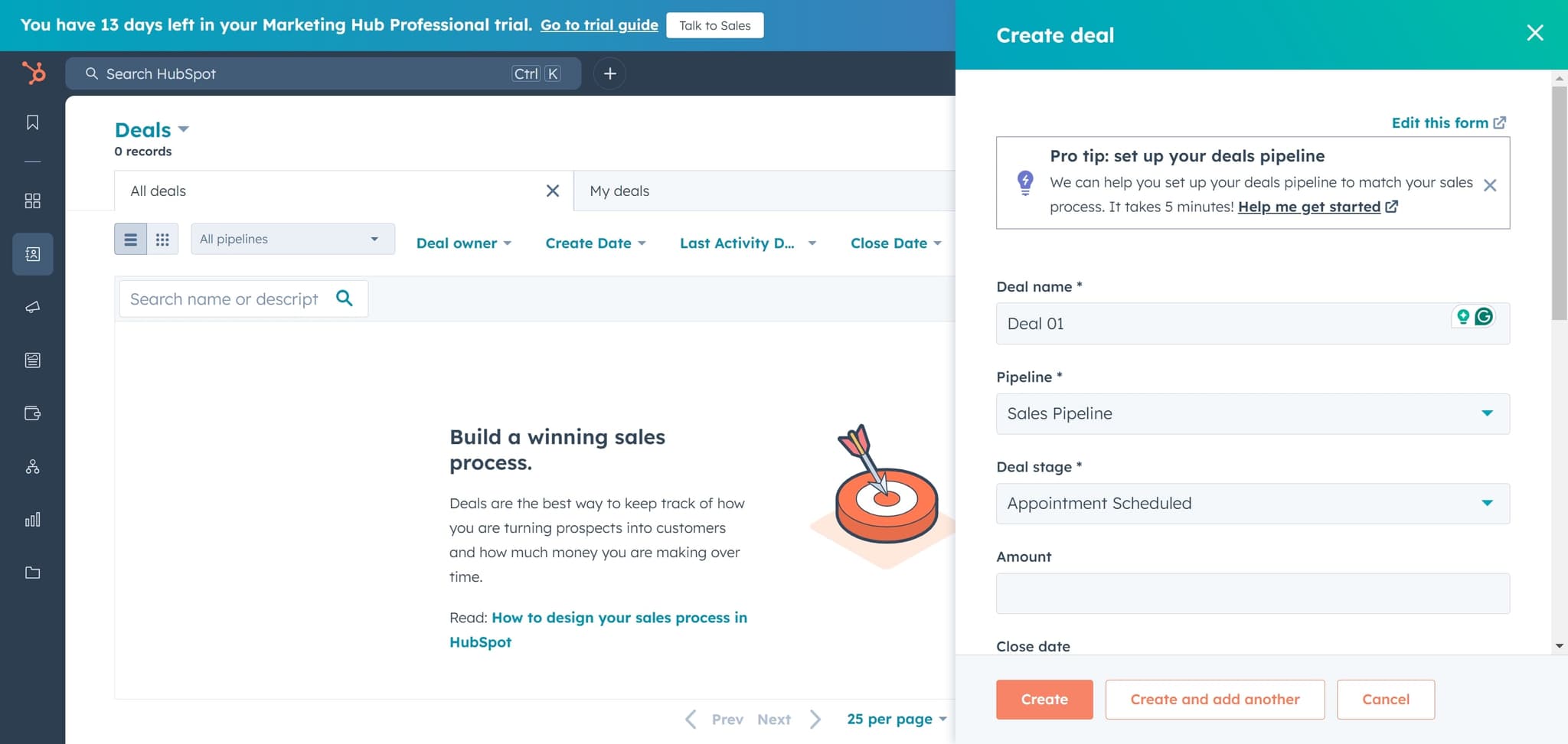
Click Create deal
Select the 'Create deal' button to open the deal creation form. This will prompt you to enter information about the new sales opportunity.
- 5
Click Create button
Click the final 'Create' button to confirm and save your new deal. Your deal will now appear in your deals list and pipeline.
Frequently asked questions
Common questions about how to create a deal in hubspot.
At minimum, HubSpot requires a deal name to create a deal. You can optionally add details like deal value, close date, pipeline stage, and associated company or contact information. You can always edit these details after creation.
Yes, you can create deals from multiple locations in HubSpot, including the Deals section, company records, and contact records. The most direct route is through the dedicated Deals section in your CRM.
Once created, your deal appears in your pipeline and deals list. You can then add more details like associated contacts or companies, set pipeline stages, and track progress toward closing.
Yes, HubSpot allows you to customize deal properties and pipelines through your settings. You can add custom fields and create multiple pipelines tailored to different sales processes or teams.
No, there is no limit to the number of deals you can create in HubSpot. The number of deals you can store depends on your subscription plan and available storage.