How to Delete a HubSpot Account

Deleting a HubSpot account is a significant decision that permanently removes your account and associated data from the platform. This guide walks you through the account deletion process step-by-step, ensuring you understand each action required to complete the removal.
Quick summary
In this tutorial, you'll learn how to navigate to your account settings and permanently delete your HubSpot account. You'll discover where the deletion option is located and what confirmations are needed to finalize the process.
Why this matters
Account deletion is important when you no longer need HubSpot's services or want to consolidate your business tools. Understanding this process ensures you can cleanly exit the platform and avoid unexpected charges or data retention issues.
Step-by-step guide
- 1
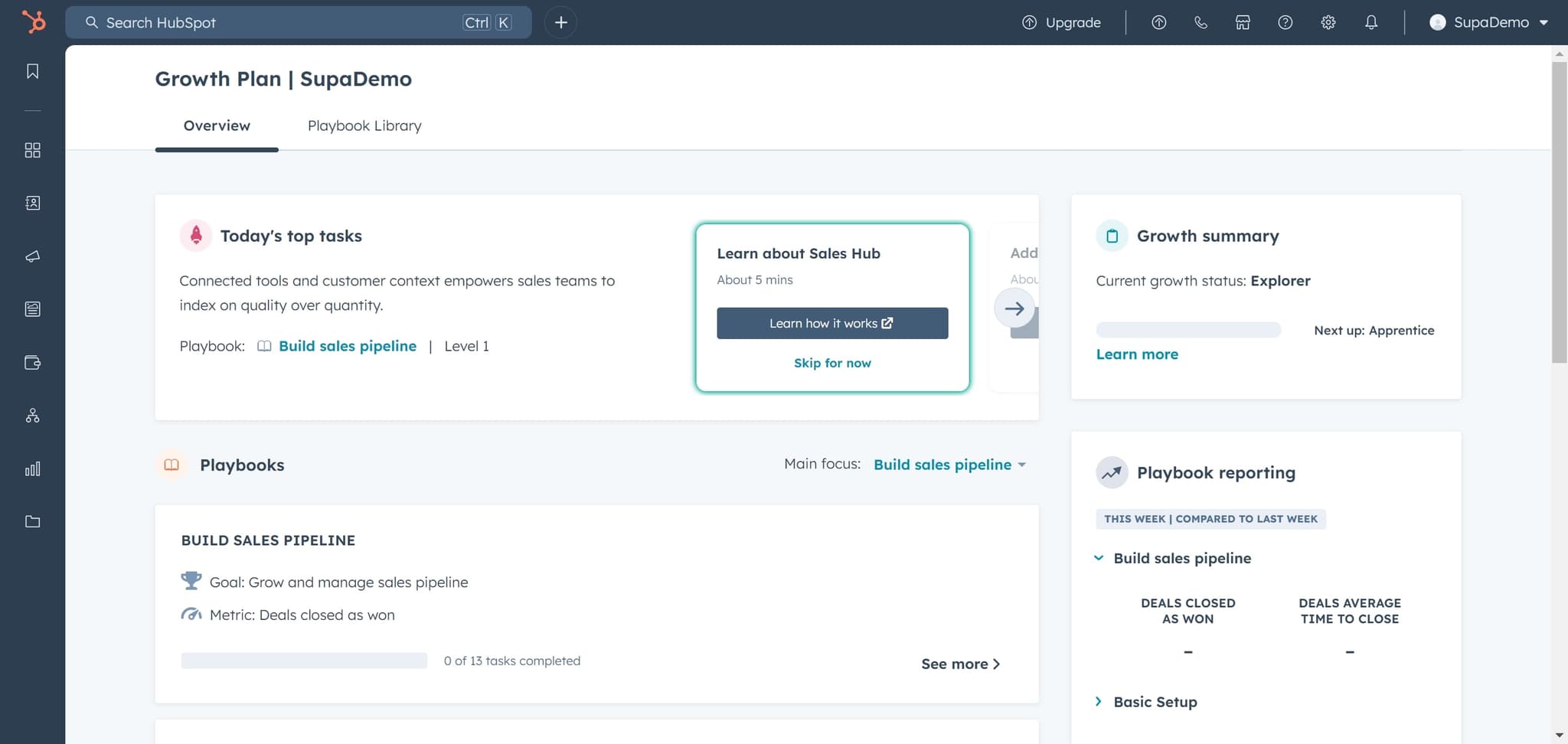
Click on Overview
Start by clicking the Overview option in your HubSpot dashboard. This takes you to your main account dashboard where you can access broader account settings.
- 2
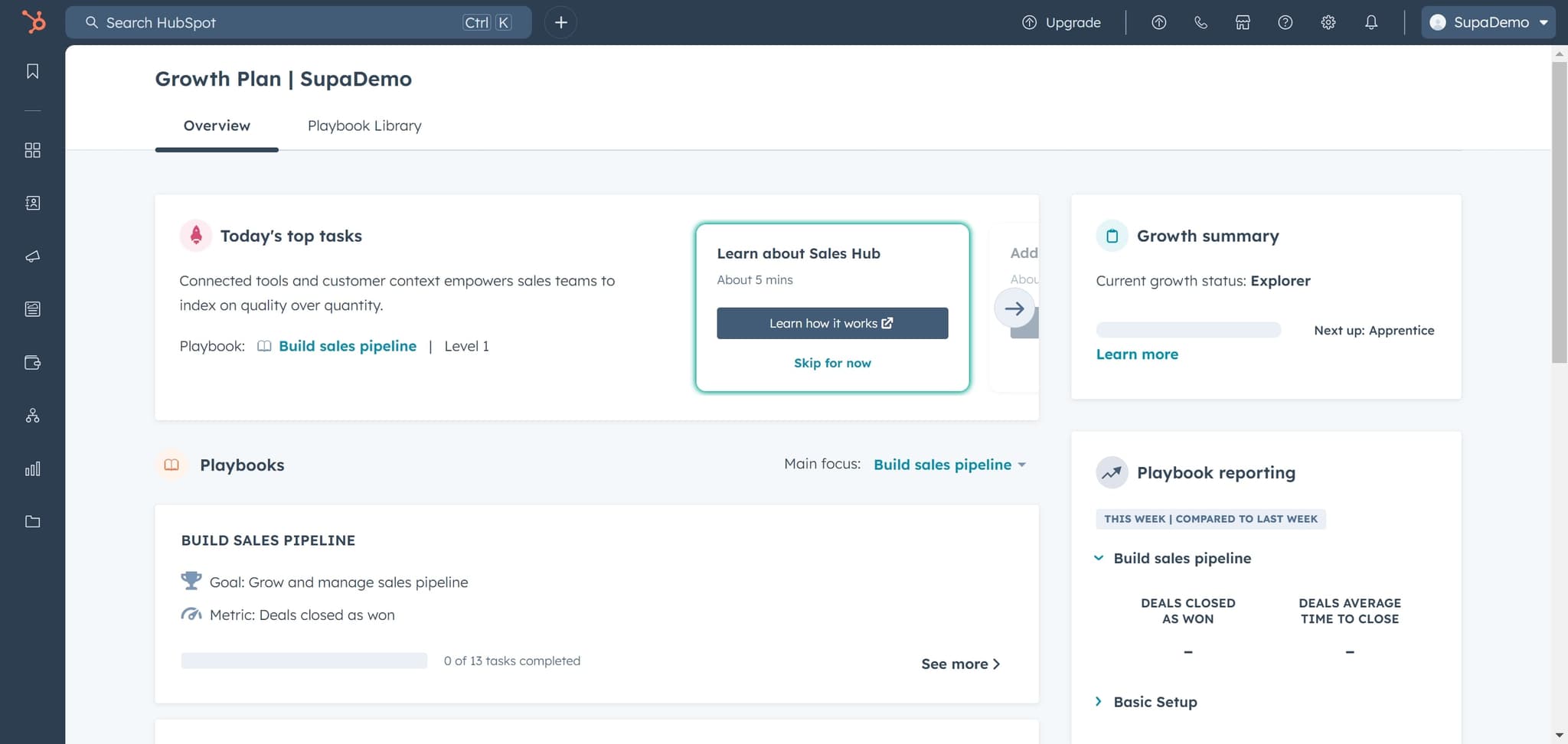
Click on SupaDemo
Next, click on the SupaDemo option in your account menu. This selection directs you to the account-specific settings area where administrative options are available.
- 3
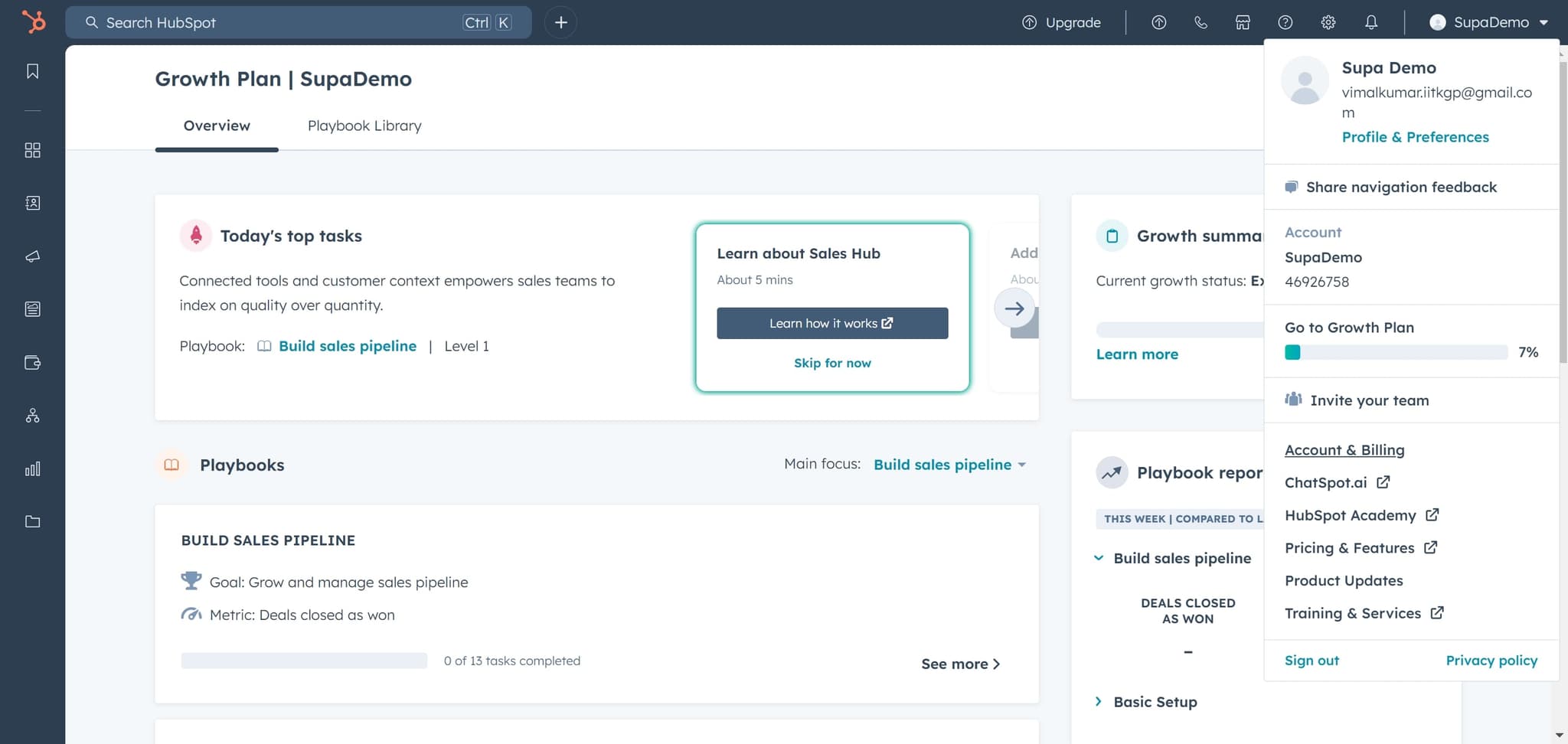
Click on Account & Billing
Select Account & Billing from the menu. This section contains all account management options, including billing information and account administration controls.
- 4
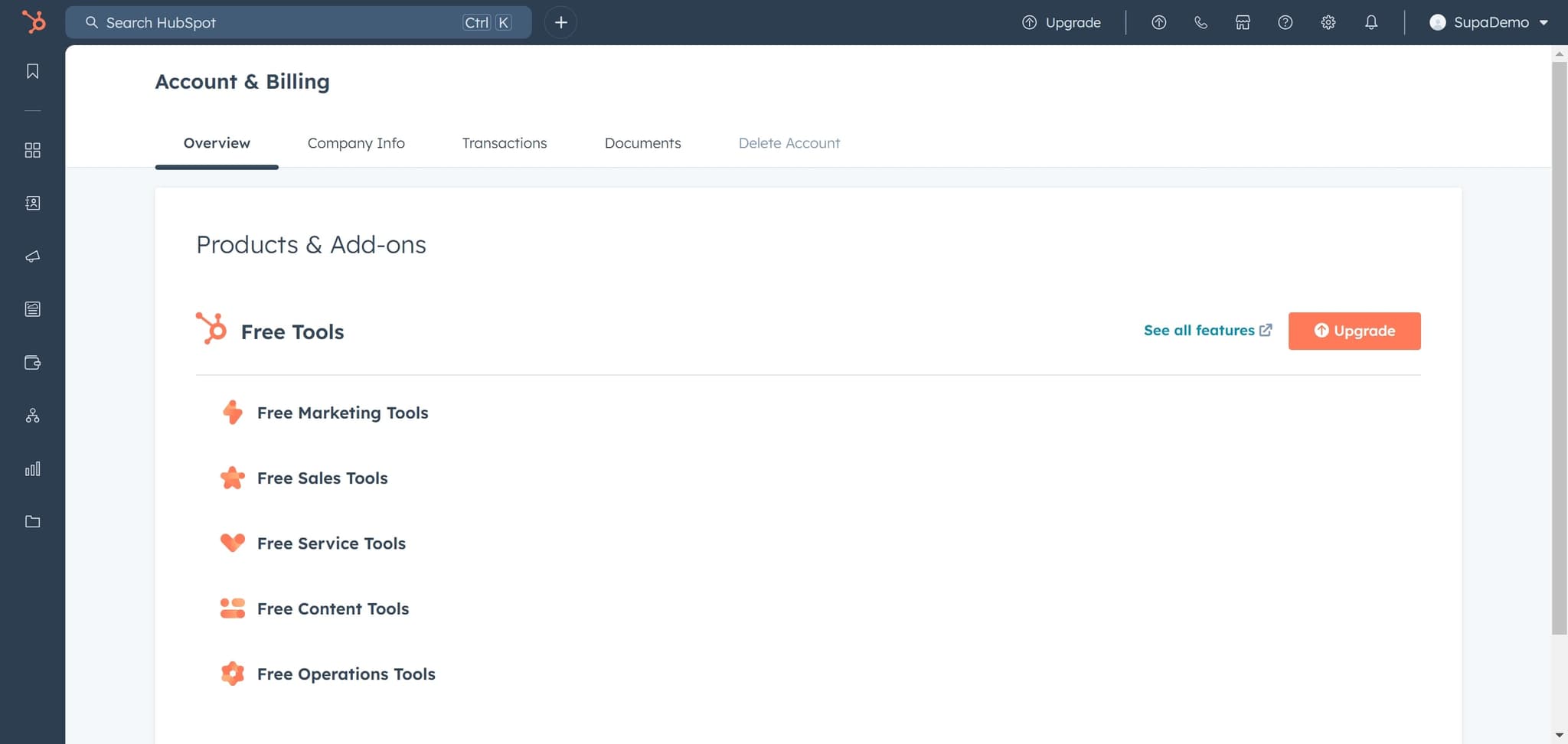
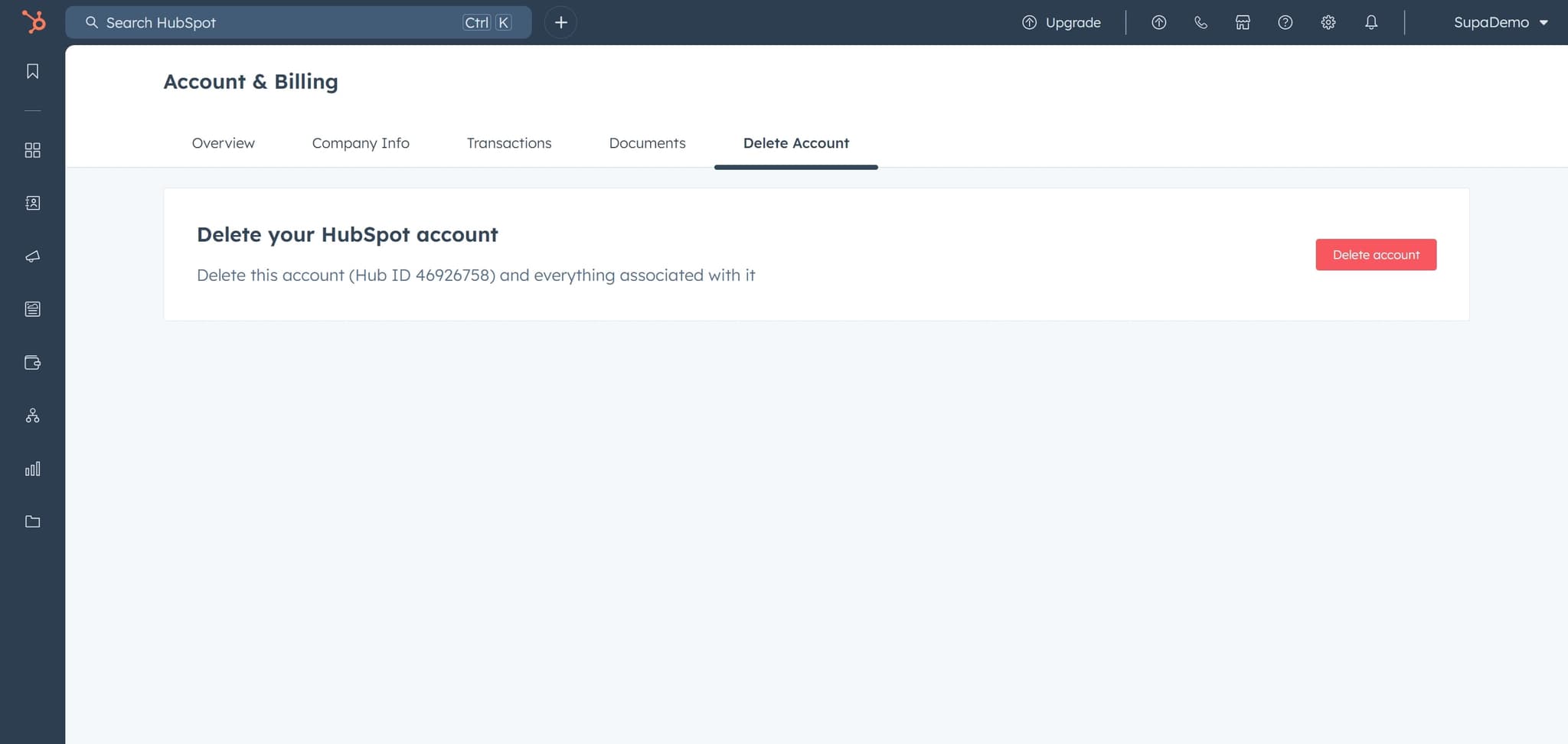
Click on Delete Account
Locate and click the Delete Account option in the Account & Billing section. This action opens the account deletion interface where you can proceed with removal.
- 5
Click on Delete account confirmation
Click the Delete account button to confirm your initial deletion request. HubSpot will present additional confirmation steps to ensure this is an intentional action.
- 6
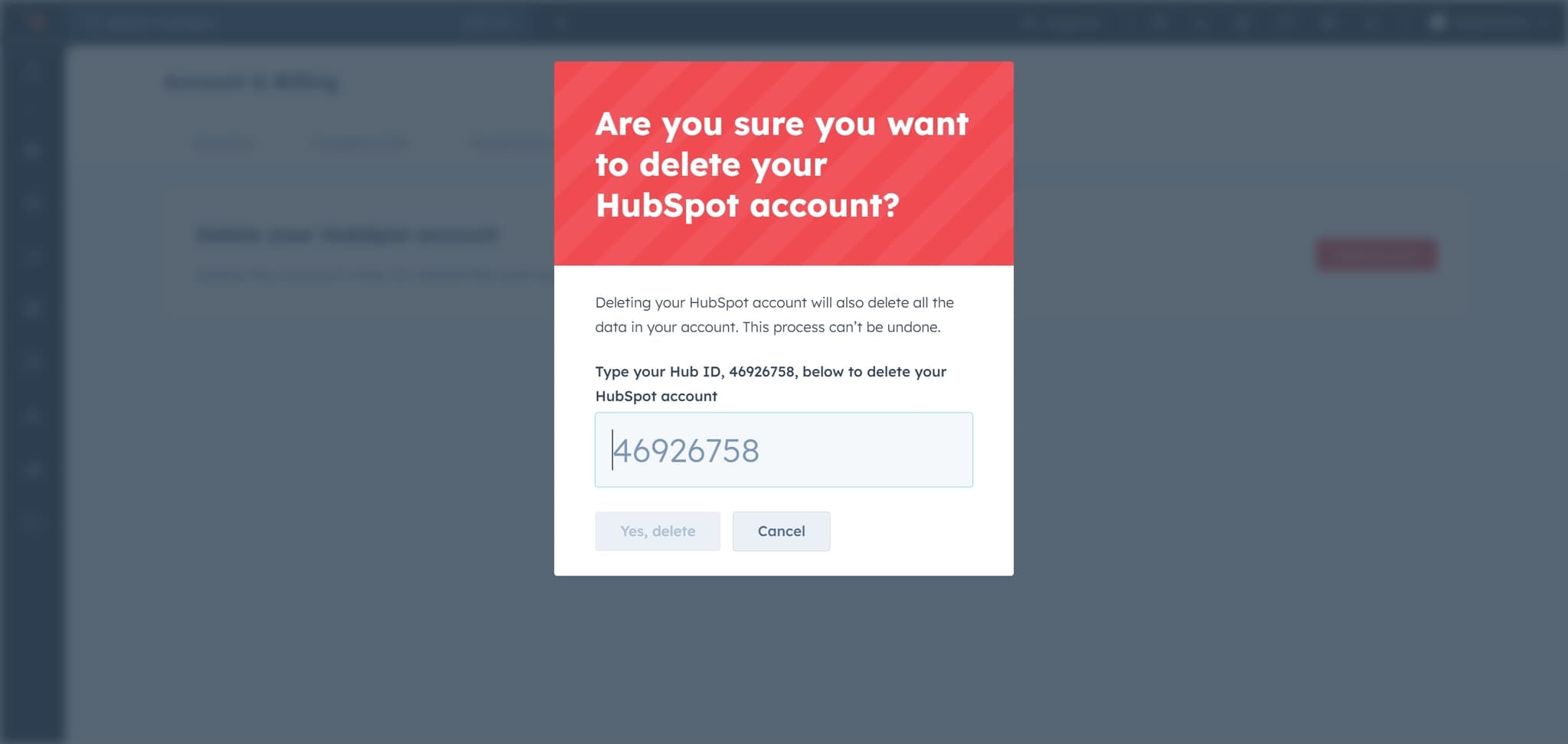
Click on the verification element
Click on the required verification element that appears on the screen. This step may involve confirming your identity or acknowledging the permanence of account deletion.
- 7
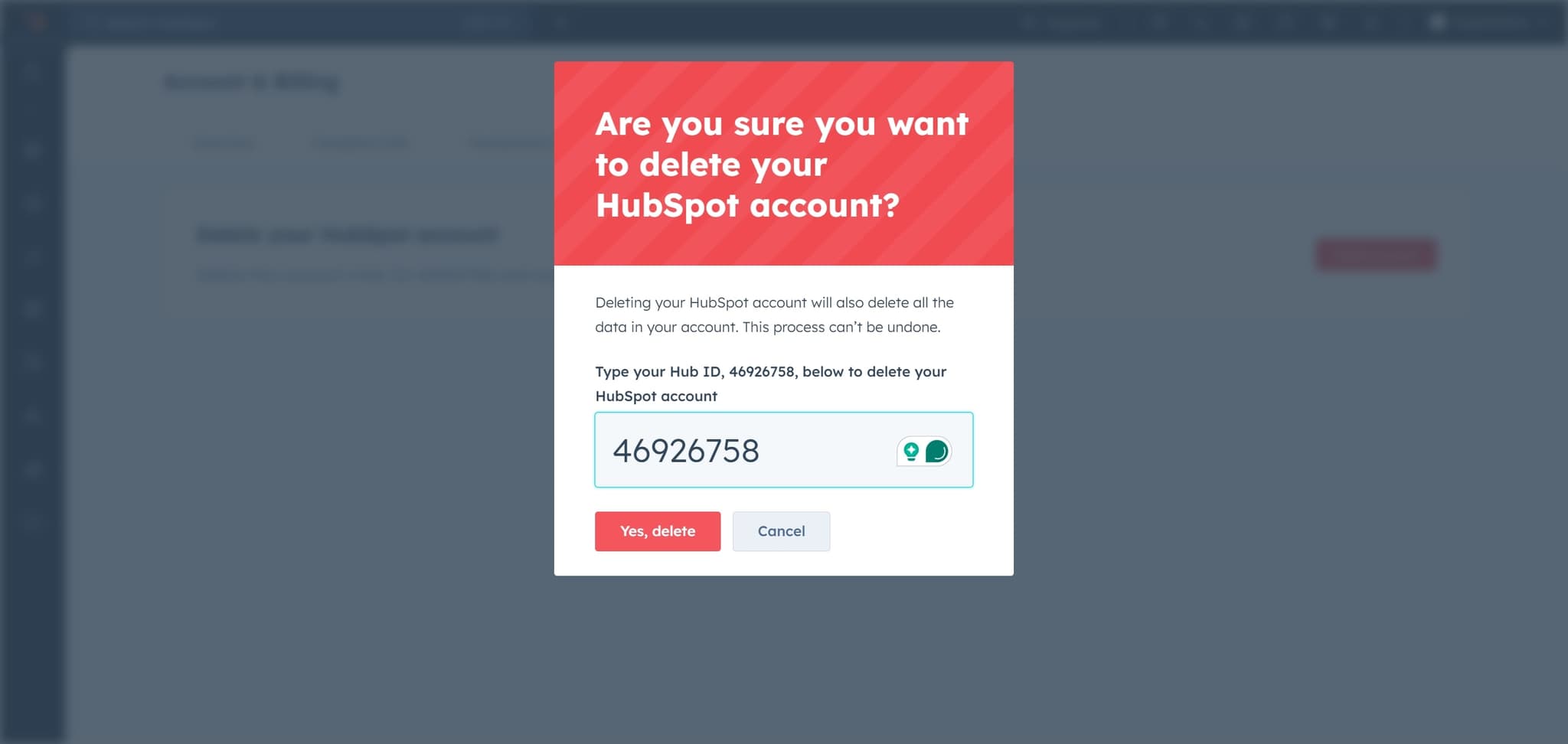
Click Yes, delete to confirm
Click the Yes, delete button to finalize your account deletion request. This is the final confirmation step that will permanently remove your HubSpot account.
- 8
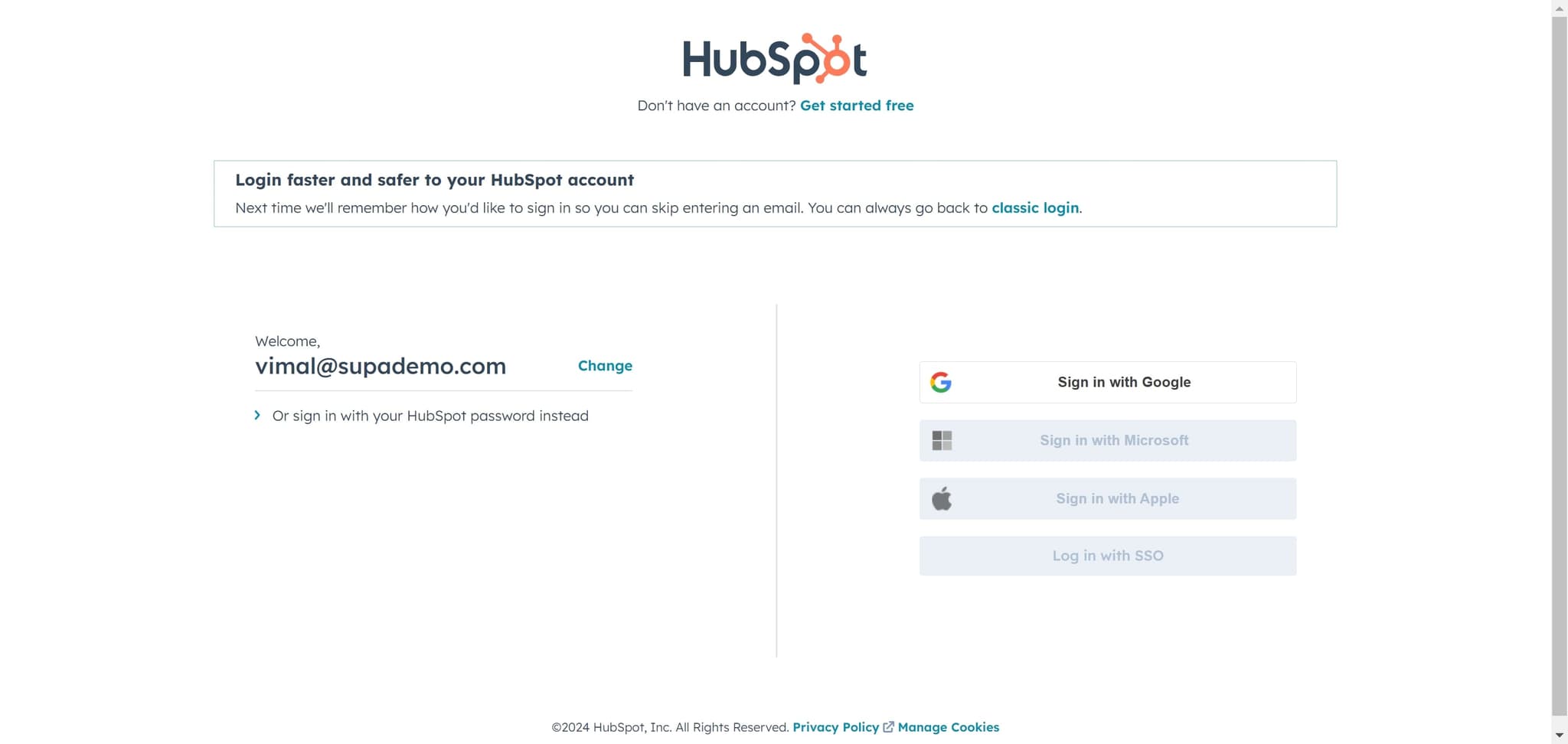
Complete the deletion process
Click the final element to complete the account deletion. Your HubSpot account and all associated data will now be permanently removed from the platform.
Frequently asked questions
Common questions about how to delete a hubspot account.
No, account deletion is permanent and cannot be reversed. Once deleted, your account and all associated data will be completely removed from HubSpot's servers. If you think you might need your data in the future, consider exporting it before proceeding with deletion.
All contacts, emails, deal information, and other data stored in your HubSpot account will be permanently deleted. Before deleting your account, you should export any critical business data you need to retain for your records.
Deleting your account will stop any future billing cycles. However, you remain responsible for any charges incurred during the current billing period before deletion is processed.
Account deletion is typically processed immediately, though it may take a few hours for all data to be completely removed from HubSpot's systems. You'll receive a confirmation email once the deletion is complete.
Yes, before initiating account deletion, you should export your contacts, deals, and other critical information from HubSpot. HubSpot provides export tools that allow you to download your data in standard formats before you delete your account.