How to delete a board in Mixpanel

Deleting a board in Mixpanel helps you maintain a clean, organized analytics workspace by removing boards you no longer need. This guide walks you through the process of permanently deleting a board and its contents from your Mixpanel project.
Quick summary
In this tutorial, you'll learn how to delete a board in Mixpanel by navigating to your boards, selecting the board you want to remove, and confirming the deletion. By following these straightforward steps, you'll be able to clean up unused boards and keep your analytics environment streamlined.
Why this matters
Over time, Mixpanel projects accumulate boards created for temporary analysis, experiments, or outdated tracking needs. Removing unused boards reduces clutter, makes it easier for your team to find active analytics, and helps maintain a focused set of dashboards that reflect your current business priorities.
Step-by-step guide
- 1
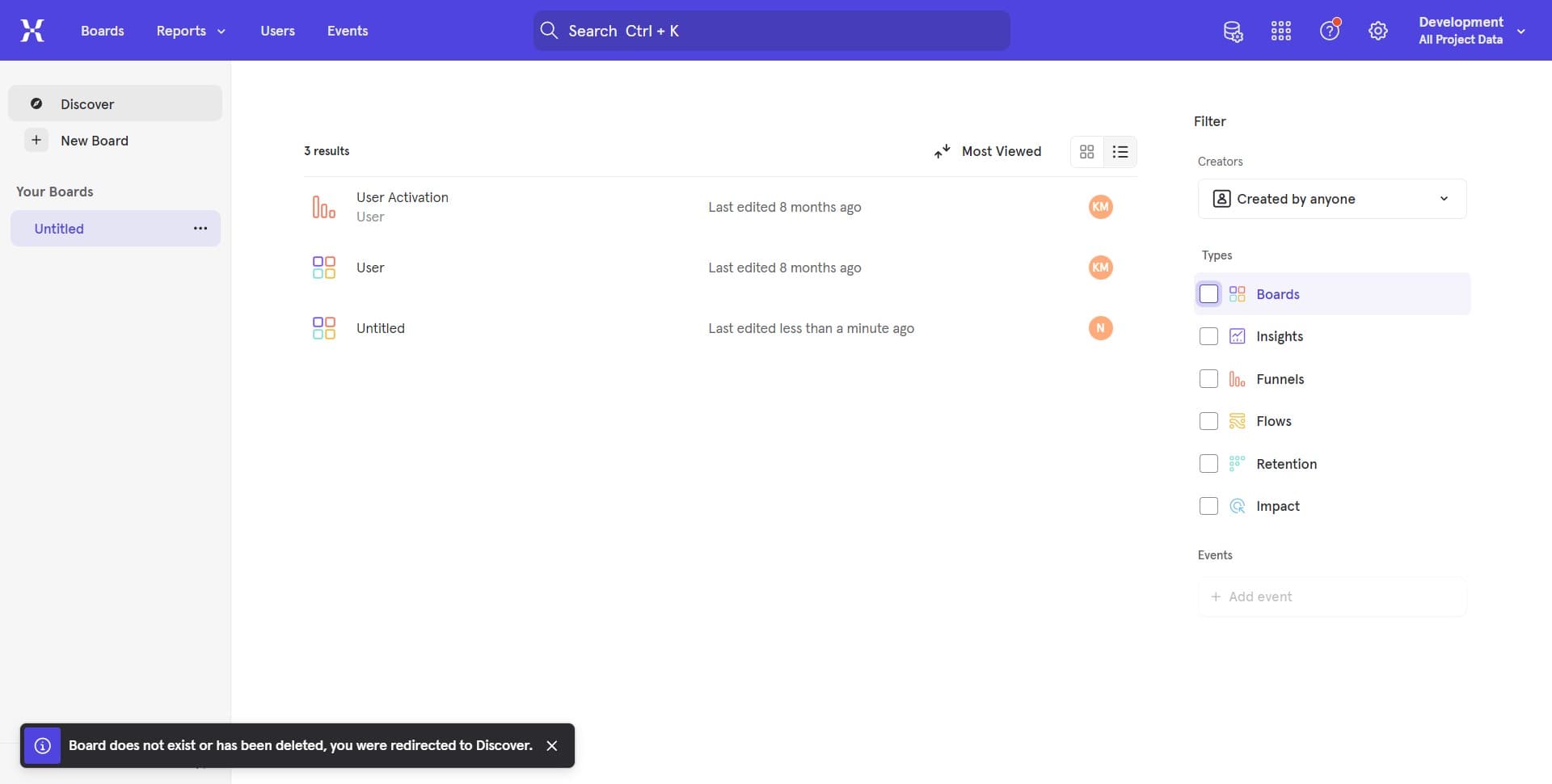
Open the boards section
Start by clicking on the designated area to access your Mixpanel boards. This will display your list of existing boards where you can manage and organize them.
- 2
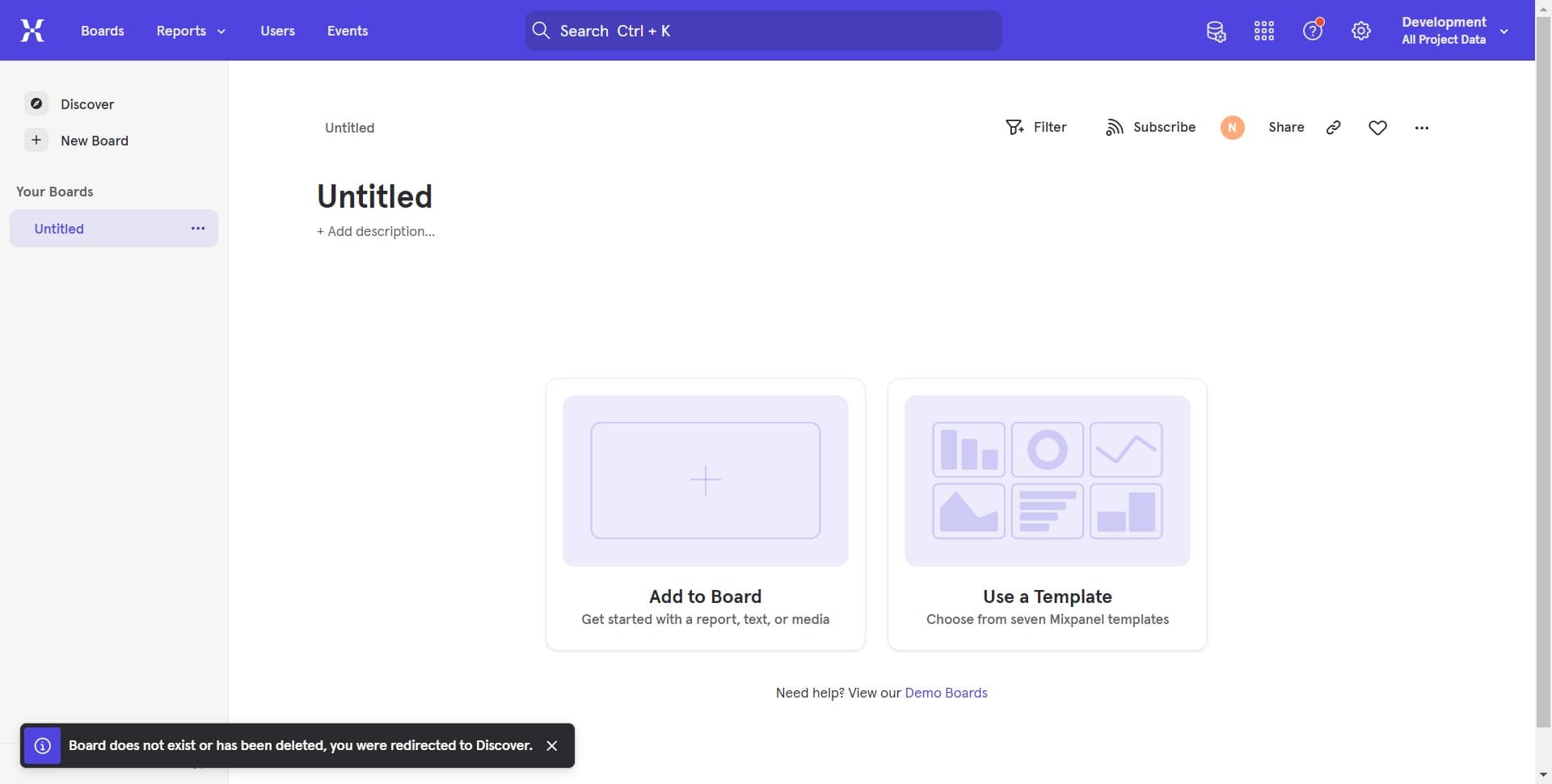
Select the first board option
Click on the 'Untitled + Add ...' option to reveal board management actions. This will show you available options for interacting with your boards.
- 3
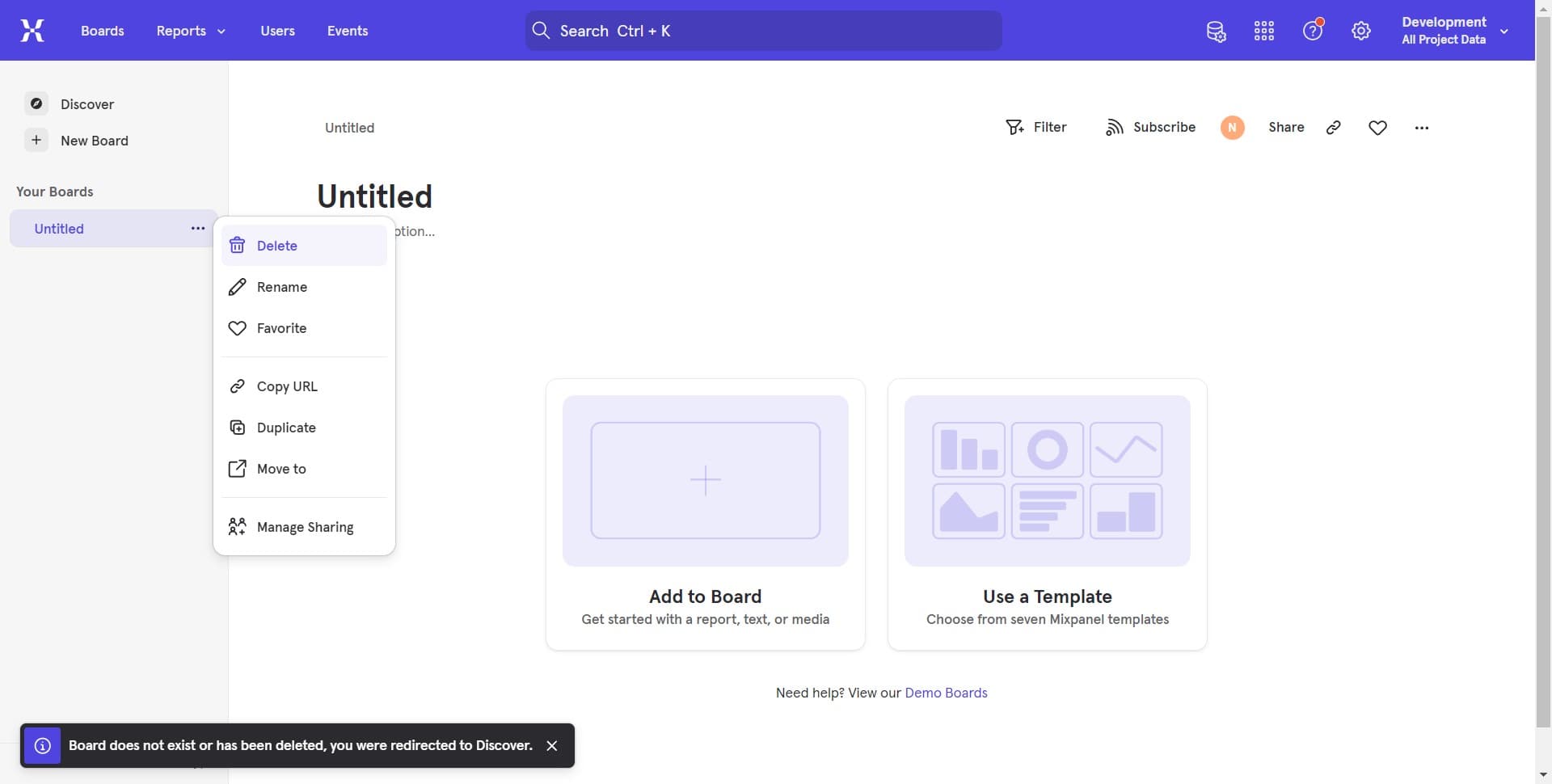
Access board settings menu
Click on the 'Untitled + Add ...' option again to access additional board management features. This step allows you to reach the delete functionality.
- 4
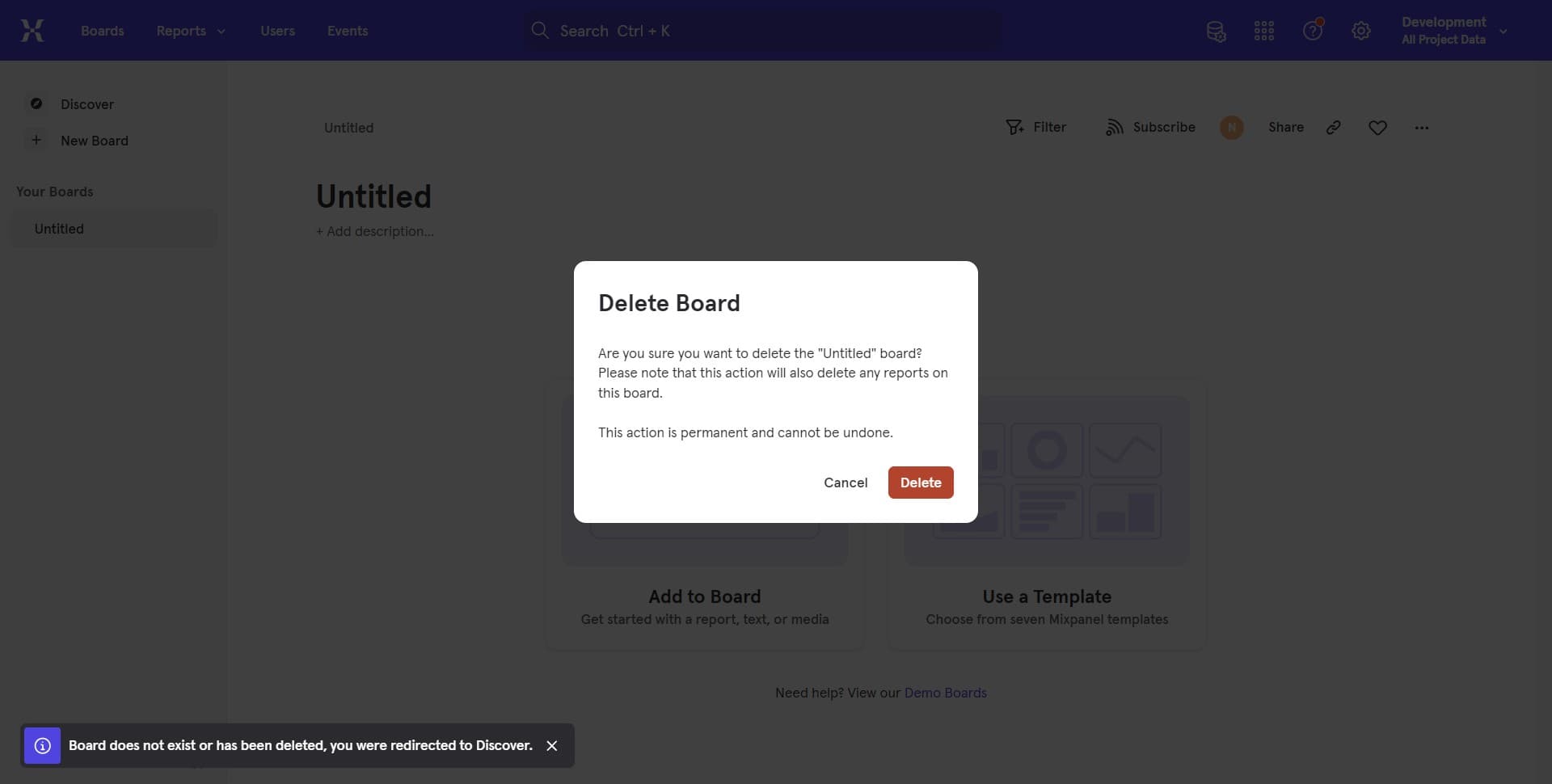
Confirm board deletion
Click the final button to complete the deletion process. The board and all its contents will be permanently removed from your Mixpanel project.
Frequently asked questions
Common questions about how to delete a board in mixpanel.
Once a board is deleted in Mixpanel, it cannot be recovered. Make sure you no longer need the board and its data before proceeding with deletion. If you're uncertain, consider archiving or renaming the board instead of deleting it.
No, deleting a board does not affect your underlying event data or historical analytics. The board is simply a visualization layer that displays your data, so removing it only removes that specific view and its charts.
Typically, you need to delete boards one at a time through the board management interface. If you need to delete many boards, you'll need to repeat the deletion process for each board individually.
When you delete a board, all shared links and access permissions associated with that board are also removed. Team members who had access to the board will no longer be able to view it.
If you might need the board's configuration or insights in the future, archiving is safer than deleting. Deletion is best for boards you're certain you'll never need again. Choose deletion when you want to permanently clean up your workspace.