How to duplicate boards in Mixpanel

Duplicating boards in Mixpanel allows you to quickly create copies of existing dashboards without rebuilding queries and visualizations from scratch. This workflow is especially useful when you need to create similar analyses for different time periods, segments, or use cases.
Quick summary
In this tutorial, you'll learn how to duplicate boards in Mixpanel by accessing the board menu and selecting the duplicate option. You'll discover how to quickly leverage existing board configurations to save time on dashboard setup.
Why this matters
Duplicating boards accelerates your analytics workflow by eliminating redundant setup work. Rather than recreating charts and queries, you can duplicate a proven board structure and modify only the elements you need, enabling faster iteration and consistent reporting across your team.
Step-by-step guide
- 1
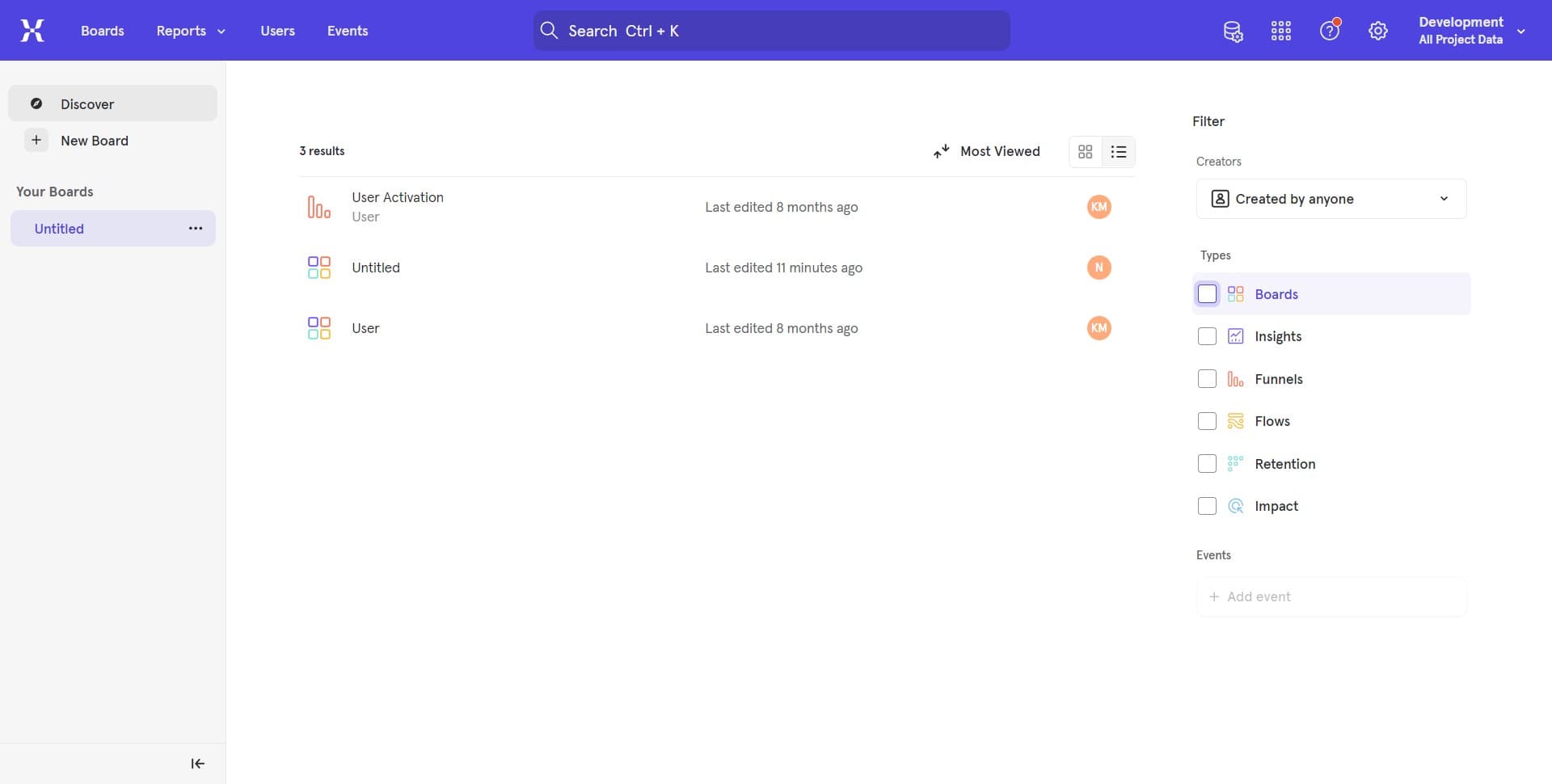
Access the board menu
Click the menu icon or button associated with the board you want to duplicate. This opens the available actions for the selected board.
- 2
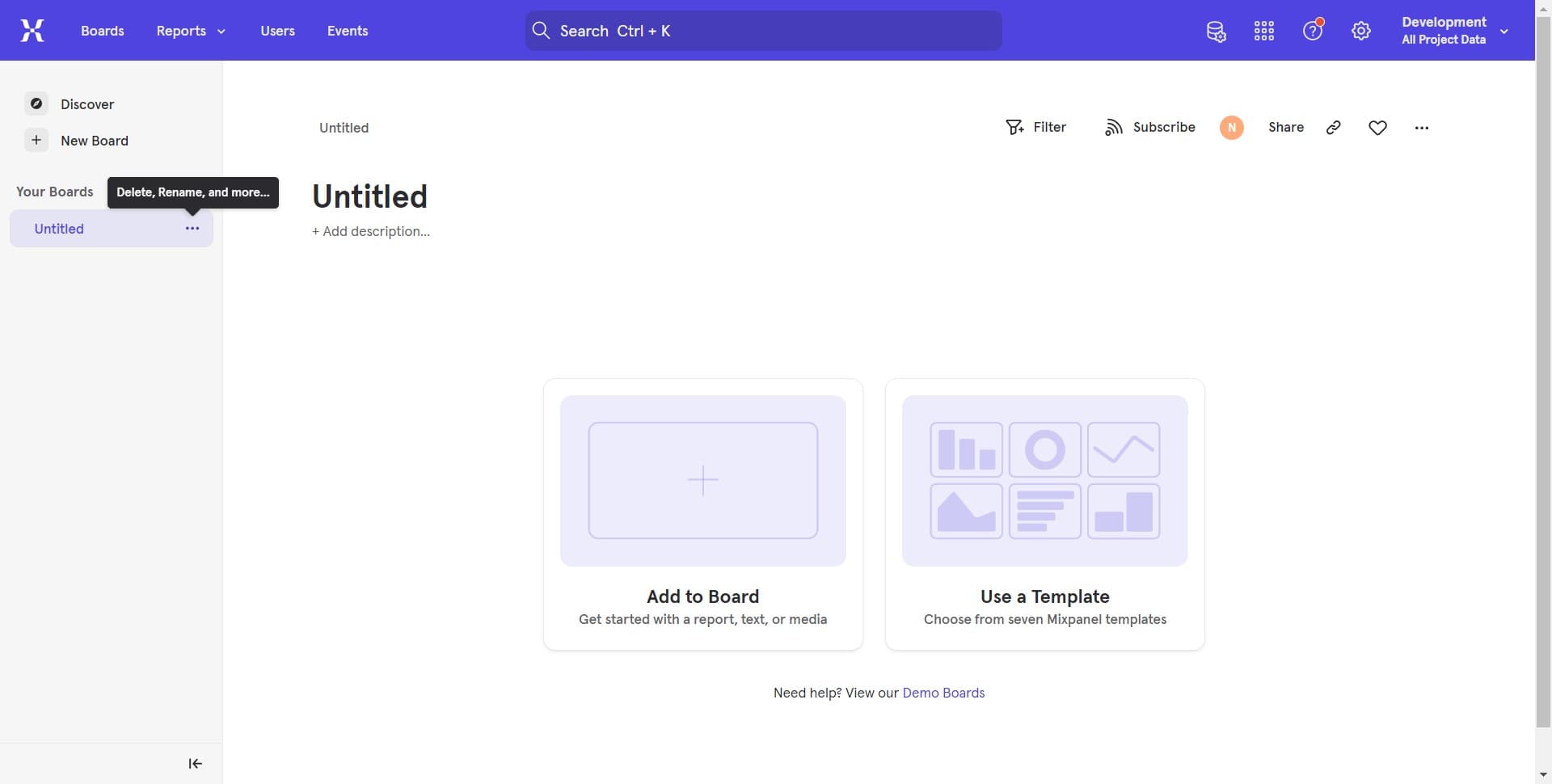
Select the first untitled option
Click on the first "Untitled + Add..." option that appears in the menu. This begins the duplication process and prepares the board for copying.
- 3
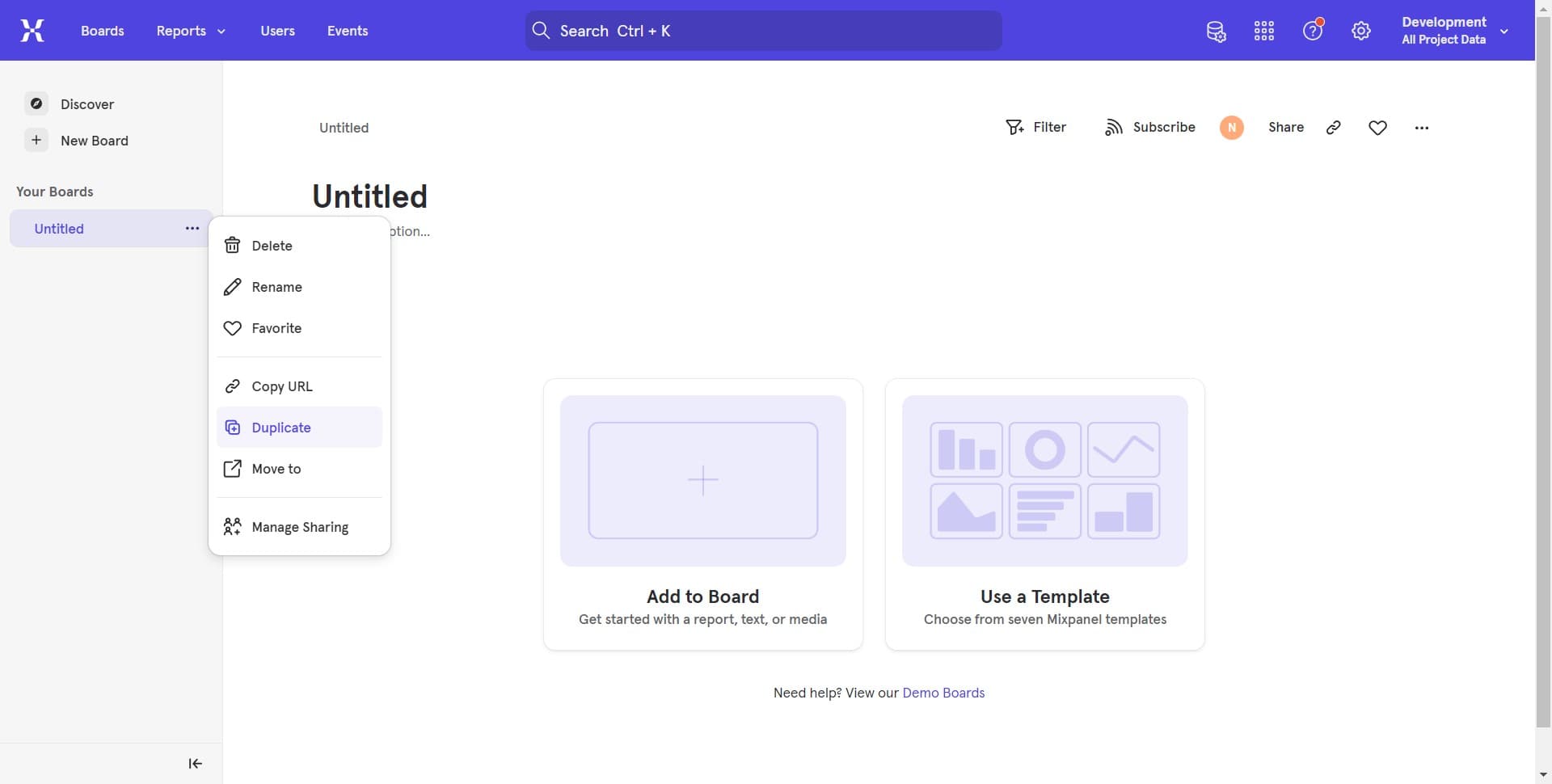
Confirm the second untitled option
Click on the second "Untitled + Add..." option to proceed with creating the duplicate. This confirms your action and initiates the board copy.
- 4
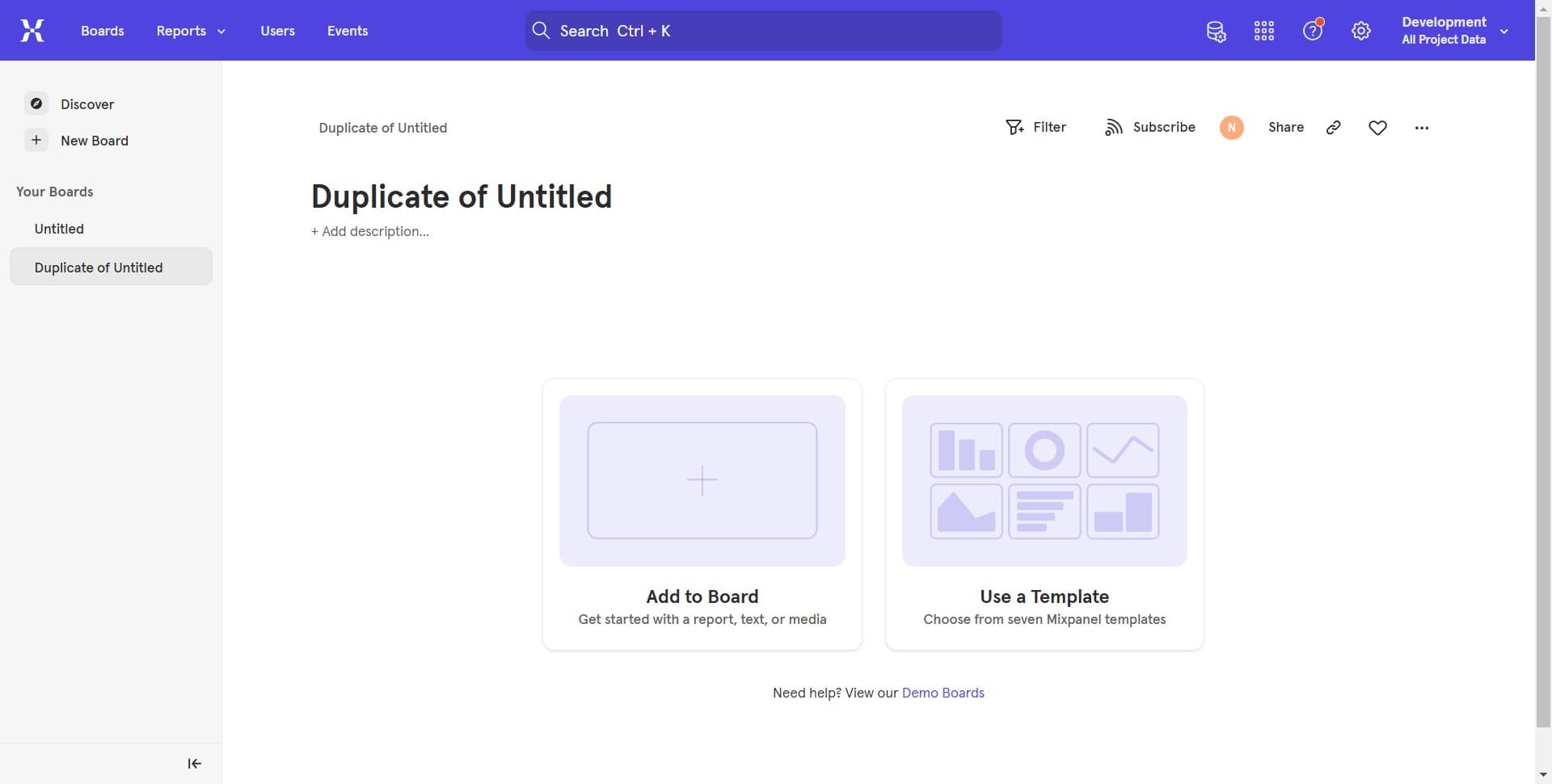
Access demo boards if needed
If you need additional guidance or want to see example boards, click "Need help? View our Demo Boards" to explore Mixpanel's pre-built board templates. This can help you understand best practices for board organization.
Frequently asked questions
Common questions about how to duplicate boards in mixpanel.
Yes, duplicating a board creates a complete copy of all queries, visualizations, and configurations from the original board. You can then modify any elements as needed for your specific use case.
Yes, after duplication is complete, you can rename the board through the board settings or properties menu. Most naming changes can be made immediately after the duplication process finishes.
The original board remains unchanged when you create a duplicate. Duplication creates an independent copy, so any edits you make to the duplicated board will not affect the original.
Yes, duplicating a board preserves all custom events, properties, and filters from the original. The duplicate will maintain the same data structure and configurations as the source board.
Mixpanel does not have a strict limit on the number of boards you can create through duplication. However, your workspace may have limitations based on your plan tier, so check your account settings for specific constraints.