How to Delete Your Notion Account

Deleting your Notion account is a permanent action that removes all your workspaces, pages, and associated data from the platform. This guide walks you through the account deletion process step by step, ensuring you understand what happens before you proceed.
Quick summary
In this tutorial, you'll learn how to navigate to your Notion account settings and permanently delete your account. We'll cover each step required to complete the deletion process and confirm your action.
Why this matters
Permanently deleting your Notion account may be necessary if you're no longer using the platform, switching to an alternative tool, or want to remove your personal data. Understanding the deletion workflow ensures you don't accidentally lose important information and can cleanly exit the platform.
Step-by-step guide
- 1
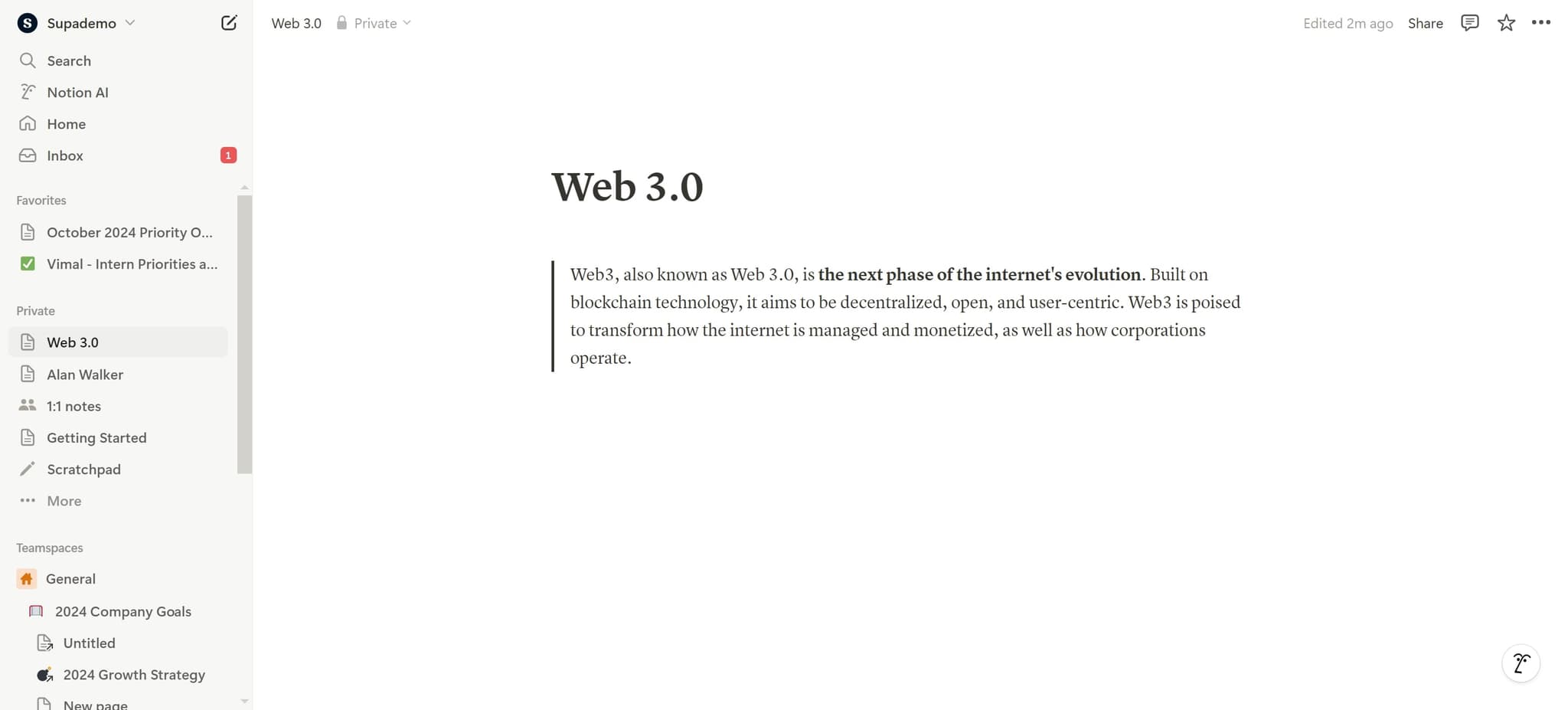
Access your account settings
Begin by clicking the designated area to access your Notion account. This will open the main menu or navigation panel where account options are available.
- 2
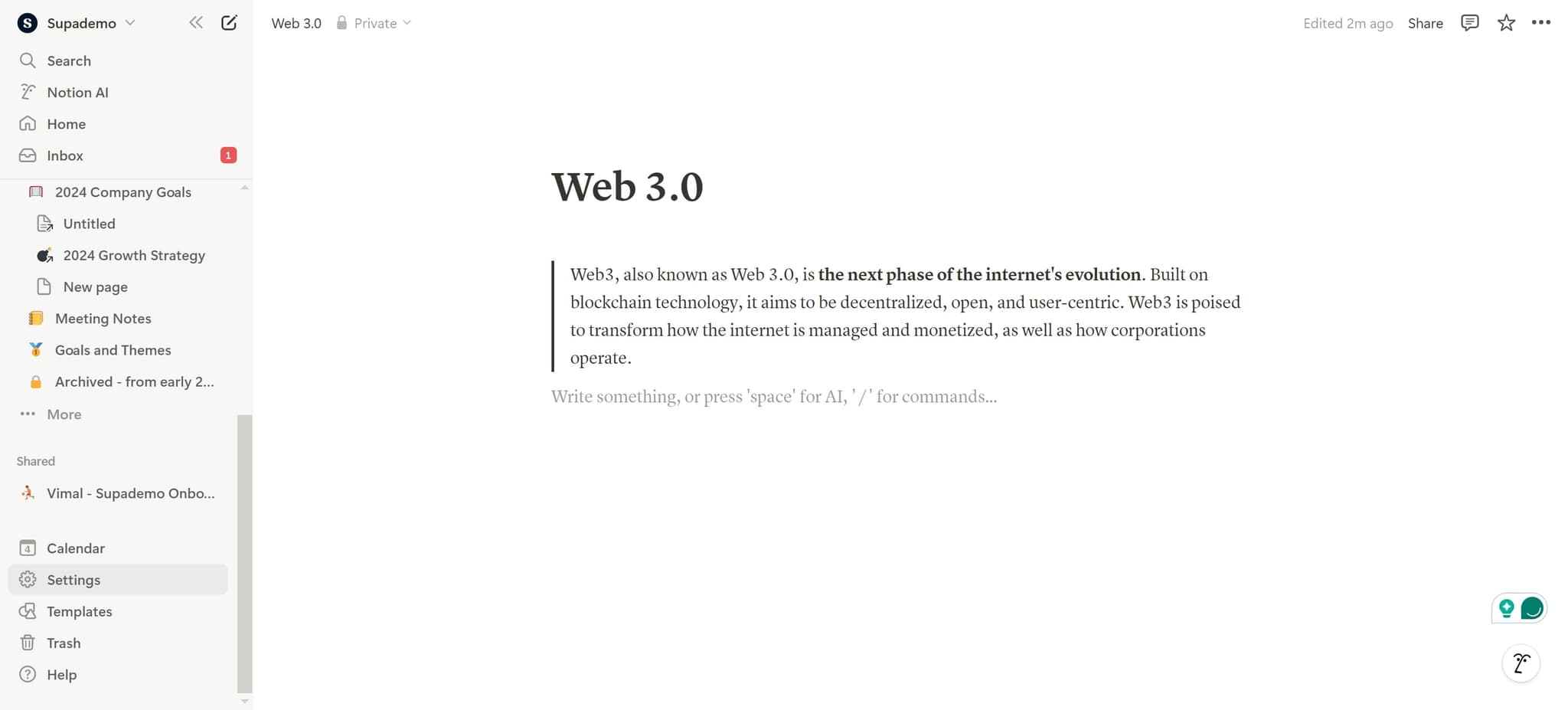
Click on Settings
Locate and click on the 'Settings' option in the menu. This takes you to your account settings dashboard where you can manage your profile and account preferences.
- 3
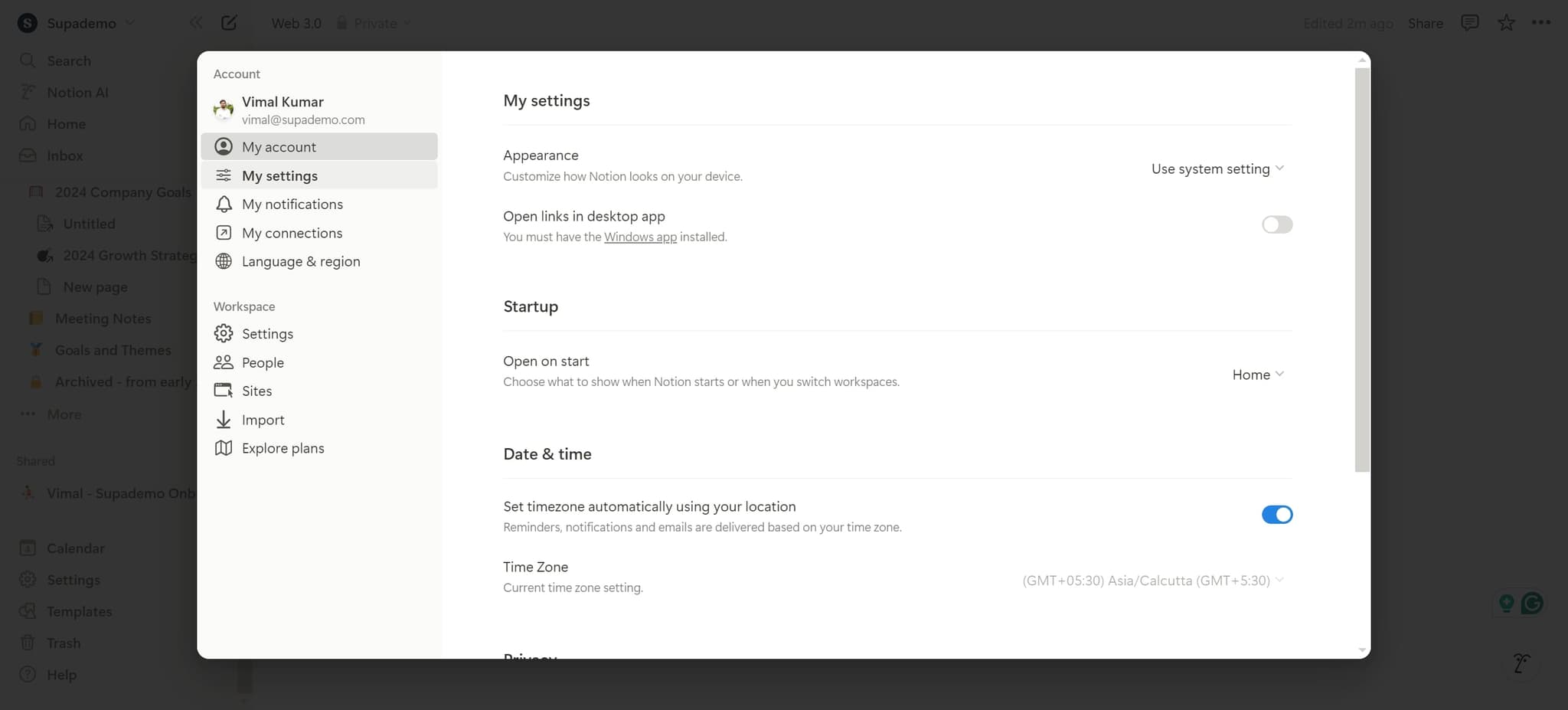
Navigate to account deletion option
Look for the account deletion or data management section within Settings. This element contains options related to your account status and data handling.
- 4
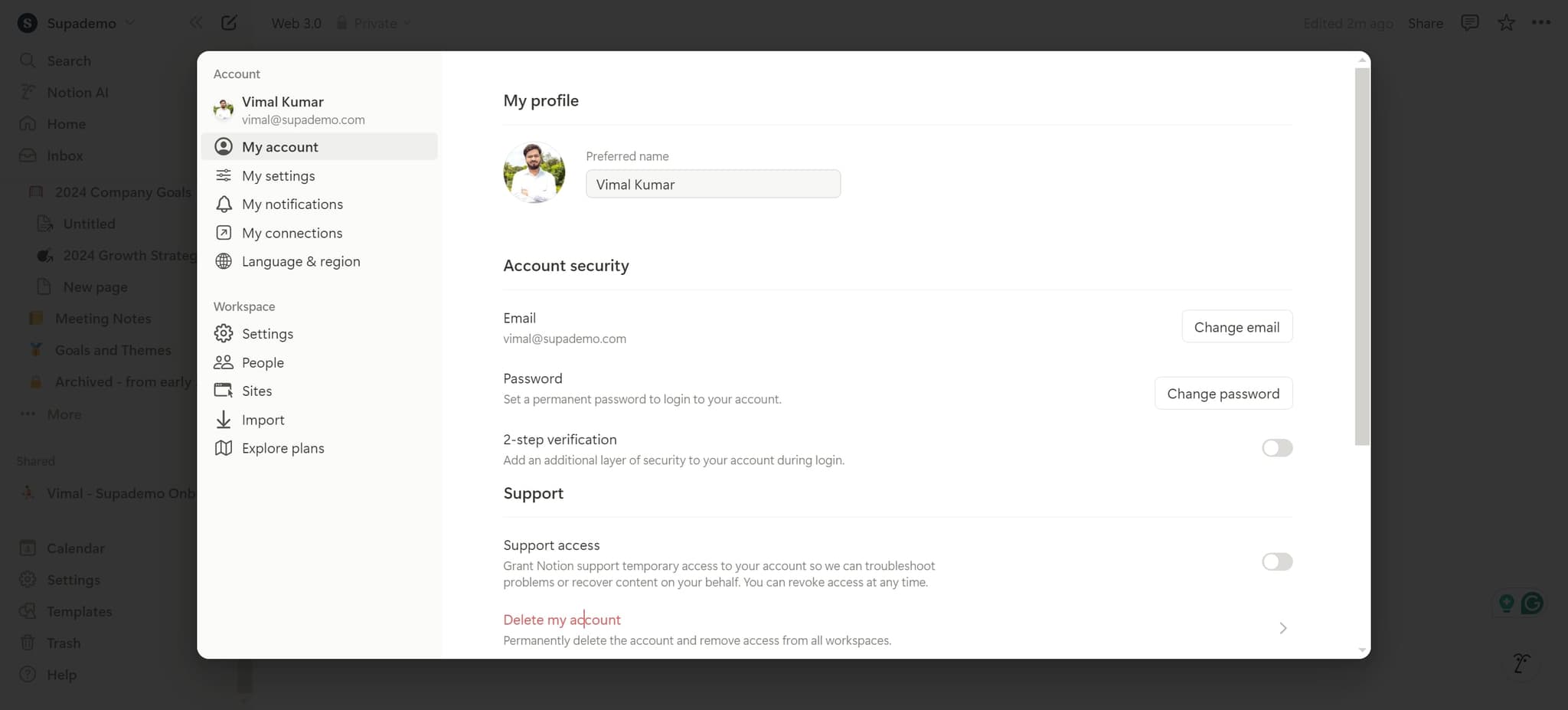
Click on Delete my account
Select the 'Delete my account' option to initiate the deletion process. Notion will display a confirmation message explaining the permanence of this action.
- 5
Confirm the deletion request
Click the confirmation element to verify your intent to delete the account. This final step ensures you're committed to removing all your Notion data permanently.
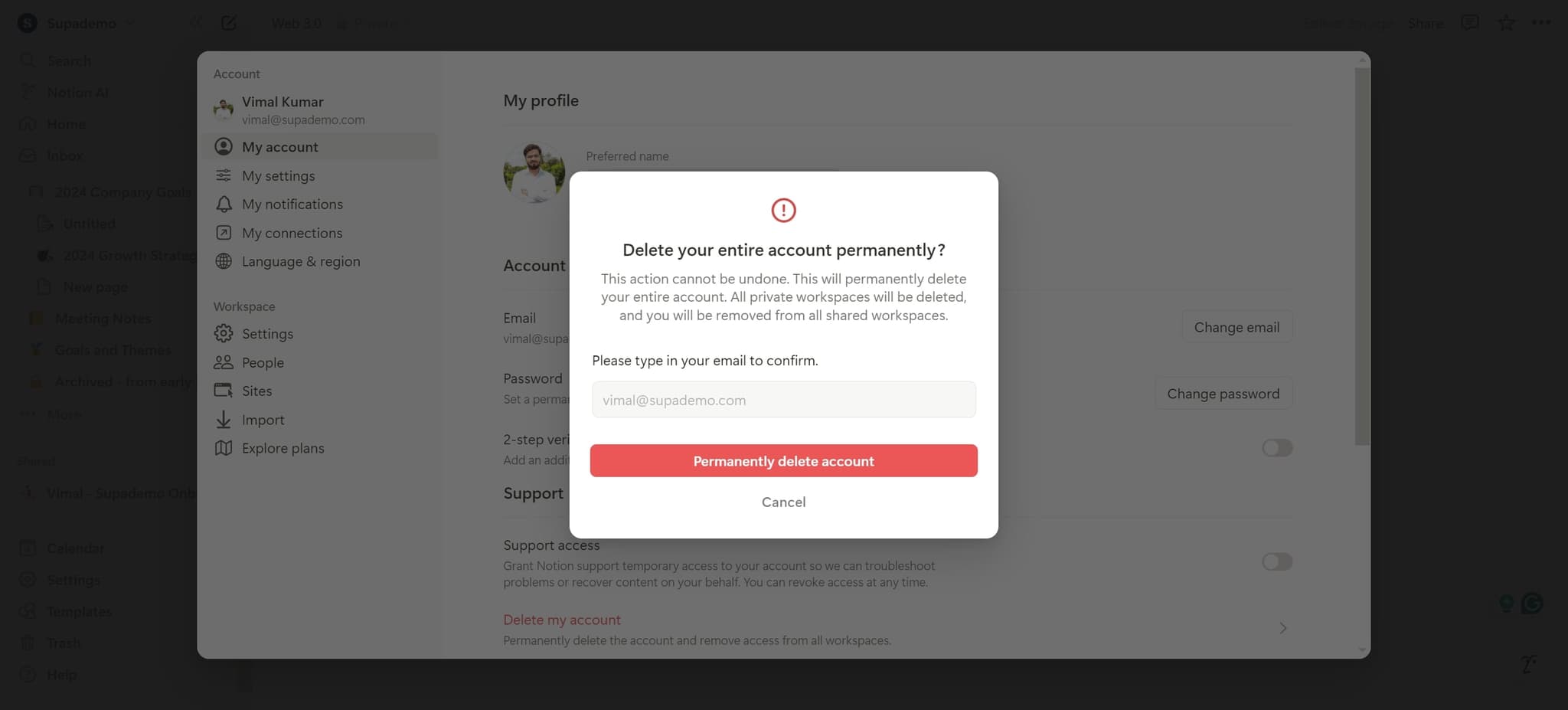
- 6
Complete account removal
Follow any final prompts to upload or confirm your deletion request. Your Notion account and all associated data will be permanently removed from the platform.
Frequently asked questions
Common questions about how to delete your notion account.
No, Notion account deletion is permanent and irreversible. Once you complete the deletion process, all your workspaces, pages, and data are permanently removed from the platform. If you think you might need your data later, consider exporting it before deletion.
When you delete your account, all pages and workspaces you created will be removed. If other users have access to shared pages, they may lose access to content you owned. It's recommended to transfer ownership or share important documents with collaborators before deleting your account.
No, you don't need to delete individual workspaces first. The account deletion process removes your entire account and all associated workspaces simultaneously. You can proceed directly to account deletion without managing workspaces separately.
Deleting your Notion account will remove the association between your email address and the platform. You can use the same email address to create a new Notion account in the future if needed.
Notion typically processes account deletion immediately upon confirmation. There is generally no waiting period, and your account is removed right away. If you have concerns about the timing, contact Notion support for clarification on their specific deletion policies.