How to import a doc to Notion

Importing documents into Notion streamlines your workflow by consolidating content from multiple sources into a single workspace. Whether you're migrating Google Docs or organizing existing content, Notion's import feature makes it seamless. Learn how to bring your documents into Notion in just a few clicks.
Quick summary
In this tutorial, you'll learn how to import a Google Doc into Notion by accessing the import function and uploading your document. By the end, you'll be able to transfer your existing content while preserving formatting and structure.
Why this matters
Importing documents into Notion eliminates the need to manually recreate content and keeps all your information in one centralized location. This workflow is especially valuable for teams collaborating across multiple platforms or individuals consolidating personal and professional documents. It reduces duplication of effort and ensures your Notion workspace becomes your single source of truth.
Step-by-step guide
- 1
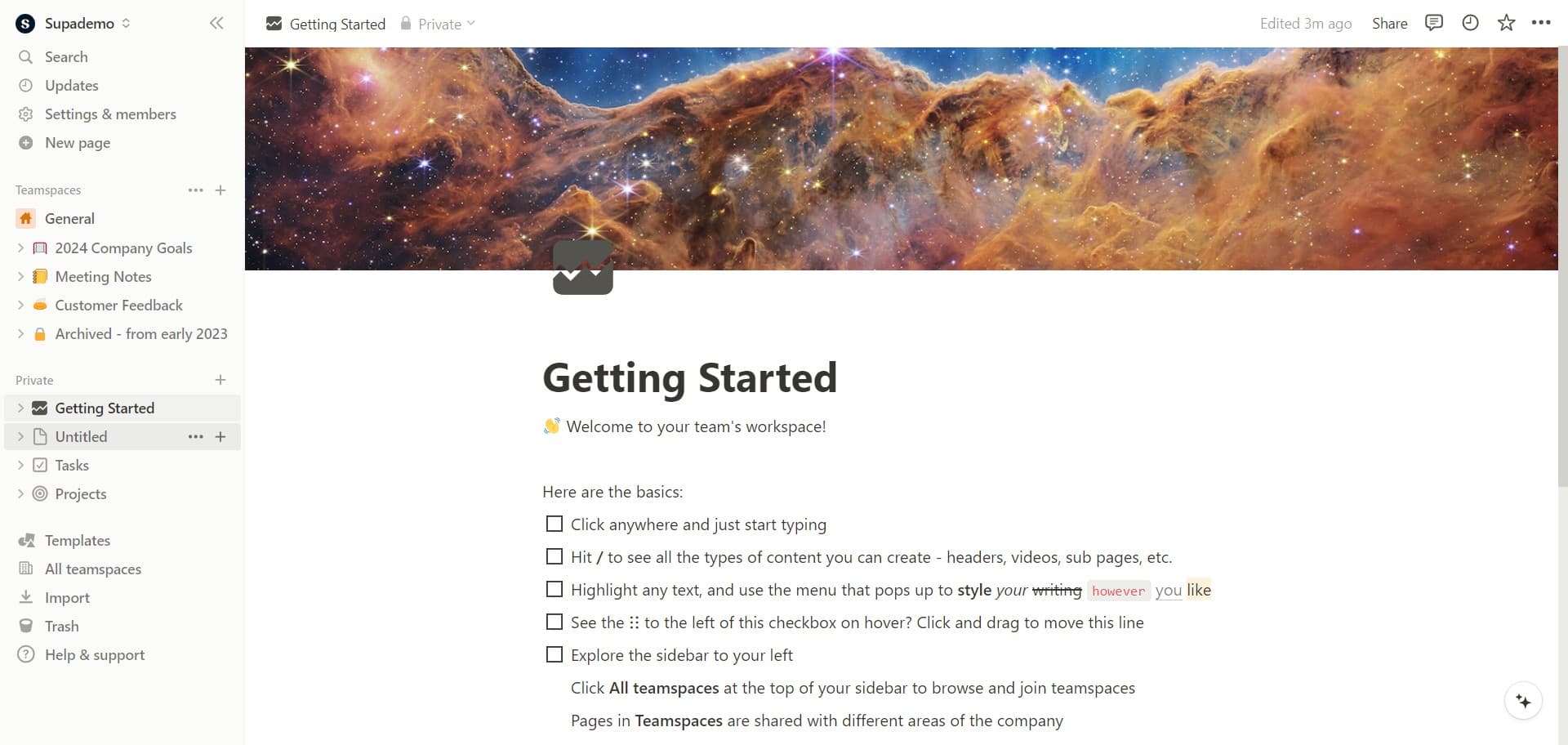
Click on the Untitled heading
Open your Notion page and locate the "Untitled" heading at the top of the document. Click on it to access the page options and prepare for importing your document.
- 2
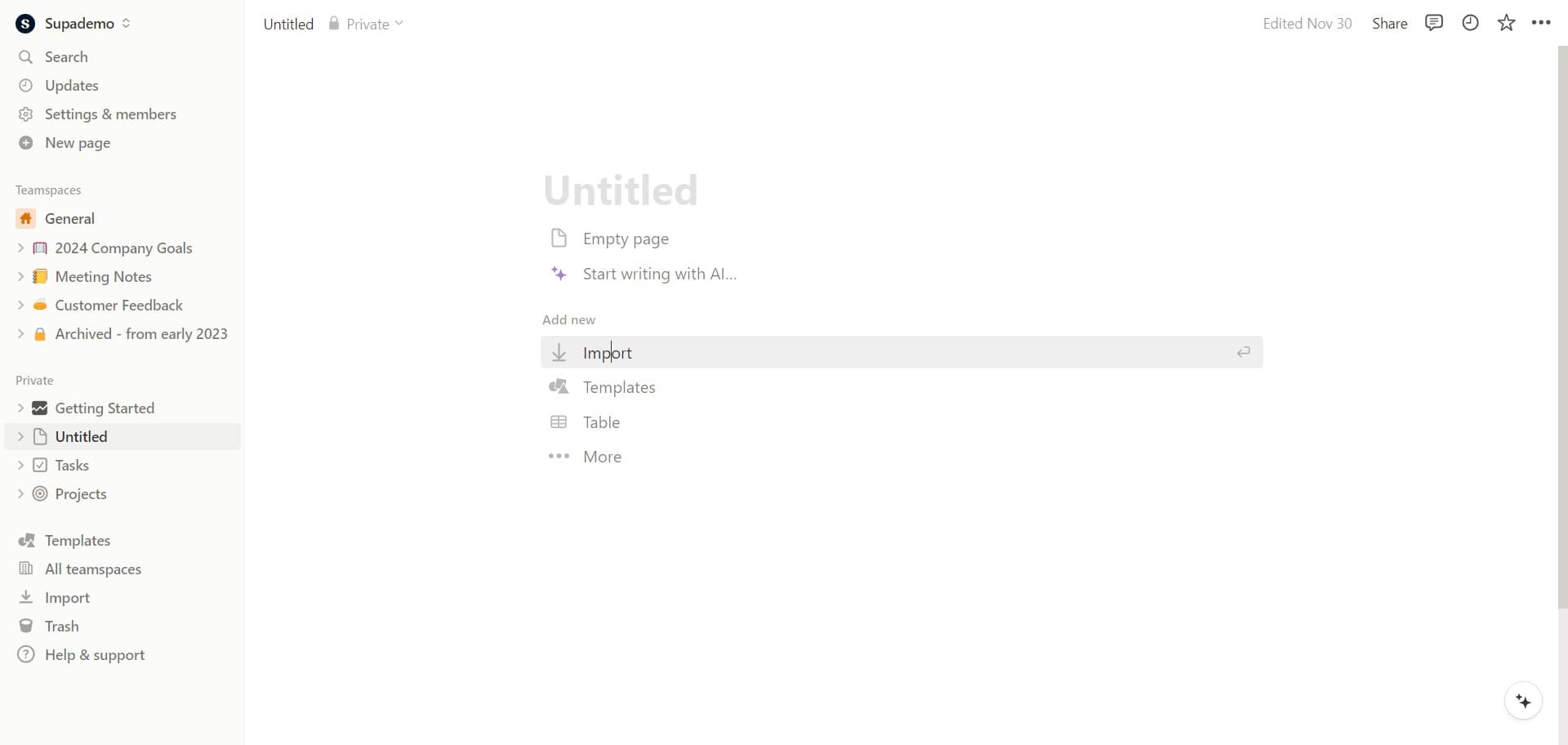
Click on Import option
From the menu that appears, select the "Import" option. This will open the import dialog where you can choose the type of document you want to bring into Notion.
- 3
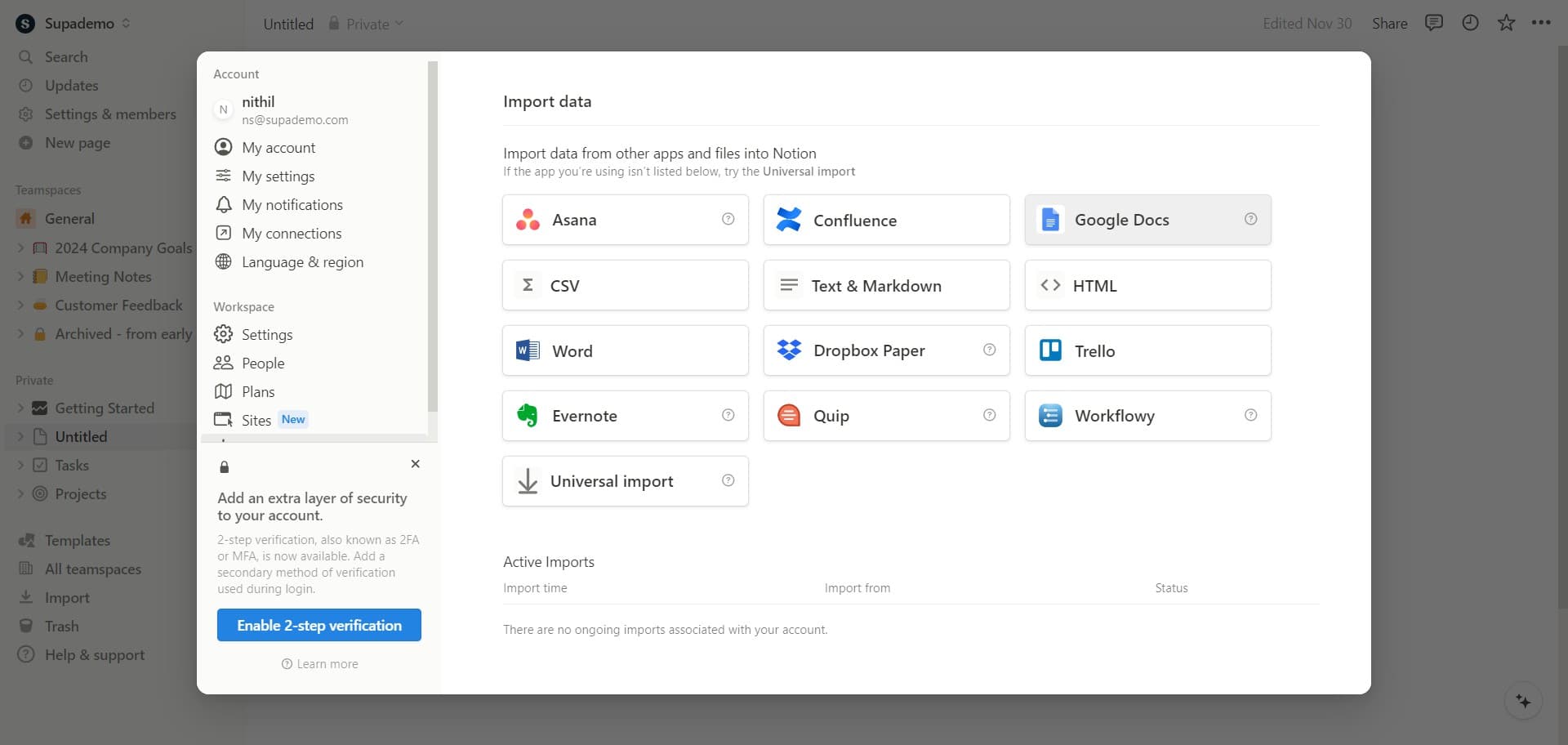
Select Google Docs as source
In the import dialog, click on "Google Docs" to specify that you're importing from Google's platform. Notion will then prompt you to authenticate and select which document to import.
- 4
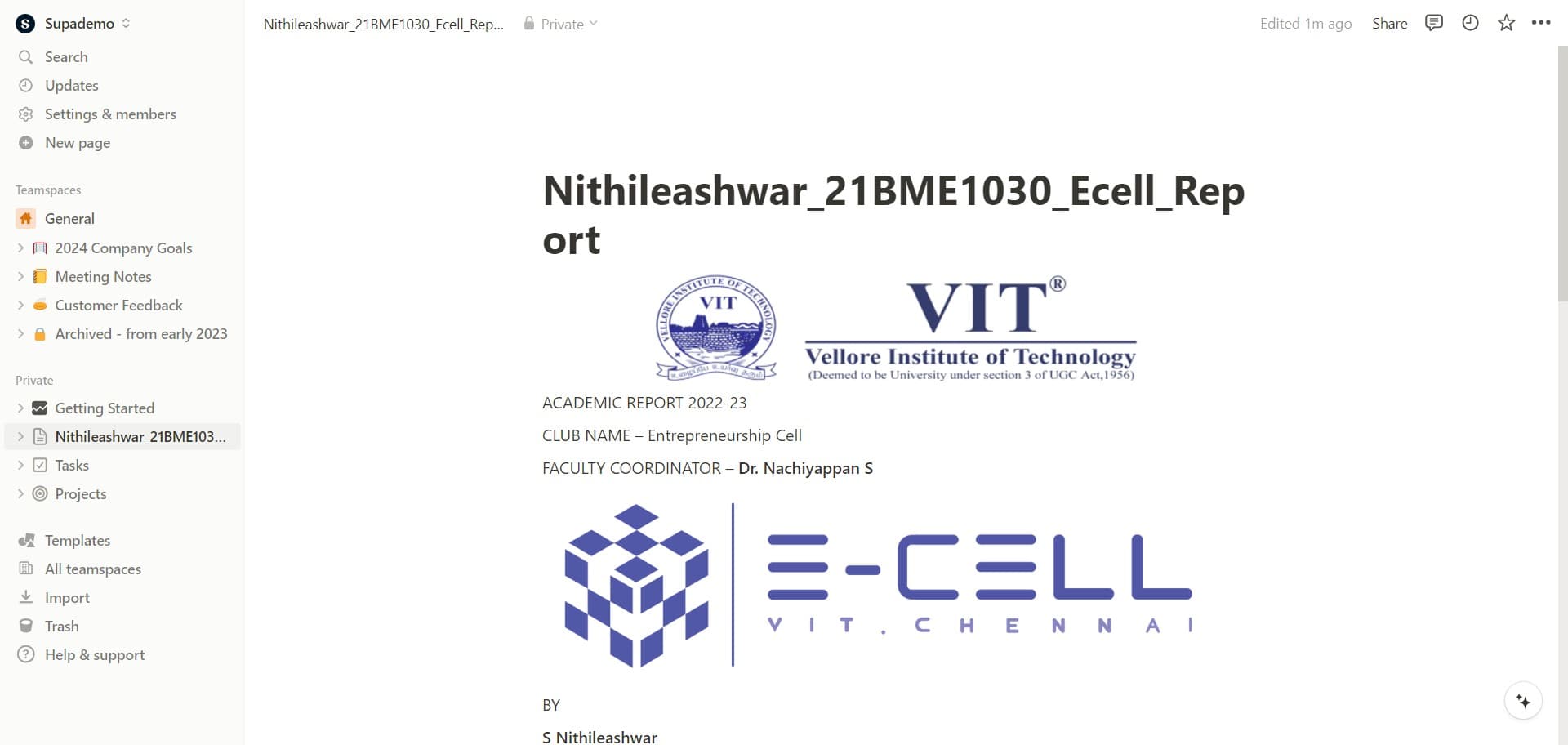
Upload your document
Complete the upload process by selecting your Google Doc from the authentication window. Notion will process the document and automatically convert it into a Notion page, preserving the original formatting and structure.
Frequently asked questions
Common questions about how to import a doc to notion.
Yes, Notion preserves most formatting from Google Docs, including text styles, headings, and basic layouts. However, some advanced formatting or custom elements may need minor adjustments after import. It's worth reviewing the imported page to ensure everything looks as intended.
Notion's import function typically processes one document at a time through the standard import dialog. If you need to import multiple documents, you'll need to repeat the import process for each file individually.
Importing to Notion creates a copy of your document within Notion and does not affect your original Google Doc. Your Google Doc will remain in Google Drive unchanged, allowing you to keep both versions if needed.
Yes, Notion supports importing from various sources including Word documents, PDFs, and Markdown files. The import process is similar, though you may see different source options depending on your file type and Notion plan.
Most images and embedded content will import with your document, though some complex embeds may require manual re-setup. After importing, check your page to ensure all media elements are displaying correctly.