How to Download Google Chrome on a Laptop

Vimal Kumar
Vimal Kumar·
How to Download Google Chrome on a Laptop
Interactive demo powered by Supademo

1. Firstly, visit 'google.com/chrome' on your browser.

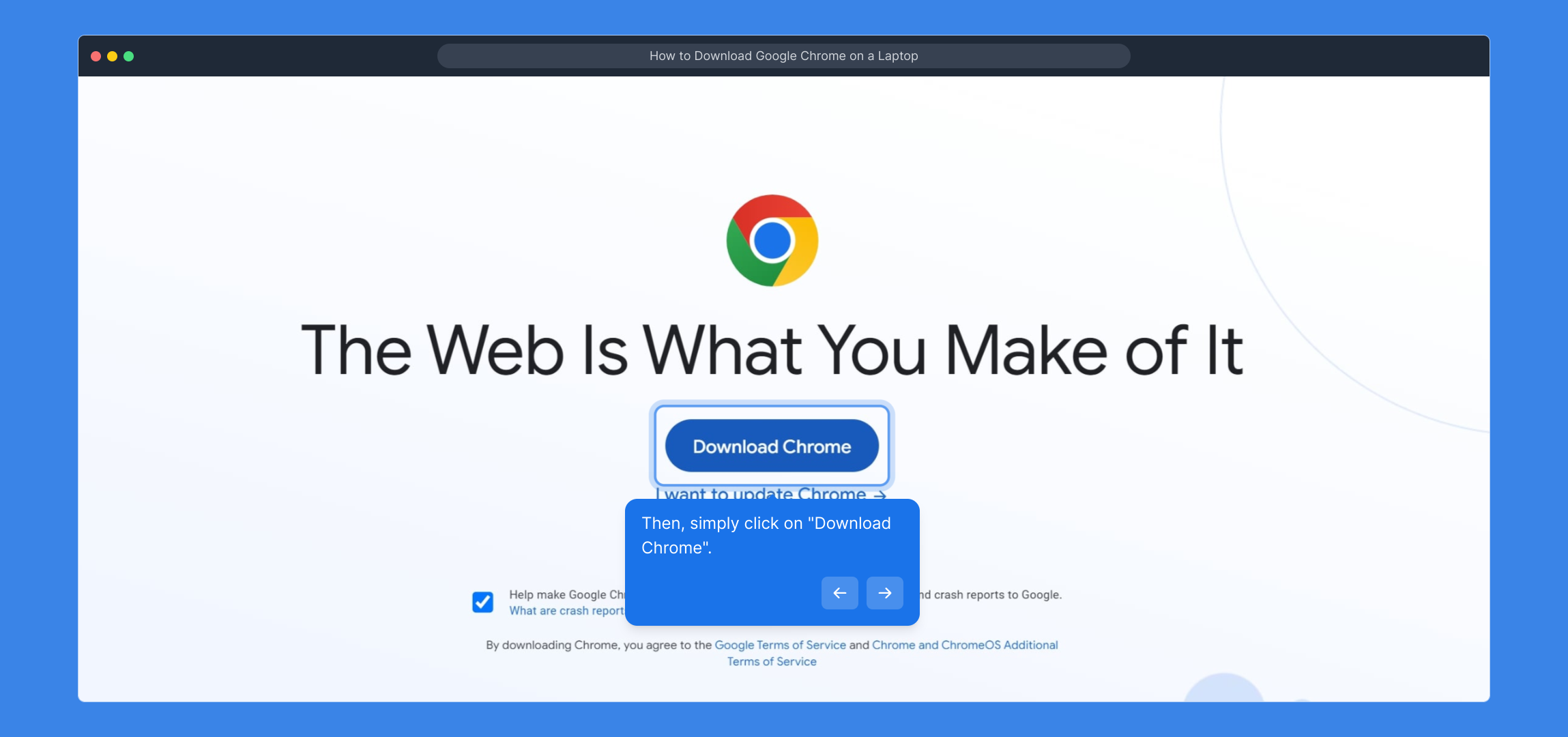
2. Then, simply click on "Download Chrome".

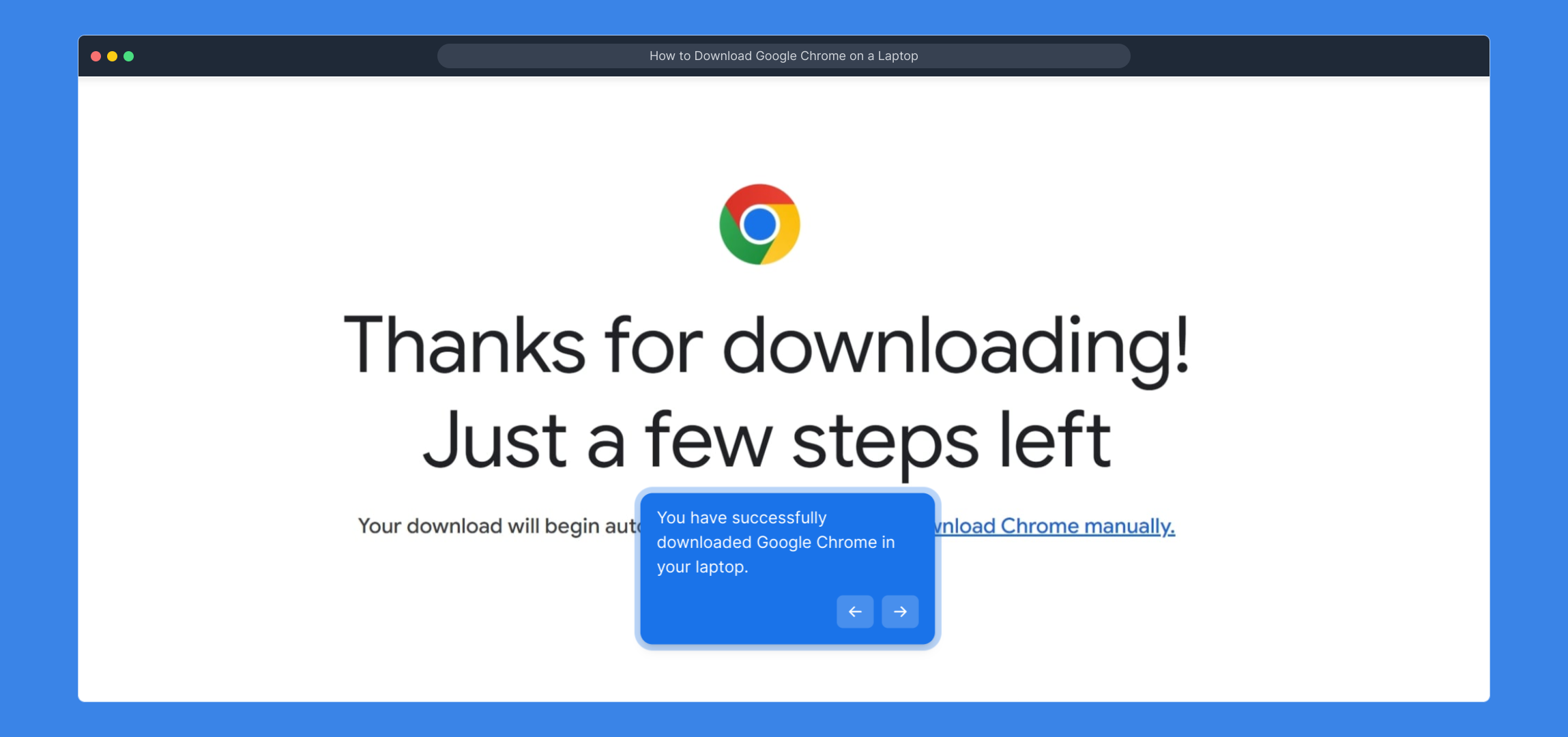
3. You have successfully downloaded Google Chrome in your laptop.

4. Create a Supademo in seconds

This interactive demo/guided walkthrough on How to Download Google Chrome on a Laptop was created using Supademo.


How to Download Google Chrome on a Laptop : Step-by-Step Guide

To get started, open your preferred web browser and navigate directly to google.com/chrome. This is where you’ll find the official download page for Google Chrome, ensuring you get the latest and safest version.

1

Once the page has loaded, look for the prominent "Download Chrome" button. Click this to begin the download process; this button leads you to the installer that’s compatible with your system.
2

After following the prompts and completing the download, Google Chrome will be installed on your laptop. You’re now ready to enjoy a faster, more secure browsing experience.
3

With Chrome installed, you can now quickly set up your Supademo. Follow the steps ahead to create a new demo effortlessly and start showcasing your product.
4

Create your own interactive demos in < 5 mins with Supademo

You can create your own interactive product demo in minutes using Supademo. Drive growth, scale enablement, and supercharge product-led onboarding with Supademo.

Sign up for free here with no credit card required.


FAQs

Commonly asked questions about this topic.

What are the system requirements for installing Google Chrome on a laptop?

Google Chrome requires a laptop running Windows 7 or later, macOS 10.10 or later, or a compatible Linux distribution. Ensure your laptop meets these requirements and has an active internet connection to download the installer successfully.

Is Google Chrome free to download and use on my laptop?

Yes, Google Chrome is completely free to download and use on any laptop. There are no charges for the browser itself, and updates are provided automatically to ensure security and performance improvements.

How do I verify the website before downloading Google Chrome?

Always download Google Chrome directly from the official website at google.com/chrome to guarantee you receive a safe, malware-free version. Avoid third-party sites as they may distribute outdated or harmful installers.

What should I do if the 'Download Chrome' button is not working?

If the button doesn’t respond, try refreshing the page or clearing your browser cache. You can also try using a different browser or device to access google.com/chrome and download the installer.

How do I install Google Chrome after downloading it?

Once the installer is downloaded, locate the file (usually in the Downloads folder), double-click it, and follow the on-screen prompts. The installation process is straightforward and typically completes within minutes.

Can I set Google Chrome as my default browser automatically during installation?

During installation or the first launch, Chrome may ask if you want to make it your default browser. You can choose to accept or skip this option; it’s easy to set as default later in your laptop’s settings if preferred.

Will downloading Google Chrome affect my existing browser or settings?

No, installing Google Chrome won’t affect other browsers or their settings. Chrome operates independently, and your other browsers will remain unchanged unless you manually migrate data or change default browser settings.

Can I download Google Chrome on multiple laptops using the same installer?

Yes, the downloaded installer can be used on multiple laptops, provided they meet system requirements. However, each laptop will need to complete the installation process individually.

What should I do if my laptop blocks the Chrome installer?

If your laptop’s security software blocks the installer, temporarily disable it or add an exception for the Chrome installer. Always ensure you download from the official website to avoid security risks.

How can I update Google Chrome after installing it?

Google Chrome updates automatically in the background. You can also manually check for updates by clicking the three dots menu, selecting 'Help', then 'About Google Chrome' to ensure you have the latest version.
Vimal Kumar
Vimal Kumar

Product Operations Associate

Vimal Kumar helps build and grow Supademo’s team and GTM efforts, with a focus on figuring out growth levers and improving product traction.

More from the blog

How to Remove a Google Chrome Profile

How to Remove a Google Chrome Profile

Learn step-by-step how to remove a Google Chrome profile easily and safely to manage your browser users and keep your data organized.

Vimal Kumar
Vimal KumarDec 2, 2025
How to Download Arc Browser for Windows

How to Download Arc Browser for Windows

Learn how to easily download and install Arc Browser on your Windows PC with our step-by-step guide. Get started browsing faster and safer today.

Vimal Kumar
Vimal KumarDec 3, 2025
No image

How to Download the ZoomInfo Extension

Learn step-by-step how to download and install the ZoomInfo extension to enhance your sales and marketing efforts with easy access to valuable contact and company information.

Vimal Kumar
Vimal KumarNov 26, 2025
How to Download Figma for Windows

How to Download Figma for Windows

Learn how to easily download and install Figma for Windows with our step-by-step guide. Start designing seamlessly on your PC today!

Vimal Kumar
Vimal KumarNov 27, 2025