
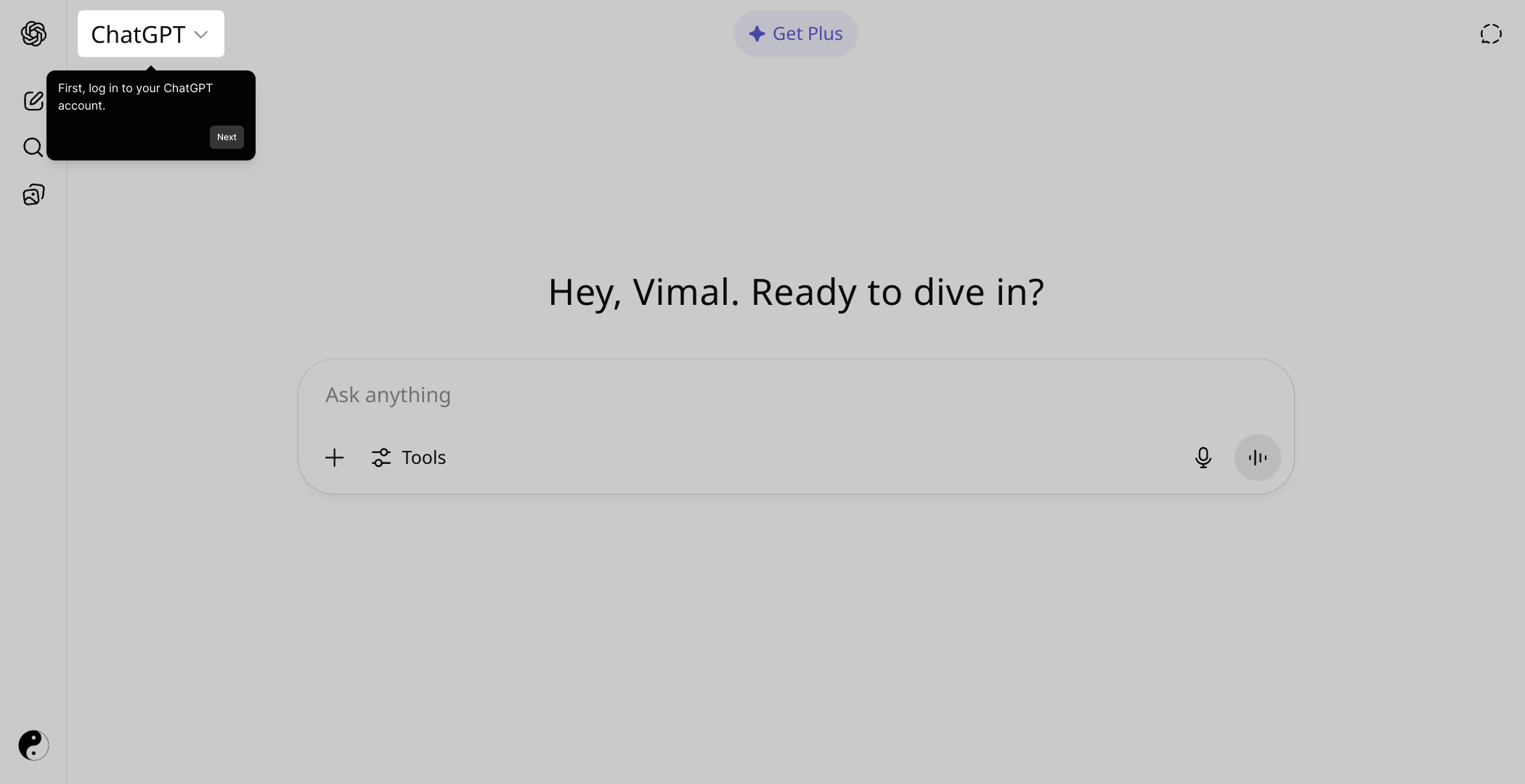
1. To commence, click on "Click to edit the hotspot".
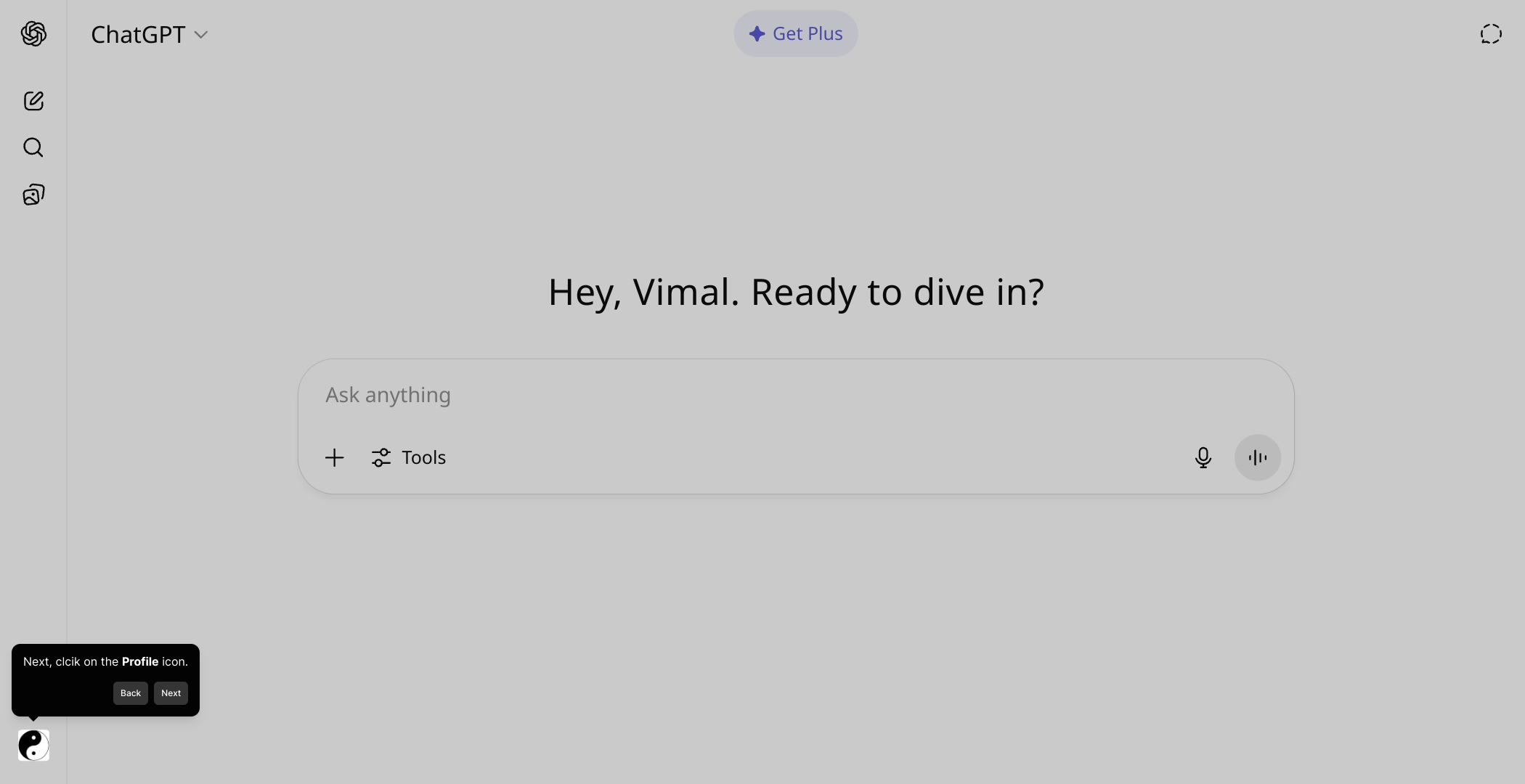
2. Next, clcik on the Profile icon.
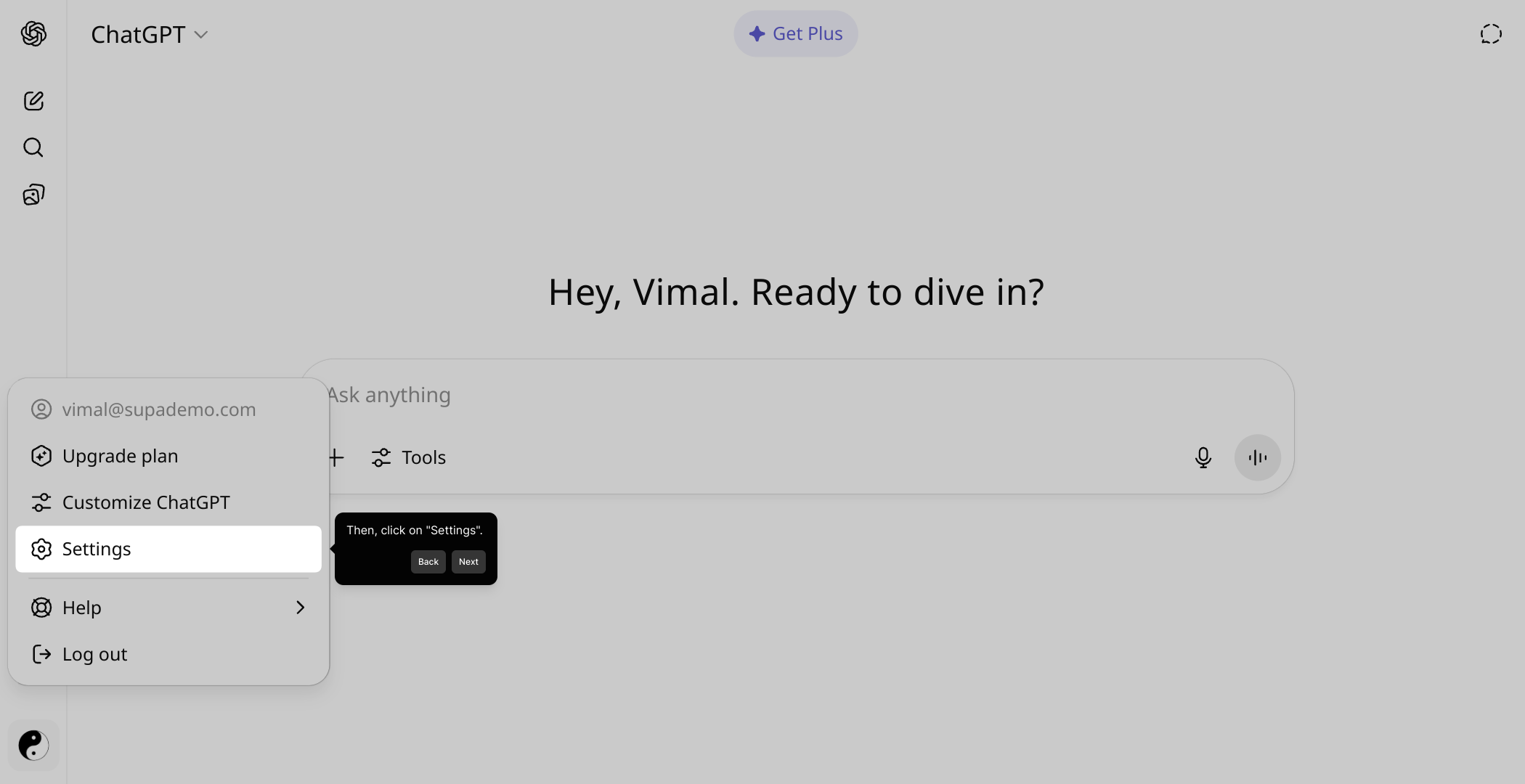
3. Then, click on "Settings".
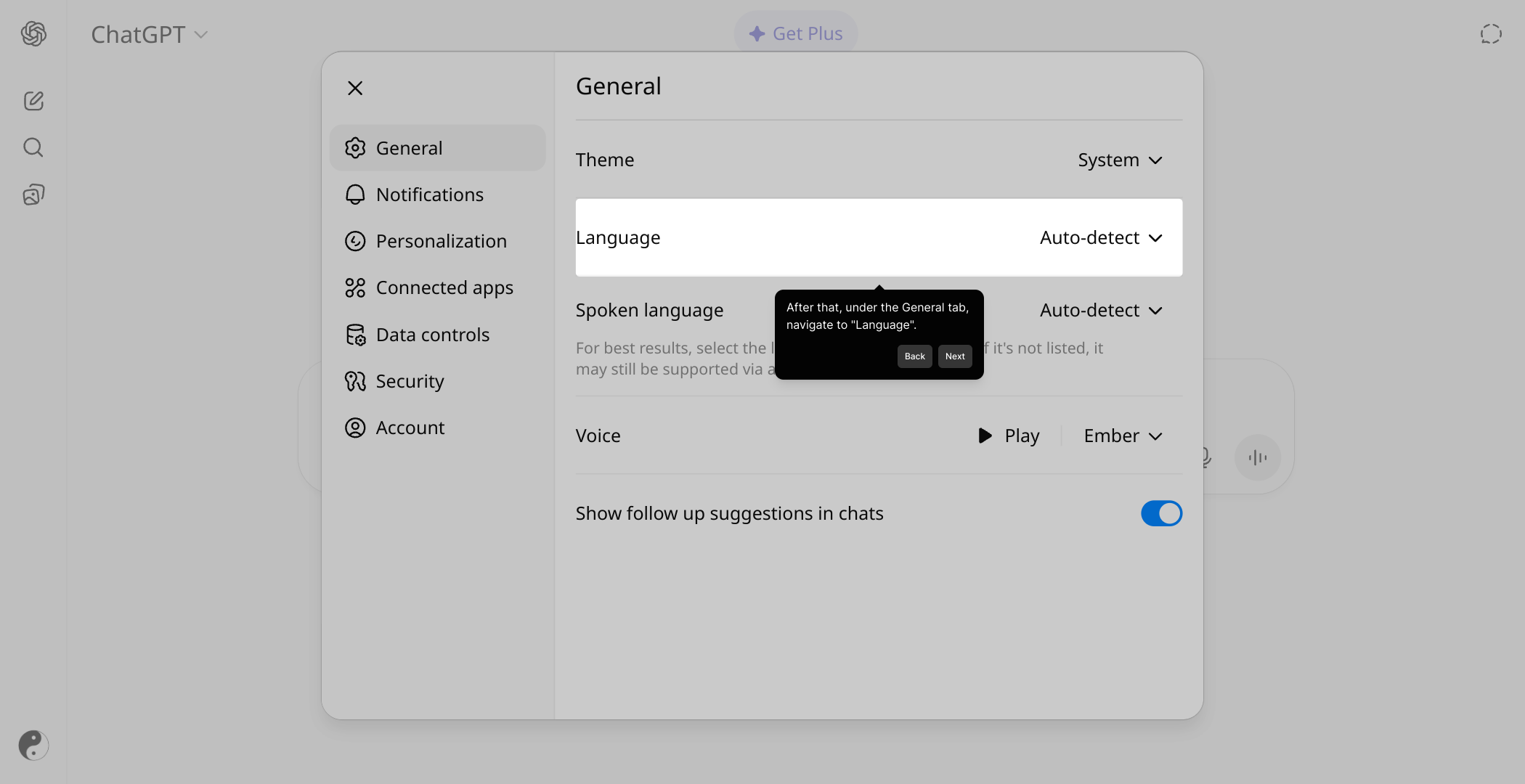
4. After that, under the General tab, navigate to "Language".
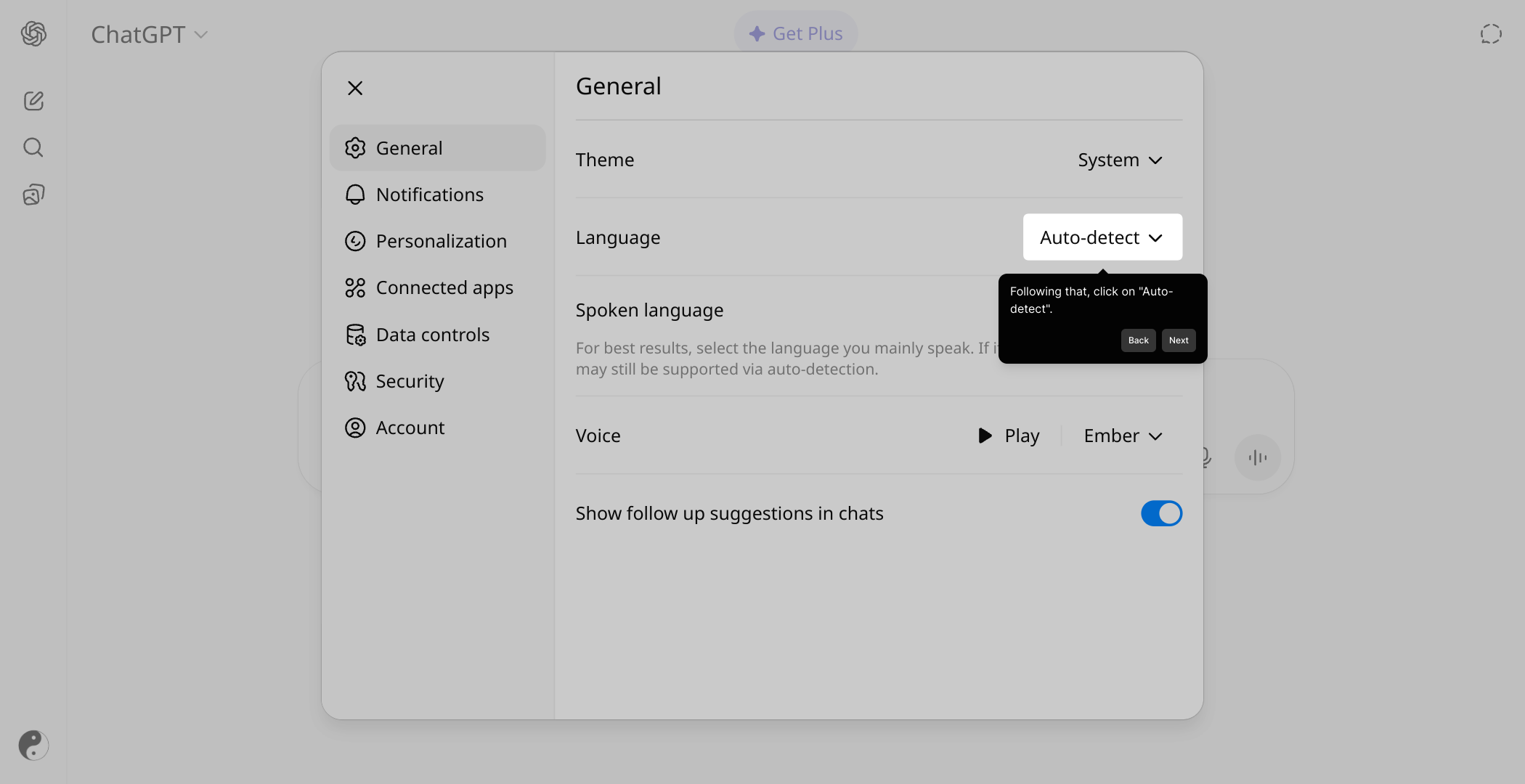
5. Following that, click on "Auto-detect".
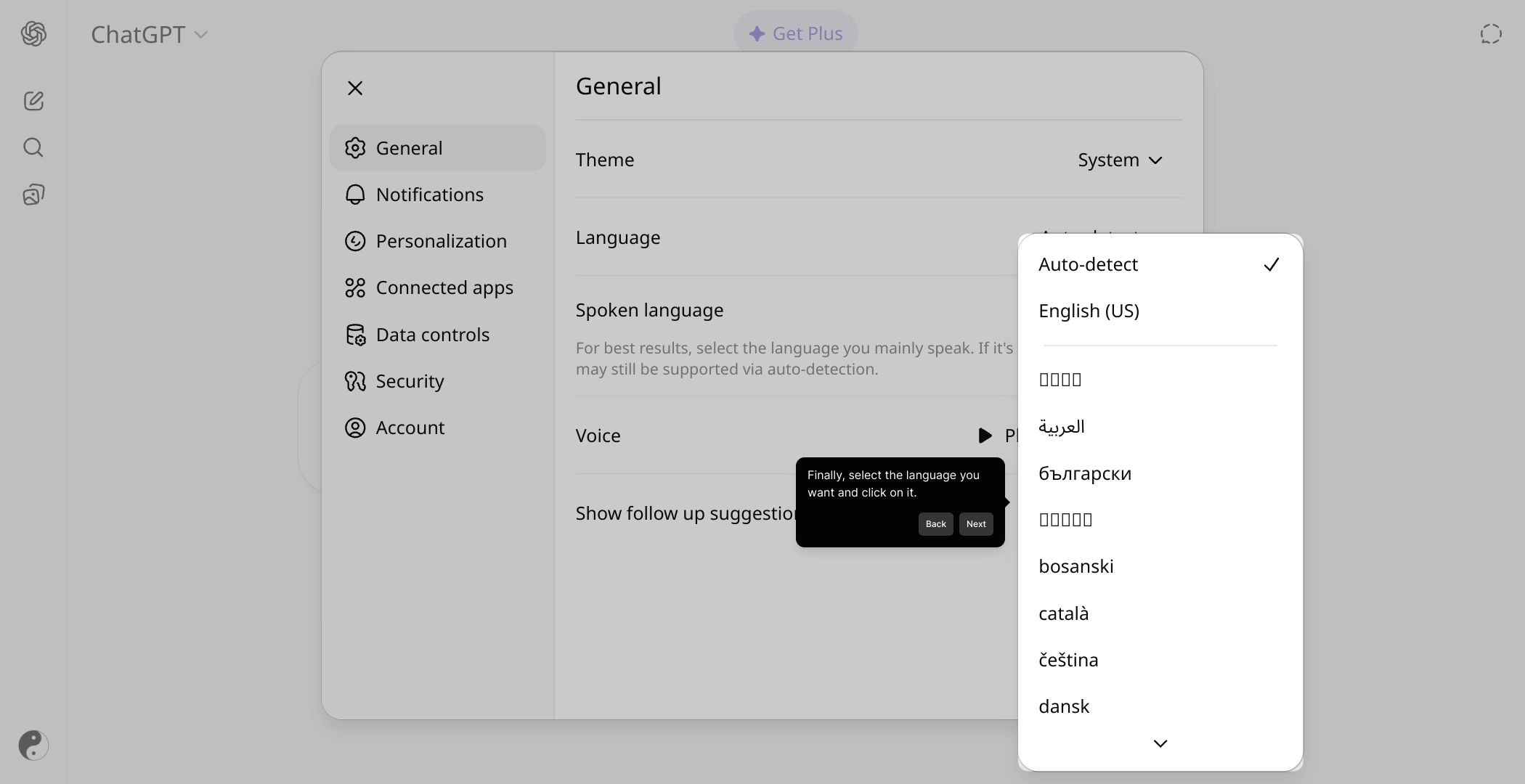
6. Finally, select the language you want and click on it.
7. Create a Supademo in seconds
This interactive demo/guided walkthrough on How to Change Language Setting in ChatGPT was created using Supademo.
How to Change Language Setting in ChatGPT : Step-by-Step Guide
To get started, look for the hotspot area labeled "Click to edit the hotspot" and select it to begin customizing your experience.
Next, focus on the upper part of the interface to find and click the Profile icon. This gives you access to your personal settings and preferences.
Once your profile menu appears, select the "Settings" option to open the area where you can adjust various aspects of your account.
Within Settings, locate the General tab and navigate to the "Language" section—this is where you can manage the language preferences for your account.
Here, you'll find the option labeled "Auto-detect"; click this to allow the system to automatically identify and set your default language based on your environment.
After that, browse through the list of available languages and pick the one you prefer by simply clicking on it, which will update your language settings immediately.
With your language configured, you’re all set to create a Supademo effortlessly—just follow the prompts, and you’ll have your demo ready in no time.
Create your own interactive demos in < 5 mins with Supademo
You can create your own interactive product demo in minutes using Supademo. Drive growth, scale enablement, and supercharge product-led onboarding with Supademo. Sign up for free here with no credit card required.
FAQs
Commonly asked questions about this topic.
How do I change the language setting in ChatGPT?
Can ChatGPT automatically detect my language?
Is it possible to switch languages on the fly while chatting?
What languages does ChatGPT support?
Will changing the language affect my chat history?
Can I set different languages for different chats?
What if the language I want is not listed?
Can I revert back to the original language after changing it?
Does changing ChatGPT’s language affect voice input or output?
Is the language setting tied to my OpenAI account or device?

Product Operations Associate
Vimal Kumar helps build and grow Supademo’s team and GTM efforts, with a focus on figuring out growth levers and improving product traction.


