Free Screenshot Editor
Annotate, blur, edit screenshot text, and share screenshots online. Change text in any screenshot or create payment screenshots with AI. Works in your browser. No download, no account.
Trusted by 200,000+ top operators and 3,000+ paying organizations


How to edit a screenshot with Supademo
1. Upload or capture
Take a screenshot with the Chrome extension or upload any image from your device. Works from any OS. No app required.
2. Edit and annotate
Add text, arrows, blur, or redact areas. Use AI to edit text directly inside the image. No Photoshop skills needed.
3. Choose a background
Pick a solid color, gradient, or transparent background. Make your screenshot look polished and on-brand in one click.
4. Download or share
Export as PNG/JPEG or generate a shareable link. Update the screenshot later and the link reflects it. No re-sending.
What makes Supademo's screenshot editor different
AI edits text directly inside the image
AI edits text directly inside the image
Supademo uses AI to modify existing text inside the screenshot, so you can edit text online, change labels, or fix typos without Photoshop.
Blur and redact in one click
Blur and redact in one click
Select any area and apply blur or hard redaction instantly: passwords, API keys, pricing, internal UI. Clean and intentional results.
Share as a live link, not a file
Share as a live link, not a file
Generate a shareable link instead of attaching a PNG. Edit the screenshot later and the link updates automatically. No stale files.
Browser-based & private
Browser-based & private
This free screenshot editor processes images locally in the browser. Your screenshots are never stored unless you explicitly generate a link.
Why we built Supademo's free screenshot editor
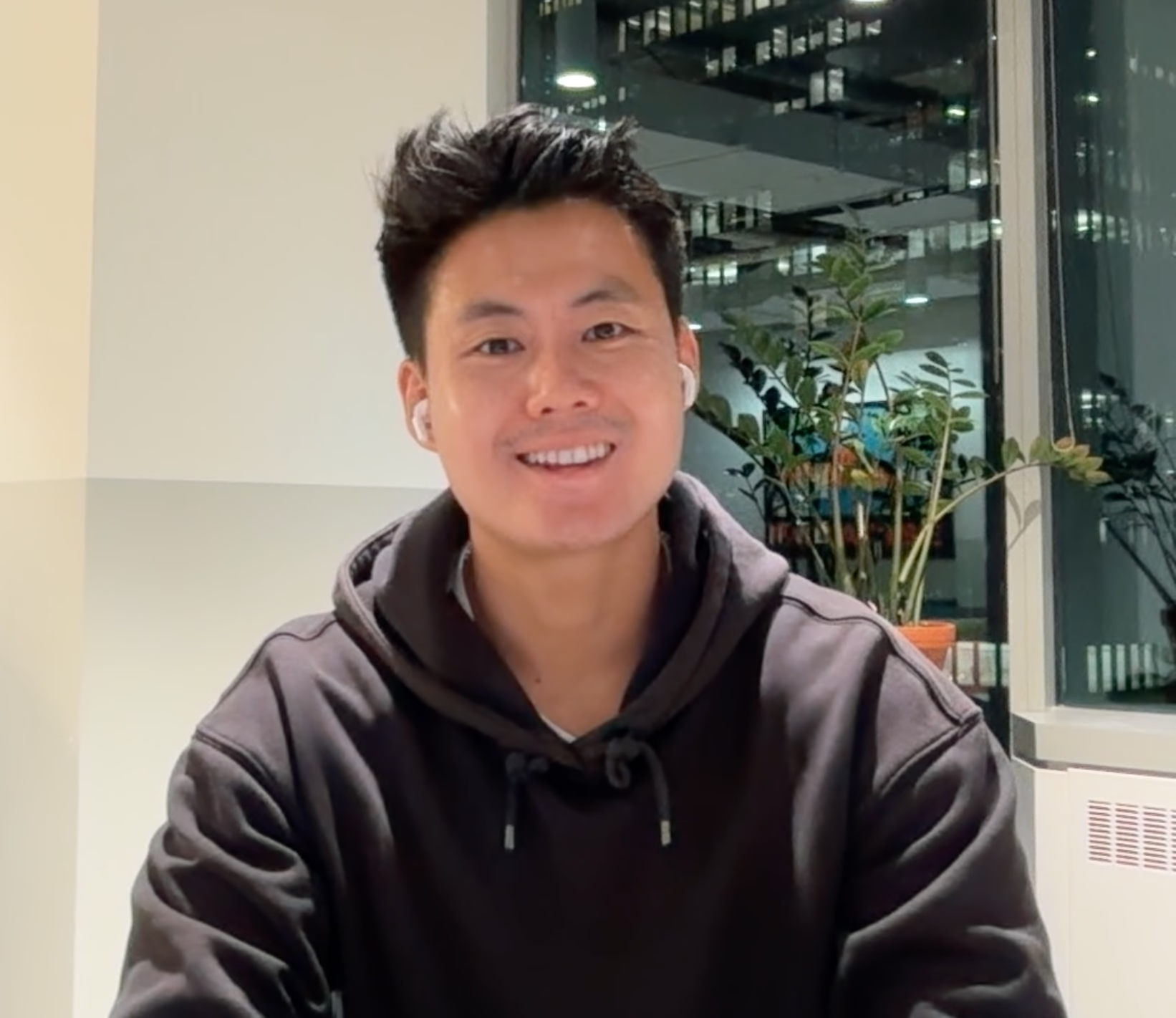
“Before we shipped this, I was personally Photoshopping screenshots for our marketing site. Each fix took about 20 minutes. Matching the UI font is the slow part. Supademo's free screenshot editor exists partly to stop me doing that. Now I edit screenshot text in under 30 seconds, and our PMs picked it up for mockups once they saw how fast it was.”

“With Supademo's free screenshot editor, what I cared about was the output being something you'd want to share. The screenshot you drop in should come out polished and on-brand. You can grab it as a tracked link or paste it into Slack. Every screenshot should look as clean as the first, even when someone runs ten through before a deck review.”
How teams use Supademo's screenshot editor
Annotated screenshots that warm up prospects
Capture product screens, highlight the key moments, and share with prospects before the call. Skip the 'let me show you' and get to the conversation that matters.
Supademo for Sales & Enablement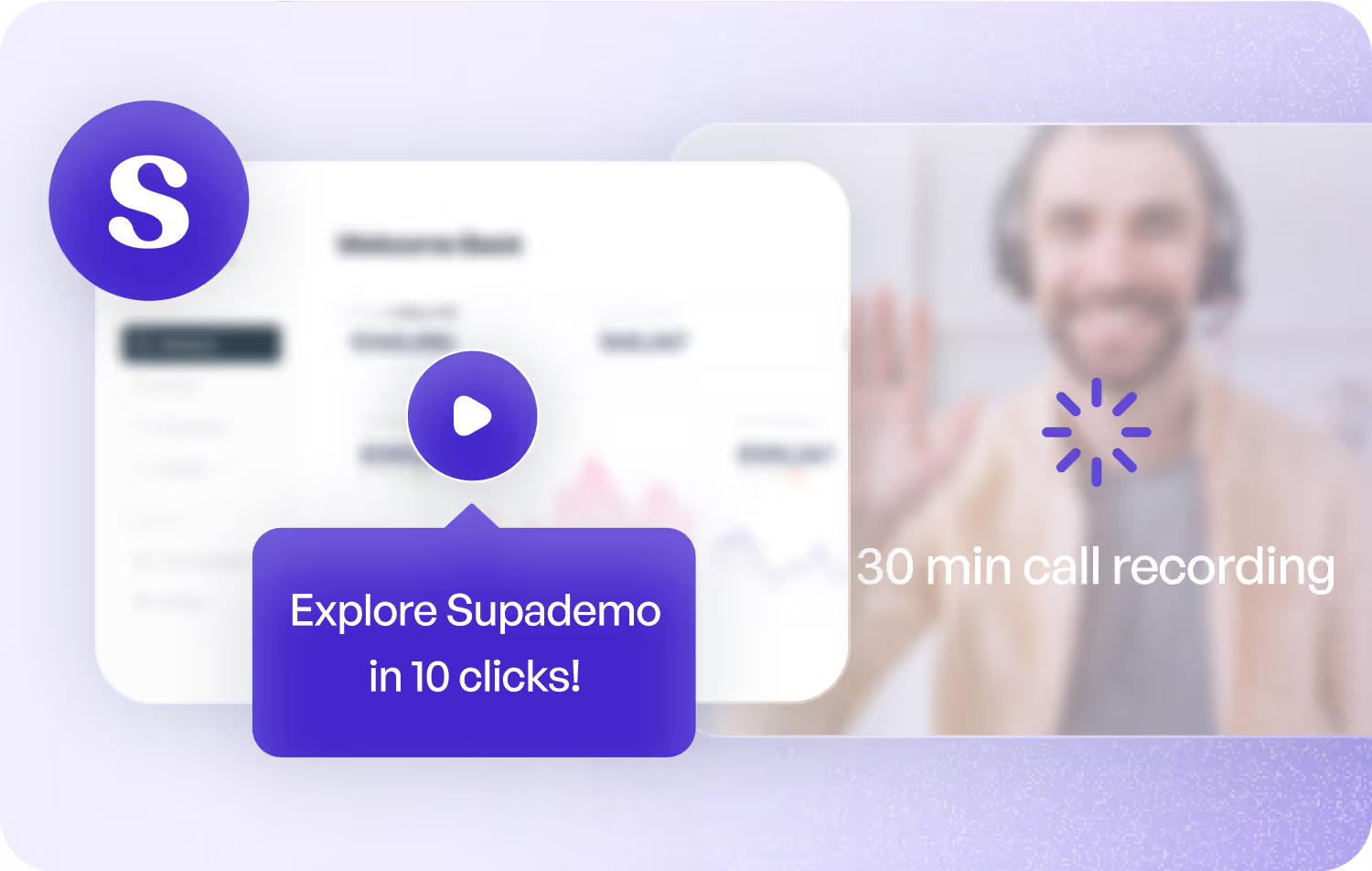
On-brand screenshots for every channel
Edit product screenshots, add context, and keep visuals consistent across landing pages, ads, and social. No design tool handoff required.
Supademo for Marketing & Growth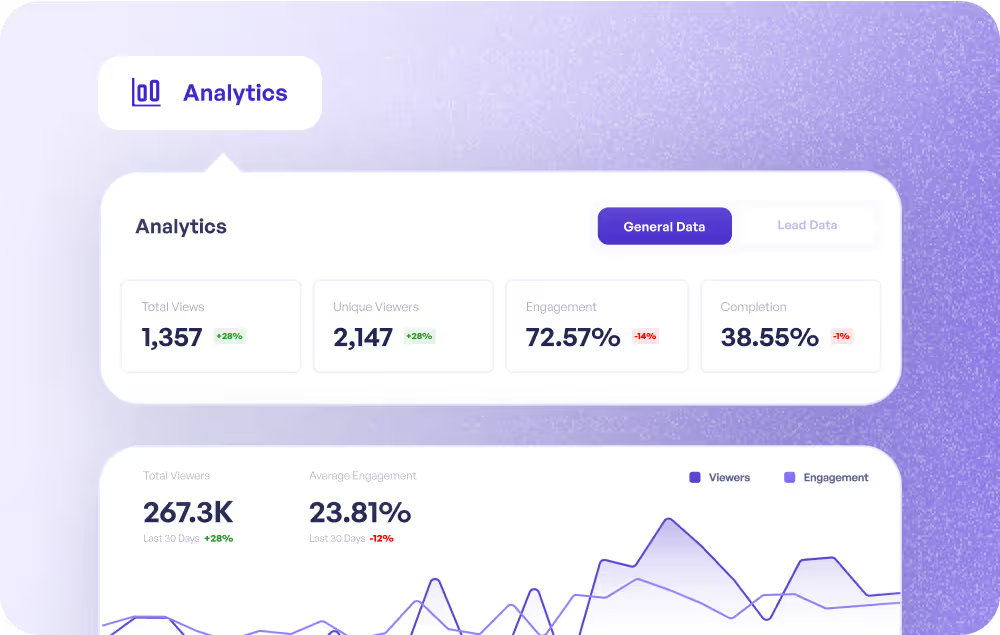
Visual answers in the help docs that actually help
Annotate screenshots for knowledge base articles, onboarding guides, and CS playbooks. Keep them updated without re-recording anything.
Supademo for Customer Success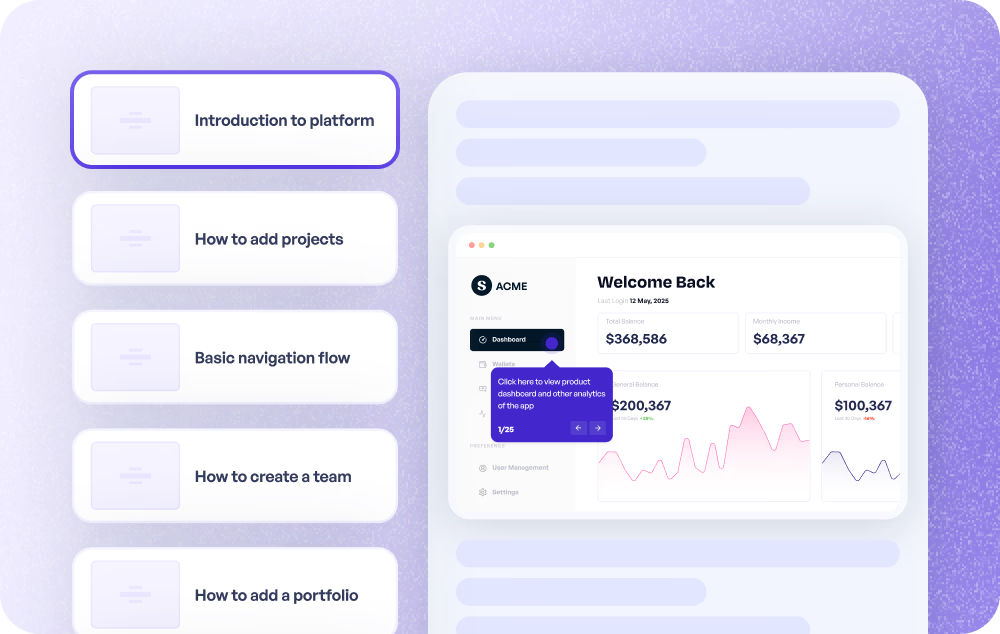
Faster answers, fewer back-and-forths
Share annotated screenshots with customers instead of writing long explanations. Blur sensitive info before sending. Resolve tickets faster.
Supademo for Support
Bug reports that actually explain the bug
Annotate what's broken, what's expected, and what the edge case is. All in one screenshot. Fewer words, faster fixes.
Supademo for Product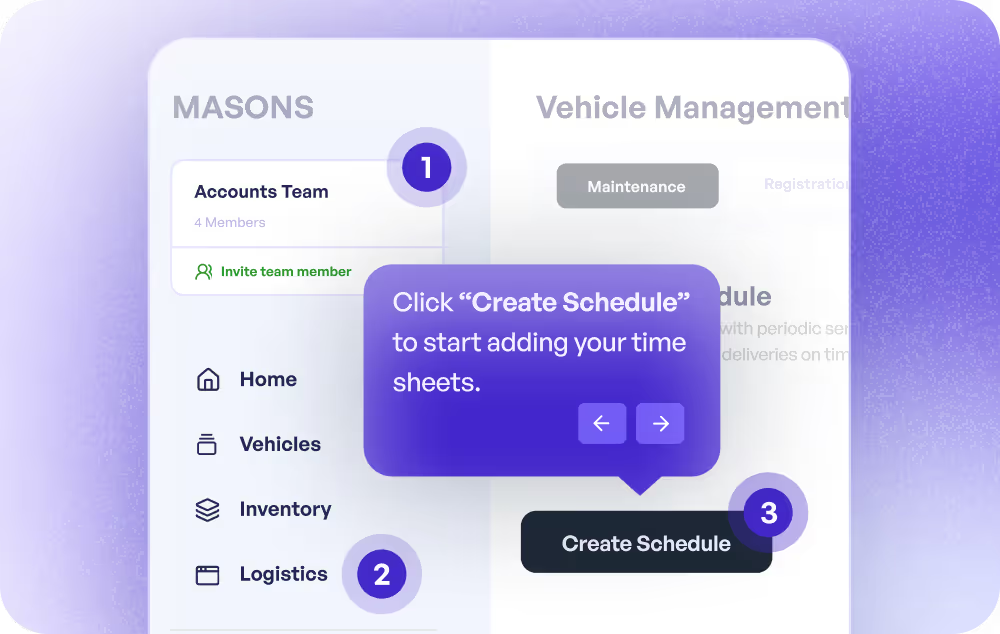
Screenshot-based training that sticks
Build step-by-step visual guides for new hires using annotated screenshots. Easier to follow than a wall of text, faster to create than a video.
Supademo for Training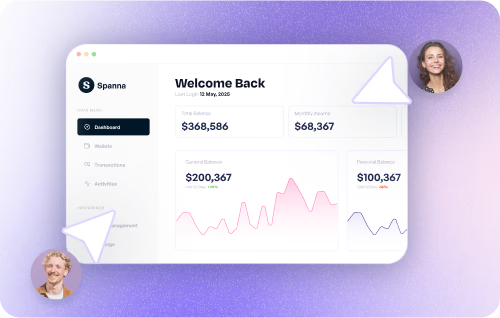
How do sales teams use screenshot editors?
Sales teams annotate product screenshots to highlight key value moments and share them with prospects ahead of demos, reducing time-to-understanding and friction in the sales cycle.
How do marketing teams use screenshot editors?
Marketing teams use screenshot editors to create on-brand product visuals for landing pages, ads, and social content, without needing a designer for every update.
How do customer success teams use screenshot editors?
CS teams annotate and maintain screenshots for help docs and onboarding guides, keeping documentation visual, accurate, and easy to update as the product evolves.
How do support teams use screenshot editors?
Support teams use screenshot editors to send annotated, privacy-safe visuals to customers, cutting ticket resolution time and reducing back-and-forth.
How do product teams use screenshot editors?
Product teams annotate screenshots for bug reports, design feedback, and QA, making issues clearer and faster to act on.
How do training teams use screenshot editors?
Training teams build annotated screenshot guides for onboarding and process documentation. Faster than video and easier to update than traditional docs.
From screenshot edits to interactive product demos
Supademo goes beyond screenshots. Create interactive product demos, walkthroughs, and tutorials that can be embedded, shared, and tracked across every customer touchpoint. Start with screenshots, scale to full product storytelling.
Explore Similar Free Tools
Frequently asked questions
Common questions about our free screenshot editor. Have others? Reach out and our team will be happy to help.
Upload your screenshot to Supademo's free editor, use the tools to annotate, blur, or modify the image, then download or copy a shareable link. No account or download required.
Use the AI text editing feature: upload your screenshot, select the text area, and Supademo's AI modifies or replaces the text directly inside the image, without any manual masking or Photoshop work.
Yes. Select any region and apply blur or redaction in one click. Useful for hiding passwords, personal information, API keys, or anything you don't want visible before sharing. Works similarly to Supademo's standalone image blur tool.
Download edited screenshots as PNG or JPG. You can also generate a shareable link: if you update the screenshot later, the link reflects the changes automatically.
No. The screenshot editor is free with no account required. Sign up if you want to save, organize, and manage your screenshots over time.
Yes. Supademo is SOC 2 Type II compliant. Screenshots are not stored on our servers unless you explicitly generate a shareable link. You control who sees what.
Yes. Upload screenshots from your iPhone or Android directly in the browser — no app download needed. The editor works on any device, similar to other browser-based capture tools.
Supademo adds AI text editing, live shareable links, and team collaboration on top of standard annotation. It also connects to Supademo's interactive demo platform for teams that need more than a screenshot tool.
Upload your screenshot to Supademo's free screenshot editor, click the AI text tool, and edit screenshot text online without downloading anything. Change screenshot text in seconds — replace UI labels, fix typos in tutorial captures, or update outdated copy. Works as a browser-based screenshot editor app on any device.
Yes. Use Supademo's free screenshot editor to create fake screenshots, fake payment screenshots, or app mockups for design reviews, UI testing, and product prototypes. To create fake payment screenshot mockups, upload your starting image and use the payment screenshot generator to edit amounts, names, transaction IDs, or any text. Common uses include fintech UX testing, app demos, design portfolios, and presentations.
Edit, Annotate, and Generate Screenshots Free Online
Supademo helps teams create interactive product demos, walkthroughs, tutorials, and onboarding guides that can be embedded, shared, tracked, and reused across every customer touchpoint.