Free AI Workflow Generator
Generate interactive workflow documentation that teams actually follow. Create step-by-step process guides with AI annotations, hotspots, and completion tracking. More effective than Process Street, Monday, or Notion docs.
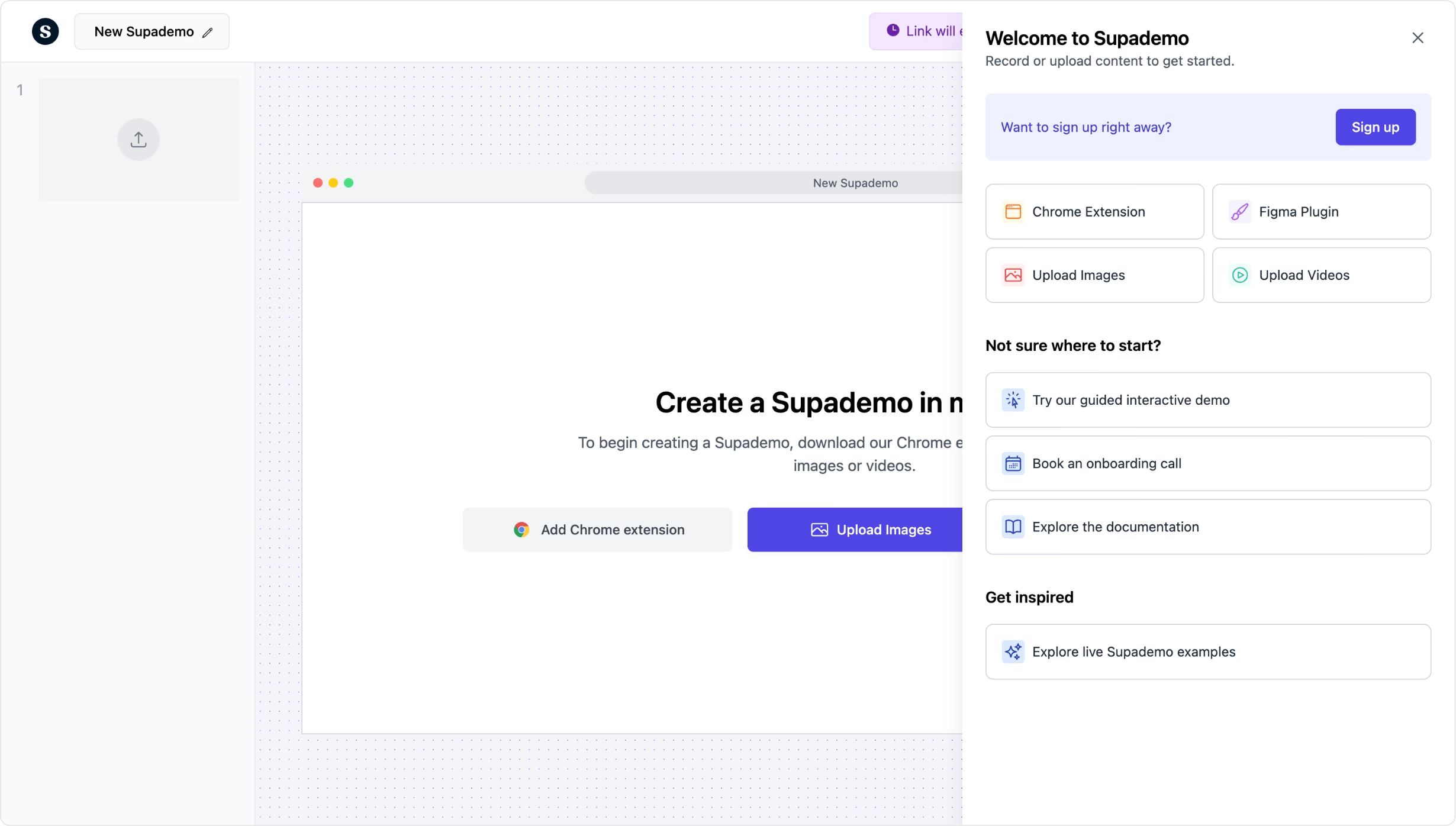
Generate interactive workflow documentation with AI
Try it freeTrusted by 200,000+ top operators and 3,000+ paying organizations


How to generate workflows with Supademo
Capture your workflow steps
Use the Chrome extension to record each step of your process as you do it. Supademo captures screenshots and generates AI annotations automatically.
Refine with AI and add interactivity
Let AI generate step descriptions and annotations, then add hotspots, branching for decision points, and conditional paths for different scenarios.
Share and track completion
Distribute your workflow as a shareable link or embed in your wiki. Track who completed each step, where they got stuck, and overall process adoption.

What makes Supademo's workflow generator different
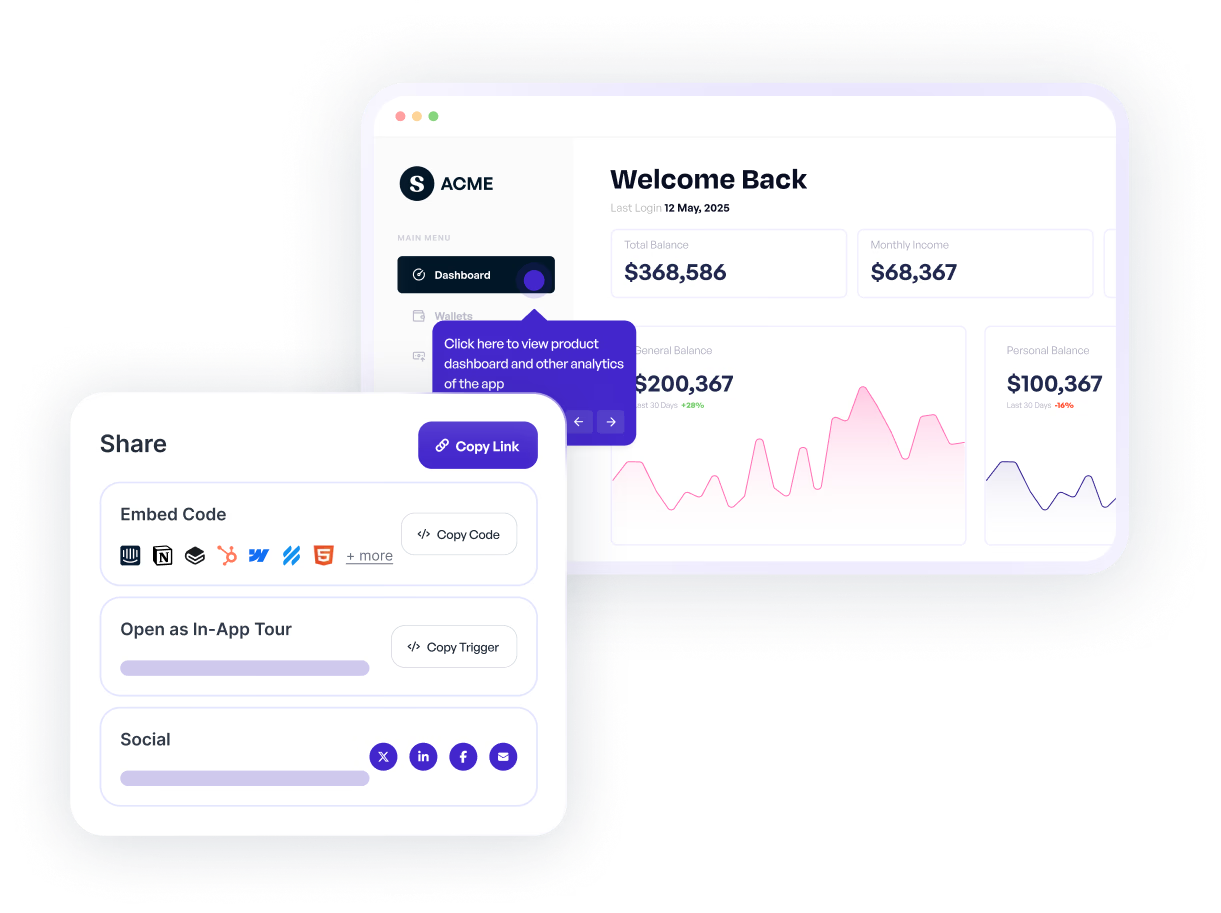
Visual workflows that show, not just tell
Process Street and Monday use text checklists. Supademo captures actual screenshots of each step with AI annotations, so team members see exactly what to click and where.
Explore demo recorder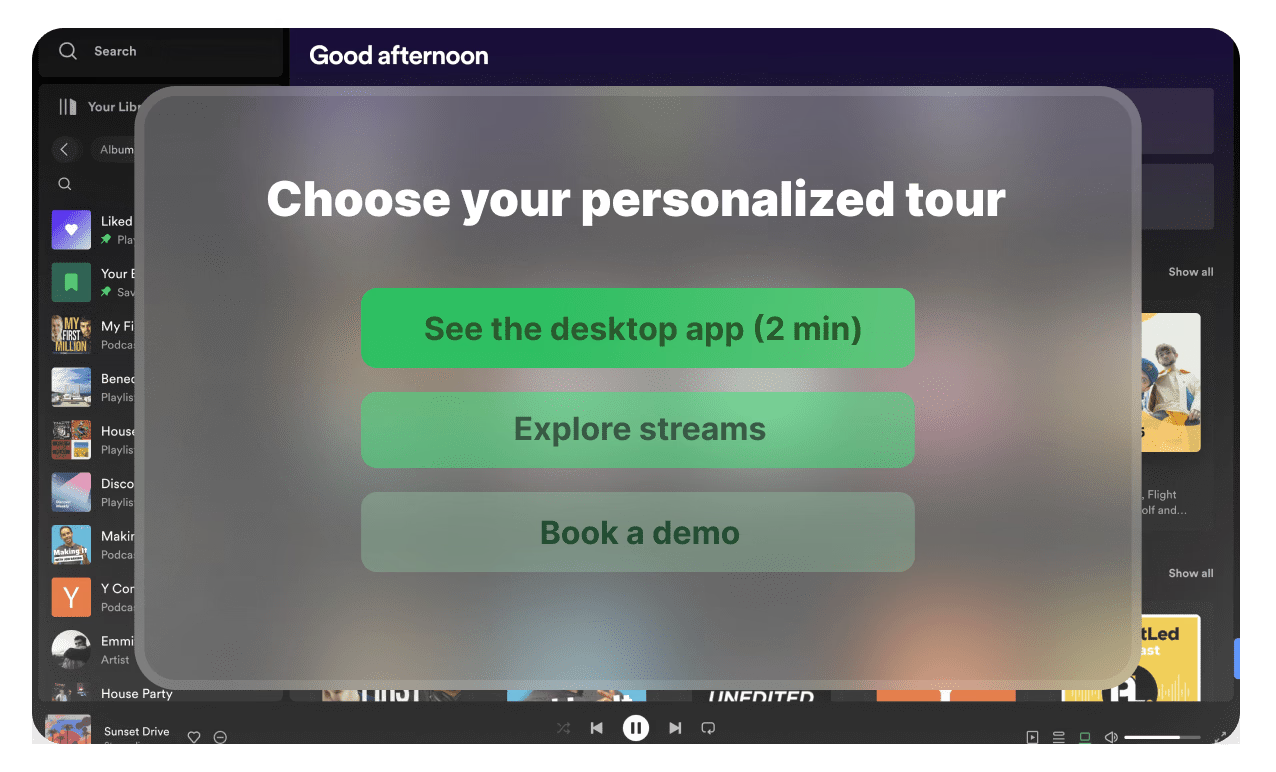
Branching for complex decision points
Real workflows have conditional paths. Supademo's branching logic lets you create decision trees where the next step depends on the previous outcome, something Notion docs cannot replicate.
Explore personalization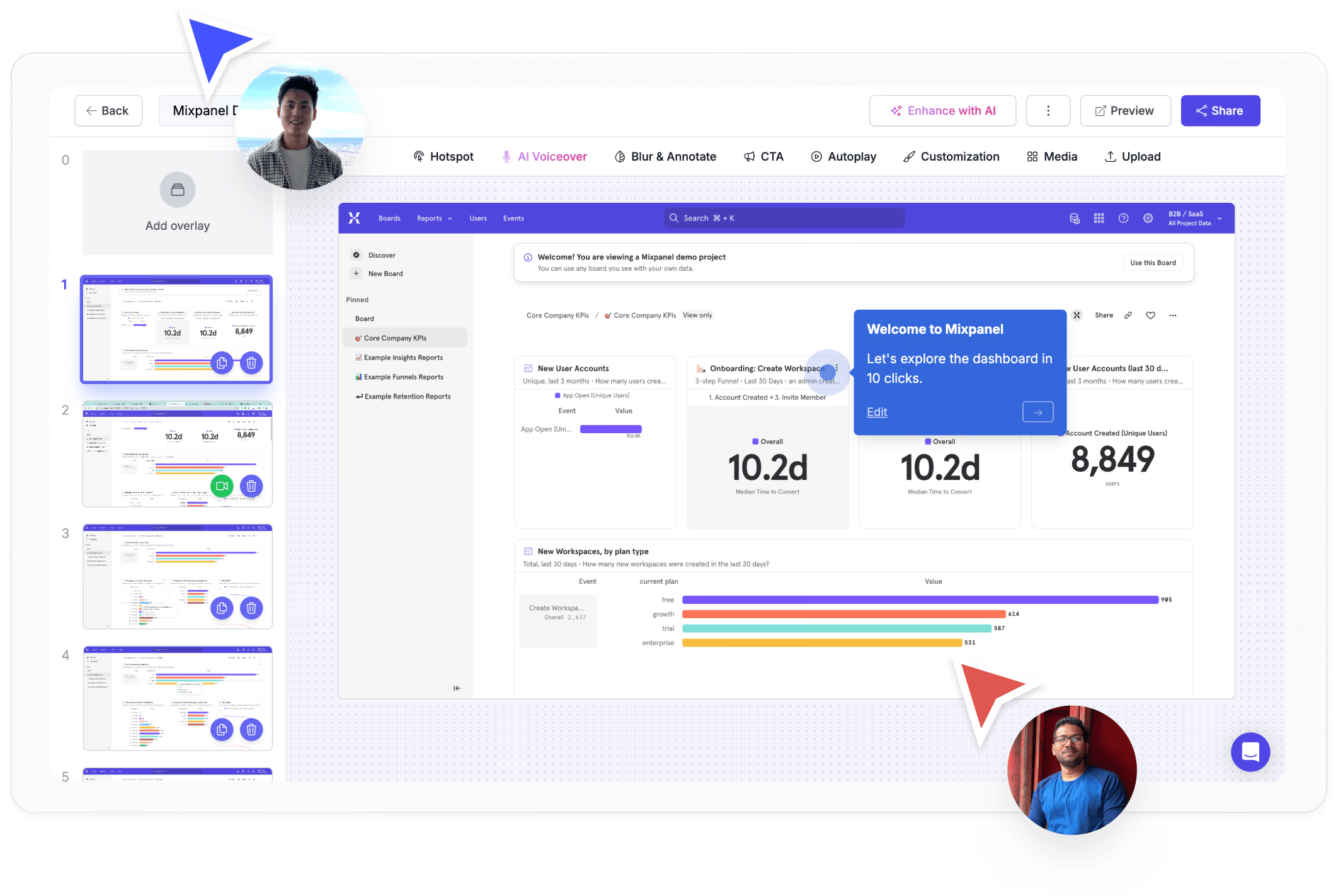
Completion tracking and adoption analytics
Know which team members completed the workflow, where they got stuck, and which steps need improvement. Built-in analytics replace the guesswork of shared documents.
Explore analyticsWhy we built Supademo's workflow generator

“I asked one of our senior ops people to document her invoice approval workflow. She wrote 1,200 words in Notion. Nobody on her team read past paragraph two. We had her redo it as a clickable walkthrough in Supademo's workflow generator. Her team's completion rate on that walkthrough hit 90%+.”

“Tools like Tallyfy and Monday model workflows as checklists. That's fine for a strictly linear process, but the moment there's a decision point, checklists collapse. I built Supademo's workflow generator around branching, so the walkthrough adapts to what the person is doing. Branching workflows turned out to be the use case we underestimated.”
Who uses Supademo's workflow generator?
Documented sales workflows reps can follow and repeat
Document sales workflows reps can follow and repeat. Supademo's workflow generator captures the process as you do it and creates interactive guides automatically.
Explore sales enablement
Marketing playbooks that capture every campaign step
Capture marketing playbooks that document every campaign step. Supademo's workflow generator turns screen recordings into shareable process guides.
Explore product marketing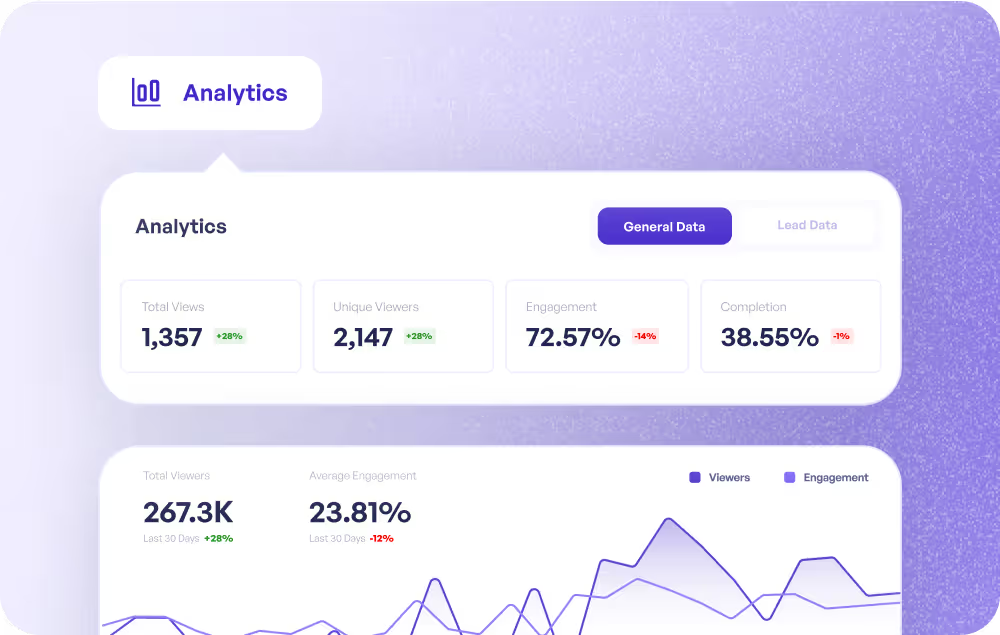
Customer workflows that scale with your team
Generate customer workflow guides that scale with your team. Supademo's workflow generator keeps documentation current without manual updates.
Explore customer success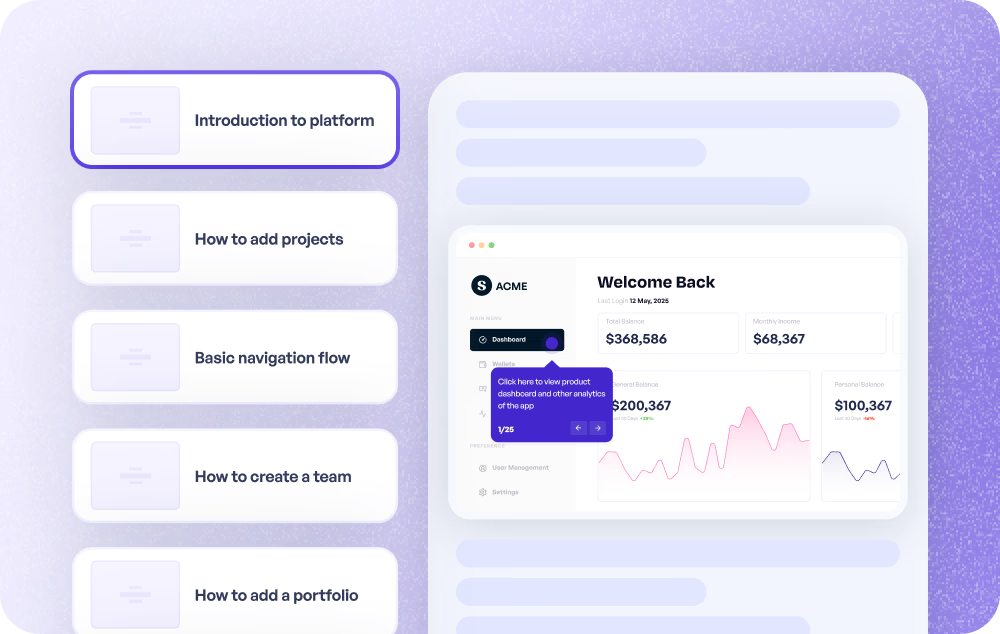
Support workflows that stay current without manual updates
Create support workflow guides that stay current automatically. Supademo's workflow generator captures the process once and keeps it up to date.
Explore customer support
Document product processes as you execute them
Document product processes as you execute them. Supademo's workflow generator auto-captures each step and creates interactive documentation.
Explore product use cases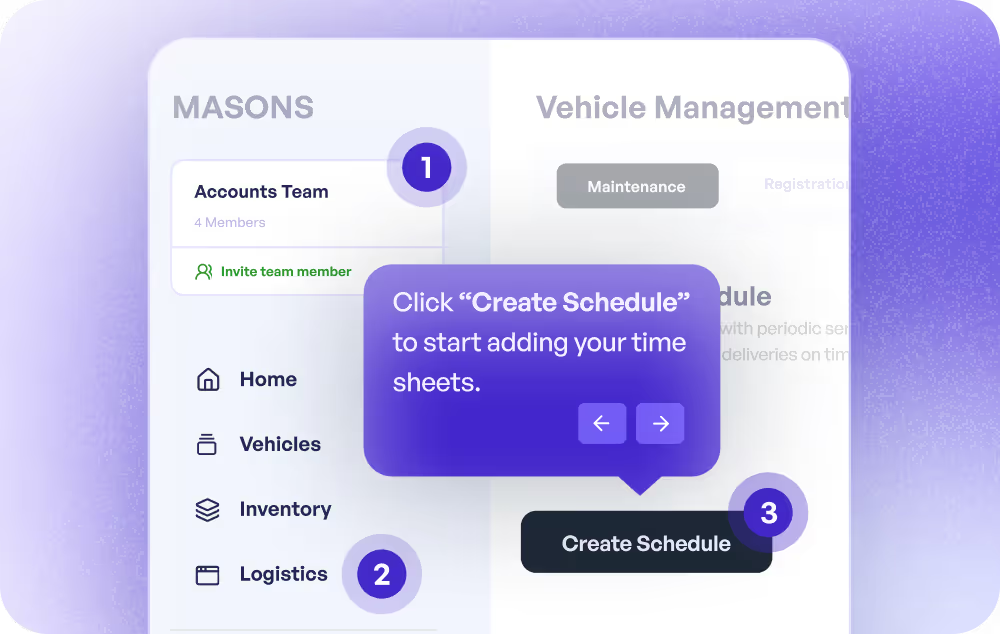
Turn any process into a reusable workflow guide
Turn any process into a reusable workflow guide. Supademo's workflow generator creates interactive, step-by-step training from screen recordings.
Explore training use cases
How do sales teams use Workflow Generator?
Sales teams use Supademo's workflow generator to create personalized, self-guided product experiences that replace static slide decks and reduce time-to-close.
How do marketing teams use Workflow Generator?
Marketing teams use Supademo's workflow generator to capture campaign playbooks and tool processes as interactive guides, turning screen recordings into shareable, reusable documentation.
How do customer success teams use Workflow Generator?
CS teams use the workflow generator to create customer-facing process guides that stay current without manual updates, scaling documentation alongside the team.
How do support teams use Workflow Generator?
Support teams use the workflow generator to create troubleshooting guides that auto-update when processes change, keeping help center content accurate without manual rewrites.
How do product teams use Workflow Generator?
Product teams use the workflow generator to document processes as they execute them, with Supademo auto-capturing each step and creating interactive documentation.
How do training teams use Workflow Generator?
L&D teams use Supademo's workflow generator to turn any process into a reusable, interactive training guide from a screen recording, with built-in completion tracking.
Explore Similar Free Tools
Frequently asked questions
Common questions about Supademo’s workflow generator. Have others? Reach out and our team will be happy to help.

A workflow generator creates structured, step-by-step process documentation. Supademo's workflow generator captures actual screenshots, adds AI annotations, and produces interactive user guides with completion tracking.
Process Street and Monday use text-based checklists. Supademo generates visual, interactive workflows with screenshots, AI annotations, clickable hotspots, and branching logic for conditional processes. It is closer to an interactive walkthrough builder than a task manager.
Yes. Supademo's AI analyzes your captured screenshots and generates contextual annotations and step descriptions automatically. The result is production-ready documentation you can edit and refine.
Yes. Use branching to create conditional paths where the next step depends on the outcome of the previous one. This handles complex workflows with multiple scenarios, similar to how interactive product walkthroughs guide different user types.
Yes. Supademo tracks individual completion, step-level progress, time spent, and dropoff points. This helps you identify where processes break down, which is especially useful for employee training and onboarding workflows.
Yes. Embed interactive workflows in Notion, Confluence, your help center, or any website. They also work as shareable links for email and messaging distribution. Many teams pair embedded workflows with SOP documentation.
Yes. Supademo's Chrome extension captures your screen as you perform the workflow. AI generates annotations. No coding, design skills, or technical knowledge required. The output is a polished, step-by-step guide ready to share.
The workflow generator is free for up to 5 interactive workflows on the free plan. Paid plans expand that to unlimited workflows and add custom branding, team workspaces, analytics dashboards, SSO, and SOC 2 Type II compliance.