Chapters
Add contextual sections that guide, qualify, gate, or drive action within your interactive demos.
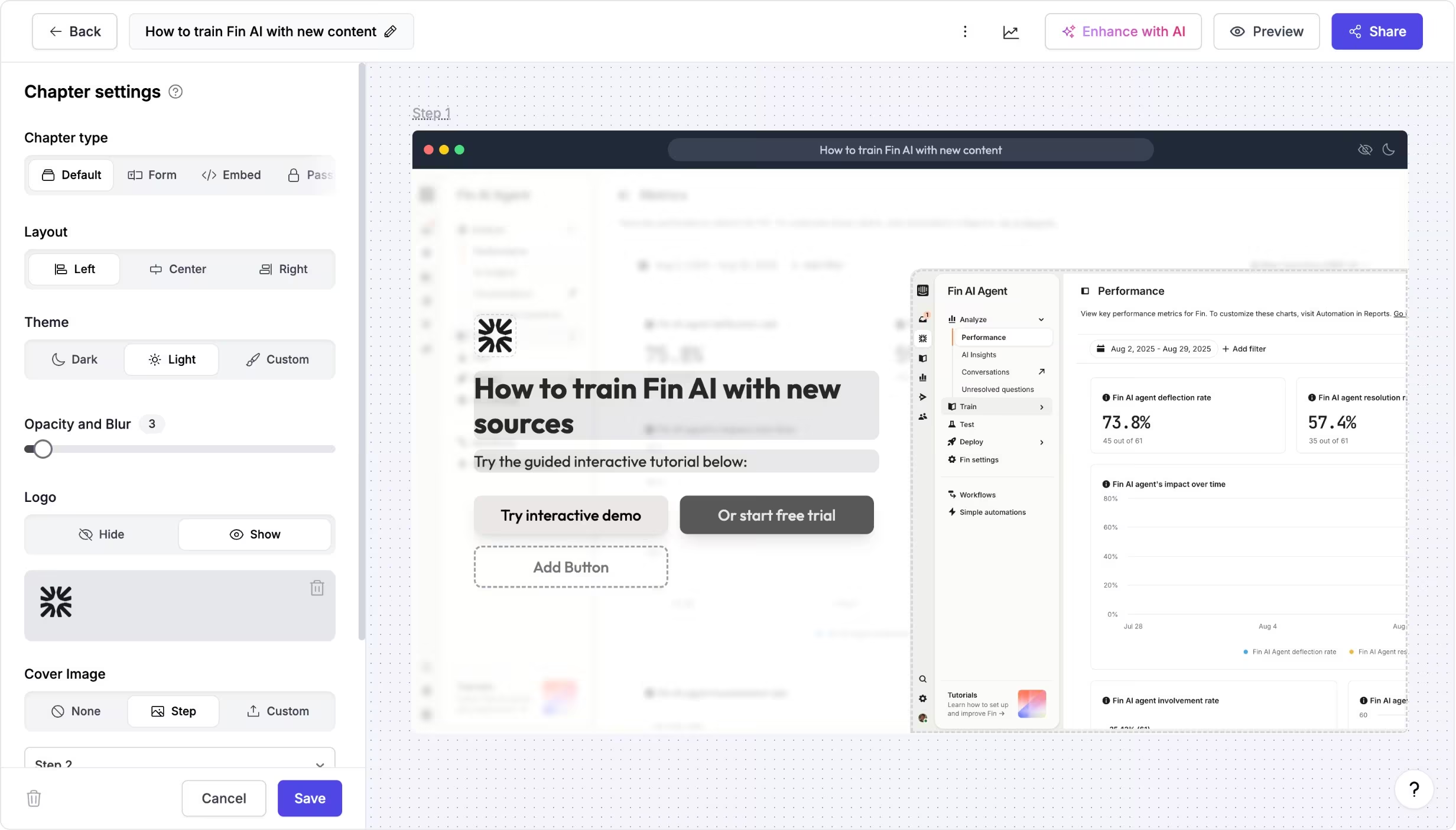
Add context, guide flows, and drive action
Supademo chapters help you provide context, capture leads, gate content, add conditional branching, and drive action within your interactive demos.
Chapters can appear anywhere in a demo — at the beginning, in the middle, or at the end — and can include text, images, and call-to-action buttons that link to other steps or external URLs.
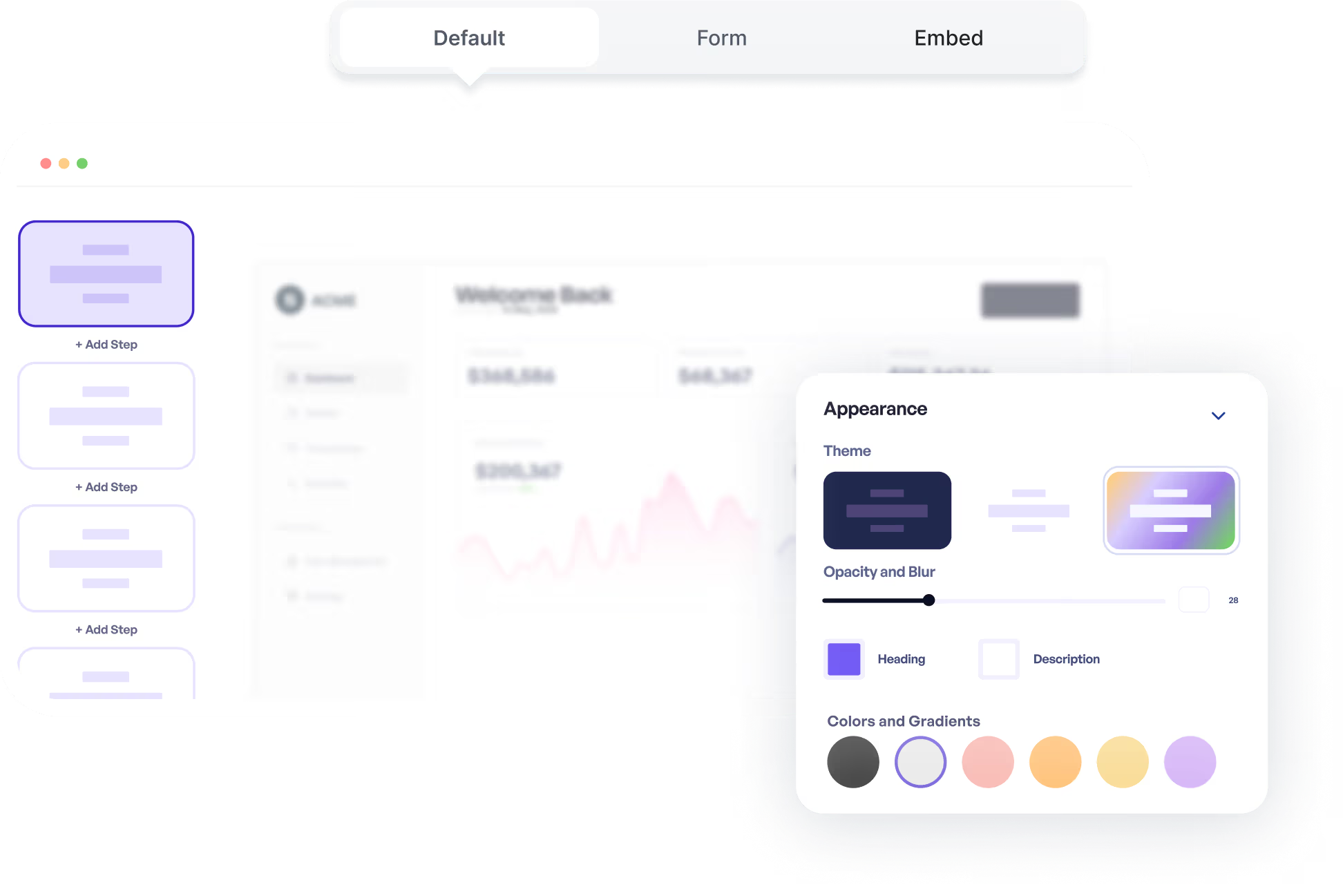
Turn chapters into qualifiers, gates, and next steps
Teams use chapters to set expectations, explain complex flows, qualify viewers with lead capture, protect sensitive content, or prompt viewers to take the next step.
Chapters are useful for onboarding, sales walkthroughs, support guides, and training demos where context and action matter.
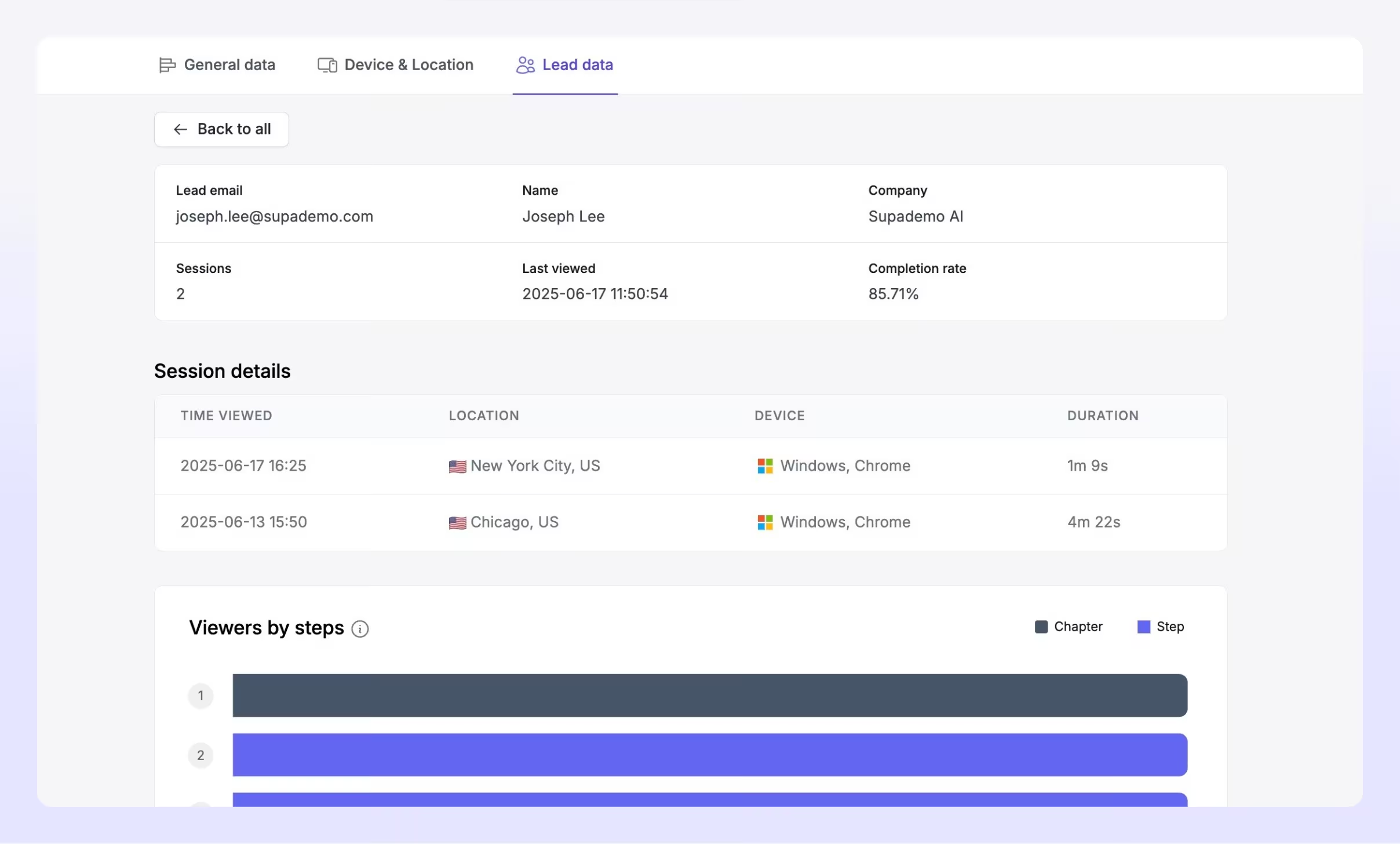
Experience instantly, interactively
Discover how you can add and edit chapters in any of your interactive demos.
Explore More Features
FAQs
Commonly asked questions about chapters. Have other questions? Reach out and our team will be happy to help.

Chapters are structured sections you insert into an interactive demo that provide context, capture leads, gate content, or prompt action from the viewer.
Chapters can be added at the beginning, middle, or end of a demo, and can include titles, descriptions, images, and buttons that link to internal steps or external URLs.
Yes. You can customize layout, theme, branding, and use dynamic variables to tailor chapter content to individual viewers.