Background Music
Make your interactive demos more engaging with subtle, royalty-free background music.
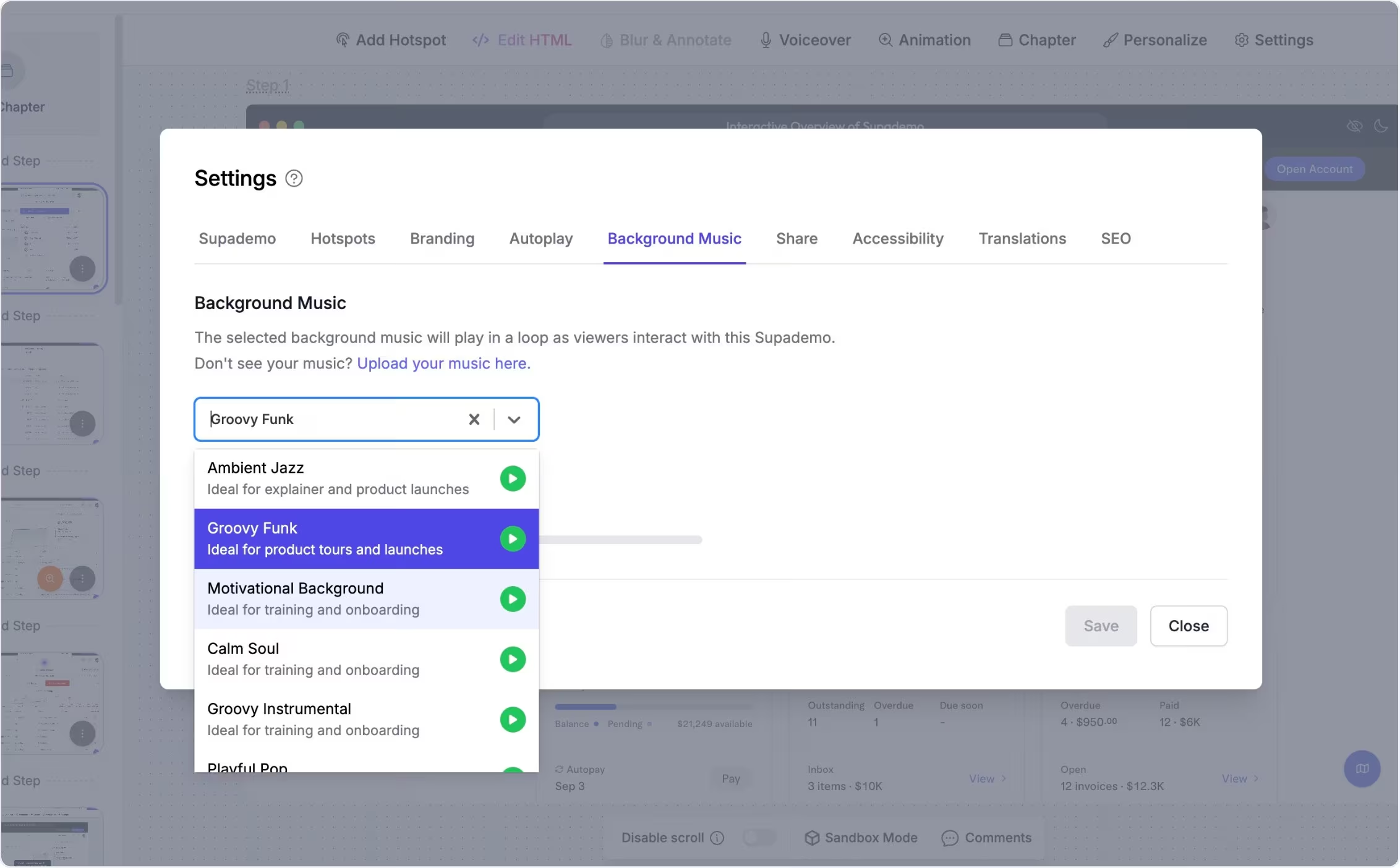
Add music for a more polished feel
Add background music to give your interactive demo a more professional, studio-like experience.
Choose a track and set the volume to better capture and maintain viewer attention, especially for educational or presentation-style content.
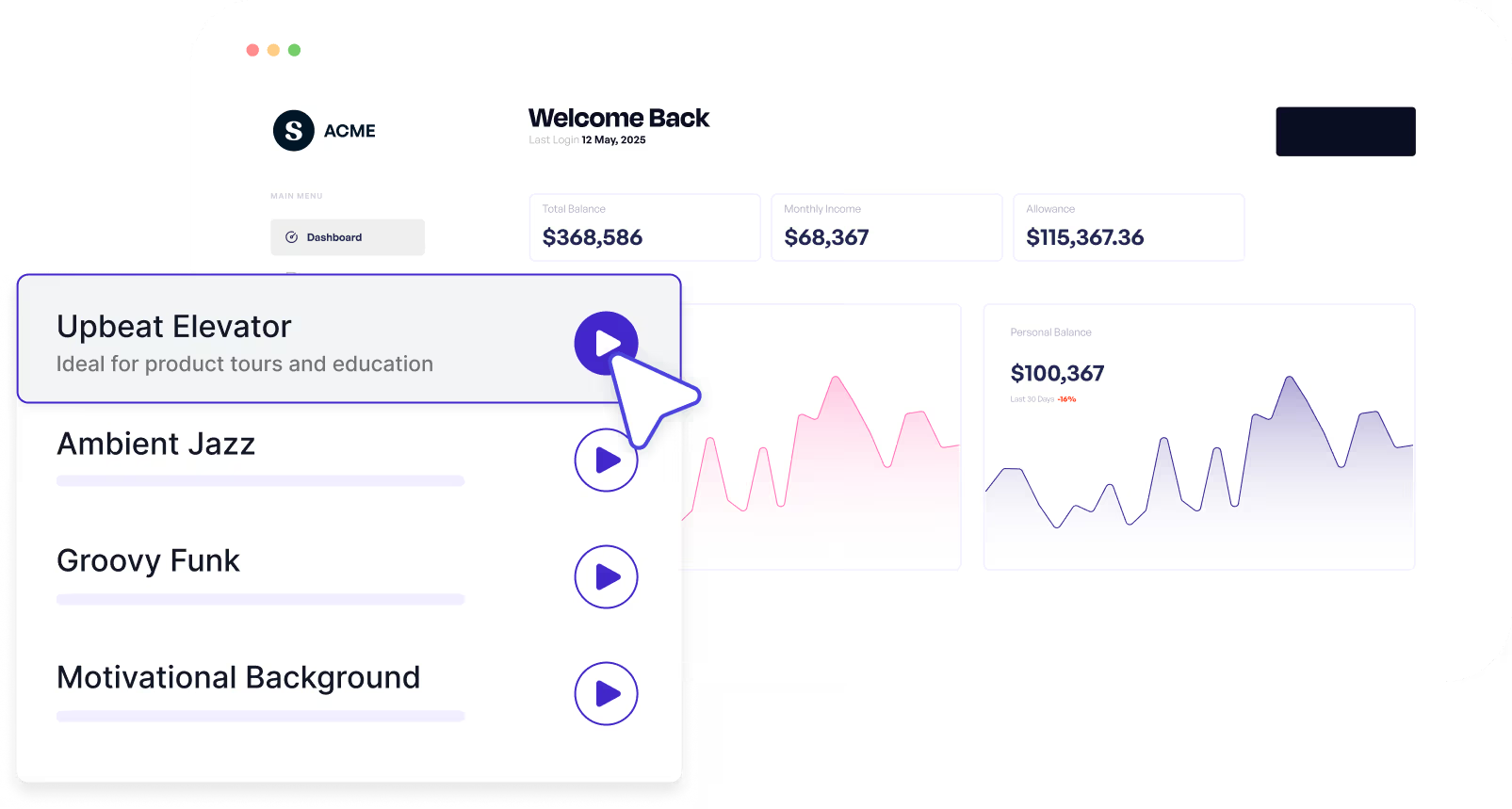
Make launch and training demos more engaging
Teams use background music to make product launch walkthroughs, onboarding tutorials, and training content feel more engaging for auditory learners.
It helps set a consistent tone and keeps longer flows feeling smooth and intentional.
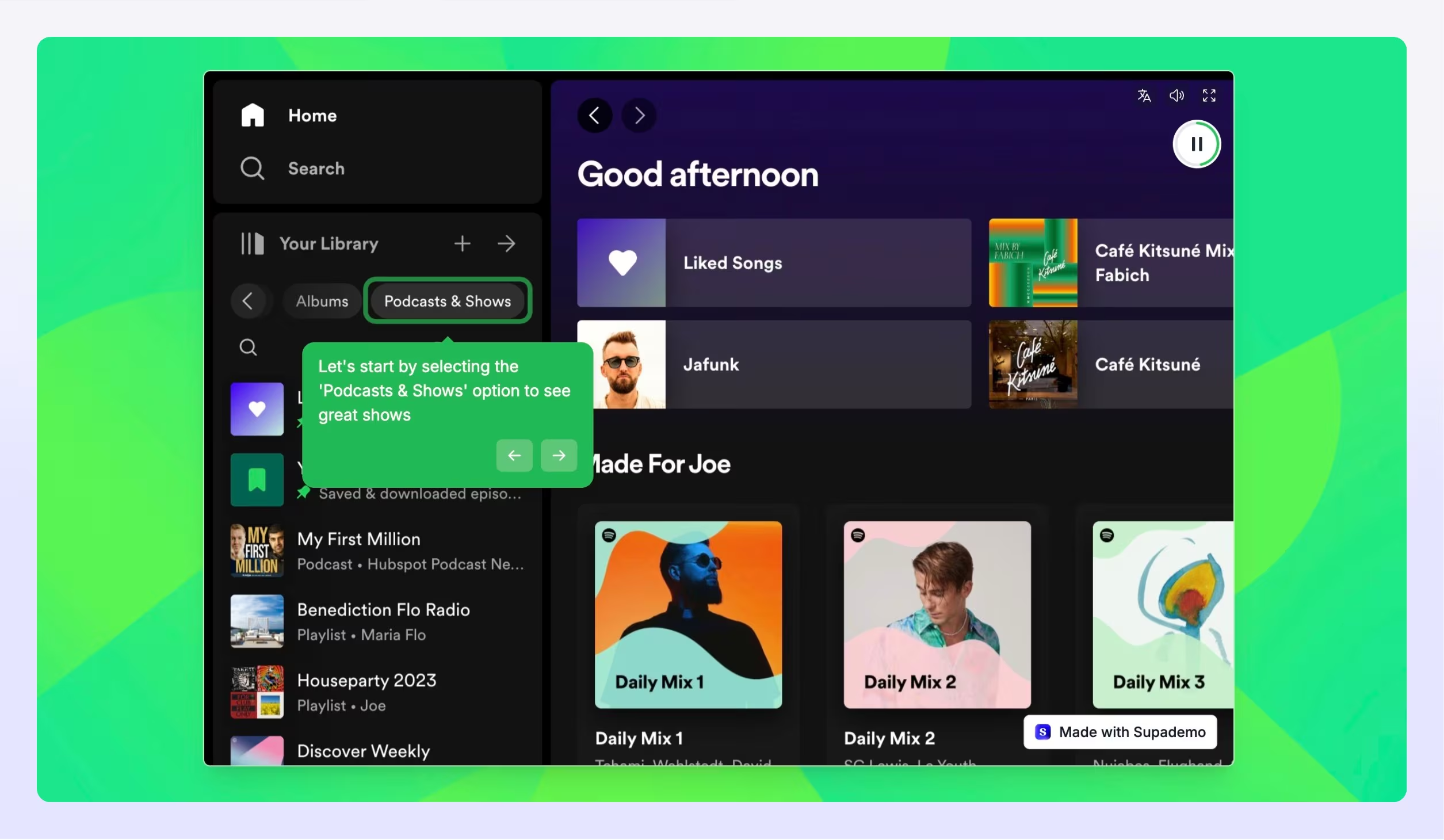
Experience instantly, interactively
Explore how to choose a background track, adjust volume, and upload your own music.
Explore More Features
FAQs
Commonly asked questions about background music. Have other questions? Reach out and our team will be happy to help.
Yes. You can upload your own background music from the Theme tab.
Yes. Supademo's provided background music options are royalty-free and commercially usable without licensing restrictions.
It's most useful for product launches, educational training content, and onboarding tutorials where you want a more engaging, polished experience.