Expiring Share Links
Share interactive demos with links that automatically expire after a set time period.
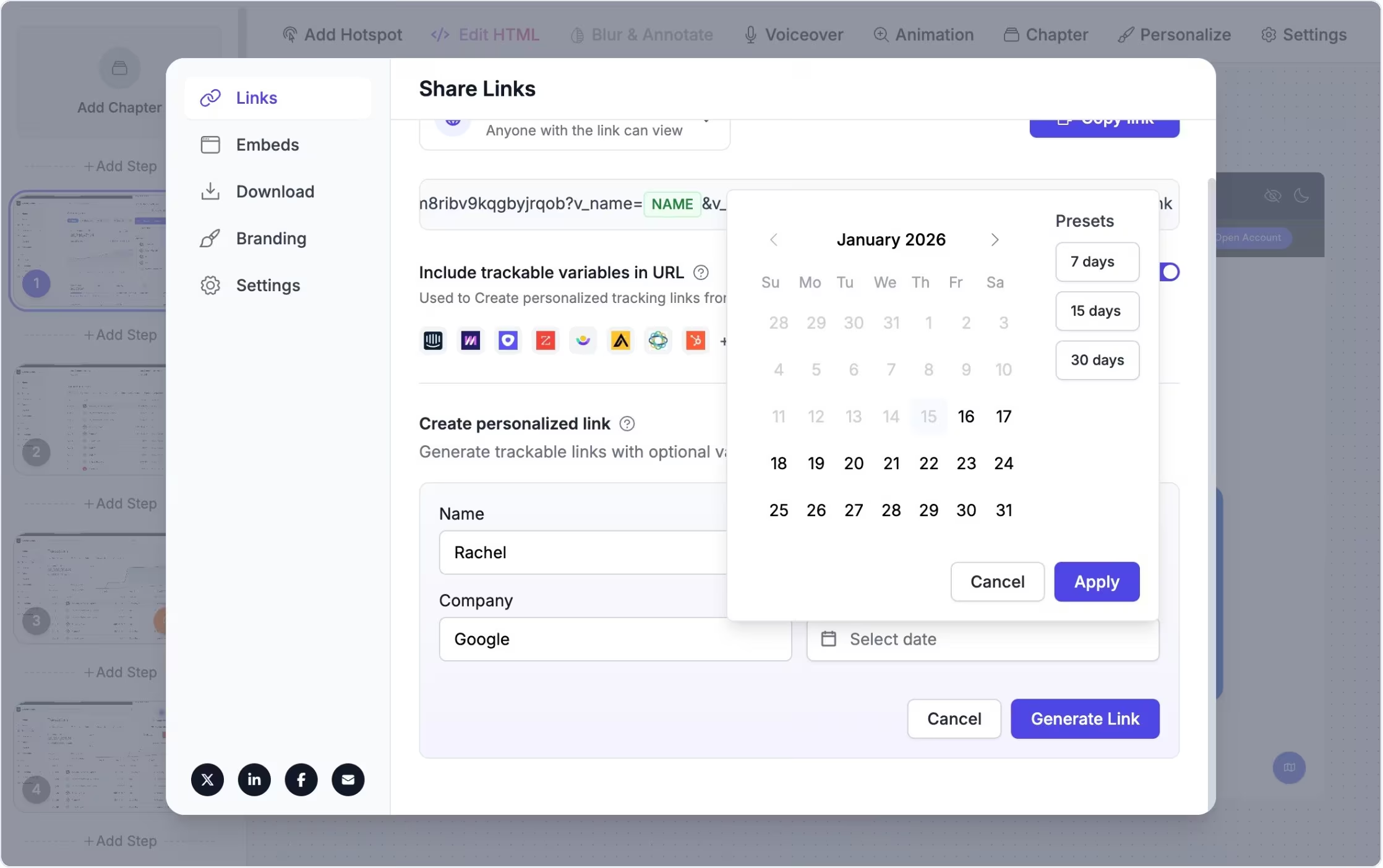
Control access with time-limited links
Expiring share links let you generate a share URL that stops working after a specified duration.
This built-in time limit gives you confidence when distributing demos to groups, customers, or external audiences — knowing access will automatically be removed when it's no longer needed.
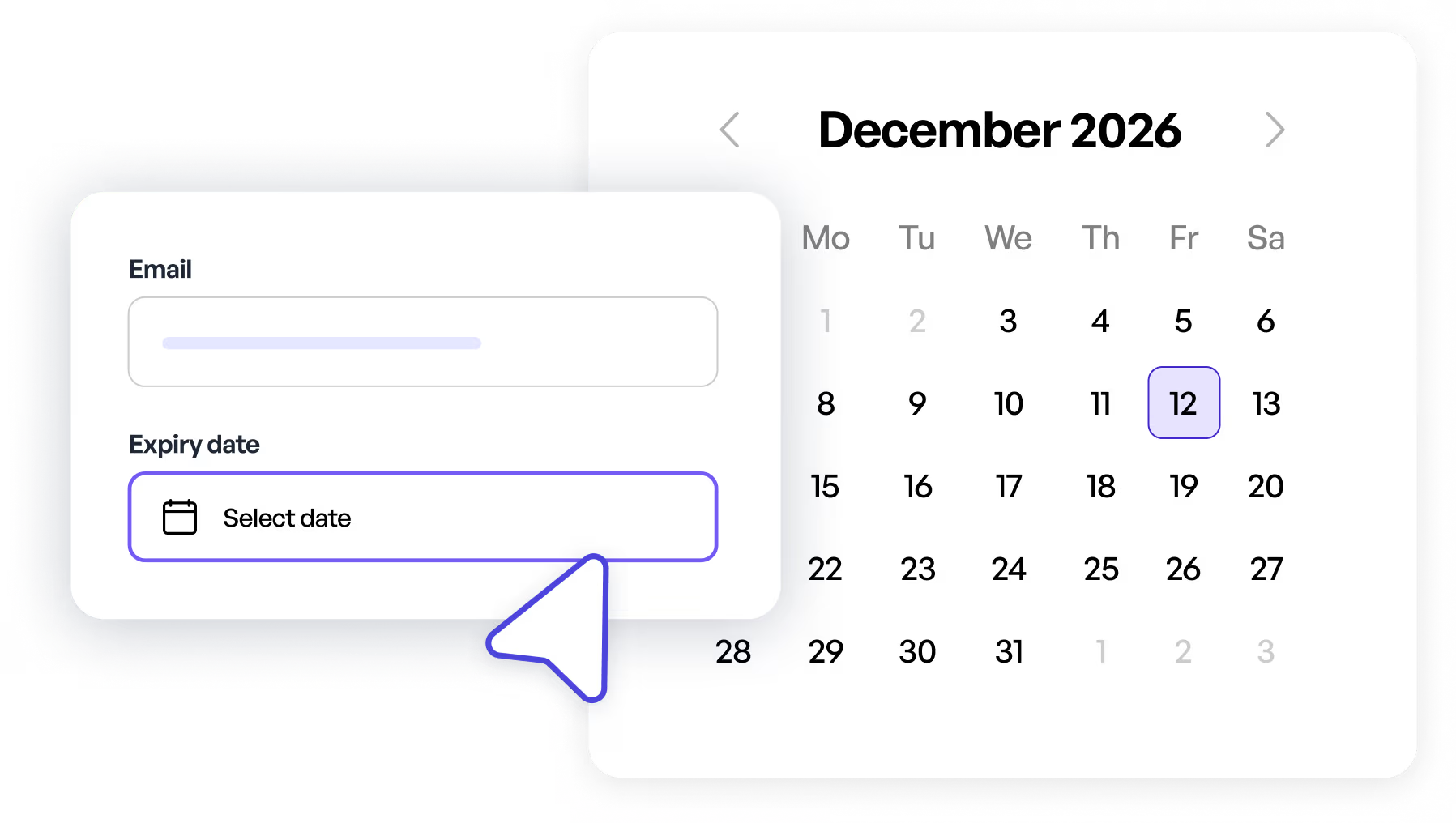
Maintain access control for sensitive demos
Teams use expiring share links when they need to limit how long an interactive demo stays accessible.
This is helpful for time-sensitive sales previews, temporary training materials, customer-specific walkthroughs, or demos containing confidential information, because you don't have to remember to manually revoke access later.
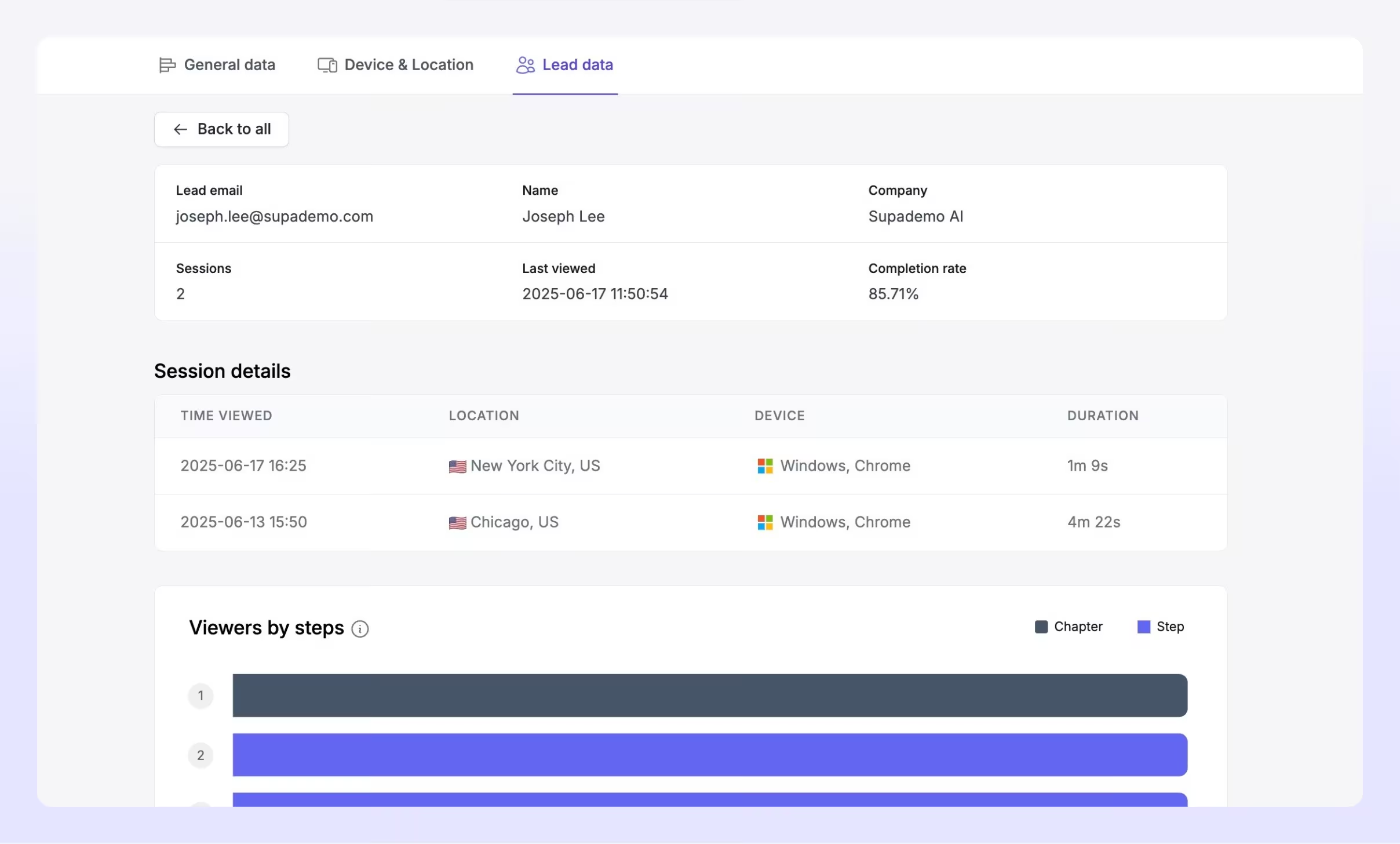
Experience instantly, interactively
Discover how to choose an expiration time when generating a share link and how the expiration behavior works in practice.
Explore More Features
FAQs
Commonly asked questions about expiring share links. Have other questions? Reach out and our team will be happy to help.

An expiring share link is a URL that provides access to an interactive demo for a set time period, after which the link automatically stops working.
You select the expiration time when generating the expiring share link in the share modal or interface.
Use expiring links when your priority is time-based access control. Trackable links give unique IDs per person, but expiring links focus on limiting how long any link remains active.