Invisible Hotspots
Make HTML-based Supademos interactive without visible cues, creating realistic sandbox-style experiences.
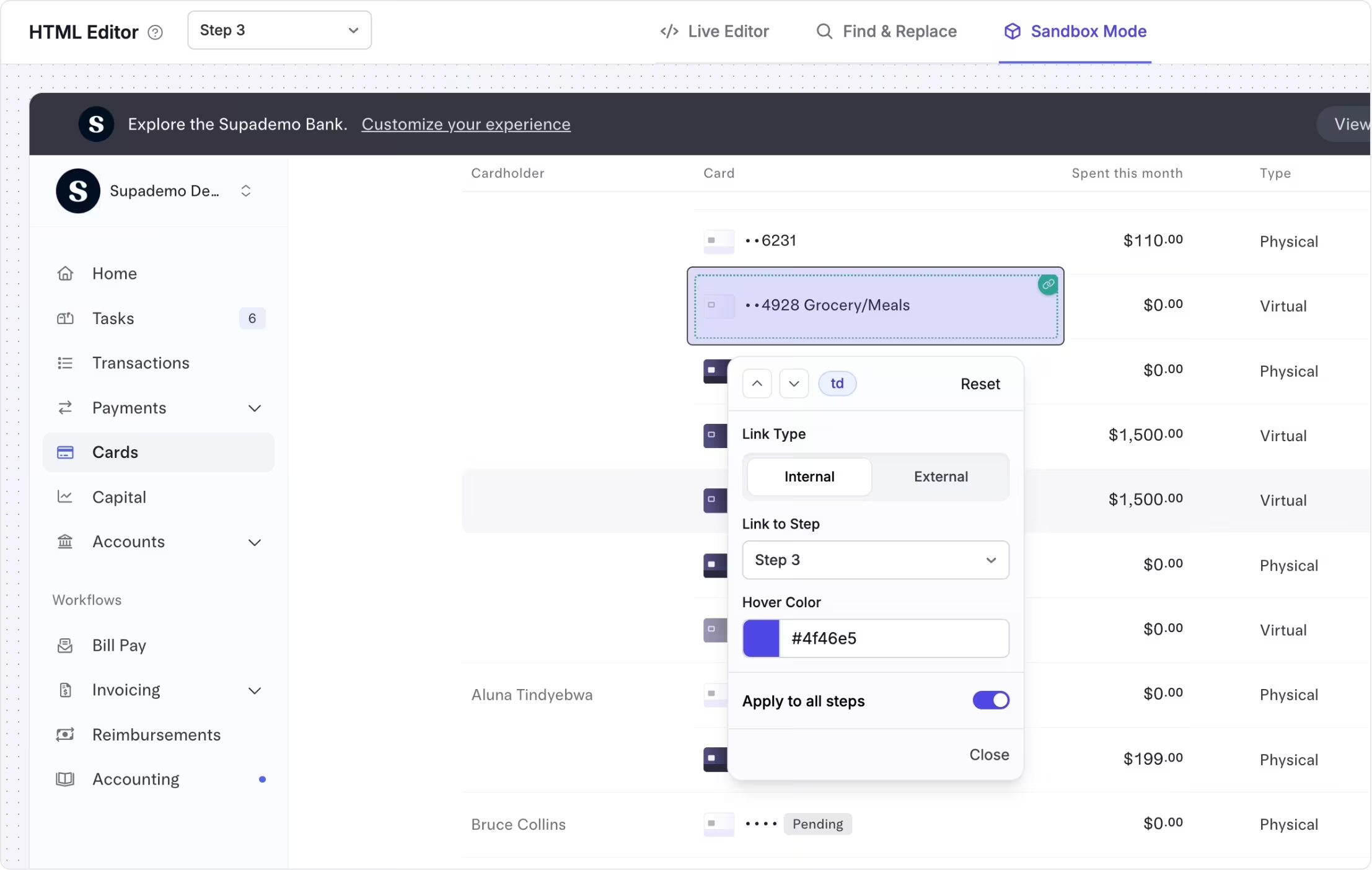
Enable natural, click-based interactions
Invisible hotspots let you make specific elements in an HTML-based Supademo clickable without showing a visible hotspot.
Viewers can click directly on buttons, links, or interface elements just like they would in a real product, without overlays and minimal guidance.
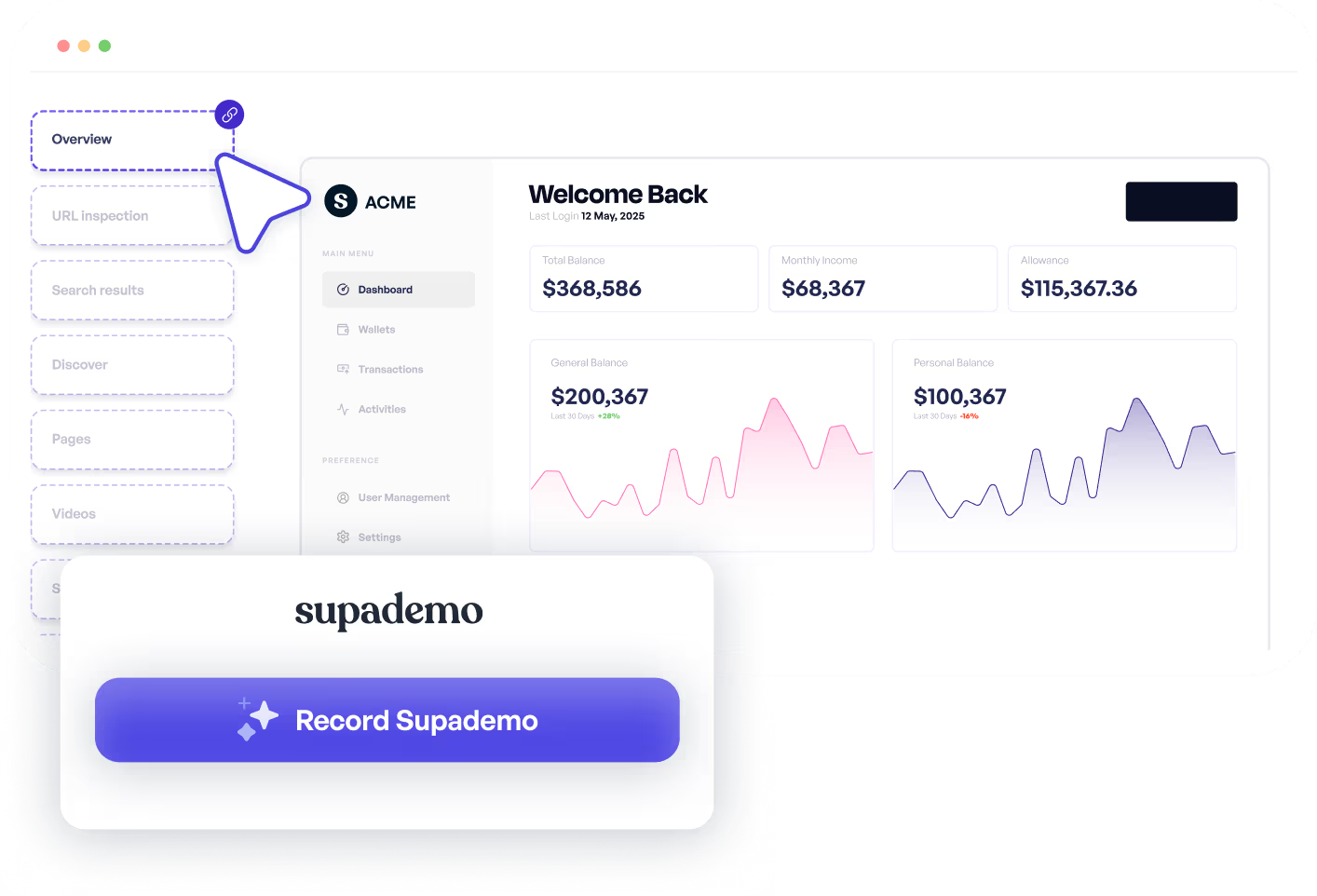
Create true sandbox demo experiences
Teams use invisible hotspots when they want interactive demos to feel as close to the real product as possible.
They are ideal for sandbox demos where viewers explore freely and interact naturally, such as sales evaluations, solution walkthroughs, or technical demos.
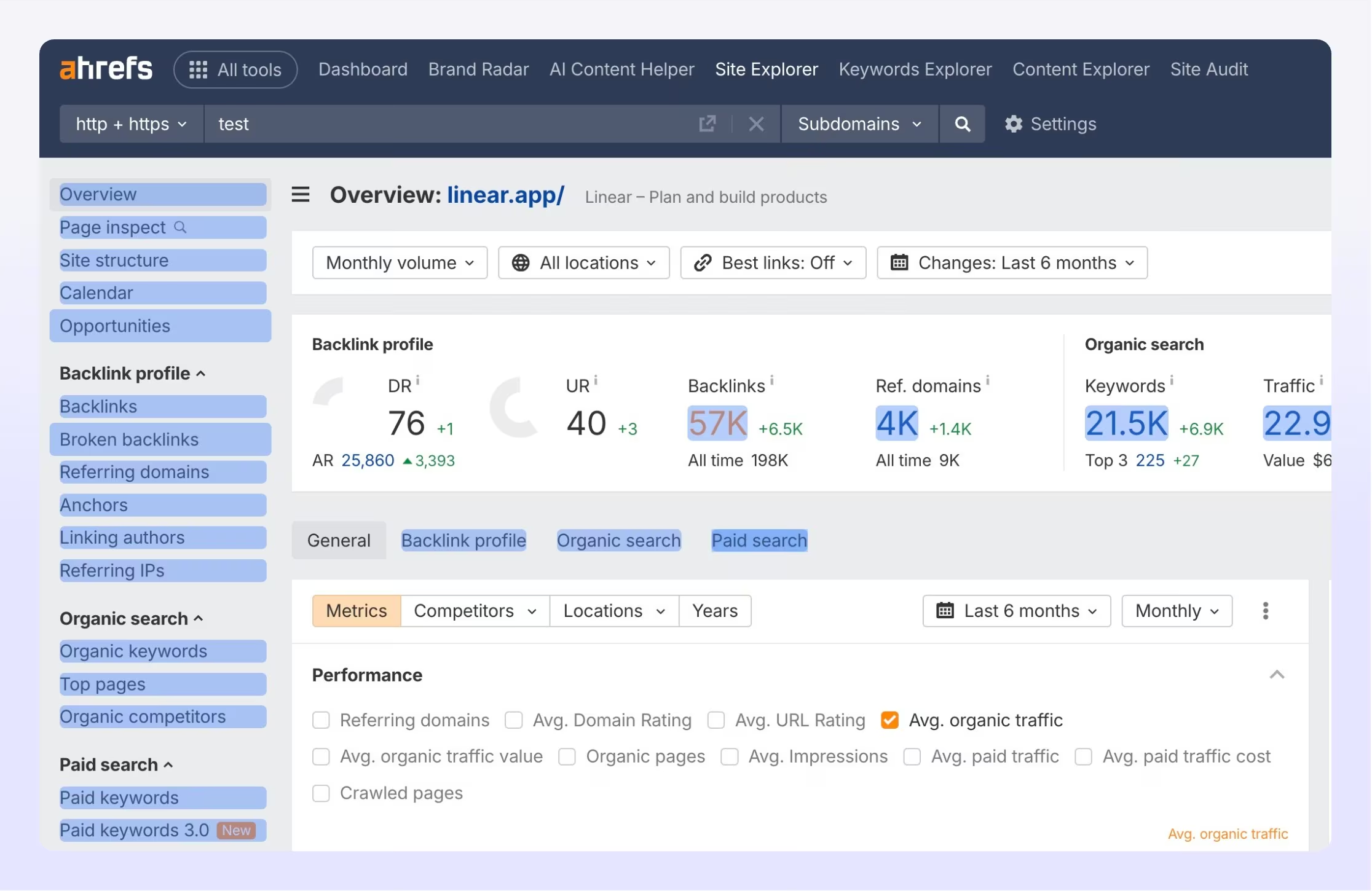
Experience instantly, interactively
Experience a Supademo where interface elements are clickable without visible hotspots, creating a realistic sandbox experience.
Explore More Features
FAQs
Commonly asked questions about invisible hotspots. Have other questions? Reach out and our team will be happy to help.

Invisible hotspots are clickable areas added to HTML-based Supademos that don't show any visible indicator, allowing viewers to interact with the demo like a real product.
Use invisible hotspots when you want a sandbox demo with free exploration. Visible hotspots are better when you want to guide users step by step.
Invisible hotspots are designed for HTML-based sandbox demos, where realistic interaction and free exploration matter most.