Autoplay
Automatically advance your interactive demos and loop them without any viewer interaction.
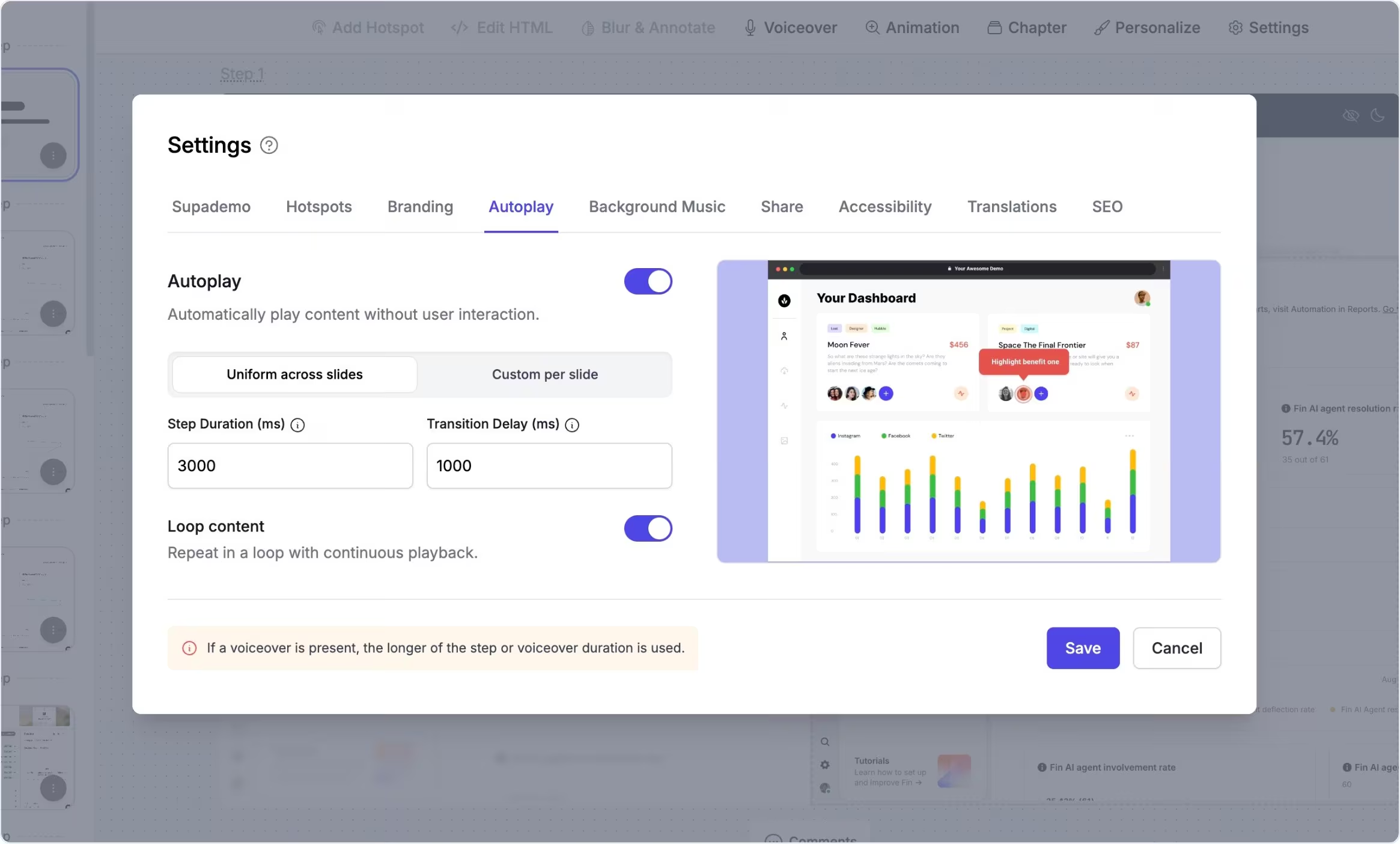
Auto-advance demos on any surface
Autoplay lets you configure an interactive demo to move through its steps without requiring the viewer to click. You can set consistent timing for all steps or customize durations and delays per step, giving you control over pacing and flow.
Looping lets the demo cycle continuously, which is useful for trade shows, embedded contexts, or background viewing.
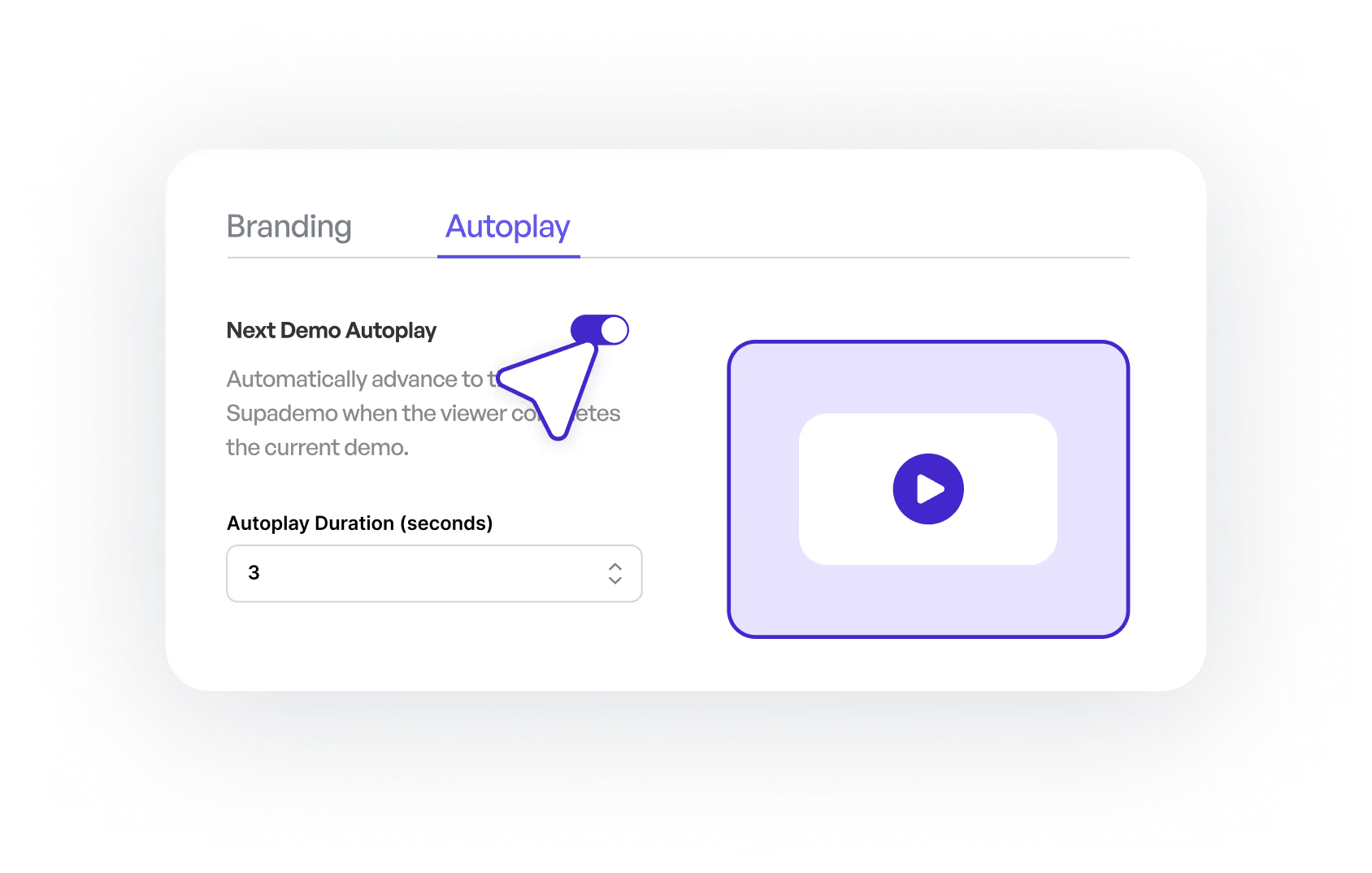
Run interactive demos hands-free in passive contexts
Teams use autoplay when they want demos to run passively rather than waiting for click-based interactions. This is especially useful for event podiums, embedded demos where users may browse around a page, or situations where you want the content to tell its own story on repeat without requiring action.
Custom timing and looping make it feel natural even for complex flows.
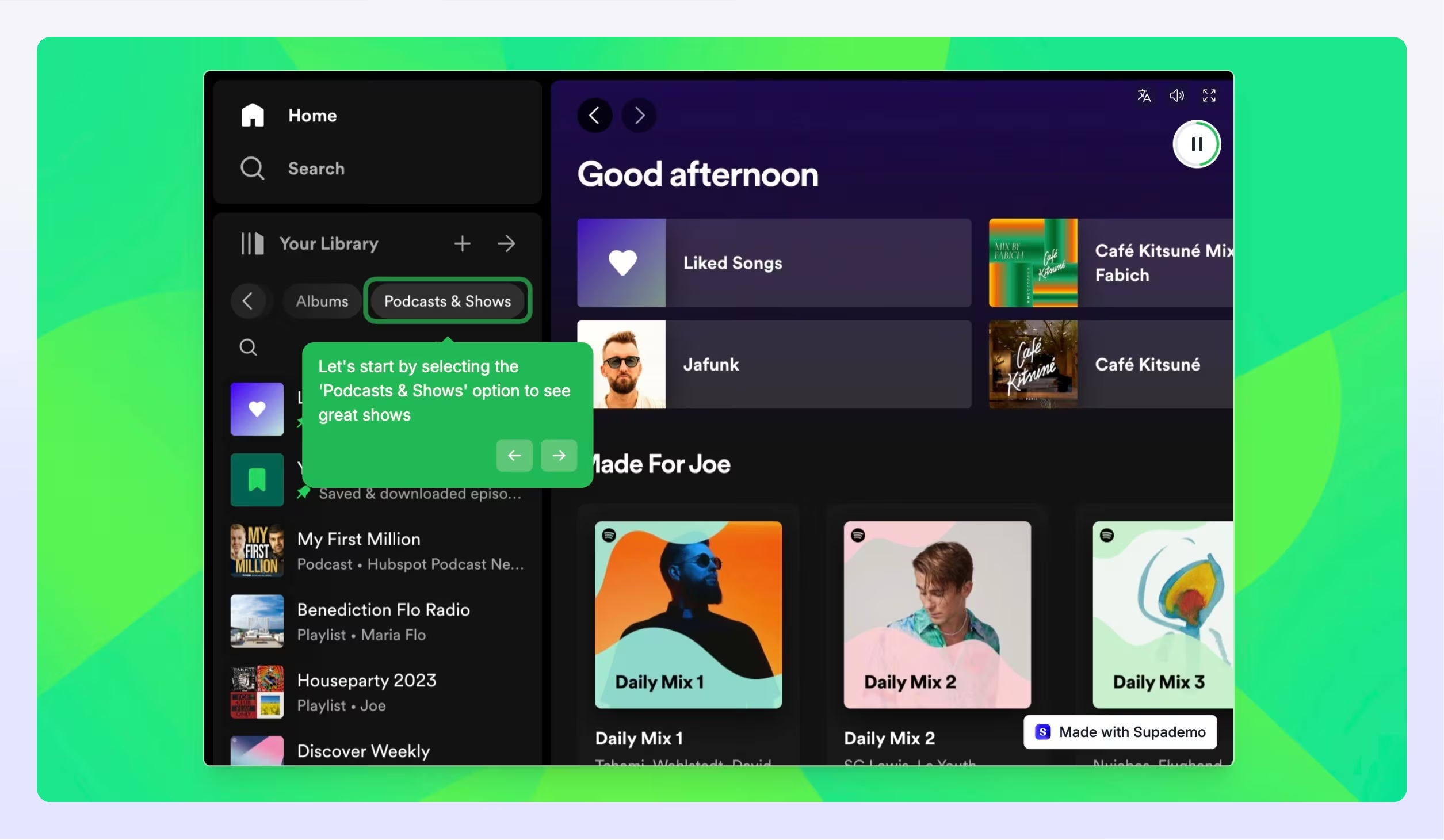
Experience instantly, interactively
Explore how autoplay controls timing, pacing, and looping without any viewer interaction.
Explore More Features
FAQs
Commonly asked questions about autoplay. Have other questions? Reach out and our team will be happy to help.
Autoplay makes a Supademo automatically move through each step without viewer interaction, keeping content flowing on its own.
Yes — you can choose uniform timing across steps or set custom autoplay durations and delays for each step to match the pacing you want.
If AI voiceover is enabled, the narration will complete before the demo advances, even if the autoplay timer finishes first.