Trackable Share Links
Generate a unique link per viewer so you can track engagement without duplicating your interactive demo.
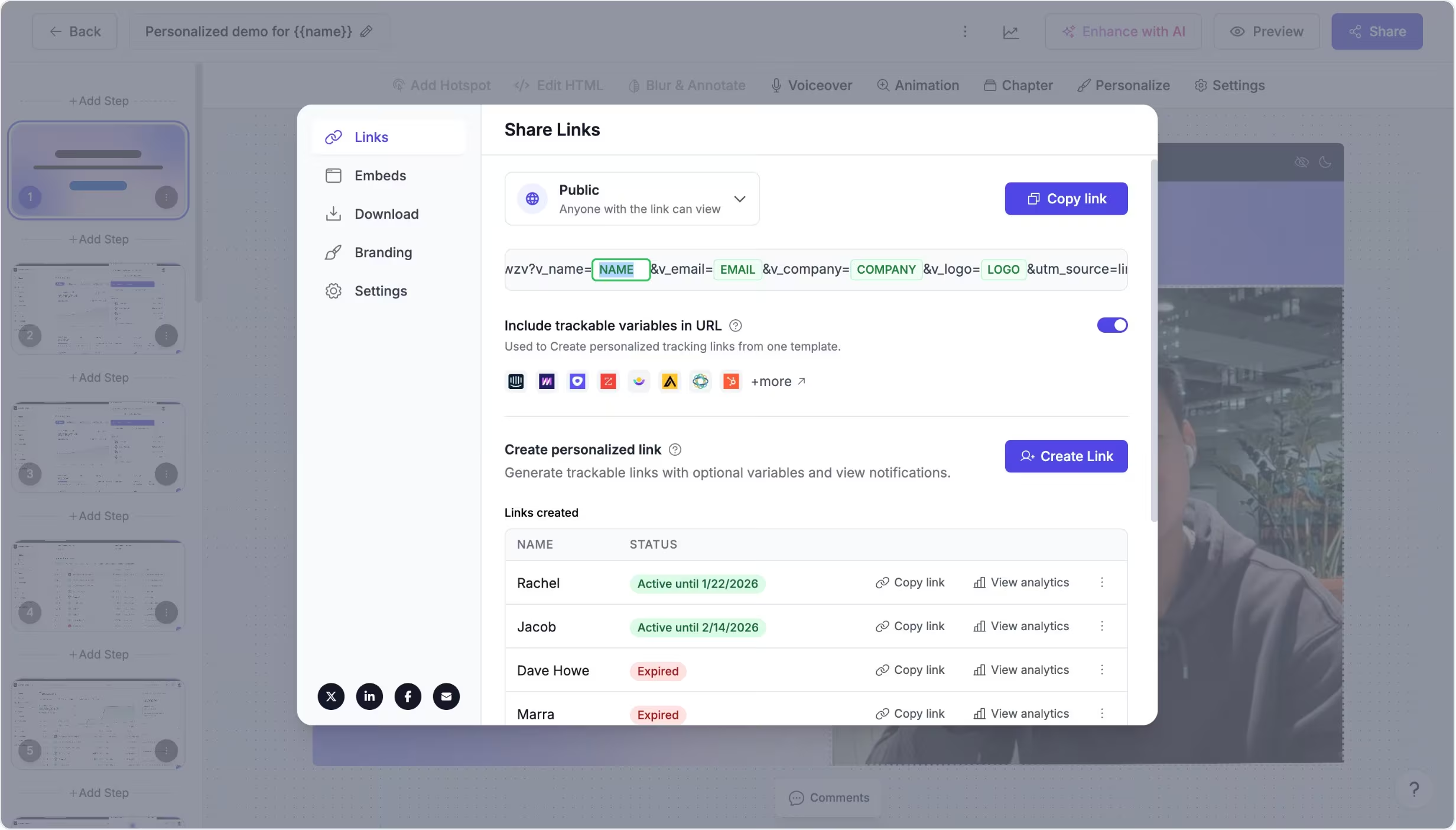
Create a unique, trackable URL for each viewer
Trackable share links let you generate a one-off link for a specific person from a single Supademo. Each viewer gets their own URL, so you can understand engagement at the individual level, without creating a separate interactive demo for every prospect, customer, or partner.
Trackable links can also be used with dynamic variables if you want the demo itself to feel personalized.
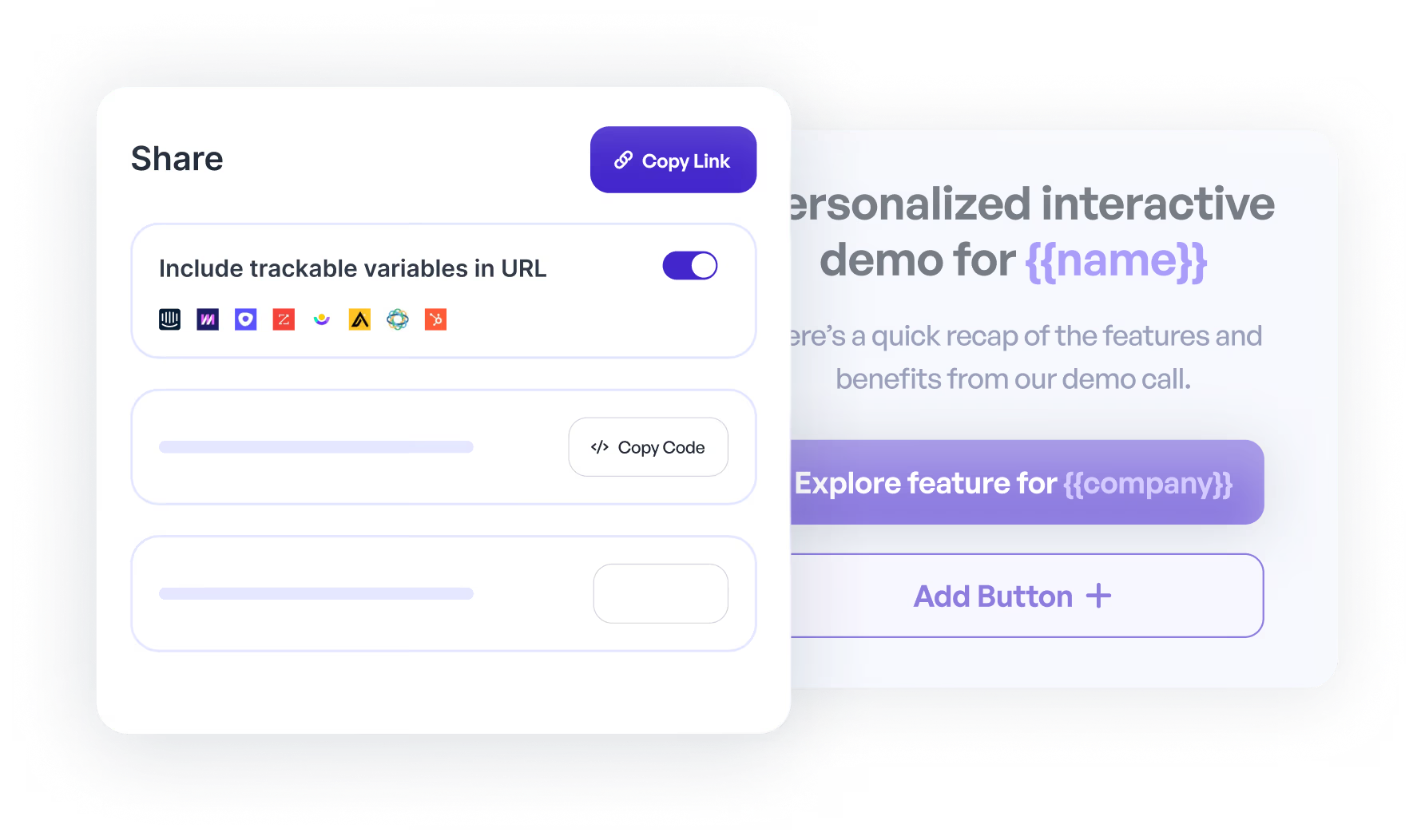
Follow up with context, not guesses
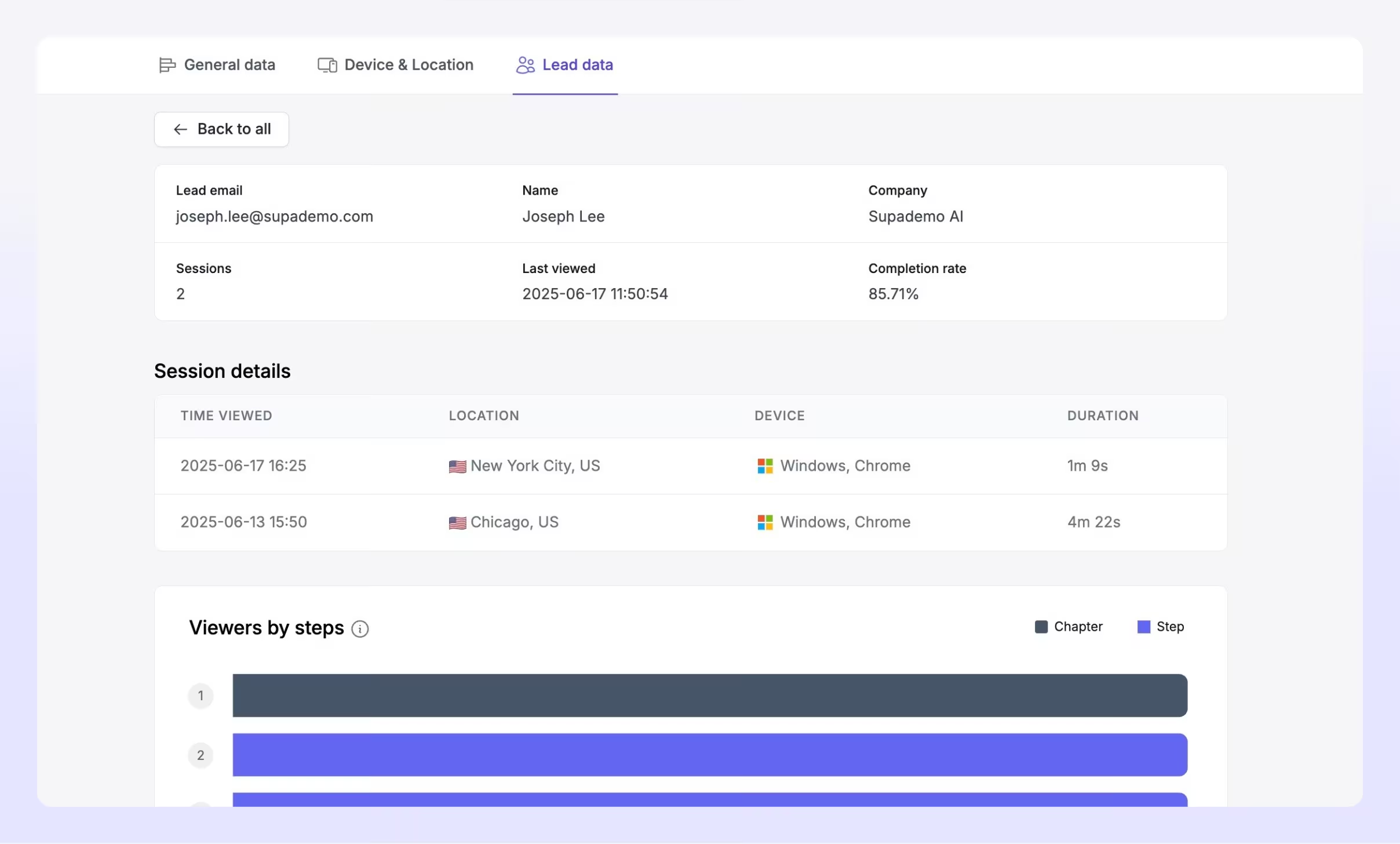
Teams use trackable share links when they want to know exactly who viewed an interactive demo and how engaged they were.
It's especially useful for sales follow-ups, customer onboarding, partner enablement, and any workflow where you share the same interactive demo with multiple people but still want clarity on individual engagement.
Experience instantly, interactively
Take this walkthrough on how to generate a trackable share link for a specific viewer.
Explore More Features
FAQs
Commonly asked questions about trackable share links. Have other questions? Reach out and our team will be happy to help.

A trackable share link is a unique URL generated for a specific viewer from one Supademo, so you can track engagement per person without creating a new interactive demo.
No. Dynamic variables are optional. You can generate trackable links with or without personalization.
Trackable share links save time and keep your content maintainable, while still giving you viewer-level tracking through unique links.