Embed Interactive Demos
Place Supademo interactive demos directly into your site, docs, or app — inline or as a popup — with support for event-driven interaction.
Embed demos where users already engage
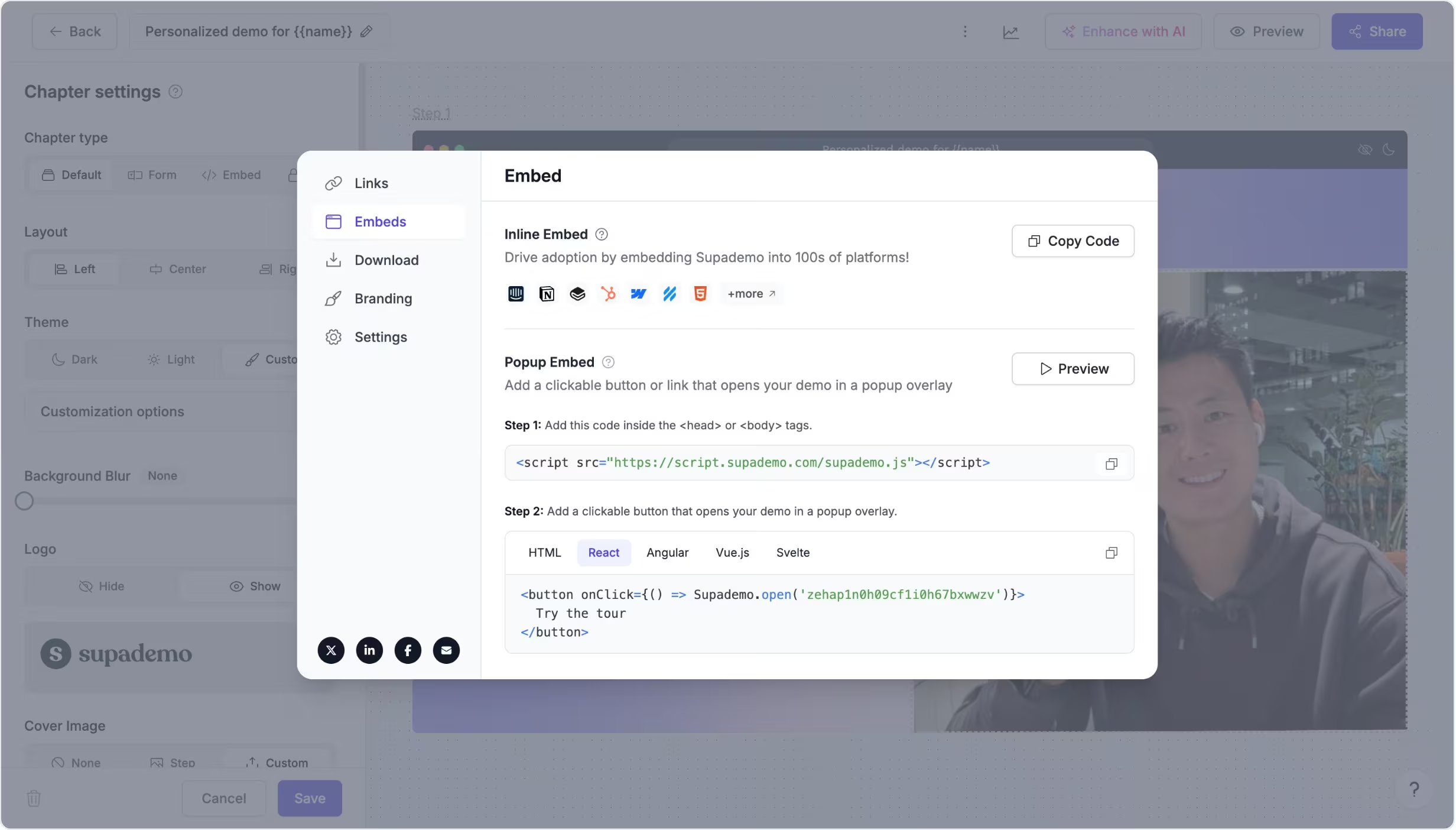
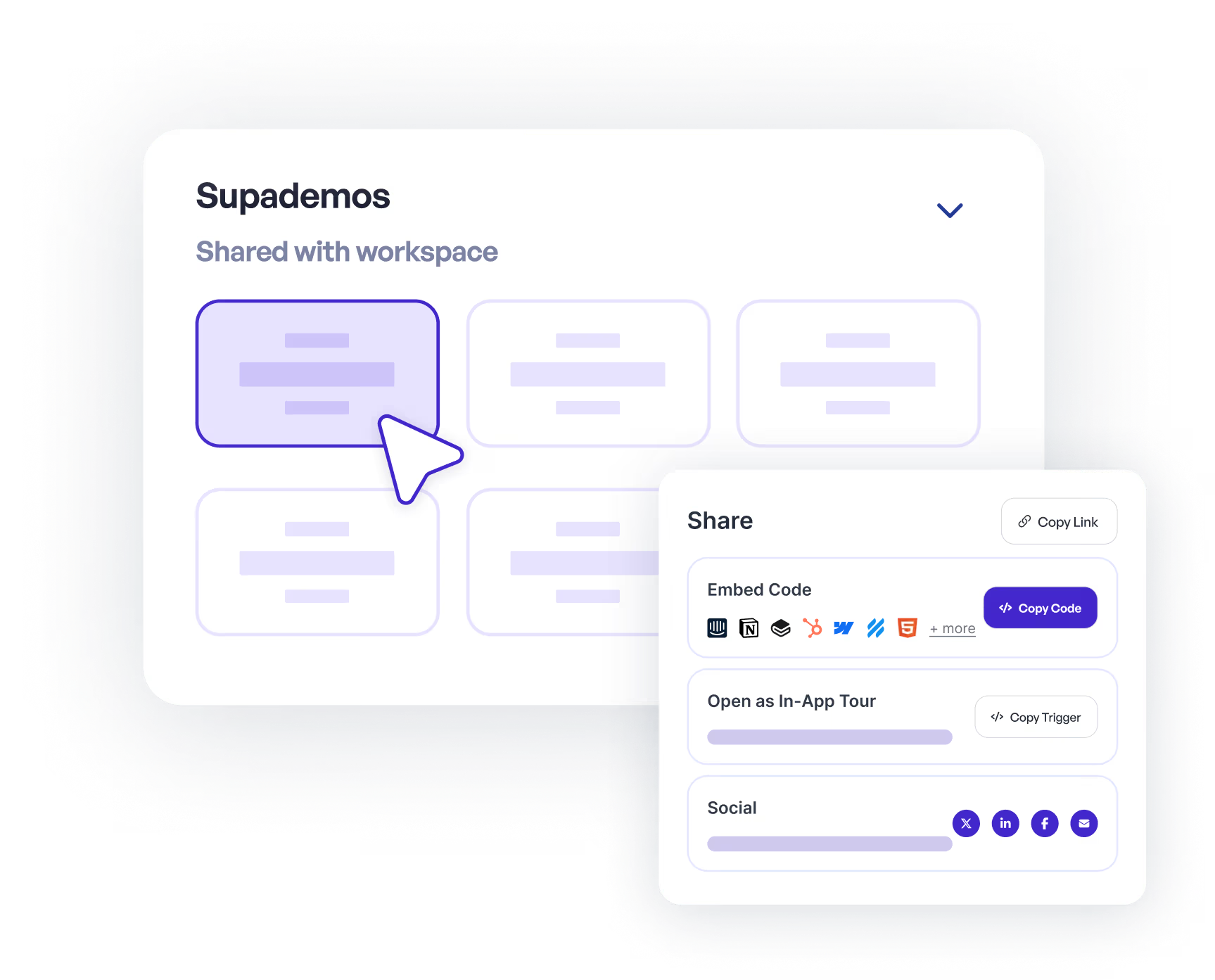
Supademo allows you to embed interactive demos into websites, documentation tools, help centers, and applications.
Using a simple embed snippet or modal trigger script, you can render demos inline as part of a page or launch them in a popup overlay triggered by buttons, links, or custom UI elements.
Control behavior and listen to embed events
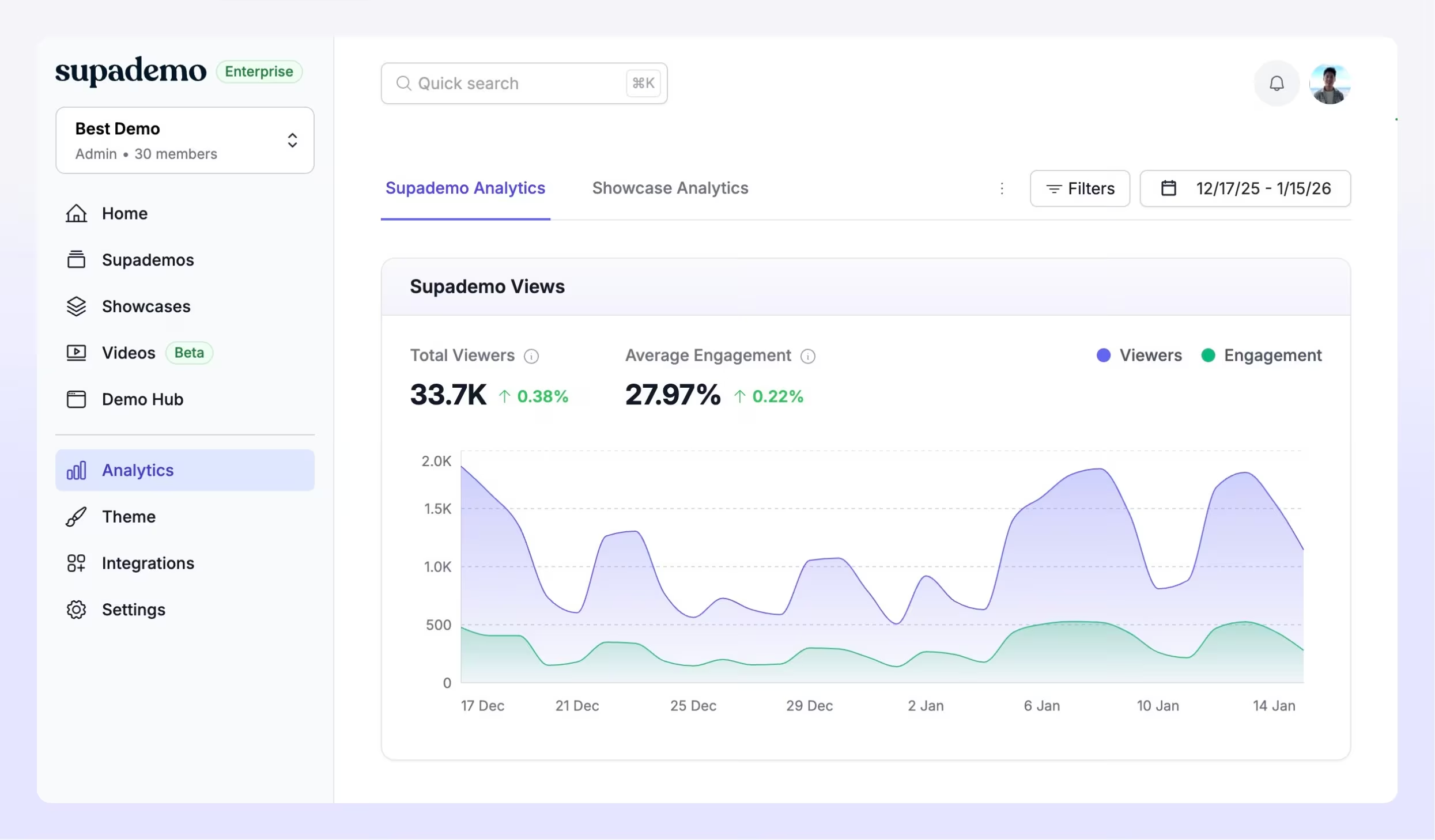
Embedded interactive demos can emit events that let your page or application know when a demo loads, starts, progresses, or completes.
Teams use these events to coordinate demos with onboarding flows, trigger UI changes, send analytics signals, or close overlays automatically when a viewer finishes.
Experience instantly, interactively
Explore an interactive demo embedded inline and another launched as a popup overlay to see both embed modes in action.
Explore More Features
FAQs
Commonly asked questions about embed interactive demos. Have other questions? Reach out and our team will be happy to help.
You can embed Supademo demos into websites, knowledge bases, documentation tools, and apps you already use. Popular platforms include Intercom, Notion, Webflow, Zendesk, Gitbook, Framer, and similar tools that support HTML embeds.
Inline embeds render your interactive demo directly on a page. Popup embeds open the demo in an overlay when triggered by a button or link.
Yes. When a Supademo demo is embedded, it emits interaction events that your page or app can listen for to trigger UI updates, analytics, or custom logic.