Personalization

Dynamic Variables

Personalize interactive demos with dynamic text, images, and tokens so each viewer sees relevant content tailored to them.

Dynamic Variables feature

Personalize demos at scale

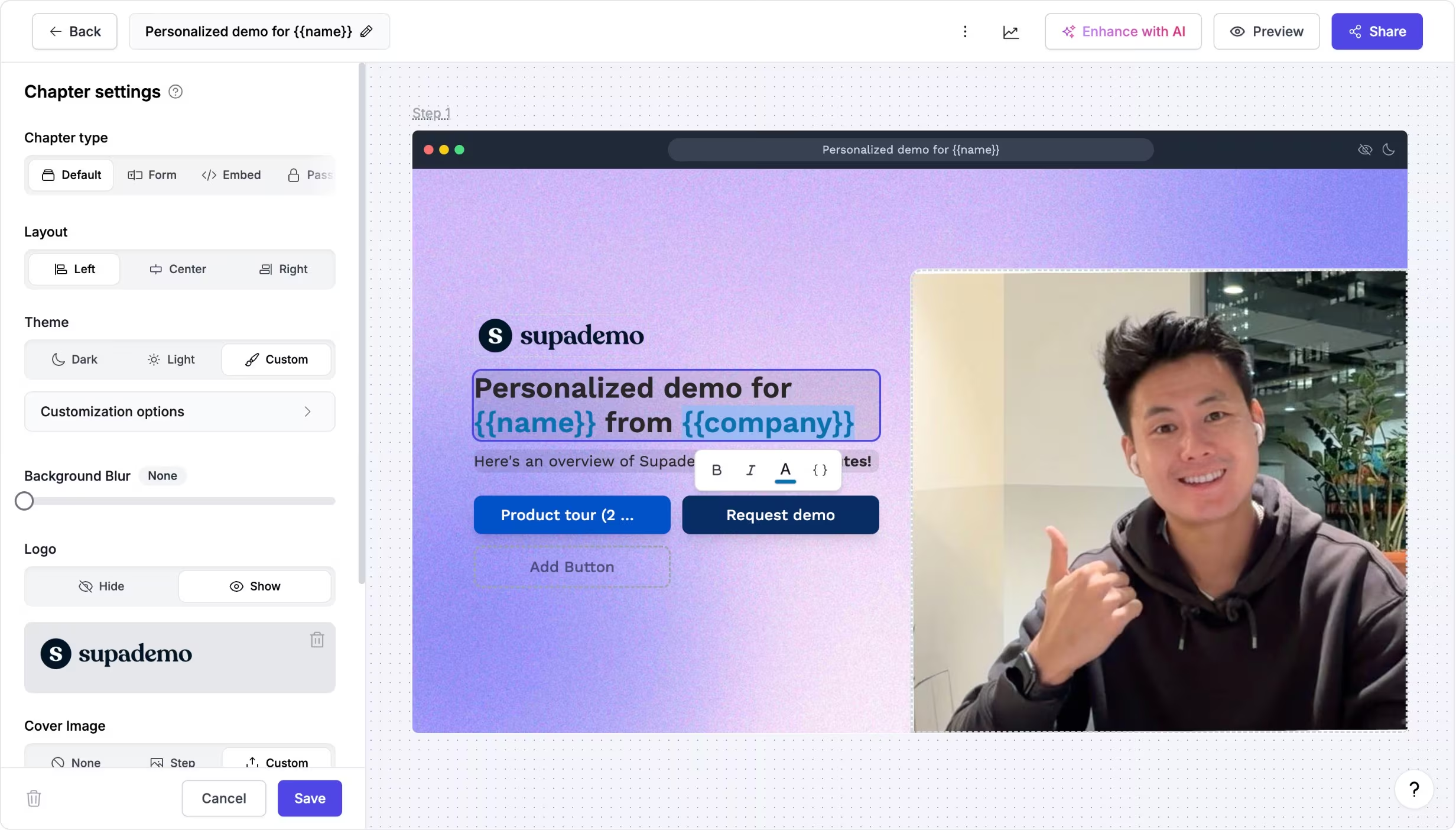
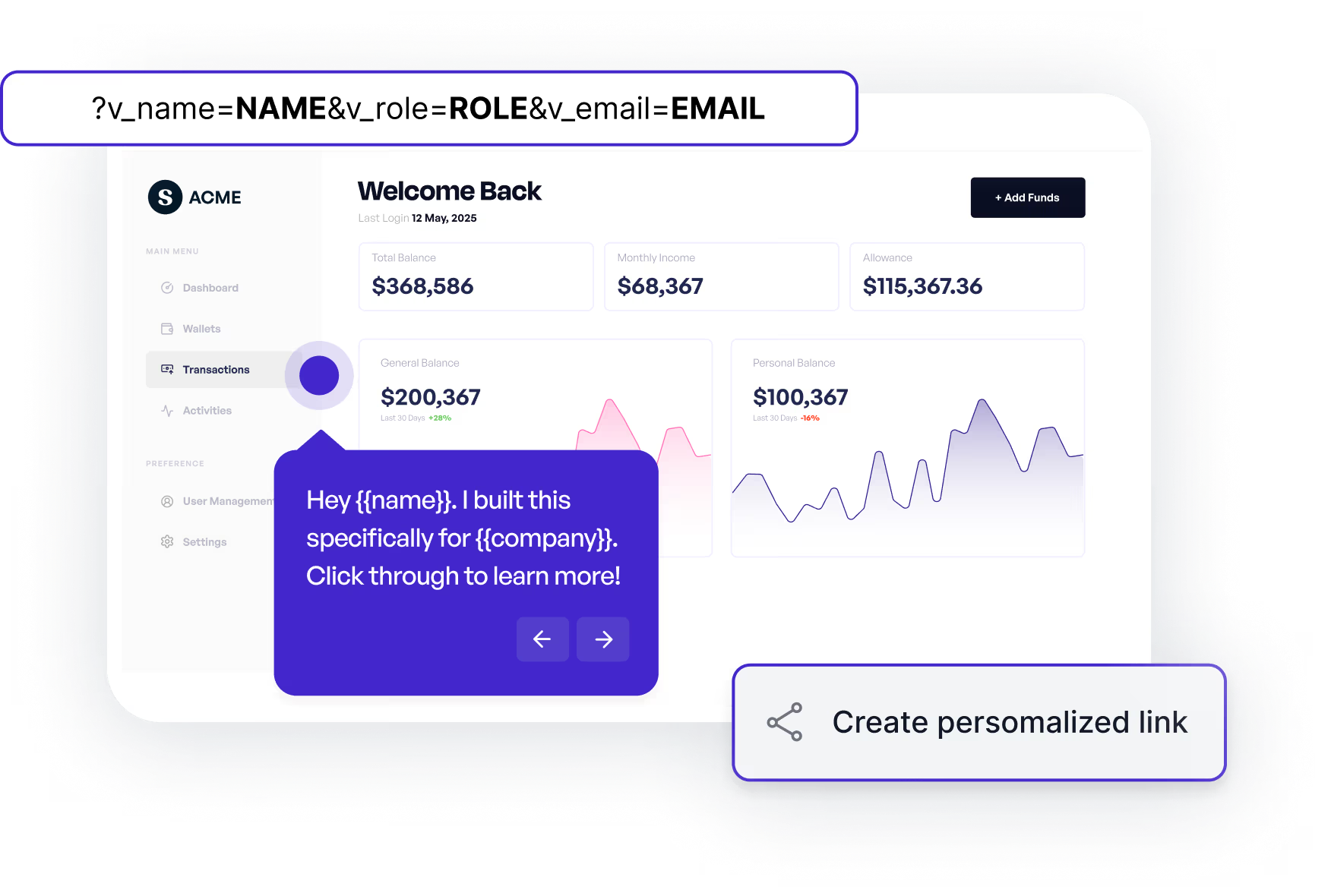
Dynamic variables let you inject custom content into an interactive demo using tokens like {{name}}, {{company}}, or {{role}}.

These values can be populated through URL parameters, or inputs collected inside the interactive demo itself, allowing you to personalize experiences without creating multiple versions.


Try dynamic variables
Personalize demos at scale

Make every interactive demo feel tailored

Teams use dynamic variables to make interactive demos feel tailored and relevant for individual viewers, accounts, or personas.

They're especially useful for demo leave-behinds, outbound sales outreach, onboarding flows, showcases, and account-based motions where personalization improves engagement and conversion.

See personalization examples
Make every interactive demo feel tailored

Experience instantly, interactively

Discover how easy it is to personalize an interactive demo with text and visuals without duplicating demos.

FAQs

Commonly asked questions about dynamic variables. Have other questions? Reach out and our team will be happy to help.

FAQ illustration

What are dynamic variables in Supademo?

Dynamic variables are tokens you add to your interactive demo content that get replaced with personalized values, such as names, companies, or roles, when viewers open the demo.

How can dynamic variables be populated in an interactive demo?

Dynamic variables can be populated through URL parameters, or by collecting inputs directly inside the interactive demo using forms.

Can dynamic variables personalize embeds, showcases, or visuals?

Yes. Dynamic variables work in embedded interactive demos and across Showcases, and can also be used to dynamically swap images like logos based on viewer or account context.